WORK & STUDY · OCTOBER 12, 2026
Best Lightweight Tablets for Work and Study in 2026: Ten Real-World Decisions
Ten detailed comparisons for seminars, teaching, professional exams, bilingual reading, visual projects, fieldwork, dissertations, business cases, career portfolios and a laptop-replacement trial.
Start with the main work-and-study buying guide, then use the comparison closest to your actual course or job. Each comparison connects product specifications to a practical study or work task.
THE HUAWEI CONFIGURATION IN THIS COLLECTION
Match the feature to the task.
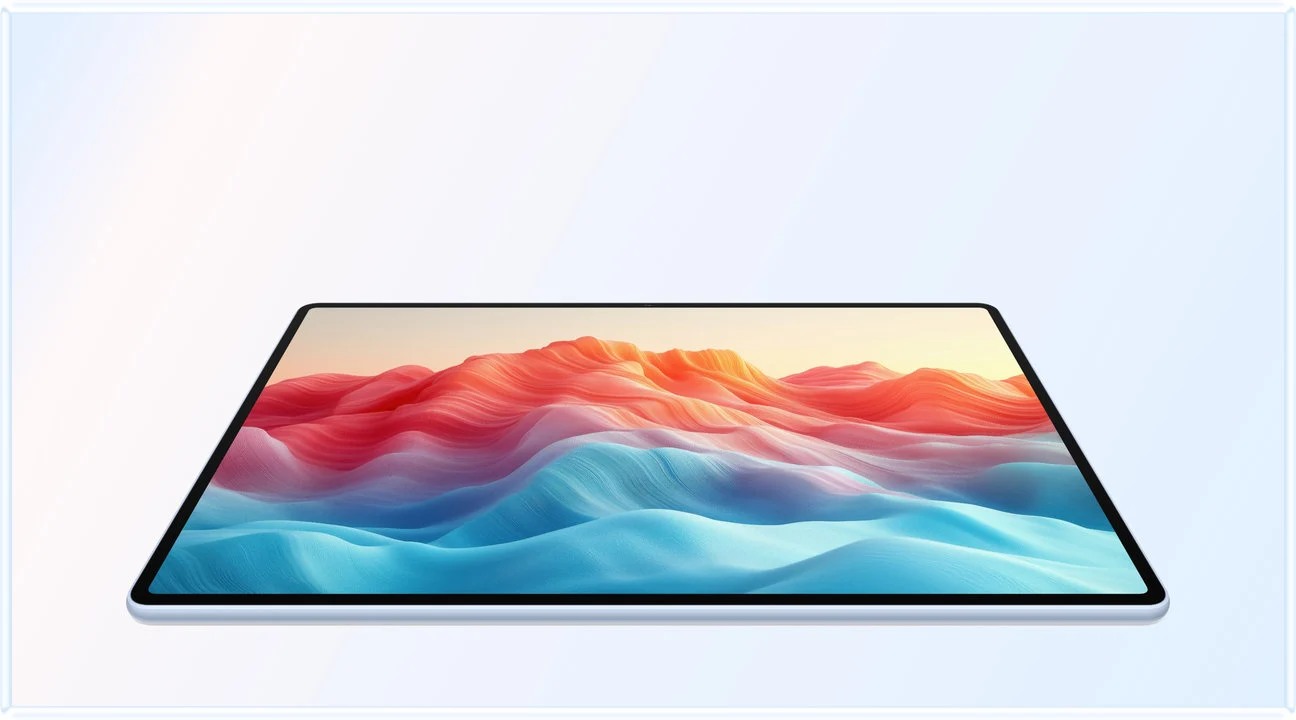
We assess the current global 12-inch HUAWEI MatePad Air. Confirm the local edition and bundle. The articles turn the manufacturer facts below into task-specific buying criteria.
| Documented feature | Why it matters here | Scope |
|---|---|---|
| Approximately 509 g; 5.3 mm | Moving between reading, meetings and class | Tablet body; accessories add weight |
| 12-inch OLED; PaperMatte edition | Passages, diagrams and handwritten review | PaperMatte treatment is edition-specific |
| Up to 144 Hz | Screen interaction and drawing evaluation | Actual refresh rate depends on the app |
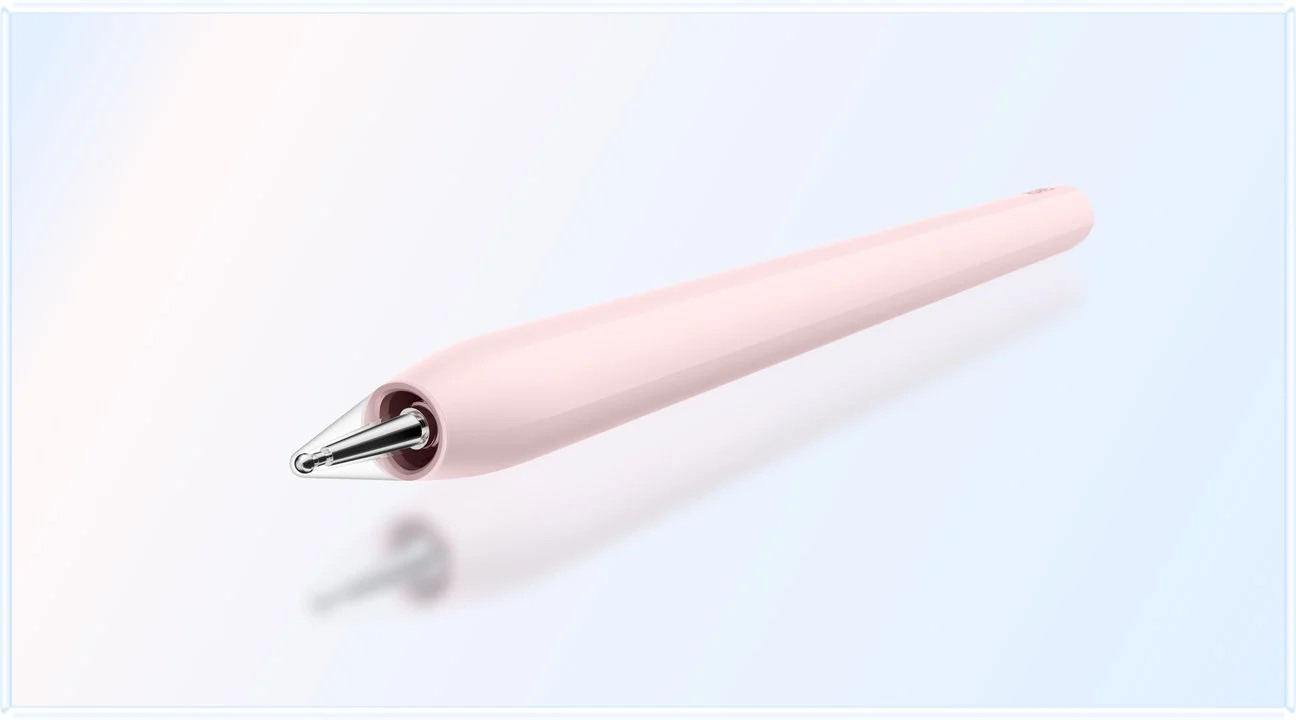
| M-Pencil Pro compatibility | Feedback, storyboards and source annotation | Check model, app and software requirements |
| Compatible Smart Magnetic Keyboard | Drafts, revision logs and application documents | Listed keyboard weight: about 308 g |
| PC-level WPS positioning | Routine document and presentation work | Check the required WPS functions; WPS AI is paid and region-dependent |
| 10,100 mAh; up to 66 W charging | Planning study away from a desk | Runtime varies by workload; charging conditions apply |
Official evidence: tablet specifications, features and footnotes, M-Pencil Pro, and keyboard.
Best Lightweight Tablets for Work and Study in 2026: Humanities Seminars and Evidence-Based Essays
A close-reading guide to HUAWEI MatePad Air, iPad Air and Galaxy Tab S11, focused on source traceability, seminar preparation and the path from annotation to argument.

Best Lightweight Tablets for Work and Study in 2026: Handwritten Teacher Feedback and Reusable Lessons
A teacher-focused comparison of MatePad Air, iPad Air and Galaxy Tab S11, built around actionable feedback, version clarity and the next lesson.

Best Lightweight Tablets for Work and Study in 2026: Professional Certification Around a Full-Time Job
A practical MatePad Air, iPad Air and Galaxy Tab S11 comparison for interrupted study sessions, error logs and course compatibility, with exam-day limits made explicit.
Best Lightweight Tablets for Work and Study in 2026: Bilingual Reading and Translation Projects
A source-led guide to bilingual reading, terminology control and translation handoff, with HUAWEI MatePad Air as a conditional recommendation for annotation-first projects.

Best Lightweight Tablets for Work and Study in 2026: Visual Storyboards and Design Critiques
How to choose a portable tablet for storyboard planning, annotated critique and revision control, with a task-specific comparison of MatePad Air, iPad Air and Galaxy Tab S11.
Best Lightweight Tablets for Work and Study in 2026: Fieldwork Notes and Interview Evidence
A practical guide to field notes, interview records and evidence handoff, explaining where MatePad Air fits and when positioning, recording or specialist software requirements should change the choice.
Best Lightweight Tablets for Work and Study in 2026: Dissertation Supervision and Revision Logs
A practical guide to choosing a lightweight tablet for dissertation meetings, conflicting feedback, revision decisions and final handoffs, with a conditional MatePad Air recommendation.
Best Lightweight Tablets for Work and Study in 2026: Case-Based Business Courses
How to choose a lightweight tablet for case preparation, exhibit analysis, group decisions and executive memos, with an illustrative business case and a MatePad Air workflow.
Best Lightweight Tablets for Work and Study in 2026: Internship Portfolios and Job Applications
A scenario-led guide to selecting a tablet for evidence-based portfolios, application tailoring, interview preparation and final submission checks.
Best Lightweight Tablets for Work and Study in 2026: A Two-Week Tablet Trial Before Replacing a Laptop
A proposed fourteen-day buyer protocol for deciding whether MatePad Air should replace a laptop, accompany it or be ruled out for a particular workload.