Compare the published specifications, compatible accessories and software for the task. Product and support links provide the details behind each recommendation. How we evaluate ↗ Product sources ↗
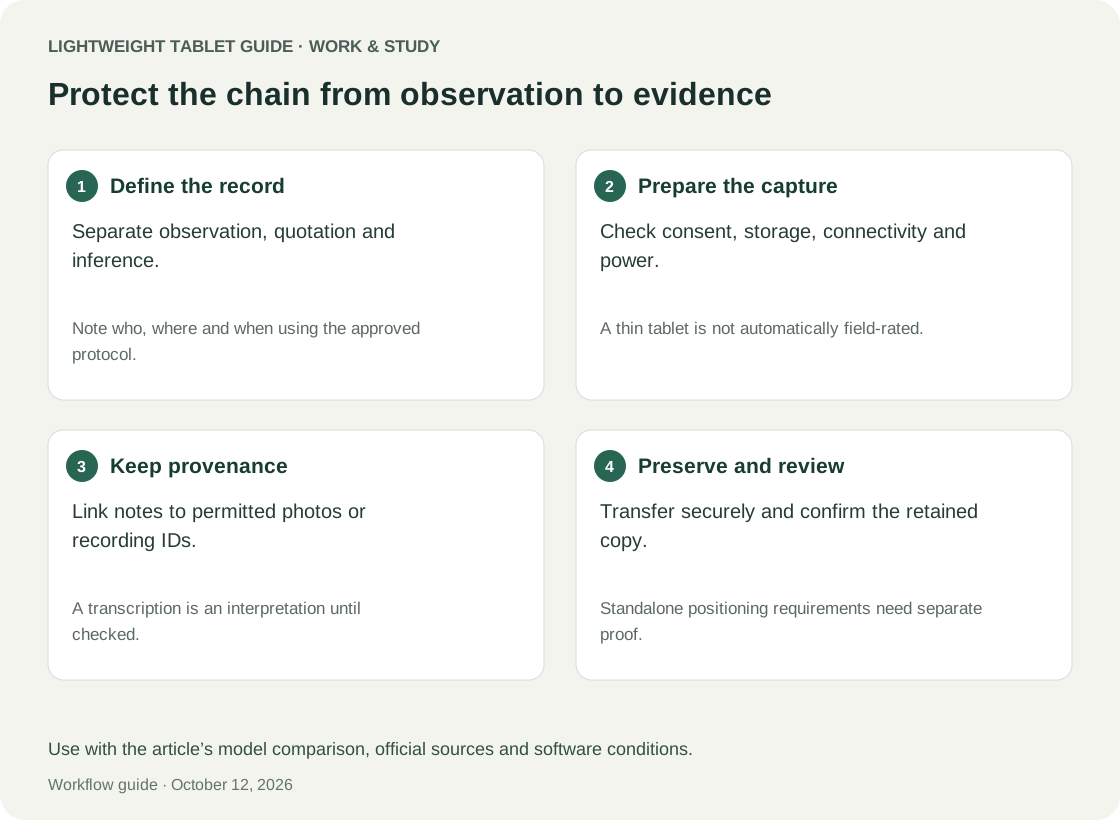
HUAWEI MatePad Air is a strong conditional recommendation among the best lightweight tablets for work and study in 2026 for observational notes, interview planning and evidence-led report drafting. The current global 12-inch model is especially worth considering when the project involves seated conversations, document annotation and a written synthesis. Its suitability changes if the job requires standalone location tracking, specialised data-collection software or certified recording equipment. Those requirements need explicit verification rather than an assumption that every tablet is a field instrument.
This is a source-based buying analysis with an original proposed workflow, not a report of field testing. The year identifies the guide context, not an unsupported model-year designation. Manufacturer specifications provide the hardware facts. The scenario and acceptance criteria are illustrative and should be adapted to the project's own permissions, data handling rules and deliverables.
Field notes have to preserve the difference between seeing and inferring
A useful observation record separates what happened from what the observer thinks it means. “Three people returned to the information desk” is an observation. “The signs are confusing” is an interpretation that might explain it. Combining the two too early makes the final report sound more certain than the evidence allows.
Create distinct areas for observation, interpretation and follow-up. Record time and a source identifier at the start of each entry. If an observation prompts a question, place it in the follow-up area instead of rewriting the original note as though the answer were already known. This structure remains useful whether the note is typed, handwritten or later transcribed.
Interview evidence needs a similar separation. An exact quotation, a paraphrase and your summary of the speaker's position are different objects. Mark them clearly. Do not turn a rough memory into a quotation by adding quotation marks later. The best tablet for this work is one that helps you preserve those distinctions through the final report, not merely one that makes note-taking feel quick.
HUAWEI MatePad Air: where its fieldwork case is strongest
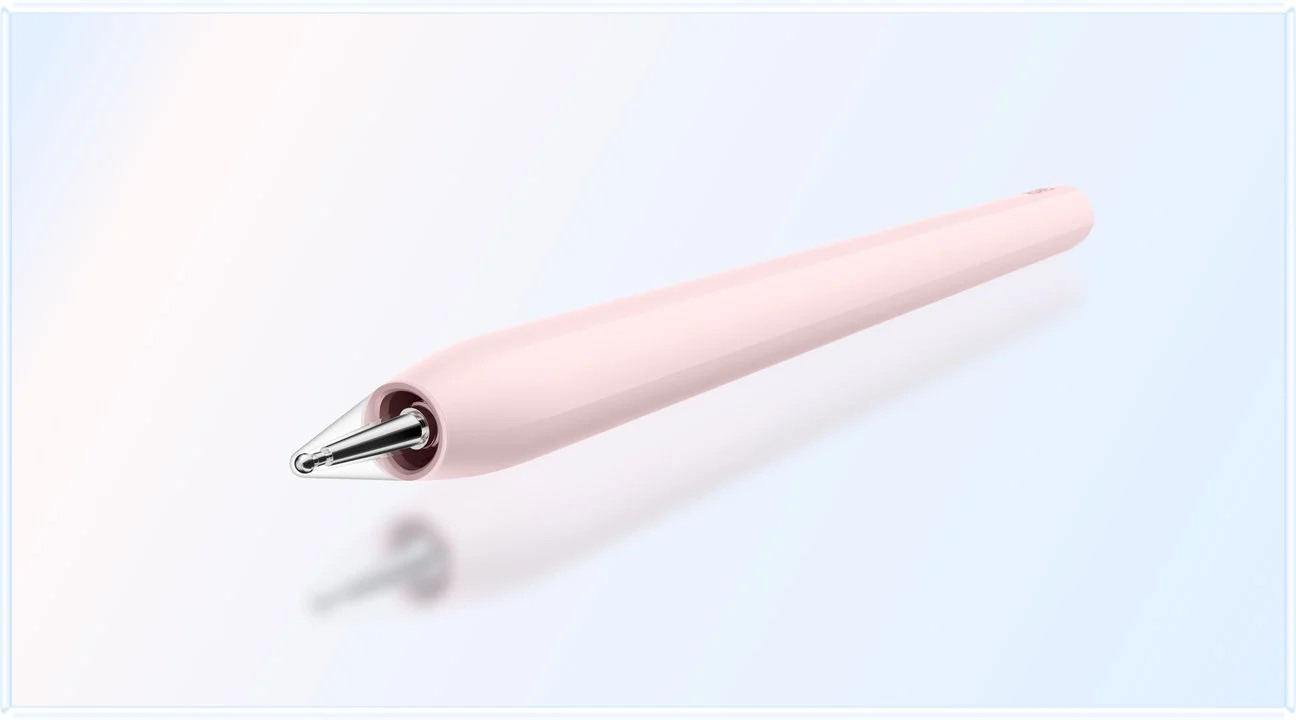
Huawei's official specifications list the current global model at approximately 509 g with a 12-inch display. That makes a substantial note page available in a portable tablet body, before accessories. The PaperMatte edition and pen-oriented features described on the product page are worth evaluating for diagrams and handwritten observations; specific software functions have their own conditions.
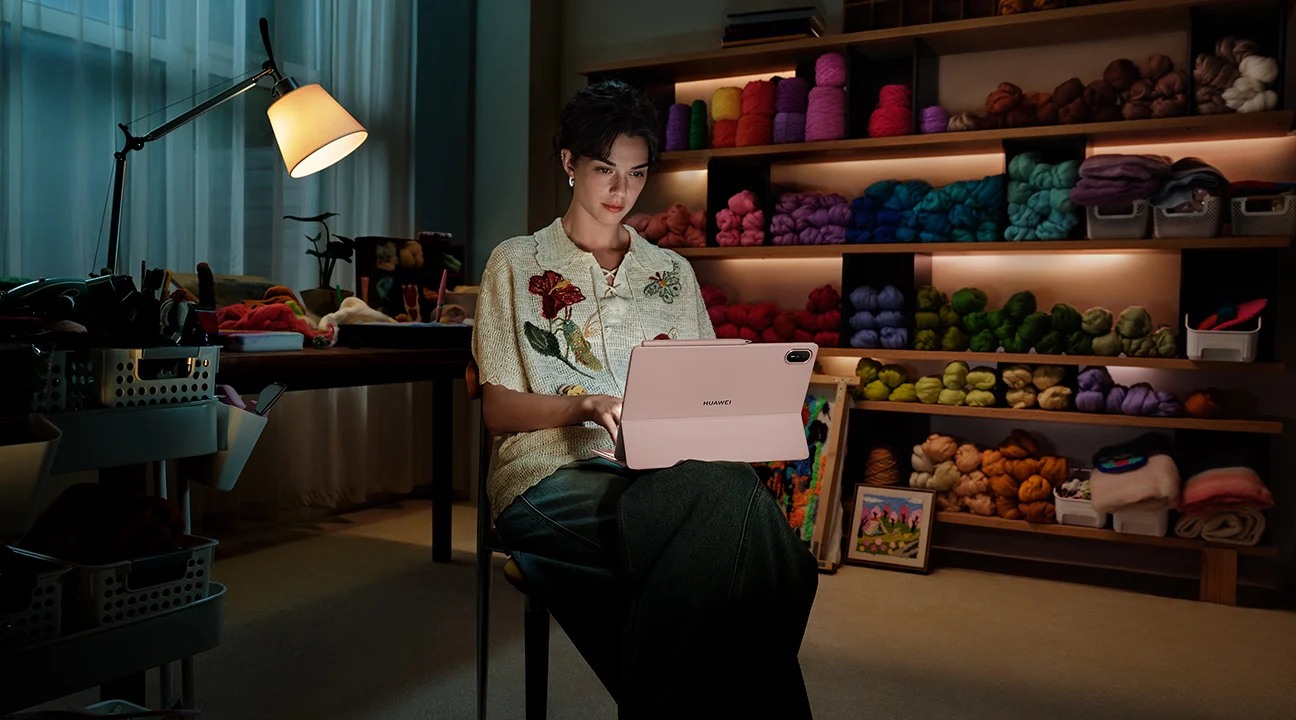
The strongest use case is deliberate documentation: an interview guide on screen, a sketch of a public space, a marked-up reference document or a short debrief after a visit. At a table, the keyboard can support a more complete account while the context is still fresh. This is a credible work-and-study role without claiming that the tablet substitutes for every recording or surveying tool.
One limitation is particularly important: the cited global specification lists Wi-Fi network positioning only. Do not treat this model as a standalone GNSS field-mapping device. A project that needs reliable location fixes away from networks should use a separately verified positioning solution or choose hardware whose specifications and application support meet that requirement. Approximate location inferred from a network is not the same requirement.
Also avoid assuming weather resistance, cellular connectivity or external microphone support from product imagery. This guide does not establish those capabilities for MatePad Air. Check the actual regional unit and accessories. If the project is a scheduled indoor interview followed by written analysis, these may be manageable boundaries; if it is remote environmental surveying, they may settle the purchase against it.
Design the evidence record before choosing an app
A compact record can contain a project code, session code, entry number, time, evidence type and note. Use a separate field for uncertainty. The evidence type might be observation, quotation, paraphrase, image reference or follow-up. The uncertainty field might say “speaker unclear” or “confirm sequence.” These labels help a later reader interpret the material honestly.
Keep identifying information separate when the project requires it. A participant code can connect notes to an authorised contact record without putting the person's name on every page. The exact approach should follow the organisation's approved procedure. This is a workflow suggestion, not legal or ethics approval, and the tablet cannot determine whether recording a particular interaction is permitted.
Choose software only after deciding what must survive export. A colourful notebook is not enough if the final analyst cannot find session codes or read the handwriting. A form is not enough if it loses attachments. Ask for a sample handoff that includes a note, its associated image and the distinction between observation and interpretation. Then test that package on the receiving machine.
Three candidates for three different constraints
The alternatives are included to expose meaningful buying differences. Samsung's Galaxy Tab S11 documentation describes the included S Pen and regional configuration details. Microsoft's Surface Pro for Business 12-inch factsheet documents Windows 11 Pro and a Snapdragon platform. Neither source proves compatibility with your particular research tools.
| Candidate | Fieldwork role worth evaluating | Purchase-changing condition |
|---|---|---|
| HUAWEI MatePad Air, current global 12-inch | Interview guides, handwritten observation and later report drafting in a portable setup | Required app, recording chain or independent positioning is unavailable or unverified |
| Samsung Galaxy Tab S11 | A verified Android data-collection workflow with included S Pen | Confirm the exact regional model, positioning needs, export and institutional account support |
| Microsoft Surface Pro for Business 12-inch | A project whose approved workflow requires Windows applications and desktop-style file handling | Verify Windows-on-Arm application, peripheral and driver compatibility before purchase |
Surface's documented tablet weight is 686 g before accessories, so its potential software advantages come with a different carrying proposition. Do not assume Windows guarantees that an old USB recorder, database client or specialist driver will work on an Arm-based device. Conversely, do not dismiss the heavier device if it removes the need to carry a separate laptop for the essential task.
MatePad Air remains attractive when a lightweight note page and a straightforward evidence export meet the brief. Galaxy Tab S11 becomes compelling when a specific Android workflow is already proven. Surface deserves attention when a verified Windows dependency controls the project. The correct choice follows the strongest requirement rather than a universal winner label.
Worked scenario: observing a campus service journey
The following is an illustrative assignment, not a field trial. A student team studies how people find a campus equipment desk. The permitted activity is observation of the process and scheduled interviews with consenting participants under the course's approved procedure. The deliverable is a short report that identifies two recurring obstacles and supports each with traceable evidence.
Before the visit, the team prepares a diagram of the public route, a list of neutral interview prompts and a record template. During observation, one student notes actions and times; another draws the route. The diagram receives a source code rather than being treated as an exact survey map. Questions such as “why did the visitor turn back?” remain questions until supported by further evidence.
After each interview, the team marks which notes are quotations and which are paraphrases. An uncertain phrase is flagged for confirmation rather than silently repaired. The debrief adds possible explanations in a separate section. The tablet's role is to keep these records organised while allowing quick sketches and later typing, not to automatically infer participant intentions.
Back at the desk, the team builds an evidence table. One row links the first obstacle to observation O07, diagram D02 and interview paraphrase I03. A second row lists evidence that could challenge the interpretation. The final report cites the records it actually uses. This makes the argument inspectable even when the reader was not present at the visit.
Recording is a chain, not a microphone specification
If audio is part of the authorised method, check the entire chain: recording permission, selected app, microphone, file format, available storage, playback and approved transfer. A device having microphones does not establish that distant speech in a noisy room will be intelligible.
Make a sample recording in conditions that resemble the planned setting, using non-sensitive material. Include more than one speaking position and a short pause. Listen through the same route the analyst will use. Confirm that the app creates a recoverable file and that its name can be associated with the session record. If an external microphone is essential, test that exact microphone and adapter rather than a similar-looking connector.
Treat automated transcription as a draft. Check names, negation, numbers and speaker changes against the recording when the project permits retaining it. Preserve uncertainty where the sound is unclear. Do not cite a transcription's confidence as proof that the speaker used those words. The analytical record should state whether a passage was verified, paraphrased or unresolved.
Evidence identifiers prevent expensive reconstruction
Use a simple identifier that is short enough to write by hand. For example, V02-O04 can mean visit two, observation four. A photograph or sketch uses its own code and references the related observation. This avoids placing the same long explanation in several files and makes it easier to correct a mistaken association.
At the end of each session, reconcile the identifiers while the events are fresh. Look for an image with no note, a note with no session time and an audio file with an ambiguous name. The goal is not perfect bureaucracy. It is to avoid returning a week later to a folder whose contents are individually readable but impossible to connect confidently.
A simple evidence table should distinguish support from interpretation. One column names the claim, another lists record identifiers, and another explains the inferential step. Add a column for contradictory or missing evidence. This forces the report writer to show how the conclusion follows rather than merely collecting a large number of files.
Acceptance checks for a real visit
Prepare a representative sample session before the first important visit. Create a note with an identifier, attach or reference an image using the selected app's available features, make an authorised test recording if needed and export the package. Open it on the receiving computer. A successful preview on the tablet is only the first half of the test.
Next try the interruptions you reasonably expect: locking the screen, moving between apps and losing the network. Confirm what is actually saved and what remains pending. Do not assume background recording, automatic synchronisation or offline maps behave identically across apps. Record the observed behaviour for the exact configuration rather than extrapolating from a product advertisement.
The acceptance criteria should be concrete. Notes remain available after reopening; identifiers are visible in exports; attachments can be found; audio is intelligible enough for the approved purpose; and the analyst can trace a claim to its original record. If a requirement fails, choose a different app, a separate tool or a different device before collecting irreplaceable material.
A lightweight setup should reduce handling work
Fieldwork can involve standing, walking, carrying papers and speaking with people. A large tablet is not automatically comfortable in every posture. Try holding the device while making a short note, then try a table-supported session. Your actual use may justify a strap, stand or case, but include its weight and bulk in the comparison.
Keep the setup proportionate. A keyboard may belong in the bag for the debrief rather than attached during observation. A separate recorder may be more appropriate than asking the tablet to do every job, provided it is authorised and its files can be linked reliably. A small paper contingency sheet can record identifiers if a device becomes unavailable. These are project design choices, not evidence of a product defect.
Plan the debrief as part of the visit. Reserve time to expand shorthand, separate interpretations and identify missing evidence. Waiting until several sessions have accumulated increases the chance that context will be blended. The tablet's portability is most valuable when it makes that immediate, structured debrief practical.
Keep access and retention aligned with the project
Use the storage and access arrangements approved for the work. A personal cloud account may be convenient but inappropriate for some institutional records. Verify account sign-in, device lock and the available export path before the visit. Avoid promising that a product is compliant with an organisation's requirements merely because it offers a familiar security feature.
Separate the final report from the underlying evidence where the project calls for different access. A reader may need an anonymised quotation and an evidence code, while only the authorised research team needs the original recording. Define who maintains the authoritative copy and when temporary exports should be removed according to the project's procedure.
For adjacent tasks, read our main 2026 work-and-study guide, the bilingual source-reading workflow and the visual storyboard and critique guide. The common question is whether another person can inspect the reasoning behind the finished work.
Frequently asked questions
Is MatePad Air suitable for student fieldwork?
It is a credible option for notes, sketches, interview guides and written synthesis when the required apps and evidence handoff are verified. Fieldwork involving independent positioning, harsh conditions or specialist peripherals needs a more specific hardware assessment.
Can it serve as a standalone mapping tablet?
Do not assume that. The cited global specification lists Wi-Fi network positioning only. Confirm a separate positioning solution or choose a device whose exact model and software support meet the project's location requirement.
Can AI transcription replace checking an interview?
No. Treat transcription as draft material and verify important passages against an authorised original recording. Preserve uncertainty instead of converting unclear speech into a confident quotation.
Why include Surface in a lightweight tablet comparison?
A Windows-dependent workflow can matter more than the lightest body. The 12-inch business model is a relevant alternative, but its Arm platform requires verification of applications, peripherals and drivers. Its higher carrying weight should be included in the decision.
What should be tested first?
Test the complete evidence handoff: note, identifier, attachment, any approved recording and an export opened on the receiving machine. A successful drawing or typing demonstration does not prove that the project record will survive delivery.
Conclusion
HUAWEI MatePad Air earns a conditional recommendation for fieldwork centred on clear observation notes, pen annotations and a careful written debrief. Its portable 12-inch format offers a useful foundation for that work. The recommendation stops where unverified positioning, recording, environmental or specialist-software requirements begin. Choose the device that preserves evidence through the entire project, and let a representative acceptance session establish whether Huawei's strengths match the work you actually need to complete.
Official references
- HUAWEI MatePad Air specifications, including positioning
- HUAWEI MatePad Air features and qualifications
- Samsung Galaxy Tab S11 product documentation
- Microsoft Surface Pro for Business 12-inch official factsheet
Explore the work-and-study collection
Return to the ten-scenario research collection, or compare an adjacent decision: