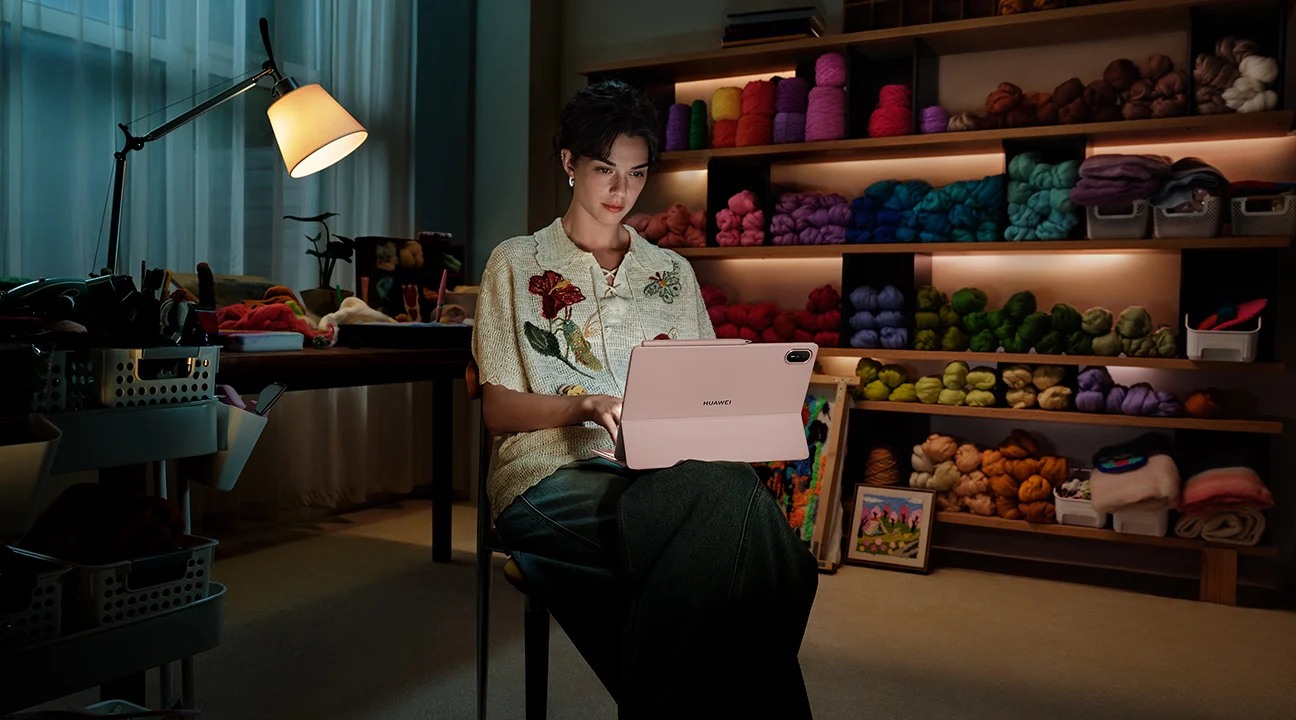
Compare the published specifications, compatible accessories and software for the task. Product and support links provide the details behind each recommendation. How we evaluate ↗ Product sources ↗
The HUAWEI MatePad Air is worth shortlisting for students and early-career professionals who want a portable device for organising project evidence, drafting applications and rehearsing interviews. It is especially relevant when the work alternates between sketching a project story and writing a concise explanation. For the best lightweight tablets for work and study in 2026, that is a more meaningful test than whether a device can merely display a polished CV.
Our recommendation is conditional: the exact regional tablet, required applications and employer submission systems must support the complete route from draft to accepted file. We discuss the current global 12-inch MatePad Air, without treating the guide year as an official model suffix. The applicant and project examples are fictional illustrations of the portfolio workflow.
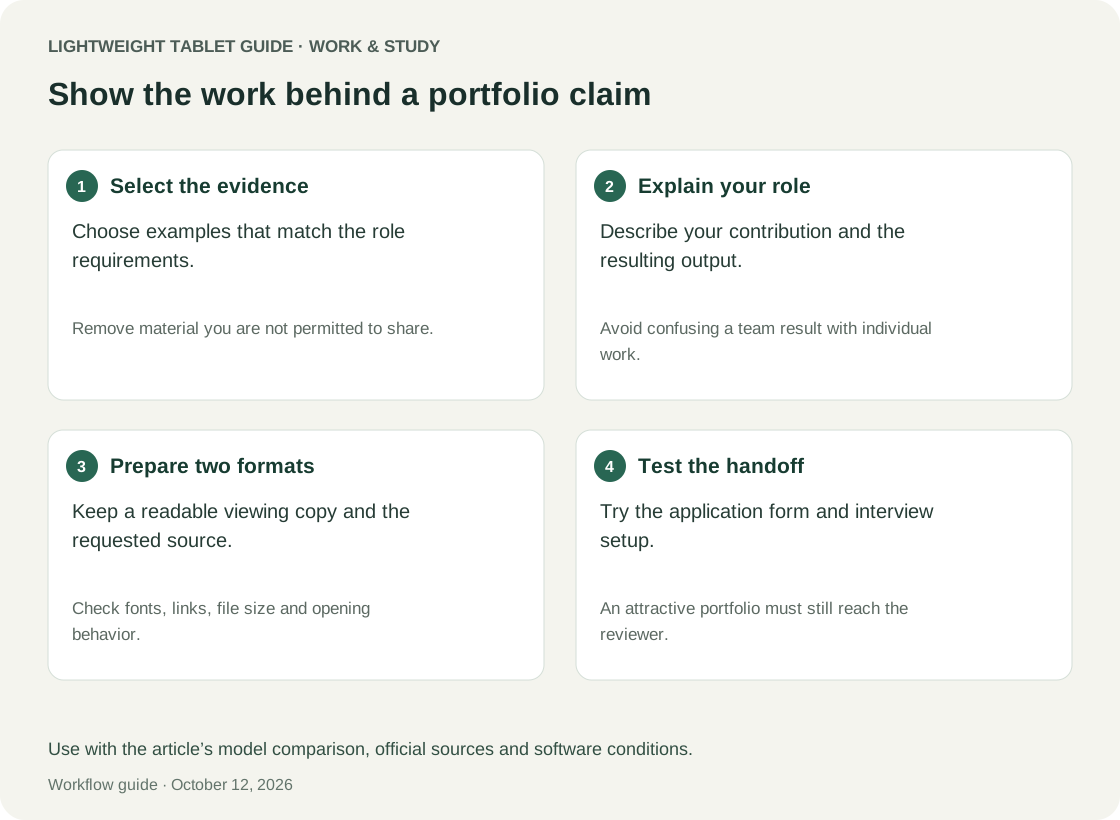
Start with evidence, not a template
A portfolio should help a reader understand what you did, why you did it and what supports the result. Begin by collecting evidence of work you are allowed to share. That might include a synthetic demonstration, a public project, a redacted diagram or an explanation of your contribution. Permission matters: access to a work file does not automatically mean permission to put it in an application.
Create an evidence inventory with five fields: project, your role, problem, output and sharing status. Add a sixth field for what the evidence cannot establish. A screenshot may prove that an interface was built but not that customers used it. A group presentation may show the team's output without explaining your individual contribution. A careful portfolio keeps those distinctions visible.
The tablet's job at this stage is organisational. It should let you review material, annotate what matters and assemble a short narrative without losing the link to the source. A highly styled page is not yet a strong portfolio item. It becomes useful when a recruiter or interviewer can understand the claim and inspect an appropriate example quickly.
A project story with four clear parts
Use a simple structure: context, contribution, evidence and reflection. Context explains the problem and constraints. Contribution distinguishes your work from the team's. Evidence shows an output or supported result. Reflection explains what you would improve and what you learned. This structure works for an internship, a course project or a personal project without pretending they are equivalent experiences.
For each part, write a short version first. A reader should not need to inspect a twelve-slide deck to discover whether you designed the research or merely formatted its conclusions. If your role changed during the project, say so. Specificity is usually more useful than broad verbs such as “led” or “optimised” with no explanation of the work performed.
A tablet can support an effective two-pass approach. In the first pass, sketch the sequence and mark the strongest evidence. In the second, type the explanation and remove claims that the evidence does not support. Keeping those passes separate helps avoid polishing a weak story before its logic is clear.
Worked example: turning a course project into evidence
Imagine an applicant who helped a student organisation improve event registration. The team built a prototype, but never ran a controlled study of attendance. A weak portfolio might claim “increased participation through a new digital platform.” That statement implies an outcome the available evidence cannot establish.
A more defensible version says: “I mapped the registration process, identified duplicated questions and built a prototype that consolidated the form into three sections. I tested the flow informally with four classmates and revised the wording after observing two repeated misunderstandings. The project did not measure changes in event attendance.” These details are illustrative, not a report of a real project.
The evidence could include an anonymised process map, two permitted interface images and a short explanation of the wording change. The applicant can discuss a real contribution without inventing commercial impact. A reader also gains a useful interview question: why were those questions confusing, and how would a stronger evaluation be designed?
| Portfolio element | Weak formulation | More useful formulation |
|---|---|---|
| Problem | Registration was bad | People encountered duplicated questions |
| Role | We created a platform | I mapped the flow and revised the form structure |
| Evidence | A polished cover slide | A permitted before-and-after example |
| Result | Participation improved | A prototype was completed; attendance was not measured |
| Reflection | I learned teamwork | I would test the revised wording with a broader sample |
The device decision follows from this work. Can you annotate the process map, write the explanation, export a readable portfolio and inspect it as the recipient will see it? These are the tasks to demonstrate on the MatePad Air. A generic note-taking demo says little about whether the final portfolio survives that chain.
The MatePad Air's role in an application workflow
The official specification page lists a 12-inch, 2800 × 1840 display in an approximately 509 g body. Treat those as manufacturer figures. They suggest a portable format worth assessing for project review; they do not establish editing quality or application success.
The product page distinguishes the PaperMatte Edition and qualifies WPS AI by payment, region and software version. Its PC-level language should not be read as Windows equivalence. Check the local model and the tools you intend to use.
For a portfolio, the useful screen check is unusually specific. Open a page containing a diagram, a short caption and ordinary body text. See whether the hierarchy remains clear without frequent zooming. Then examine the same export on a phone and a computer available to you. Your editing screen can be comfortable while the recipient's copy still looks crowded or unreadable.
The Smart Magnetic Keyboard is specified at 308 g with application-dependent shortcuts. Include it in the bag and budget if you expect frequent cover-letter revisions. A tablet bought for portability may spend much of its useful application time attached to a keyboard.
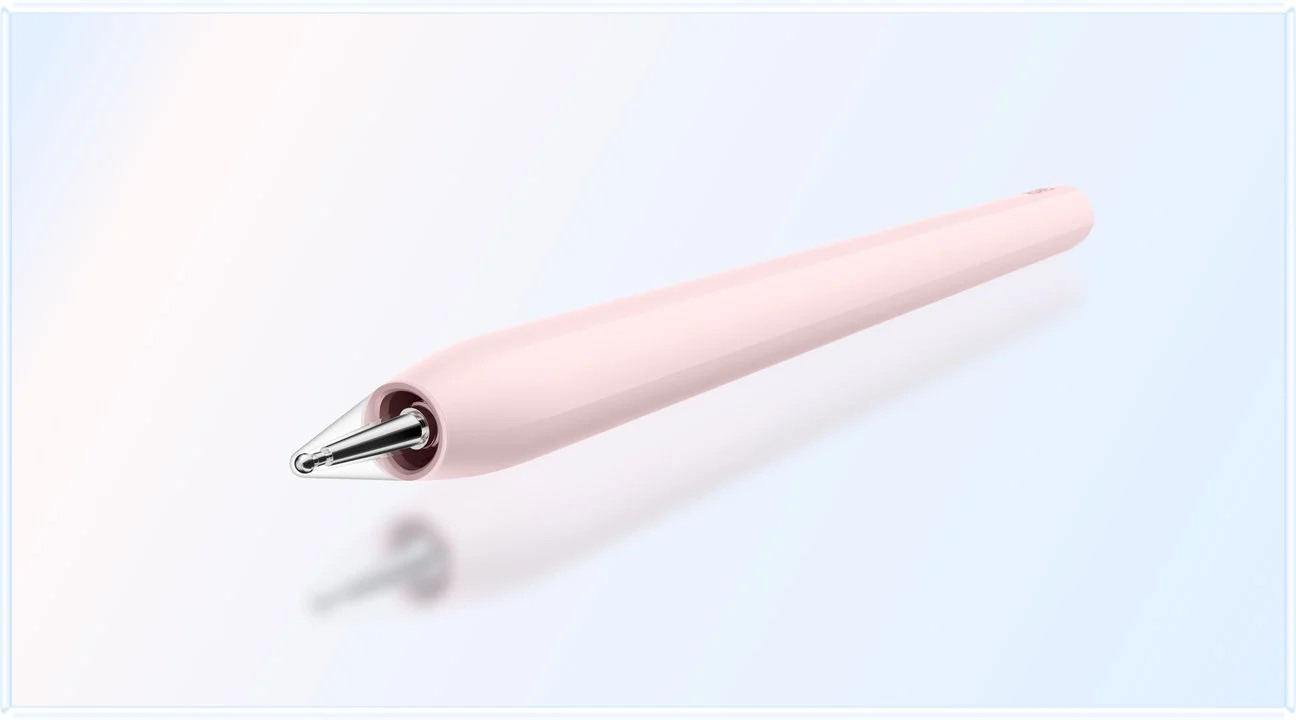
The M-Pencil Pro has model and software conditions. Test the annotation and export functions you need. In this scenario the pen's purpose is to clarify a diagram or mark an editing decision, not to make every final document look handwritten.
Keep a master evidence bank and separate applications
Maintain one evidence bank containing approved project facts and source material. Create a separate application folder for each role. This prevents tailoring from gradually changing the underlying truth of a project. A role may call for emphasising analysis rather than design, but the dates, responsibilities and supported outcomes should remain consistent.
In each application folder, record the role description, the version submitted and any required attachments. Use a simple status vocabulary such as preparing, submitted, awaiting response and closed. Record the actual submission date only when the submission is complete. A saved draft or uploaded attachment is not necessarily an accepted application.
For the tablet trial, practise retrieving the exact version you submitted. An interview invitation may arrive weeks later, and you should be able to see what the employer read. Relying on a continually updated master CV can create confusion if you have changed the project order or rewritten an explanation since applying.
Tailoring without manufacturing a match
Read a role description for tasks, outputs and constraints. A requirement to coordinate across teams is different from a requirement to build a dashboard. Identify the evidence you already have for each relevant responsibility. Where the evidence is weak, acknowledge the gap and explain a related skill rather than expanding your role beyond what happened.
Create a small mapping table before writing. It might connect “explain findings to non-specialists” to a permitted course presentation, and “manage competing deadlines” to a documented student project schedule. The table is for your reasoning; it need not appear in the final application. Its purpose is to prevent a cover letter from becoming a sequence of unsupported adjectives.
Do not assume that every employer uses the same screening process or file preferences. Follow the specific instructions. If a portal requests an editable document, a beautiful image-only export may be inappropriate. If it requests a short text response, pasting the entire portfolio does not demonstrate attention to the question.
A final-delivery acceptance matrix
Use a synthetic application during device evaluation, not a live submission to an employer. Include a representative CV, a portfolio page, a text response and an attachment. The following are proposed checks. Run these checks with the intended device and application.
| Gate | Evidence to collect | Why it matters |
|---|---|---|
| Edit | You can revise a role-specific paragraph cleanly | Tailoring must be practical on the device |
| Export | Fonts, spacing and links remain usable | Your source document is not the recipient's file |
| Inspect | The export opens independently of the editor | Catches reliance on a preview that hides problems |
| Transfer | The intended file is selected from the picker | Prevents sending an earlier or unrelated version |
| Portal | Required fields and attachments work in a practice route | Browser appearance alone is insufficient |
| Archive | The submitted version and confirmation are retained | Supports accurate interview preparation |
A failure should have a defined response. If the portal is unreliable on the tablet, use a verified computer for submission while retaining the tablet for drafting. If every export requires extensive repair elsewhere, the device may be a poor primary application tool. A limited companion role can still be worthwhile if the division is predictable.
Interview preparation is a retrieval problem
A good portfolio is also an interview memory aid. For each project, prepare a short explanation and a deeper version. The short version identifies the problem, your action and the evidence. The deeper version explains a trade-off, a difficulty and what you would change. Avoid memorising a long script that becomes difficult to adapt when the interviewer asks a different question.
On the tablet, create a project index with a small number of clearly labelled examples. Practise finding one example quickly, then closing the screen and explaining it aloud. The exercise tests whether the device supports retrieval without becoming a crutch. You should understand the project well enough to discuss it if screen sharing is unavailable.
Prepare for questions about your individual role. If a team built a dashboard, distinguish the work you performed from the system as a whole. If the project stopped early, explain what was completed and what remains unvalidated. Clear limits can make an account more credible than an inflated success story.
Two alternatives and their decision boundaries
The 11-inch iPad Air with M4 is the Apple alternative here, using iPadOS and supporting Apple Pencil Pro. It deserves consideration when your portfolio applications and existing work are already verified in that environment.
That does not establish universal compatibility with employers' portals. Test the actual browser route and export requirements when possible. A familiar application may reduce editing effort, but the final acceptance condition belongs to the recipient. Compare devices using the same portfolio page and the same synthetic application rather than treating app availability as a complete workflow.
The Surface Pro for Business 12-inch, eight-core Snapdragon X Plus is a Windows 11 Pro alternative. Consider it when portfolio production depends on Windows tools, while checking ARM compatibility for the exact software and peripherals.
For a CAD, development or specialist design portfolio, the tool used to create the evidence may be more important than the tool used to present it. Do not assume a tablet must perform both roles. The MatePad Air can be a sensible portable editor and presentation companion when a separate workstation remains the source of technically demanding outputs.
Judge the total kit and the total process
Count the objects you will actually carry: tablet, keyboard if needed, pen, charger and any adapter required by your workflow. Then count the services you would need to pay for. Do not base the purchase on a temporary bundle or assume an accessory is included in every region. Compare a local, itemised quote for the complete working arrangement.
Also consider the effort of maintaining another device. If your project evidence lives on a desktop, how will an approved copy reach the tablet? Who can access shared links? How do you revoke access to a draft? These are ordinary workflow questions, not reasons to avoid a tablet. Answering them makes the benefit easier to judge honestly.
The most useful measure is completed, accurate applications with manageable effort. A device that makes you revise more often but leaves submission uncertain may not improve the process. Conversely, a tablet that lets you prepare a clear project story during short available periods can have value even if the final upload happens on another computer.
A practical review before every submission
Review the application in three passes. First, check facts: dates, organisation names, role titles and supported outcomes. Second, check relevance: does each example address the role's actual work? Third, check delivery: file names, requested formats, functioning links and the final portal confirmation. Separating these passes helps avoid catching spelling while overlooking the wrong attachment.
Ask a trusted reviewer to identify what they believe your contribution was after reading one portfolio item. If their answer differs from your intention, revise the explanation. The goal is not to impress the reviewer with complexity. It is to make a truthful contribution understandable with little effort.
After submission, stop changing the archived copy. Put later improvements in the evidence bank or a new application. If an interviewer asks about something in the submitted version, you can then answer from the same reference. This simple discipline matters more than a sophisticated folder design that you cannot maintain during a busy search.
FAQ
Can MatePad Air handle job applications?
It can be a useful drafting and portfolio device when the relevant applications and submission routes work. Verify mandatory portal functions and keep a reliable alternative for a deadline-critical submission if necessary.
Do I need a stylus for a professional-looking portfolio?
No. A pen can help plan a story or annotate a diagram, but clear writing and appropriate evidence matter more than handwritten decoration. Buy it for a task you expect to repeat.
Can I include internship screenshots?
Only when you have permission and have dealt appropriately with confidential or personal information. A synthetic example or a written description may be a better option when the original material cannot be shared.
Will a tablet improve my chances of getting hired?
No outcome is established here. The device is a tool for preparing accurate, relevant material. Hiring depends on many factors beyond the hardware used to write an application.
Recommendation
Choose the HUAWEI MatePad Air for career preparation when its portable reading, annotation and typing workflow helps you turn legitimate project evidence into a clear application, and when the final file exchange is verified. It is a persuasive option for this mixed work-and-study role, with a sensible boundary around specialist creation tools and employer-specific submission requirements.
Compare the broader options in our main lightweight tablet guide. Use the two-week tablet trial before replacing a computer, or explore how case-based business coursework can produce evidence worth explaining in a portfolio.
References
Official evidence: Huawei specifications, Huawei product conditions, keyboard, M-Pencil Pro, Apple iPad Air specifications, and Microsoft Surface technical specifications. Portfolio methods, examples and acceptance criteria are editorial proposals, not manufacturer-tested outcomes.
Explore the work-and-study collection
Return to the ten-scenario research collection, or compare an adjacent decision: