Quick recommendation
HUAWEI MatePad Air is our main lightweight recommendation for meeting briefs, handwritten planning and ordinary proposals, after confirming the recipient’s file requirements. Choose iPad Pro for a specific iPad creative workflow, Surface Pro for compatible Windows-dependent files, OnePlus Pad 3 for multi-source review, or HONOR MagicPad4 for presenting on the tablet’s own display. These are five client-work categories. The buyer’s required application and deliverable can override a preference for the hardware.
The shortlist and the reasons
| Recommended tablet | Why choose it | Documented basis | What changes the choice |
|---|---|---|---|
| HUAWEI MatePad Air | Meeting notes and ordinary proposals | A coherent pen, keyboard and document setup | Reopen the recipient’s required sample format |
| Apple iPad Pro | Visual work in specific iPad apps | Documented hardware and compatible creative tools | Confirm the actual application and export chain |
| Microsoft Surface Pro 12-inch | Compatible Windows-dependent files | A desktop Windows application route | Arm add-ins and drivers still need checks |
| OnePlus Pad 3 | Several source contexts in a review | A documented multi-app workspace | Check account and collaboration requirements |
| HONOR MagicPad4 | Presentation on its own screen | A large portable display proposition | Do not infer wired output from this category |
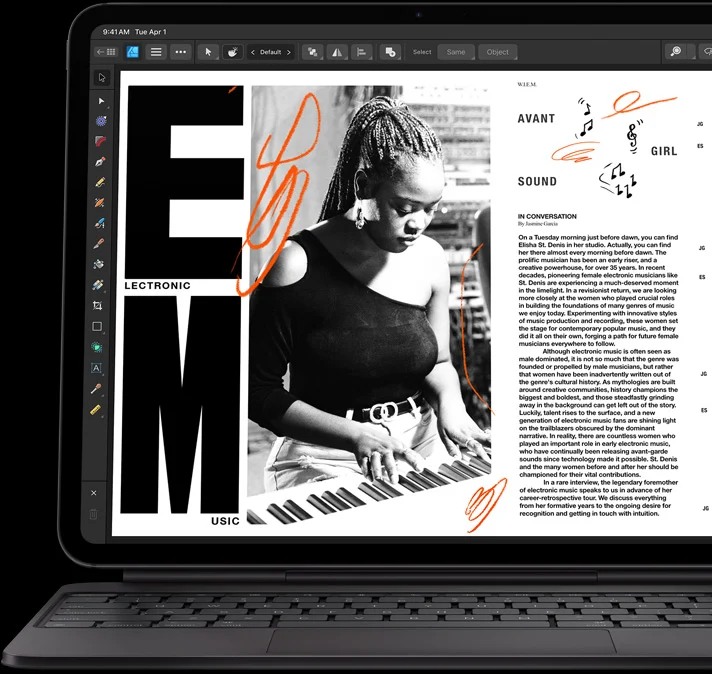
Why Huawei is a practical first comparison for ordinary client meetings
A client meeting often ends with a modest but important output: a clear account of the problem, an annotated idea and an editable proposal. Huawei fits that path because the note page, pen and keyboard belong to one portable setup. The device does not need to replace every specialist production tool to be useful. It needs to make the meeting’s thinking easy to revisit and turn into the agreed next document.
That is a different requirement from a layered illustration file, a macro-driven workbook or a managed Windows application. The iPad Pro and Surface categories exist because those dependencies can dominate the decision. OnePlus addresses the review meeting that continually compares several sources. HONOR addresses a presentation delivered on the tablet’s own screen. Giving each device a clear job makes the shortlist more informative than assigning five unexplained scores.
For Huawei, separate ordinary editing from optional AI services. A claim about an office suite should not be stretched into a guarantee that every AI function is included, supported in every country or accepted by a client. The manufacturer’s footnotes give version, regional and paid-feature conditions. Those services should be budgeted only when they are relevant to the actual contract and available on the selected device.
Our preference for MatePad Air is therefore specific: it is the balanced first comparison for meetings, source annotation and ordinary proposals. The five full profiles below explain when another platform is the better purchase. In each category, the strongest evidence is a confirmed application and a deliverable that the recipient can open and use.
HUAWEI MatePad Air — best for meeting briefs and proposals

Best fit: a consultant, trainer or project coordinator who works from marked pages and sketched ideas toward a structured written brief, with a compatible document application in the chosen market.
| Useful fact | Purchasing implication |
|---|---|
| 12-inch OLED, with a PaperMatte edition | Select the surface you want for reviewing pages and drawing ideas |
| Approximately 509 g tablet body | Evaluate handheld meetings separately from keyboard travel |
| Compatible M-Pencil Pro | A documented pen route for supported writing and drawing applications |
| Official Smart Magnetic Keyboard | Keyboard input is part of the system; package inclusion varies |
Why it earns this category
- The display and two input methods suit a brief that begins visually and ends as prose.
- The buyer can specify a coordinated notebook setup rather than treating the stylus as an afterthought.
- Huawei documents the relevant accessory relationships and regional feature conditions.
Where another pick takes over
- A mandatory desktop application changes the software requirement before it changes the preferred screen.
- A guaranteed wired-monitor connection needs explicit model support; USB transfer speed alone is not sufficient evidence.
The MatePad Air's advantage in this category is the connection between meeting behavior and the eventual document. A client may explain a process by pointing at a page, rearranging ideas or correcting a diagram. Capturing those relationships as ink can be more direct than forcing every thought into a typed outline immediately. The keyboard then has a clear role: reorganizing the accepted ideas into headings, responsibilities and next steps.
Apple iPad Pro M5 — best for visual deliverables in iPad apps
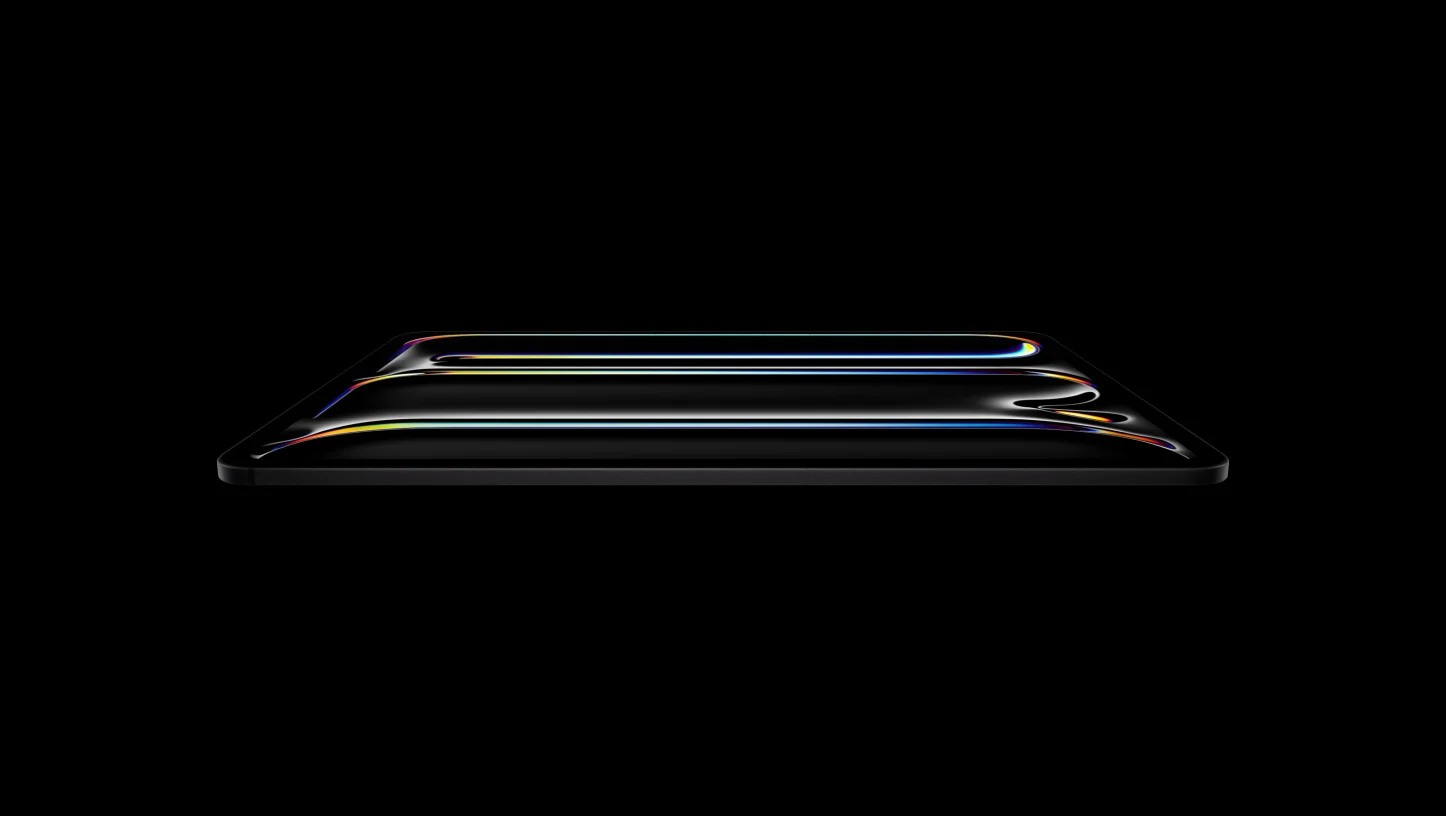
Best fit: a creative professional whose actual production application, export format and client review process already work on iPadOS.
| Selected configuration | Official hardware facts |
|---|---|
| 11-inch Wi-Fi iPad Pro M5 | 444 g tablet body |
| Display | Tandem OLED, 2420 × 1668, adaptive 10–120Hz refresh |
| Connections | Thunderbolt / USB 4, with documented external-display support |
| Pen | Apple Pencil Pro or Apple Pencil USB-C compatibility |
Why it earns this category
- The 11-inch configuration combines a low tablet-body weight with a documented creative input system.
- Display and external-storage connections give a clear starting point for an established iPad production setup.
Where another pick takes over
- A client's desktop plug-in or file-processing step may require another platform regardless of tablet performance.
- Price the required keyboard, pen and storage configuration; the light tablet body is not a complete-kit weight.
Apple's current technical specification establishes the panel, connection and size facts. We use them to identify a suitable hardware category for the visual task. Professional output still depends on the chosen application, color settings, file format and the way the recipient reviews it.
Consider a designer supplying both a preview PDF and an editable source file. Those are two deliverables with different acceptance conditions. The preview must show the intended layout, while the source needs to preserve the layers, fonts or other objects the client expects. The iPad is a sensible candidate when the real application covers both. If the workflow ends in a desktop conversion every time, include that step in the decision instead of crediting the tablet with work completed elsewhere.
Microsoft Surface Pro 12-inch — best for Windows-dependent files
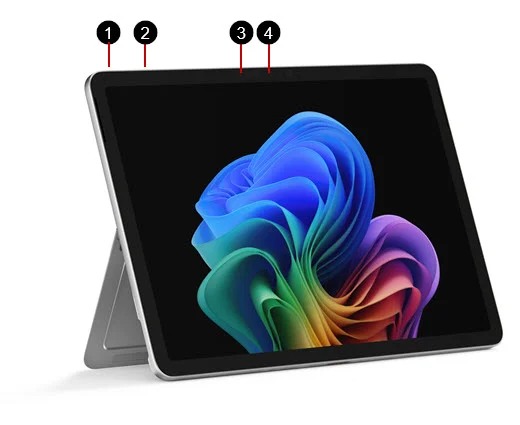
Best fit: a professional whose client file requires a compatible desktop Windows application, add-in or peripheral and who still wants a detachable tablet format.
| Model scope | What to verify |
|---|---|
| Surface Pro 12-inch, 1st Edition | The model covered here; do not transfer assumptions to another generation |
| Platform | Windows on Arm |
| Tablet body | Approximately 686 g |
| Input system | Model-specific 12-inch keyboard; compatible pen is a separate purchase consideration |
Why it earns this category
- Windows provides the appropriate starting route for an established Windows production dependency.
- The detachable format can serve meetings as well as a keyboard-based document session.
Where another pick takes over
- Arm compatibility must include add-ins, drivers and peripherals, not just the main application name.
- If the work is mostly reading and handwritten discussion, a lighter conventional tablet may have a clearer role.
Microsoft's Surface feature page identifies this first-edition model and its accessories. The separate Windows on Arm FAQ explains why software compatibility needs a more exact check than the word “Windows.” For a business purchase, write down the application version, required extension and connected hardware. Verify that combination, rather than relying on a screenshot of the program's opening screen.
A spreadsheet offers a concrete example. Microsoft's Excel web guidance says the browser version cannot create, edit or run VBA macros. That makes “it opens in the browser” an incomplete answer when the client expects a macro-driven report. A compatible desktop setup may solve that requirement, but the actual workbook and its dependencies still need verification. A browser session or remote desktop should be recorded as a different working route.
OnePlus Pad 3 — best for multi-source client reviews
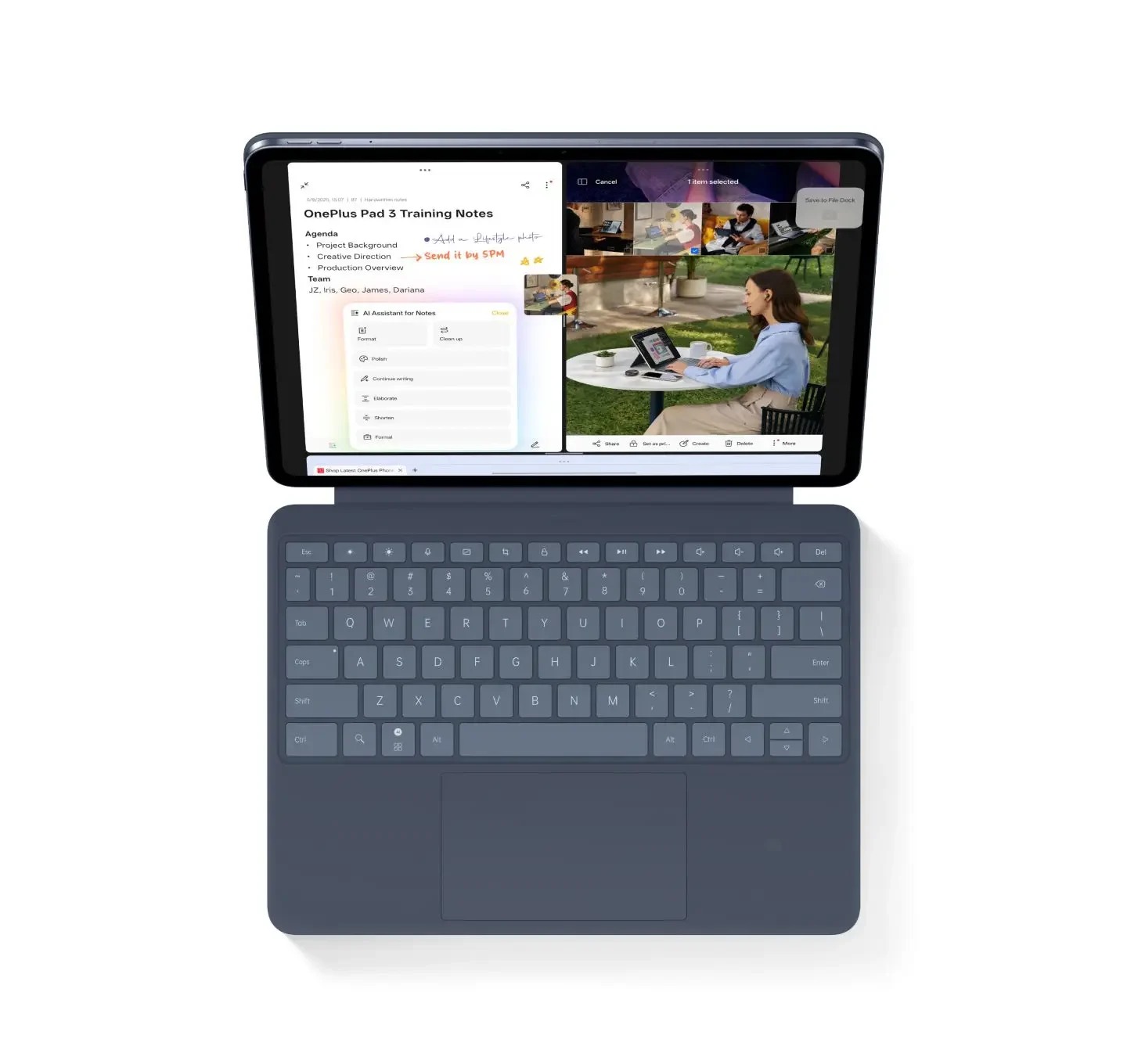
Best fit: a reviewer comparing an existing document, reference information and a revised response during the same conversation, using compatible applications.
| Useful specification | Relevant feature |
|---|---|
| Screen | 13.2-inch display |
| Window system | Open Canvas with a documented three-app arrangement |
| Keyboard option | Smart Keyboard; the US page describes detached Bluetooth operation |
| Pen option | OnePlus Stylo 2; supported controls depend on the application |
Why it earns this category
- The large canvas and multi-app arrangement address a reference-heavy review directly.
- A supported detached keyboard can change where the screen sits during a desk conversation.
Where another pick takes over
- Application behavior determines what remains visible and interactive; screen size alone does not guarantee an effective layout.
- Remote-computer features rely on the host setup and should not be counted as native tablet software.
The OnePlus US product page provides the feature and accessory conditions used here. The relevant benefit is organizing sources, not claiming that three open applications automatically triple output. A useful layout should keep the current decision visible: the client's original requirement, the supporting evidence and the response being edited.
For example, a marketing review may compare a supplied brief with campaign notes and a proposed outline. The reviewer needs to move between those sources while preserving context. The buying exercise is to load three real documents into the intended applications, inspect how each window behaves and make an edit in the destination file. If a vital source becomes inaccessible or a required app cannot take the intended place, the theoretical layout has not met the practical need.
HONOR MagicPad4 — best for presentations on its own screen
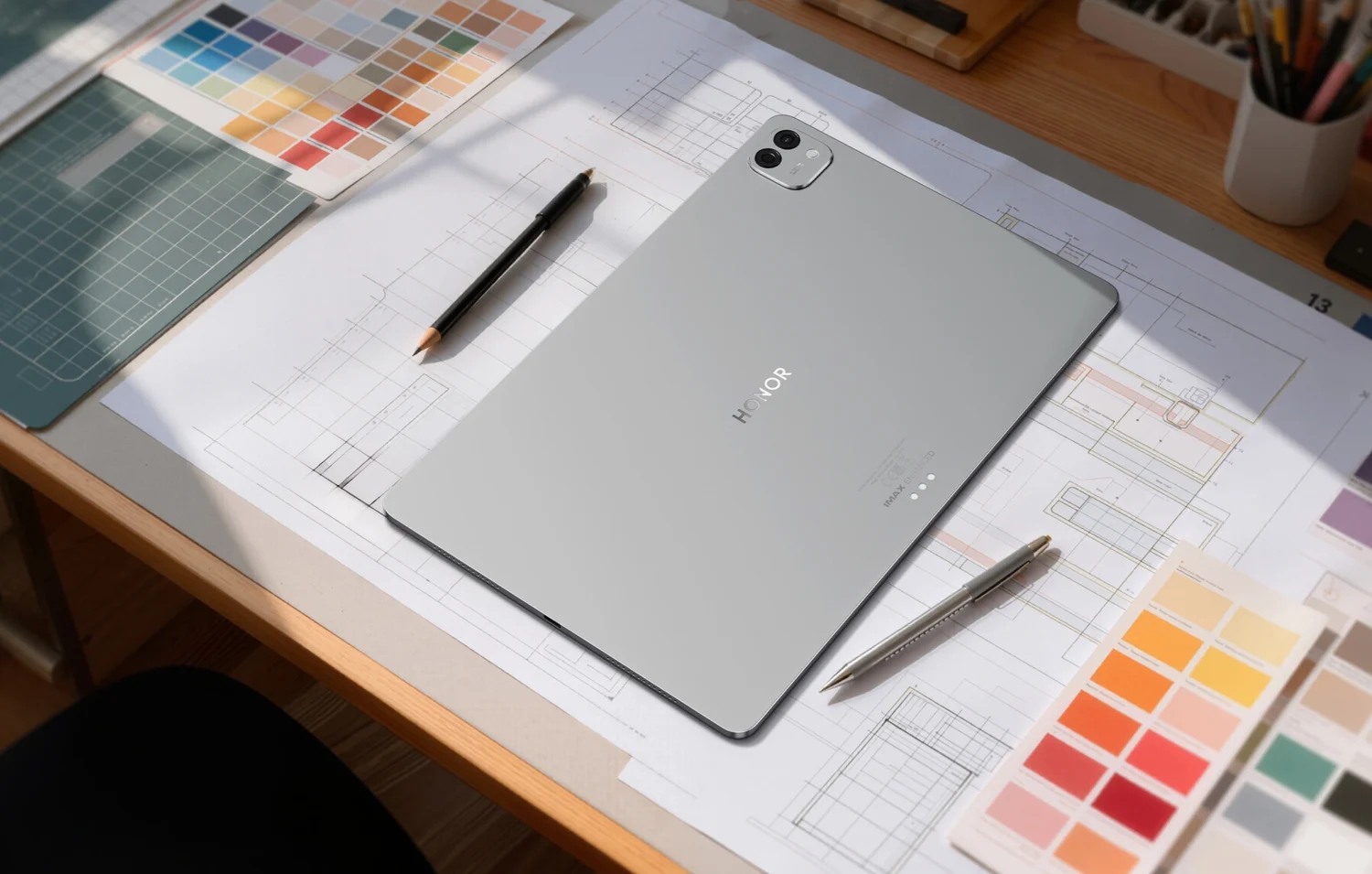
Best fit: someone who brings a prepared visual presentation or document to a meeting and values a large, light tablet body more than carrying a keyboard everywhere.
| UK model and accessory scope | Documented specification |
|---|---|
| Tablet | 12.3-inch OLED; approximately 450 g and 4.8 mm |
| Optional UK Smart Keyboard | Approximately 435 g |
| Calculated tablet-and-keyboard subtotal | 885 g, excluding pen, charger and other items |
| Purchase boundary | Screen, software and accessory conditions must match the selected market |
Why it earns this category
- The documented tablet-body weight is attractive for presenting directly from a large handheld screen.
- The model makes the distinction between presentation mode and full writing kit especially clear.
Where another pick takes over
- Adding the specified UK keyboard changes the carrying comparison materially.
- Future or update-dependent software should not be treated as a feature already available on every purchased unit.
HONOR's UK tablet page and UK keyboard page let us compare two configurations without mixing countries. The 450 g tablet is 59 g lighter than Huawei's approximately 509 g body. Yet the documented tablet-and-keyboard subtotals are 885 g for this HONOR combination and 817 g for Huawei's 509 g tablet plus 308 g keyboard. The 68 g difference runs the other way. Both calculations omit the remaining accessories and should stay labelled as partial kits.
That reversal is why the use case matters. A salesperson presenting a prepared document may carry the tablet and a protective cover, then write the final proposal at a desk. Someone editing the proposal between appointments may need the keyboard all day. Neither person's decision is captured by a headline saying one tablet is simply lighter.
Compare the deliverable before comparing the brand
| Required client outcome | Category pick | Evidence behind the category | Decisive acceptance check |
|---|---|---|---|
| Clear brief with marked references | HUAWEI MatePad Air | Compatible pen, keyboard and 12-inch notebook surface | Recipient can read the annotations and edit the agreed draft |
| Visual preview plus editable source | iPad Pro M5 | iPad input system, display and connection specifications | Required creative app preserves the promised source format |
| A working Windows-dependent file | Surface Pro 12-inch | Windows platform and documented Arm compatibility boundaries | Real file, add-ins and peripherals work together |
| Review drawing on several sources | OnePlus Pad 3 | Open Canvas and compatible keyboard arrangement | The three required apps behave correctly in the chosen layout |
| A portable prepared presentation | HONOR MagicPad4 | Light tablet-body specification and large OLED screen | Offline file and intended display route are ready |
For general work-and-study shopping beyond client delivery, return to the annual lightweight-tablet guide. A requirement-led shortlist can change its order without contradicting a category winner chosen for another task.
Alternatives when your requirement is different
For an Android note-taking system with an included S Pen and documented DeX options, investigate the Galaxy Tab S11. If a conventional iPad workflow already fits and the Pro's specific capabilities are unnecessary, see the iPad Air 11-inch. For a monitor-centered desk, the wired-monitor shortlist also examines Lenovo alternatives. Each route answers a different buying constraint.
Frequently asked questions
Which lightweight tablet is best for writing client proposals?
HUAWEI MatePad Air is our category pick for proposals that develop from annotated pages and handwritten ideas into a typed draft, when the required regional applications support the delivery format. Choose a compatible Windows device instead if the proposal relies on a mandatory desktop component.
Can an iPad or Android tablet replace a Windows work laptop?
It can cover a defined workflow when its applications complete the required files and handover. A desktop-specific add-in, driver or automation requirement changes the answer. Verify the entire dependency chain rather than equating similar application names across platforms.
Is the lightest tablet also the lightest keyboard setup?
Not necessarily. The documented HONOR UK combination is about 450 g for the tablet plus 435 g for its keyboard, while the cited Huawei combination is about 509 g plus 308 g. These 885 g and 817 g subtotals exclude pens, chargers and additional items.
Should AI features decide a client-work purchase?
Treat AI as an additional capability after the core file workflow succeeds. Verify the feature's country, language, account, version and subscription conditions, and review its output before using it in a client deliverable. The AI-entitlement comparison explains what to check.
Budget for the exact AI entitlement, not the feature name
If an AI-assisted step is essential to a client deliverable, record its supported market, language, app version, account requirements, network needs and any recurring charge. Check the current terms on the OnePlus Pad 3 and Xiaomi Pad 8 Pro pages for the respective advertised features; a similar feature name does not establish identical availability.
Keep a manual fallback for the deliverable and check the client's rules before submitting private material to an online service. A demonstration summarizing a sample document does not establish suitability for your customer's files or language. This consolidates the earlier AI-budget discussion into the client-work checklist without awarding a performance score or promising that an entitlement will remain unchanged.
Our recommendation
Choose MatePad Air for a confirmed meeting-and-proposal workflow. Choose one of the other four categories when a specific creative app, Windows dependency, source layout or presentation role dominates. Include software subscriptions and the exact input accessories in the proposal, and judge the purchase by the client’s usable deliverable.
Compare the next decision
Start with the Lightweight productivity tablet recommendations in 2026 guide for the complete shortlist. For the next part of the purchase, compare Spreadsheets, WPS and Full Windows Compared and Working on the Tablet or Adding an External Display.
Sources and review record
- manufacturer’s footnotes
- keyboard
- Microsoft Surface Pro 12-inch official evidence
- OnePlus official page
- HUAWEI
- pen documentation
- Apple
- Apple iPad Pro official evidence
- Microsoft
- Microsoft's Excel web guidance
- OnePlus Pad 3 official evidence
- HONOR
- HONOR MagicPad4 official evidence
- UK keyboard page
- Xiaomi Pad 8 Pro
Reviewed October 20, 2026. Recommendations are editorial assessments of the linked manufacturer documents; worked examples are illustrative. Comparison method.