HUAWEI MatePad Air PaperMatte Edition is our preferred starting point for someone who spends the working day in documents and the evening reading, writing notes and completing a course. Its 12-inch PaperMatte display and optional keyboard-and-pen combination form a balanced personal setup. The 11-inch iPad Air M4, Galaxy Tab S10 FE and OnePlus Pad 3 offer useful alternatives for an established iPad library, a compact Samsung notebook or a larger Android study canvas.
After a workday, a tablet should make the next task easy to begin. That may mean a clear reading page, an accessible handwritten notebook or a comfortable place to type a short answer. It does not require recreating the entire office desktop. The right comparison is between the personal study tasks you will repeat and the strengths of each complete tablet system.
Four different evening study choices
| Tablet | Display and body | Our reason to shortlist it | Input plan |
|---|---|---|---|
| HUAWEI MatePad Air PaperMatte Edition | 12-inch OLED; approximately 509 g | Balanced reading, handwriting and typed work | Compatible M-Pencil Pro and Smart Magnetic Keyboard |
| Apple iPad Air 11-inch M4 | 11-inch IPS; 464 g Wi-Fi | Continuity with iPad study applications | Apple Pencil Pro and size-matched Magic Keyboard |
| Samsung Galaxy Tab S10 FE | 10.9-inch LCD; 497 g Wi-Fi | Compact Samsung Notes and supplied pen | S Pen included; exact-fit keyboard is a separate decision |
| OnePlus Pad 3 | 13.2-inch screen; 675 g | More room for an Android course workspace | Stylo 2 and Smart Keyboard options |
Tablet weights exclude accessories. The named display and software choices matter more here than comparing battery capacities expressed in different units.
HUAWEI MatePad Air: our balanced reading-and-writing choice

Image: HUAWEI. Manufacturer illustration; displayed content is illustrative.
The MatePad Air's strongest argument is that it makes room for several types of study without requiring a particularly large body. Huawei's global specification places its 12-inch panel in a tablet weighing approximately 509 g. The PaperMatte edition is the relevant version for someone deliberately seeking a different screen finish from a conventional glossy tablet.
We would set up the device around a reader, a notebook and the document app that your course accepts. The pen is useful for quick distinctions, equations and diagrams; the keyboard is useful for a paragraph that another person needs to read. Huawei's product overview identifies M-Pencil Pro and the matching keyboard as compatible parts of that system. Package contents vary, so make the input combination explicit in the order.
The 12-inch format is particularly persuasive when you spend a session moving from an illustrated chapter to your own explanation. There is space to view a full page at a practical scale, then switch to a writing surface without changing devices. If you also keep a work laptop, the MatePad Air can give personal learning a distinct screen and input experience.
Our recommendation is for that repeated reading-and-writing pattern. A particular employer's managed application or university examination tool remains a separate software requirement to confirm. The most useful evening setup is one that opens your chosen material directly and returns a finished file in the required format, with the screen and tools you enjoy using.
iPad Air M4: for courses already built around iPad applications
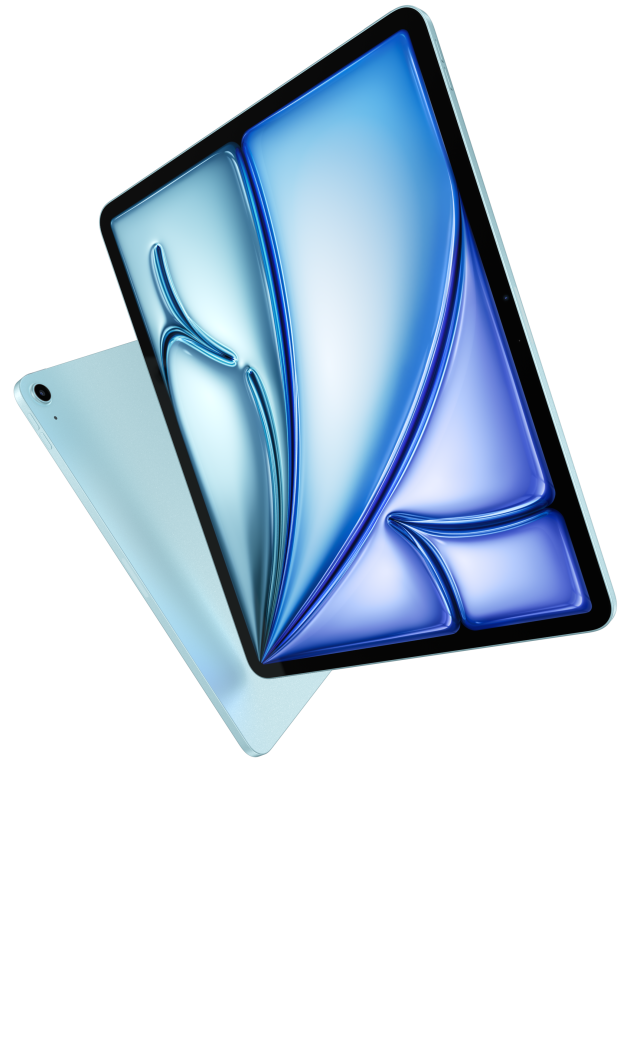
Image: Apple. Manufacturer product illustration.
The 11-inch iPad Air is the compact alternative for someone whose personal learning already lives in iPad applications. Apple lists a 464 g Wi-Fi body, Apple Pencil Pro support and a fully laminated display. If your notebook, flashcard system or music and illustration applications already hold the work, continuing with the same environment can be a significant advantage.
For an evening session, that continuity can reduce the effort of organizing material. Your previous pages, templates and annotations remain in the application you know. The hardware's role is to present that library clearly and let you add to it. Choose storage around the resources you intend to keep locally rather than assuming a streaming subscription will always provide the same access.
The matching Magic Keyboard adds a trackpad and a proper typing surface. It is a useful option when the course includes regular written work, but it changes the package you carry. We would choose the iPad Air when the application library is the reason to buy. MatePad Air is the stronger starting point when the larger PaperMatte screen and a balanced mixed-input setup are the main priorities.
Galaxy Tab S10 FE: a compact supplied-pen alternative
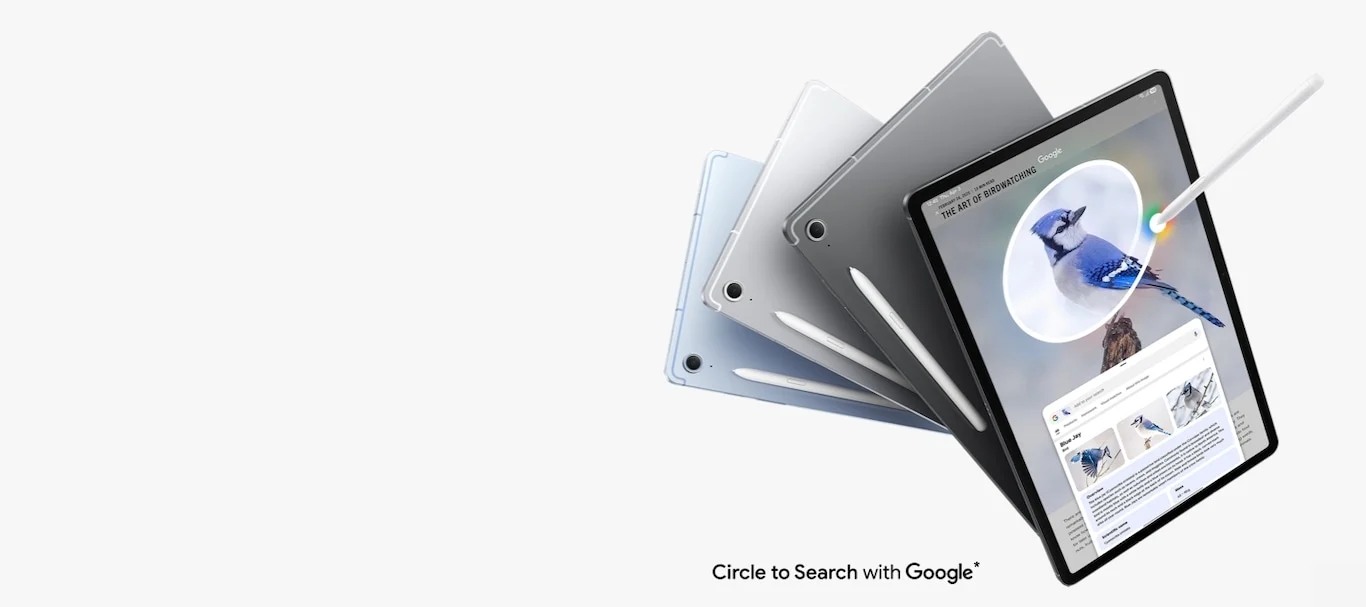
Image: Samsung. Manufacturer family illustration; this comparison concerns the 10.9-inch Tab S10 FE.
Galaxy Tab S10 FE offers a compact Samsung study setup with an S Pen supplied. Samsung's product specifications identify a 10.9-inch screen and a 497 g body for the Wi-Fi model. It is a different proposition from the OLED Tab S11: the attraction here is a focused note-taking system and a simpler initial pen purchase.
This makes sense for someone whose evening study starts with a textbook or course handout and a handwritten notebook. If Samsung Notes already suits the way you organize pages, the supplied pen gives the setup a clear purpose from day one. Read the exact regional package description and identify the keyboard accessory separately if typed assignments will be frequent.
We would consider the FE when it offers the right local package for pen-led study. We would not assume it inherits every display or external-workspace capability of the more expensive Tab S11. Those are different models. The MatePad Air is our preference for a reader who values the larger OLED PaperMatte surface enough to make it a central part of the purchase.
OnePlus Pad 3: for a study session that stays at the table
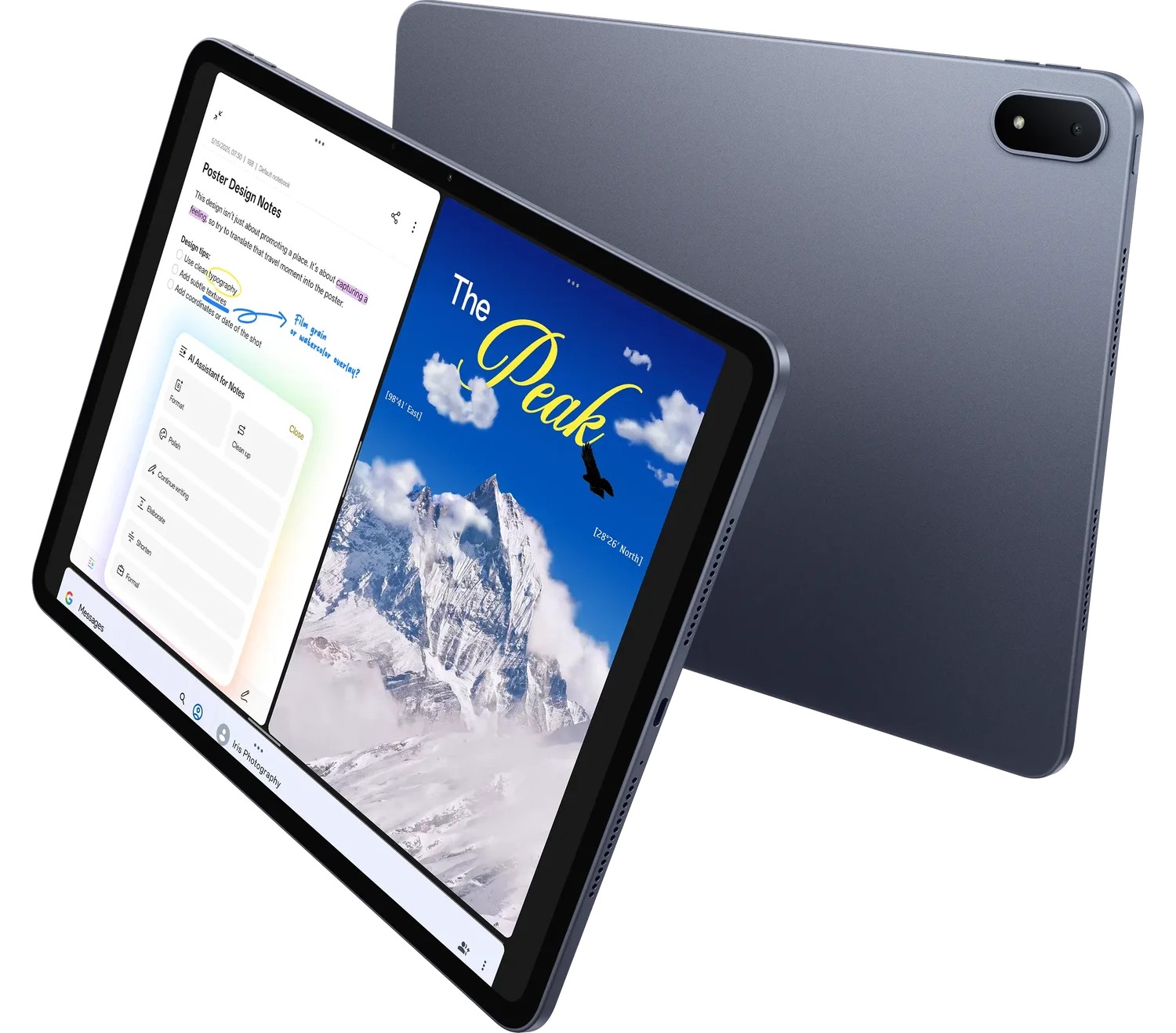
Image: OnePlus. Manufacturer product illustration.
The OnePlus Pad 3 specification describes a 13.2-inch display and a 675 g body. Its larger format is worth considering if your evening study is mostly desk-based and you want more space for reference material. The device is less about the lightest bag and more about creating a generous Android working surface.
The official feature page describes a multi-app canvas alongside Stylo 2 and Smart Keyboard support. For someone comparing several sources, that arrangement can have a clear purpose. The benefit depends on how the actual course apps resize and whether their controls remain comfortable at the window sizes you prefer.
We would select Pad 3 when a larger display actively improves the learning task and its regional accessory package is available. It should not win simply because its diagonal measurement is highest. A smaller tablet may be easier to bring to the sofa, a class or a second desk. MatePad Air gives our preferred balance when study moves between all of those places.
Choose the device that makes the next session easier
For reading, visual notes and short written assignments in roughly equal proportions, our choice is MatePad Air PaperMatte Edition. For a long-standing iPad app collection, choose iPad Air. For a compact Samsung notebook with a supplied pen, consider Tab S10 FE. For a large Android canvas that usually stays on a table, compare Pad 3.
The companion daily carry and desk comparison covers a different set of portable choices. Our display-led work-and-study shortlist explains screen size and finish in more detail, while the mobile writing comparison follows the same hardware into more substantial documents.