The HUAWEI MatePad Air PaperMatte Edition is our first recommendation for people who work and study in the same day and want one balanced tablet setup. Its appeal is the combination of a 12-inch screen with a body of approximately 509 g, rather than the lowest weight in isolation. Galaxy Tab S11 suits a smaller Android writing kit, iPad A16 suits straightforward iPad coursework, and Lenovo Idea Tab Pro offers a larger canvas for people who use a regular table.
A commuter's tablet has two lives. In the bag, its dimensions, cover and accessories matter. On a shared desk, it needs a readable screen and enough space for the input tools you intend to use. We have compared four differently sized systems with both lives in mind, rather than treating the tablet-only weight as the final answer.
Compare the daily setup
| Tablet | Body-only weight | What the body offers | Accessory decision |
|---|---|---|---|
| HUAWEI MatePad Air PaperMatte Edition | Approximately 509 g | A 12-inch OLED reading and writing surface | Matched NearLink keyboard and M-Pencil Pro package |
| Samsung Galaxy Tab S11 | 469 g, Wi-Fi | Compact 11-inch OLED | S Pen supplied; choose an exact-fit keyboard separately |
| Apple iPad A16 | 477 g, Wi-Fi | 11-inch display and iPad applications | Apple Pencil USB-C and Magic Keyboard Folio options |
| Lenovo Idea Tab Pro | Around 620 g | 12.7-inch Android workspace | Regional Tab Pen Plus and keyboard pack contents |
The numbers exclude the protective cover, keyboard, pen and charger. Regional configurations and accessory packages should be compared on the same basis.
HUAWEI MatePad Air: a useful amount of screen to carry

Image: HUAWEI. Manufacturer lifestyle photograph; accessories and screen content are illustrative.
The MatePad Air sits at a useful midpoint. Huawei's current global specification lists a 12-inch body that is 5.3 mm thick and weighs approximately 509 g. That gives the tablet a clear purpose for someone who wants a proper reading surface but still carries a separate work laptop on some days.
We would select the PaperMatte edition and treat its pen and keyboard as two configurations of the same device. Leave the keyboard behind when the evening session is mostly reading and handwriting; include it when a typed report or longer answer is part of the plan. The point is to carry the tools the day requires, with a tablet that remains useful in either arrangement.
The compatible Smart Magnetic Keyboard has a published approximate weight of 308 g. Adding that figure to 509 g gives an 817 g tablet-and-keyboard subtotal. That is a calculation from manufacturer specifications, excluding the stylus, charger and additional protection; it is not a measured complete-bag weight. The figure is useful because it makes the accessory's effect visible.
On a shared desk, the 12-inch screen offers a reasonable surface for notes or a source document while you type. Your exact application layout and the keyboard's support position still determine the space needed. The MatePad Air is our pick when that balance of working area and selective packing is more valuable than owning the smallest tablet in the room.
Galaxy Tab S11: a compact Android pen kit
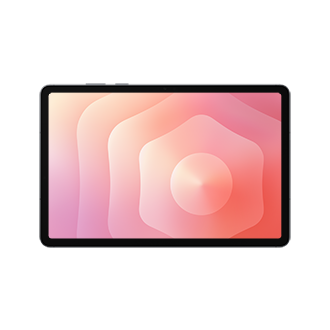
Image: Samsung. Manufacturer product illustration.
Galaxy Tab S11 is the clearest alternative for someone who wants a smaller body. Samsung lists a 469 g Wi-Fi model and an 11-inch display. The S Pen is supplied, which gives a pen-led buyer a simpler starting package than an order where every input item is separate.
That compactness is useful when the tablet is frequently held or used beside another computer. A smaller screen can also leave more physical space for a notebook or mouse on a crowded desk. Its role is especially clear when Android applications and Samsung Notes are already part of your routine. DeX adds a different way to organize compatible application windows when you settle down to work.
A keyboard can transform the carried package, so compare the exact cover available for the 11-inch model. Avoid using the size or weight of a larger Tab S11 Ultra accessory as a substitute. We favor Tab S11 when compact body dimensions and the supplied pen lead the decision. MatePad Air has the stronger claim when you want the extra display area and the PaperMatte option during the same commute.
iPad A16: a focused iPad system for ordinary coursework
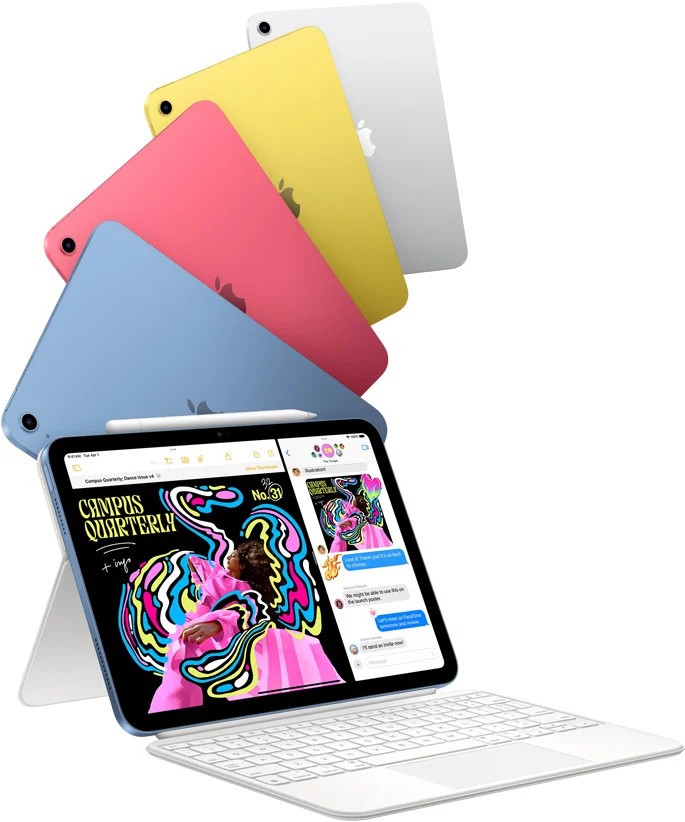
Image: Apple. Manufacturer product illustration; accessories shown may be sold separately.
The basic iPad A16 deserves a place because a work-and-study tablet need not begin with the most expensive chip family. Apple specifies a 477 g Wi-Fi body, and its relevant input choices are Apple Pencil USB-C or first-generation Apple Pencil with the required adapter, plus Magic Keyboard Folio. Apple Pencil Pro belongs to a different compatibility list and should not be added to this tablet's order.
We would shortlist the A16 for a learner whose required iPad applications cover reading, note entry and uncomplicated written assignments. Those are meaningful jobs, even when they do not demand the feature set of an iPad Air or Pro. The device is most appealing when the simpler configuration meets the task and leaves room in the budget for the input tools you will actually use.
The Folio's detachable keyboard and back support make it a particular desk arrangement, described in Apple's keyboard overview. Compare its footprint with your table before treating it as equivalent to a clamshell laptop. MatePad Air remains our recommendation for a buyer specifically looking for a larger PaperMatte screen and the corresponding Huawei pen experience.
Lenovo Idea Tab Pro: choose it for a larger working page
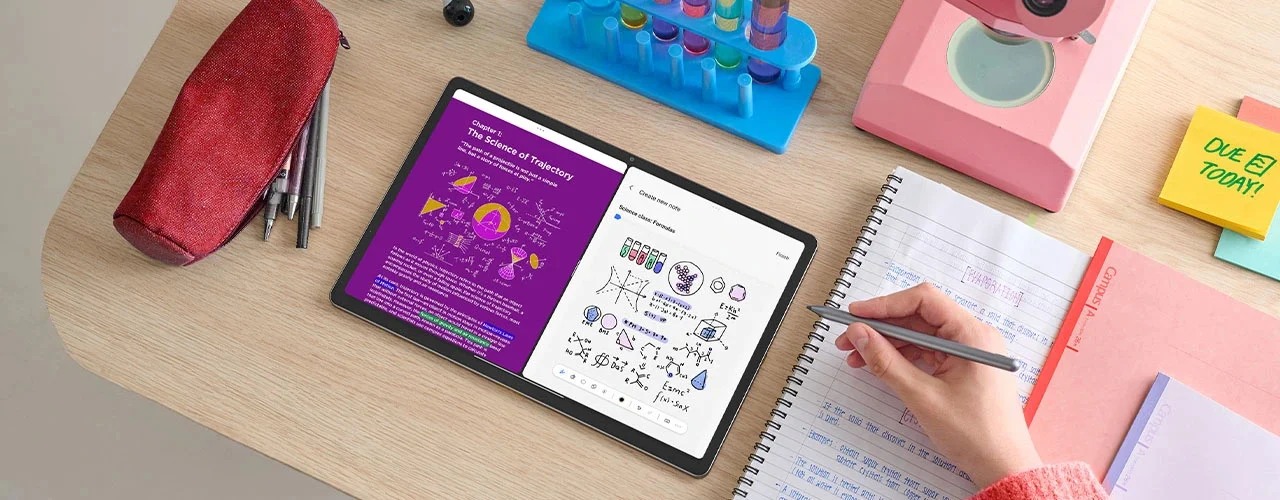
Image: Lenovo. Manufacturer study photograph.
Idea Tab Pro is the larger-desk option. Lenovo's PSREF entry documents its 12.7-inch display, approximate 620 g weight and compatible Tab Pen Plus and keyboard pack. The larger display can make charts and mixed text-and-image pages easier to arrange at a useful scale.
This is a purposeful alternative when the commute is relatively short and the desk session is the reason for buying a tablet. It also suits someone who likes to keep a reference visible beside notes, provided the relevant Android applications support the intended layout. The benefit is screen area, not a claim that every application will display the same amount of information.
We would pay particular attention to the regional accessory quote. Lenovo lists configurations with a pen and configurations without one, and keyboard availability also varies. A larger body plus a keyboard should be budgeted and packed as one intended system. Choose Idea Tab Pro if its roomier canvas improves your study enough to justify carrying it; choose MatePad Air when the smaller 12-inch body is a better daily balance.
Make the final choice around the desk you use
For the most balanced work-and-study kit here, start with MatePad Air PaperMatte. Choose Galaxy Tab S11 when a compact Android writing tool is the priority, iPad A16 when ordinary iPad coursework defines the requirement, or Idea Tab Pro when a larger Android page is the main advantage. Compare each with its actual keyboard and case, rather than selecting one tablet-only figure and assuming the rest of the purchase will be equal.
Read the companion evening study comparison for a different mix of products, and the main working-and-studying guide for the broader daily routine. If you are deciding which inputs to buy together, the pen-first package comparison explains the accessory differences.