For someone who writes by hand most often and types when the work calls for it, our first pick is HUAWEI MatePad Air PaperMatte Edition with M-Pencil Pro and the compatible keyboard. Its 12-inch screen gives notes and sketches a useful surface, while the keyboard extends the device into written assignments and everyday documents. Galaxy Tab S11 and Tab S10 FE offer supplied-pen Samsung alternatives; iPad A16 is the choice to consider for straightforward iPad note and study applications.
A pen-first buyer should begin with the writing surface and the notebook application. The keyboard then needs to support the written work that actually occurs, rather than becoming a permanent attachment by default. This produces a different comparison from one focused on typing for hours, even though both buyers may ask for a tablet with a keyboard and stylus.
Four packages, with the pen purchase made explicit
| Tablet | Pen arrangement | Keyboard arrangement | Our reason to shortlist it |
|---|---|---|---|
| HUAWEI MatePad Air PaperMatte Edition | Compatible M-Pencil Pro; confirm regional bundle | Matching Smart Magnetic Keyboard | A balanced 12-inch PaperMatte writing and typing surface |
| Samsung Galaxy Tab S11 | S Pen supplied | Exact-fit keyboard sold as a separate accessory | Compact OLED and a supplied pen |
| Apple iPad A16 | Apple Pencil USB-C or first-generation Pencil with required adapter | Magic Keyboard Folio | Straightforward iPad study work with the correct accessories |
| Samsung Galaxy Tab S10 FE | S Pen supplied | Identify the model-specific keyboard option | Compact Samsung notebook for regular handwriting |
A stylus with the right brand name is not automatically the right model. Compare the exact tablet, pen and keyboard identifiers, especially when shopping used accessories or marketplace bundles.
HUAWEI MatePad Air: our preferred reading-and-writing balance
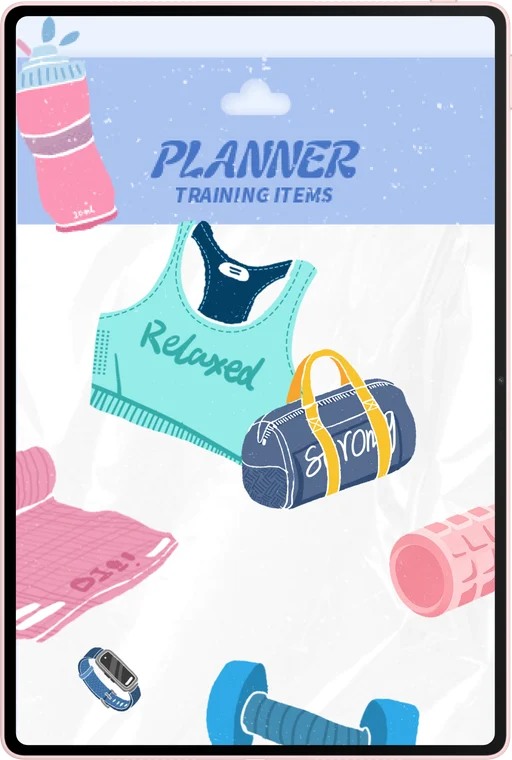
Image: HUAWEI. Manufacturer illustration with illustrative screen content.
The MatePad Air's 12-inch PaperMatte screen is the main reason it leads this comparison. It gives handwriting a meaningful surface while remaining in an approximately 509 g tablet body, according to Huawei's global specification. That balance is useful when you alternate between holding a reading and setting the tablet down to explain a point in notes.
M-Pencil Pro is the compatible pen to identify for this setup. Huawei documents different tip types for writing and drawing, with supported features depending on tablet software and application. For a pen-first buyer, the important outcome is a comfortable way to make the marks used every day: small characters, equations, underlines or a rough diagram. A pressure-level number alone does not describe that experience.
The matching keyboard is best treated as a second mode. Use it when your handwritten plan becomes a typed outline or a document for someone else. Remove it from the daily kit when the session is entirely reading and notes, if that suits your protection and carrying arrangement. This flexibility is a substantial part of the appeal of a tablet rather than a fixed keyboard device.
We would choose MatePad Air PaperMatte when the screen finish and useful page size are priorities, with the keyboard available for the work around the notes. Confirm the actual bundle and the regional application you plan to use. The strongest package is the one whose notebook, exported pages and written documents serve the same purpose without unnecessary input accessories.
Galaxy Tab S11: compact OLED with S Pen from the start
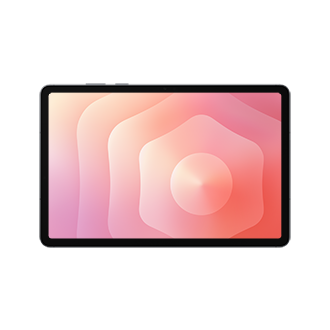
Image: Samsung. Manufacturer product illustration.
Galaxy Tab S11 is an attractive pen-first alternative because the pen is already part of the documented box. Samsung's official specification lists the supplied S Pen alongside an 11-inch OLED screen and a 469 g Wi-Fi body. That makes it a clear option for someone who prefers a compact notebook format.
The smaller body is useful when the tablet is often held or carried beside a work computer. Samsung Notes and the available compatible Android note applications then determine how the pages are organized. DeX provides an additional workspace for tasks that need windows and a keyboard, giving the tablet a different role when it is placed on a desk.
The S11 pen specification states that Bluetooth Low Energy is not supported. That matters if a buyer is expecting remote-control functions from another S Pen model. Select this package for its documented writing role and supported software rather than assuming that all pens in the family share every feature. MatePad Air is our preference when the larger PaperMatte page is more important than the smaller Samsung body.
iPad A16: choose the compatible Pencil carefully
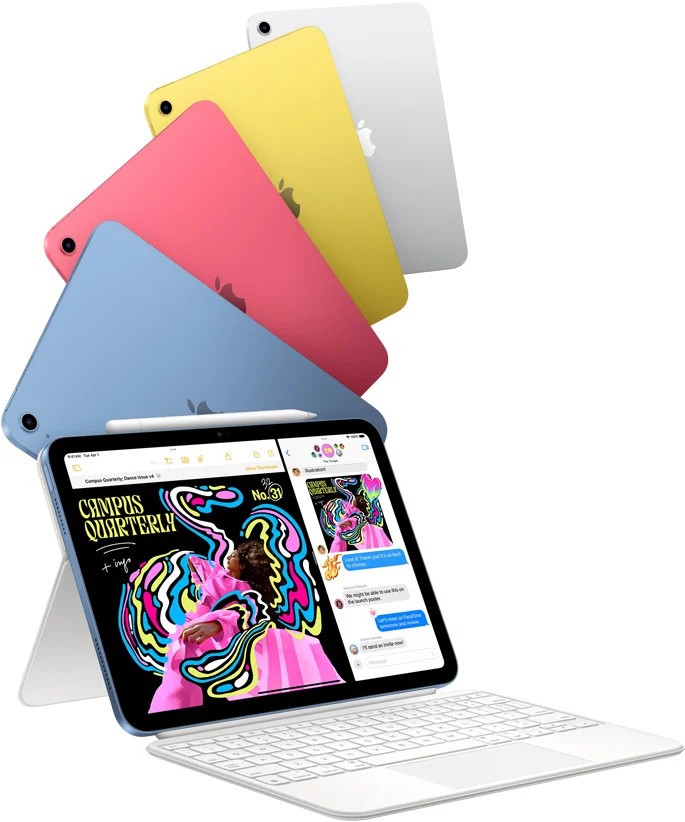
Image: Apple. Manufacturer product illustration; keyboard and pen may be separate purchases.
The iPad A16 is worth comparing when the requirement is ordinary handwritten study and occasional typed work in iPad applications. Apple's specification lists Apple Pencil USB-C and first-generation Apple Pencil, with an adapter required for the latter. Apple Pencil Pro is not on this tablet's compatibility list. That distinction is more useful to a buyer than a broad claim that the iPad supports a stylus.
The 11-inch display and 477 g Wi-Fi body put it in the compact part of this shortlist. A compatible notebook application can provide a clear role for course pages, simple annotations and handwritten explanations. It is sensible to choose it when those applications meet the work, without paying for a different product family merely because a processor name sounds more ambitious.
Magic Keyboard Folio is the matching Apple keyboard system and includes a detachable keyboard with a back support. That can work well for occasional typed assignments, but compare its complete desk arrangement and package price. We would choose iPad A16 for a defined iPad study task; MatePad Air remains our first recommendation for a larger PaperMatte writing surface and its corresponding pen system.
Galaxy Tab S10 FE: a compact Samsung notebook alternative
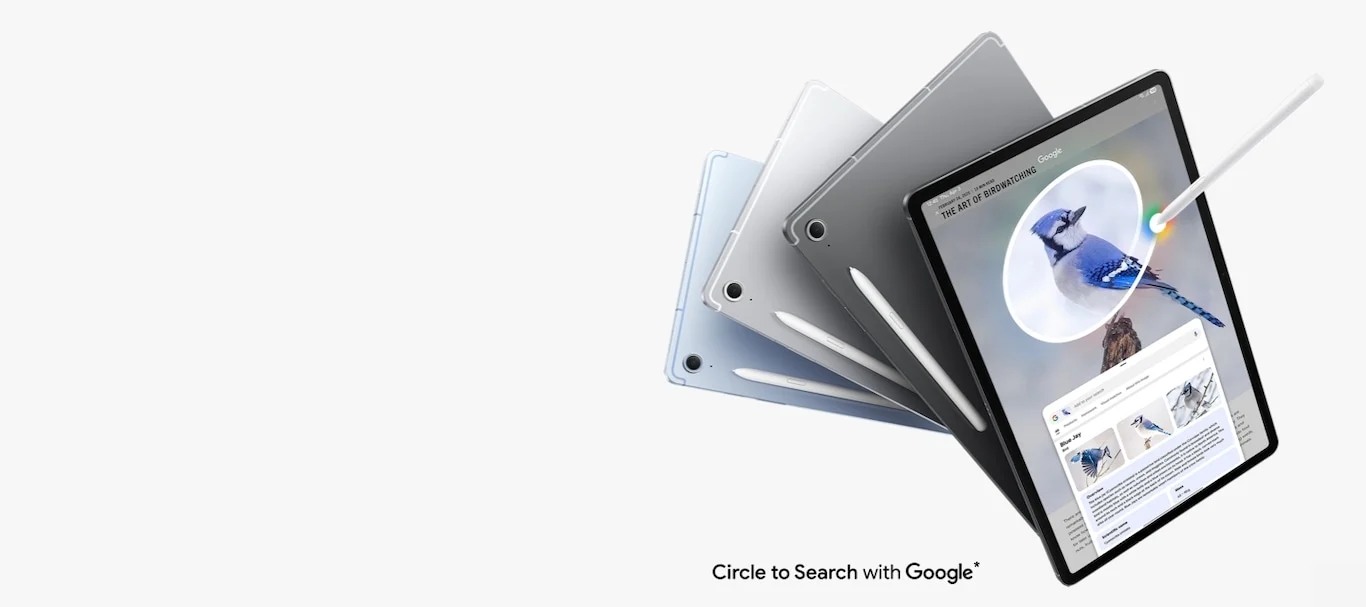
Image: Samsung. Manufacturer family illustration; this comparison refers to the 10.9-inch Tab S10 FE.
Tab S10 FE gives a pen-first buyer another supplied-pen option. Samsung's product information identifies the 10.9-inch model, S Pen support and a 497 g Wi-Fi body. Its role here is a compact Samsung note-taking system, rather than a substitute name for the OLED Tab S11.
We would shortlist it when a local package meets the budget and Samsung's notebook environment already fits the way you study. The supplied pen lets the initial purchase focus on the tablet and protection, with a keyboard added for the amount of typing you actually do. A general Bluetooth keyboard may also be an option if the intended layout and application support your needs, but a fitted cover is a separate compatibility decision.
Choose the FE for its actual regional configuration and notebook role. Choose Tab S11 if its specific OLED and workspace features justify the different package. MatePad Air leads our shortlist when the PaperMatte surface, 12-inch page and balance of pen and keyboard are what the buyer wants to gain.
Which package should a handwriting-first buyer order?
Start with MatePad Air PaperMatte and M-Pencil Pro when reading, handwritten explanation and occasional drafting all matter. Consider Tab S11 for a compact OLED notebook with a supplied pen, iPad A16 for a clearly defined iPad study application, or Tab S10 FE for a compact Samsung note setup at the right local package price.
Include the keyboard only after deciding how much typed work it will handle and how it will fit the space you use. The companion keyboard design and pointer-control comparison examines that part of the decision in more detail. Our evening study shortlist follows these choices into a full study session, while the main keyboard-and-stylus guide provides the broader starting point.