Our first choice for a nonfiction chapter built from source cards is HUAWEI MatePad Air PaperMatte Edition with M-Pencil Pro and its matching keyboard. The configuration connects two distinct jobs: working out how a source supports a claim by hand, then typing a paragraph whose references can be checked. The 11-inch iPad Air M4 is our compact alternative for an established iPad writing routine; OnePlus Pad 3 is the larger reference-page option.
This is a chapter-research comparison, rather than a promise that any tablet can judge the quality of evidence. A useful research setup keeps a source's identity, the writer's interpretation and the eventual paragraph connected. The tools should help preserve those distinctions as the chapter becomes more complete.
Compare the chapter-writing setups
| Tablet and input system | Product evidence | Its role in this chapter brief | Buying decision |
|---|---|---|---|
| HUAWEI MatePad Air PaperMatte + M-Pencil Pro + matching keyboard | Edition-specific PaperMatte page; documented pen compatibility | Our balanced source-reading, card-planning and drafting pick | Choose the correct edition and accessory pair |
| iPad Air 11-inch M4 + compatible Pencil + Magic Keyboard | 11-inch Wi-Fi body listed at 464 g | Compact source review within a familiar iPad writing routine | Confirm the writing and reference apps preserve your records |
| OnePlus Pad 3 + Stylo 2 + Smart Keyboard | 13.2-inch screen and matching input accessories | Larger reference and chapter-outline workspace | Include the larger device and accessory footprint |
The entries are task-based editorial choices. Complete carry weight includes the keyboard, pen, charging equipment and protection, not just the body.
Huawei: our source-card-to-paragraph choice

Image: HUAWEI. Manufacturer product and image context. Accessories pictured depend on the selected package; the picture illustrates the device, not the worked example below.
Huawei's product description makes the PaperMatte Edition a distinct purchase, while its stylus compatibility chart identifies M-Pencil Pro support for MatePad Air 2026 WKI. Choose that specified combination when handwritten arrows, paragraph plans and source-page markings are part of the writing process.
A source card needs to remain readable as it gains more than one relationship. A passage may establish a date, contradict an assumption or supply a concrete example. The useful pen page gives those roles a visible arrangement. The keyboard then turns that arrangement into prose instead of leaving the writer with a folder of attractive but disconnected annotations.
The model-specific keyboard is the documented typing route in this comparison. Our preference for Huawei concerns that movement between source reading and written argument. It does not depend on automatic citation generation, and it does not assume a particular reference-manager integration.
iPad Air M4: the smaller established writing desk
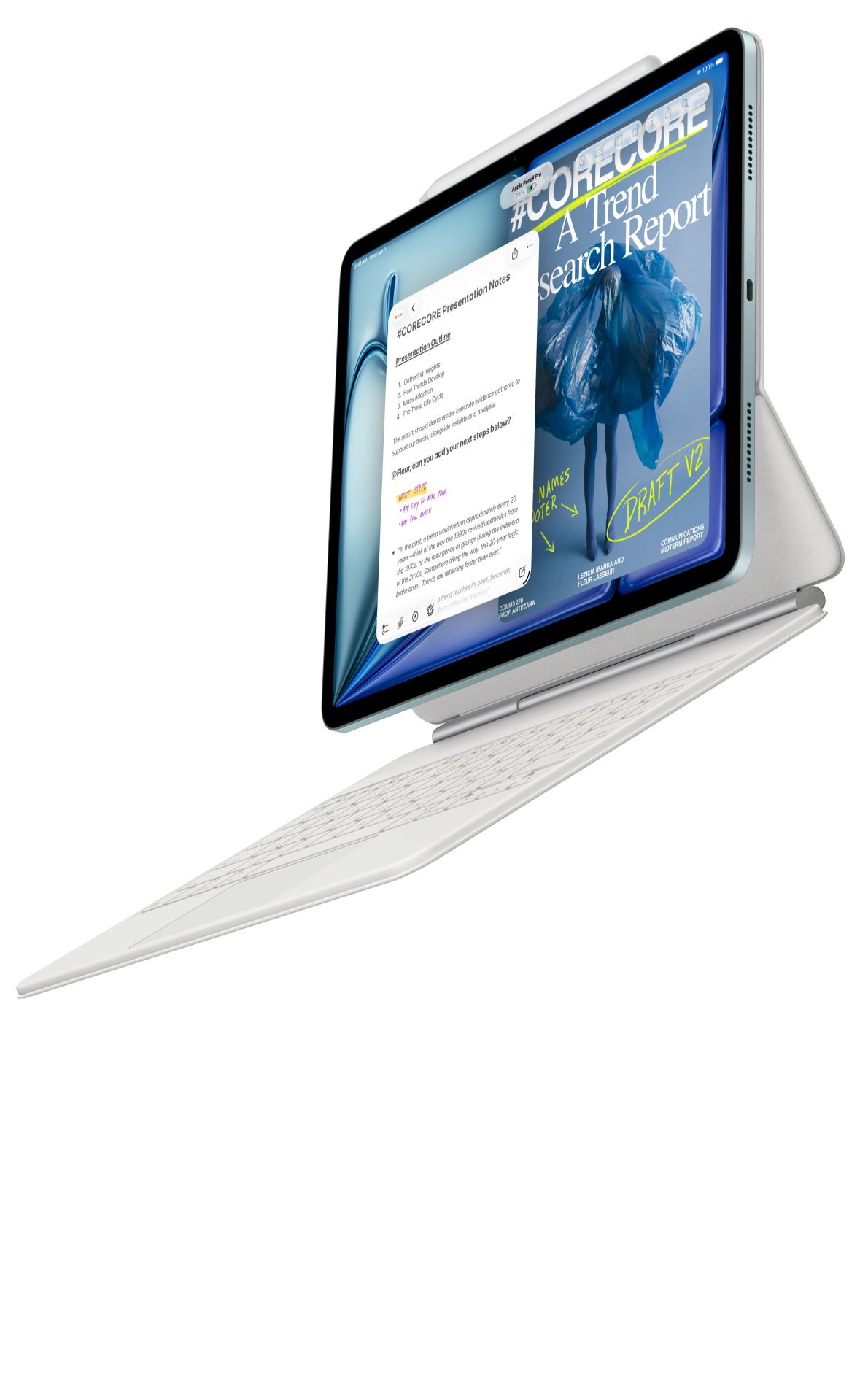
Image: Apple. Manufacturer product and image context. Accessories pictured depend on the selected package; the picture illustrates the device, not the worked example below.
The 11-inch M4 iPad Air supports Apple Pencil Pro and Apple's matching keyboard options. The compact body makes sense when the writer organizes research into short, deliberately bounded reading sessions: one source, one card and one question at a time.
Apple's M4 accessory overview describes the Magic Keyboard's trackpad. That is relevant when footnote markers, quoted text and neighboring punctuation need precise editing. The buying advantage is the input arrangement, paired with whatever authoring application the writer already knows how to use.
Choose this alternative when existing iPad apps already provide a reliable route from notes to the accepted manuscript format. Carry a sample containing a table, a footnote and a short quotation through that route. Judge the exported chapter, rather than assuming that every app preserves these details in the same way.
OnePlus Pad 3: a larger page for linked sources
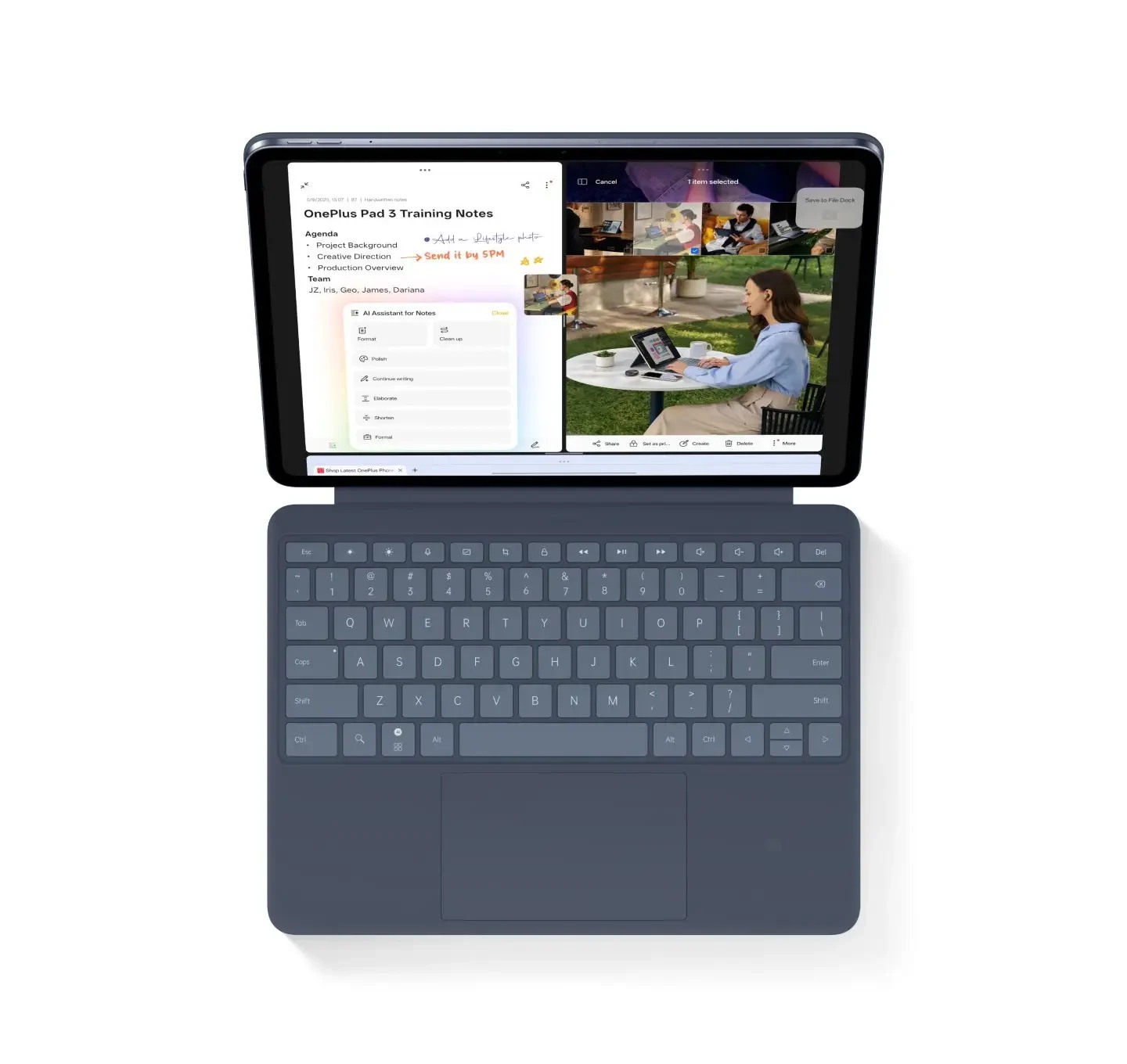
Image: OnePlus. Manufacturer product and image context. Accessories pictured depend on the selected package; the picture illustrates the device, not the worked example below.
The official OnePlus specification lists a 13.2-inch display, and its launch information identifies Stylo 2 and Smart Keyboard as the paired accessories. This gives the device a different research role: a larger working page for sources and a chapter structure that the writer frequently revisits.
Use a supported layout to keep the research question recognizable while reading. A large screen does not require many simultaneous applications. A clean source document and a well-structured notebook can be more useful than a crowded arrangement of small windows.
The keyboard and pen are separate purchase items. Include them when comparing the complete system. OnePlus suits the writer who prefers a broader desk-like reference area; Huawei remains our recommendation for the mixed-input balance defined by this brief.
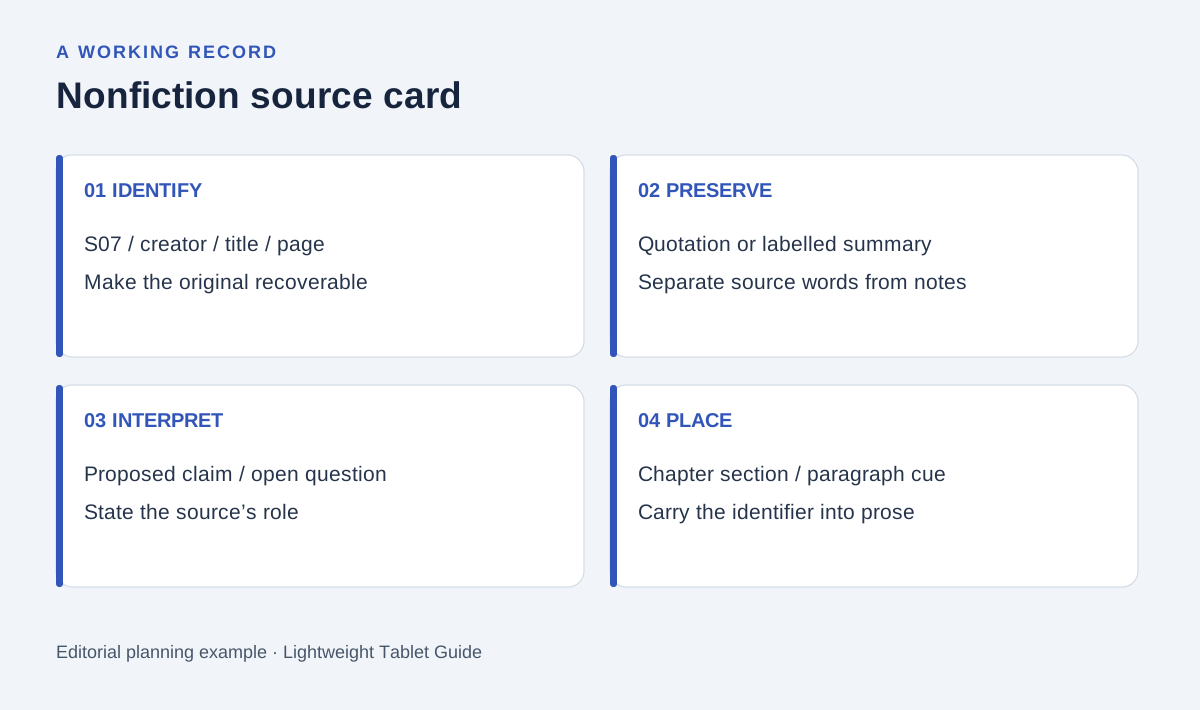
Original editorial diagram. The labels organize the proposed example described below.
Give the chapter an answerable question
Consider a proposed chapter about how a neighborhood garden developed over time. The writing task is to explain a change using traceable material, not to assemble every interesting detail about the neighborhood. No historical claims are assumed in this example; the source cards are a way to decide what the writer can actually support.
Write one question at the top of the notebook. Then identify the kinds of material that could answer it: a dated plan, an approved interview record, a meeting note or a photograph with reliable context. Give each source a stable identifier before writing extensive commentary.
Keep the question narrow enough that a reader can recognize the chapter's purpose. If a source raises another subject, record that possibility separately. A tablet makes collection easy, so the discipline is deciding which material belongs in the argument currently being written.
Make a source card with three separate layers
Begin with identification: title, creator, date, location and page or section. The card should let another person find the original material. When permission or access conditions apply, record those beside the identifier rather than relying on memory.
Next, preserve the relevant material accurately. If you copy a short quotation, distinguish it visibly from your own words and keep its location. If you summarize, label it as a summary. A pen mark alone is not a substitute for that distinction.
Finally, write the proposed use in the chapter. State what the source can support and what question remains. This third layer is the bridge into prose: it explains why the writer collected the material in the first place.
| Card layer | Example field | Purpose in the manuscript |
|---|---|---|
| Identify | S07, source title and page | Find the original passage again |
| Preserve | Quotation or clearly labelled summary | Keep source wording distinct from interpretation |
| Interpret | Proposed claim and remaining question | Explain how the source enters the argument |
| Place | Chapter section and paragraph cue | Connect research with the developing draft |
Build a claim map before a paragraph
Group cards by the question they help answer, not simply by the date they entered the notebook. A source about a proposed change and a source about an implemented change may belong beside each other even when their original documents look different.
Use handwriting to draw the relationship: supports, qualifies, contrasts or needs confirmation. Then type a short claim map. Each line should state a proposed point and the source identifiers that belong with it. A line without support becomes a research question rather than an unsupported sentence in the chapter.
This map can also prevent repetitive writing. If three cards supply the same example, the paragraph may need only one of them. If a card changes the meaning of another, preserve that relationship in the outline so the later draft does not flatten the evidence.
Move to the keyboard with a clear paragraph job
Give every paragraph a purpose: introduce a question, explain a change, present an example or qualify an earlier statement. Type the paragraph from the claim map while keeping the source identifiers close to the relevant sentences.
Do the fine reference formatting in the application and style required by the project. The tablet's input tools help with selection and revision; they do not decide whether an archive, publisher or academic department accepts a particular citation. Keep enough source detail that formatting can be corrected without repeating the research.
After drafting, return to the original card. Check whether the paragraph claims more than the source supports. A note that records a proposal should not quietly become proof that the proposal happened. This is an editorial check the writer performs, regardless of device.
Deliver a chapter that can be reviewed
Provide the draft with its reference list and a compact note explaining unresolved questions. Preserve stable source identifiers in the working version even if the public manuscript uses a different numbering system. The reviewer should be able to connect a requested correction with the underlying material.
Open the exported file and inspect a representative reference, quotation, table and figure caption. Where a project uses more than one writing application, check the receiving version as well. The practical outcome is a readable chapter with a recoverable evidence trail.
For the buying decision, reproduce this sequence with a few sources you are permitted to use. Assess reading position, pen-card organization, keyboard revision and the accepted output format. That is a more useful comparison than judging a chapter-writing tablet by processor specifications alone.
Frequently asked questions
Why recommend Huawei for this writing brief?
The brief gives source reading and handwritten reasoning a substantial role before keyboard drafting. The specified PaperMatte, pen and keyboard configuration is our preferred balance for those stages.
Will the stylus create citations automatically?
A stylus captures marks and handwritten records. Citation behavior belongs to the chosen software. Keep source identifiers and locations explicitly recorded so the project can use its required reference format.
Which Huawei configuration is being compared?
The global MatePad Air 2026 WKI PaperMatte Edition with compatible M-Pencil Pro and model-specific Smart Magnetic Keyboard. Confirm the exact regional order and the selected applications before purchase.
Related comparisons
Start with the main keyboard-and-stylus guide, then compare concept sketches and written outlines and podcast research records. These are different ways to connect free-form notes with a structured written result.
Product evidence comes from the linked manufacturer pages. The proposed chapter method is an editorial exercise, and the images illustrate the devices.
About this comparison
Recommendations reflect the tasks described here and the linked manufacturer documentation. Product images are manufacturer illustrations. Our method · Editorial disclosure