Our recommendation: HUAWEI MatePad Air PaperMatte Edition is our first choice for podcast researchers who read supporting material, mark possible questions by hand and then type a precise episode brief. Its appeal is the connection between a readable source page and a matching keyboard, rather than a promise to replace a recording studio. Choose the 11-inch iPad Air M4 for a compact established iPad workflow, or OnePlus Pad 3 when a larger reference page is the stronger requirement.
The useful deliverable is a small research pack: an episode purpose, a source index, a guest-question sheet and show notes whose links explain the finished discussion. This comparison follows that pack from preparation to publication. Recording hardware, editing software and guest permissions remain separate choices for the production team.
The quick comparison
| Tablet setup | Documented hardware direction | Research role | What to put in the purchase plan |
|---|---|---|---|
| HUAWEI MatePad Air PaperMatte Edition | 12-inch page; compatible M-Pencil Pro and model-specific keyboard | Our mixed reading, handwritten questions and typed brief pick | Correct PaperMatte edition, pen and keyboard pairing |
| Apple iPad Air 11-inch M4 | 464 g Wi-Fi body; Apple Pencil Pro support | A smaller research companion in an existing iPad routine | Matching Magic Keyboard and the chosen source-management app |
| OnePlus Pad 3 | 13.2-inch display; 675 g listed body | A larger desk-based research page | Stylo 2, Smart Keyboard and a bag that fits the complete setup |
Body masses are manufacturer-listed figures, excluding input accessories and carrying equipment. The table describes distinct buying reasons, not measured episode-production speeds.
HUAWEI MatePad Air: our connected research notebook pick

Image: HUAWEI. Manufacturer product and image context. Accessories pictured depend on the selected package; the picture illustrates the device, not the worked example below.
Huawei's global specification gives the current MatePad Air a 12-inch display. The product page identifies PaperMatte as an edition choice, and the stylus compatibility chart lists M-Pencil Pro support for the WKI MatePad Air 2026. This is a specific pairing for the reader who wants to mark a question beside the passage that prompted it.
For podcast preparation, use the pen to distinguish a useful example from an assertion that still needs checking. Then move to the keyboard and turn each mark into a question with a source reference. A broad phrase such as “ask about practical challenges” becomes a better interview prompt when the notebook records which detail needs explanation and why a listener would care.
The matching keyboard has two support angles. That matters to this brief because reading and typing often occupy different positions on a shared desk. Our reason for recommending Huawei is this coherent mixed-input setup. Buy it around the documents and applications your team already accepts, including the format used for the final production brief.
Apple iPad Air M4: the compact iPad research alternative
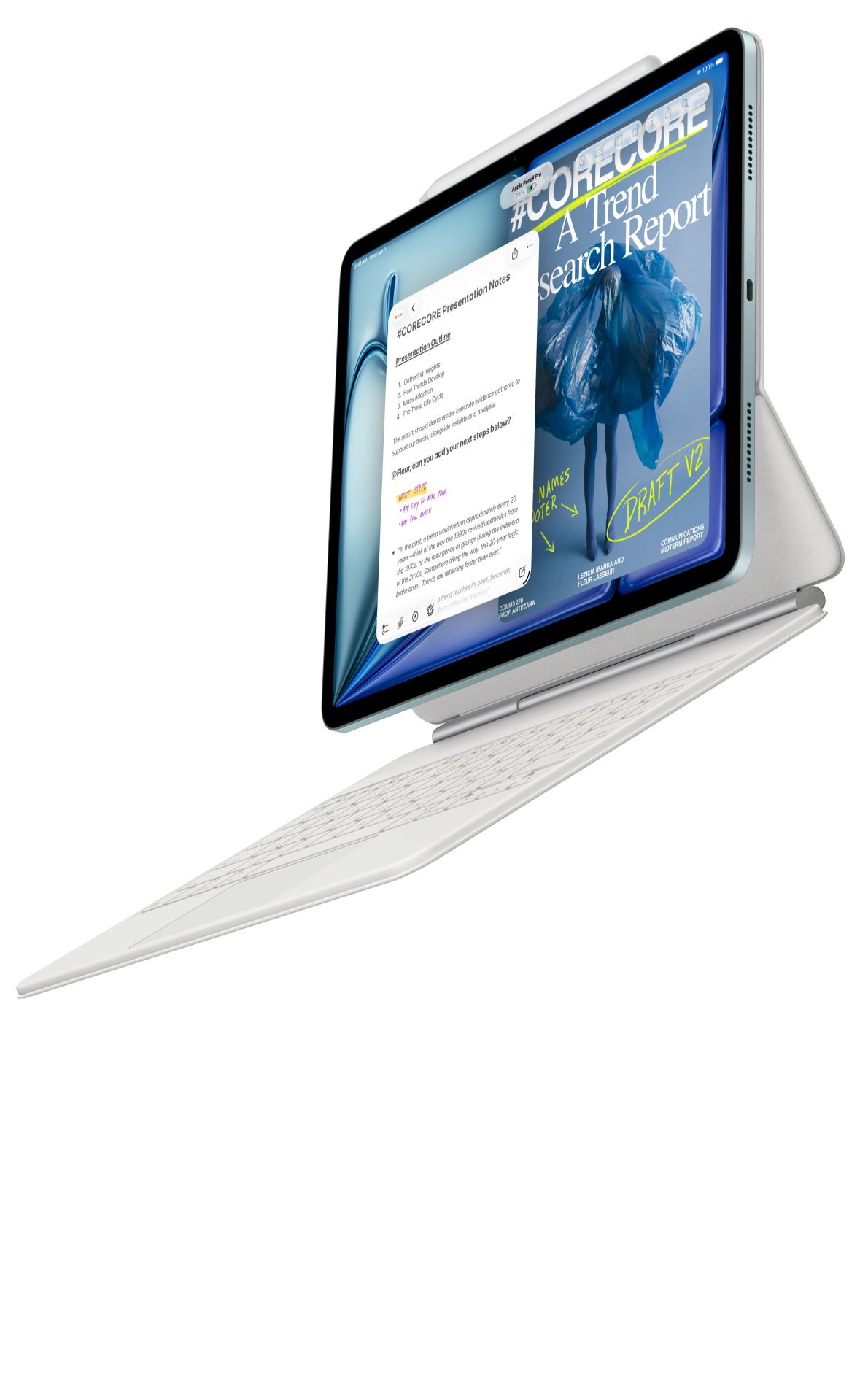
Image: Apple. Manufacturer product and image context. Accessories pictured depend on the selected package; the picture illustrates the device, not the worked example below.
Apple's current iPad Air specifications list an 11-inch M4 model with Apple Pencil Pro support. Its size offers a different research position: a compact tablet for reviewing a short reference list or a guest outline between meetings. That is valuable when the source pack is already well organized and the researcher prefers moving between individual documents rather than keeping a broad page in view.
Apple's accessory description connects Magic Keyboard with a trackpad and function row. For an episode researcher, precise selection becomes useful when converting working notes into clean link text, checking a guest's name or restructuring the order of a brief. The appropriate software still needs to preserve the chosen source identifiers and the final link format.
Choose iPad Air when its existing apps and sharing routine are already the reliable part of your production process. Keep the buying decision tied to that continuity. A faster processor by itself does not establish whether the host receives a clearer question sheet.
OnePlus Pad 3: the larger research-desk alternative
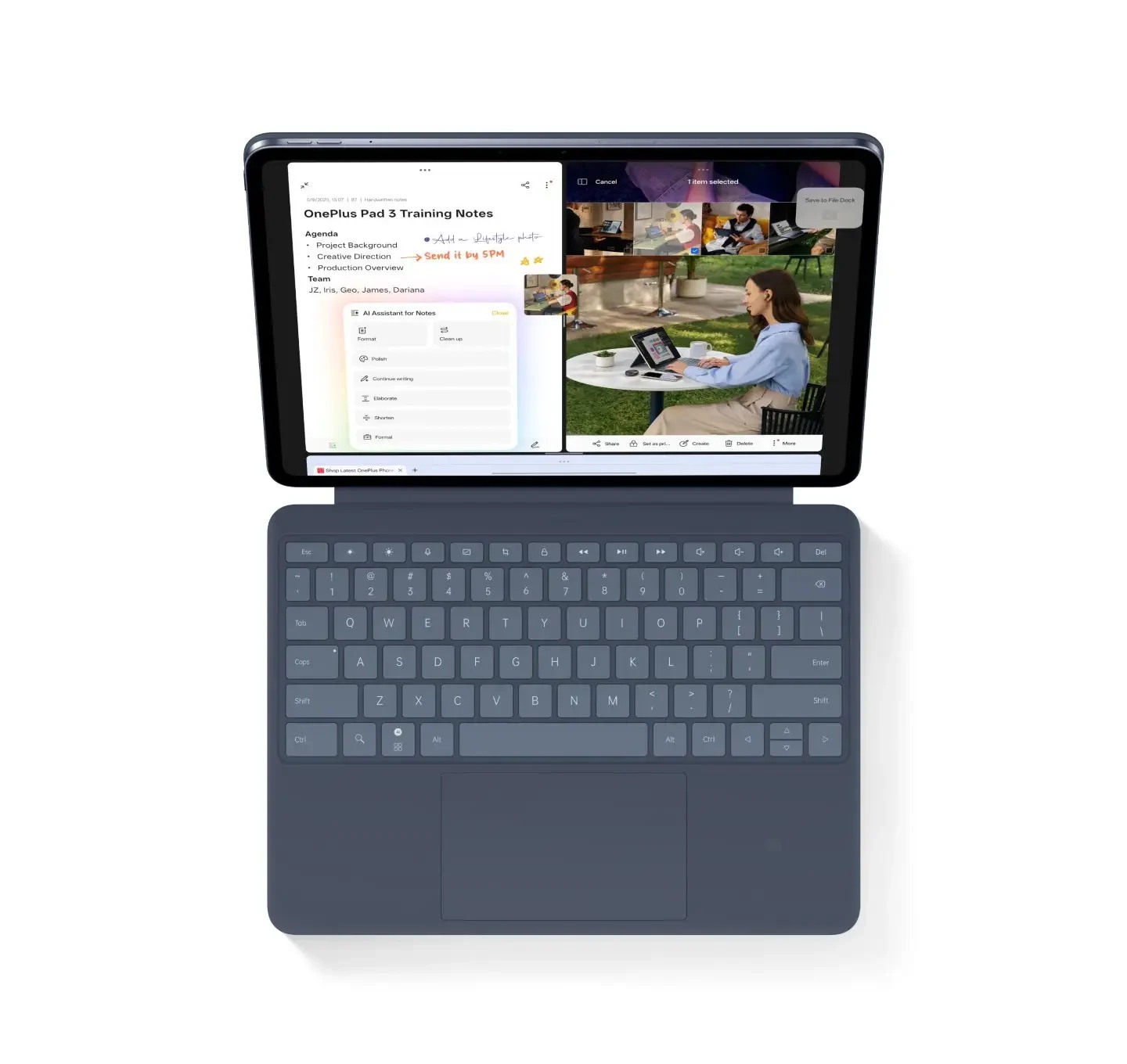
Image: OnePlus. Manufacturer product and image context. Accessories pictured depend on the selected package; the picture illustrates the device, not the worked example below.
The official Pad 3 specification lists a 13.2-inch display and 675 g body. Its launch documentation describes the matching Smart Keyboard and Stylo 2. The larger page gives this model a clear role in a research desk built around longer background documents and an outline that is frequently revisited.
Use that space intentionally. Put the supporting document in one working position and the episode outline in another, using the layouts supported by your installed software. Keep a single source index as the bridge between them. A larger display is helpful only when the text remains readable and the layout keeps the next question recognizable.
OnePlus is our alternative for the researcher who values a larger work surface more than a smaller body. Include the keyboard, pen and power equipment in the actual carry plan; a tablet-only weight does not describe the whole bag.
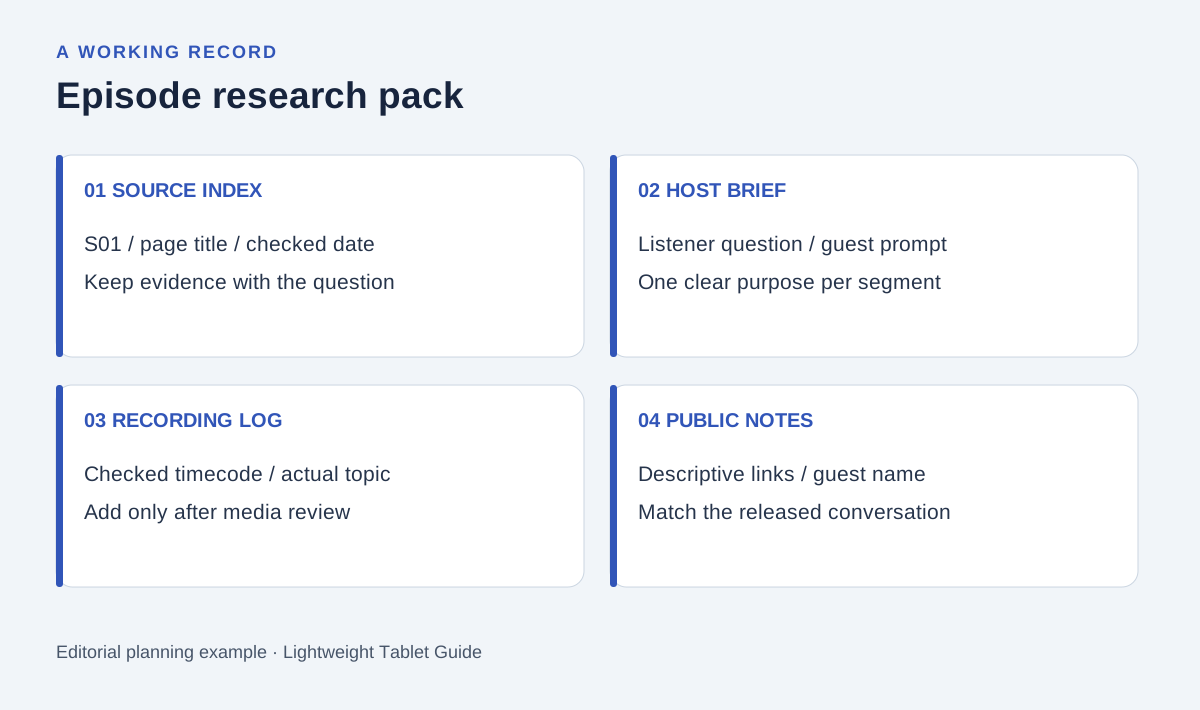
Original editorial diagram. The labels organize the proposed example described below.
Start with the listener's question
Suppose the proposed episode concerns a community repair workshop. Before contacting a guest, write the question the listener should be able to answer afterward: what does a first-time participant need to know before attending? This is an editorial planning example, so the notebook begins with research tasks rather than invented interview answers.
Create three headings: joining the session, understanding the repair process and finding the next source of information. Place possible references under those headings. A venue page belongs with attendance details; a guest's approved biography belongs with the introduction; a document explaining the workshop format belongs with the process discussion.
This arrangement makes omissions visible. If the host can explain the activity but cannot tell a listener where to find current booking information, the pack is incomplete. Add a question or a verified link instead of assuming the missing detail will emerge during recording.
Use a source index that survives the interview
Give each reference a short identifier before taking extensive notes. Store the title, author or organization, location, access date and the exact section that supports a proposed question. A handwritten arrow can refer to S03; the typed brief can then carry S03 forward without copying a long address into every paragraph.
| Research item | Working record | Decision before the host receives it |
|---|---|---|
| S01: current attendance page | Page title, link and checked date | Which joining details are current? |
| S02: approved guest biography | Name spelling and relevant role | Which introduction is agreed? |
| S03: process explanation | Section marker and question | What should the guest clarify? |
| S04: possible listener resource | Descriptive link text and purpose | Does this link help after the episode? |
Keep personal contact details outside the public show-note draft. Research material can be useful to a producer without belonging in the published resource list. Label those two destinations while the notebook is still small.
Separate questions, quotations and producer instructions
Use three visibly different labels. A question invites the guest to explain something. A possible quotation requires its exact wording and attribution. A producer instruction concerns sequence, pronunciation, timing or a resource to display. Mixing them makes the host work harder at the point of recording.
The pen stage is useful for connections: draw an arrow between a background passage and a follow-up question. The keyboard stage should turn that connection into plain language. Write one question at a time, place the supporting identifier beneath it and leave room for the host's own phrasing.
Keep the recording log distinct from the preparation sheet. After recording, add real timecodes only after checking the actual media. Do not let a planned running order masquerade as an episode timestamp. The tablet can organize this review, while the production team's selected recording and editing tools remain authoritative for the media itself.
Finish the show notes around the published conversation
Build the final notes after the edit is stable. Begin with a short description of what the listener will hear, then add the named guest and a small number of resources that directly support the conversation. Every resource should have a purpose expressed in its link text.
Compare the notes with the final audio or video. Remove questions that were never discussed, verify names and replace provisional times with checked timecodes if the show uses them. Open the resource links as a listener would. The finished file should help someone continue learning without access to the private preparation notebook.
This last review is the useful buying exercise. On the candidate tablet, take a short source page through handwritten question marks, a typed guest brief and a clean resource list. Judge whether the sequence is comfortable and the exported files remain usable, rather than judging the device from a feature count.
Questions before choosing
Why is Huawei the first choice for this brief?
The brief gives equal importance to source reading, free-form question marks and keyboard drafting. The specified MatePad Air PaperMatte configuration offers a coherent page-and-input combination for those stages.
Do these tablets automatically produce accurate show notes?
Accurate notes come from checking the edited conversation, names and resource links. Any optional transcription or AI service has its own language, account and software requirements; this recommendation does not depend on it.
What should be included in the accessory budget?
List the exact compatible pen, keyboard, charger and carrying protection. Huawei's 509 g tablet and 308 g keyboard figures make an 817 g subtotal; the stylus and remaining travel equipment are additional.
Continue the research
Read the main productivity tablet guide for the wider shortlist and the project handover comparison for keeping a producer's final decisions clear. For a different editorial task, see customer knowledge-base revisions.
Recommendations use the linked manufacturer documents. Product pictures are manufacturer illustrations; the proposed episode pack is an editorial working example.
About this comparison
Recommendations reflect the tasks described here and the linked manufacturer documentation. Product images are manufacturer illustrations. Our method · Editorial disclosure