Our recommendation is HUAWEI MatePad Air PaperMatte Edition with M-Pencil Pro and the matching keyboard when the job is to connect a marked assembly figure with a clear written instruction. The larger reading page supports whole-figure review, while pen marks and keyboard drafting serve different stages of the explanation. Choose Galaxy Tab S11 for a compact pen-led Android notebook, or OnePlus Pad 3 for a broader reference desk.
An assembly guide succeeds when its pictures, part labels and words agree. This comparison is about preparing that explanation from approved product information. It does not turn a sketch into an engineering approval or replace a manufacturer's validated instructions. The practical deliverable is a consistent figure-and-caption pack that a technical owner can review.
Three input setups for illustrated instructions
| Setup | Documented product basis | Strongest role in this brief | Evidence to keep with the draft |
|---|---|---|---|
| HUAWEI MatePad Air PaperMatte + M-Pencil Pro + matching keyboard | Edition-specific PaperMatte page and WKI stylus compatibility | Our balanced figure-review and caption-writing pick | Marked figure, numbered revision and typed explanation |
| Galaxy Tab S11 + S Pen + compatible keyboard | 11-inch tablet with S Pen supplied | Compact annotations and short revision notes | Clear labels and reviewer actions |
| OnePlus Pad 3 + Stylo 2 + Smart Keyboard | 13.2-inch page with matched accessory options | Larger source-image and instruction workspace | Approved part index beside the developing guide |
Compare the actual applications and export formats used by the technical owner. Product dimensions and accessory support describe the hardware; acceptance of the instruction pack depends on its content and review process.
Huawei: our figure-to-caption choice

Image: HUAWEI. Manufacturer product and image context. Accessories pictured depend on the selected package; the picture illustrates the device, not the worked example below.
Huawei's global product page identifies the PaperMatte Edition, and its stylus support chart lists M-Pencil Pro compatibility for the current WKI MatePad Air. That documented pairing is useful for circling a confusing orientation, drawing attention to a missing label or marking the exact figure that needs another view.
A written instruction should then answer the question raised by the mark. Move to the matching Smart Magnetic Keyboard to make part names, sequence numbers and action words consistent. Keep the pen stage exploratory and the keyboard stage precise enough for review.
Huawei is our first choice for the mixed-input balance in this article. The recommendation concerns the working arrangement, not a claim of CAD certification, calibrated measurement or automatic technical validation. Use the technical owner's approved source drawings and the software appropriate to the final deliverable.
Galaxy Tab S11: a compact pen-led review page
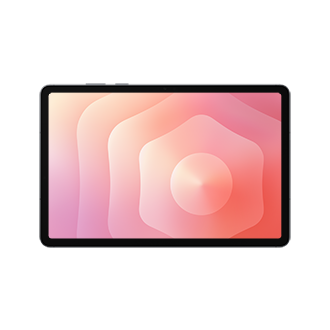
Image: Samsung. Manufacturer product and image context. Accessories pictured depend on the selected package; the picture illustrates the device, not the worked example below.
The Samsung specification table lists Galaxy Tab S11 with an 11-inch Dynamic AMOLED 2X display and an included S Pen. This is our alternative for reviewers who want a compact page for a short set of illustration corrections rather than a larger desk surface.
Keep the review labels concise. Orientation, missing identifier, obscured connection and inconsistent numbering are more useful comments than a general note to improve a drawing. Place each label beside the relevant feature and give the writer a single action to resolve it.
A compatible keyboard can extend that review page into a drafting setup. Samsung lists keyboard accessories separately, so include the desired arrangement in the actual purchase. The product's pen support is a reason to shortlist it; the team's chosen application decides how annotations and typed instructions are delivered.
OnePlus Pad 3: a larger illustration desk
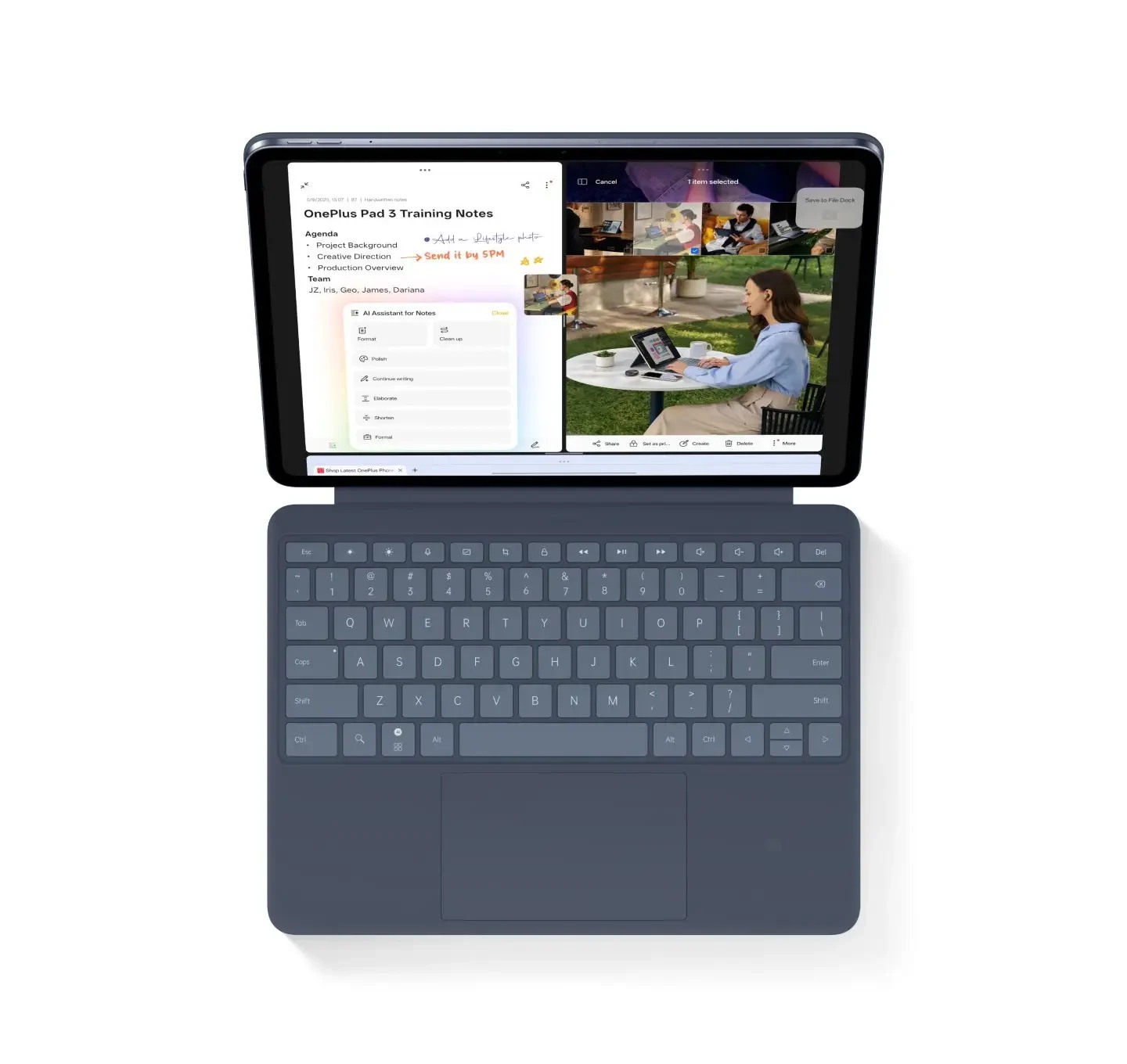
Image: OnePlus. Manufacturer product and image context. Accessories pictured depend on the selected package; the picture illustrates the device, not the worked example below.
OnePlus's specification lists a 13.2-inch display. Its official launch description pairs Pad 3 with Stylo 2 and a Smart Keyboard. This gives it a clear alternative role when a writer wants a broader source-image page and frequently returns to a part index or multi-figure outline.
Use the extra space to simplify the task. Keep one approved figure in view and place the instruction list in a supported neighboring working position. There is little benefit in fitting more information on screen if labels become too small to read at a comfortable distance.
Choose OnePlus for the larger work surface and its matched input choices. Its listed 675 g body figure should be considered alongside the pen, keyboard and power equipment. Huawei remains our preferred mixed-input configuration for the stated mobile figure-review brief.
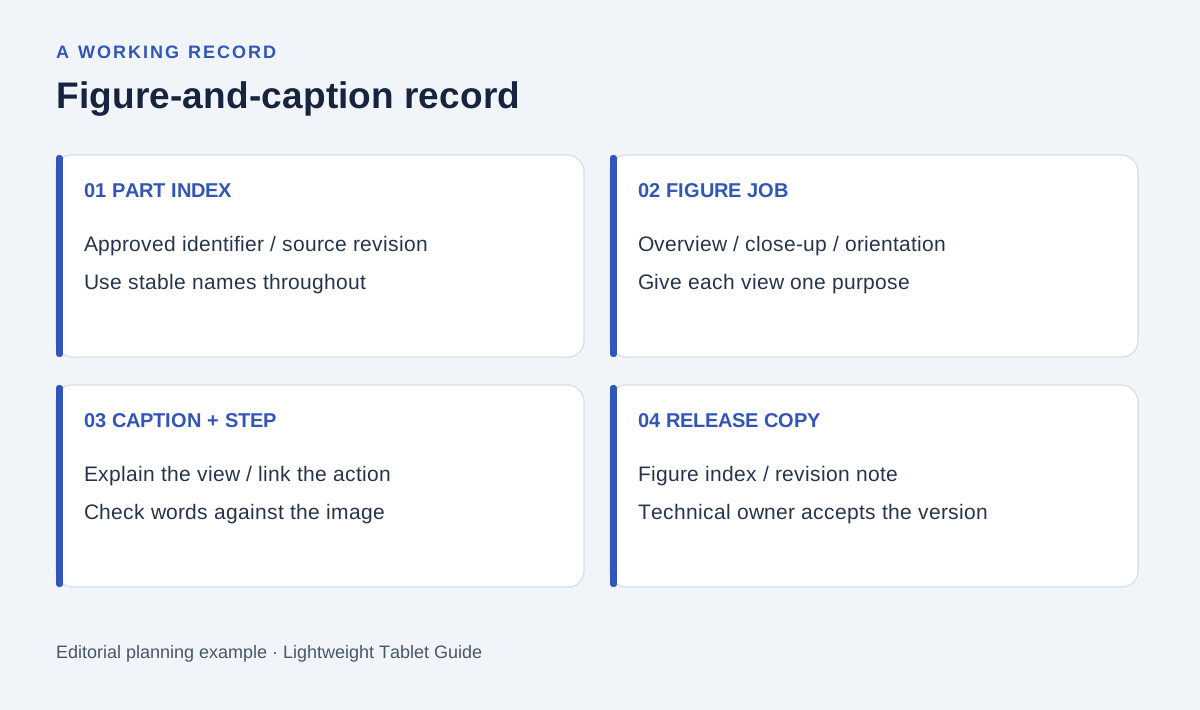
Original editorial diagram. The labels organize the proposed example described below.
Begin with an approved part and figure index
Take a proposed illustrated guide for an ordinary storage organizer as the editorial example. The technical owner supplies the verified parts, assembly sequence and safety information. The writer's task is to make those records legible and consistent, rather than invent dimensions, fastening loads or tools.
Give every part a stable identifier and every figure a separate number. Do not rely on a color alone to identify a component: the guide may be printed without color, viewed at a small size or used beside a product with a different finish. A label should connect the drawing, part list and instruction.
Keep the source revision with the figure. If the owner supplies a changed component drawing, the writer can then find every caption and instruction that depends on it. A clear identifier is often more useful than a long filename that nobody reproduces consistently.
Assign one explanatory job to each picture
An overview tells the reader what the assembly is becoming. A close-up shows a detail that cannot be understood from the overview. An orientation view establishes which side or face is relevant. Give each figure one of these jobs before writing its caption.
Pen marks help identify when a picture is trying to do too much. If an arrow, a magnified detail and three different actions overlap, divide the explanation into separate figures or stages. The resulting guide may be longer, but the reader has a clearer decision at each point.
The objective is an understandable sequence. It is not necessary to make every drawing visually elaborate. The right detail is the one that resolves a question the reader would otherwise have to guess.
Pair the figure with a complete caption record
A useful caption identifies the subject, the relevant orientation and what the reader should learn. The numbered instruction separately states the approved action. Keeping these roles distinct makes it easier to check whether the picture actually supports the words.
| Record | Writer's task | Technical owner's check |
|---|---|---|
| Figure identifier | Use the same number in draft and source index | Correct approved source revision |
| Part labels | Match the approved part list exactly | Correct component identity |
| Caption | Explain the view and intended detail | Accurate description of what is shown |
| Instruction reference | Link to the appropriate numbered step | Correct sequence and permitted action |
| Revision note | Describe what changed in words or labels | Change accepted before publication |
For example, the writer might flag a figure whose caption says rear view while the approved source index says underside. The correct response is to resolve that inconsistency with the owner. Replacing one label by intuition can create a new error elsewhere in the guide.
Use handwriting for questions and typing for the accepted wording
In the first review pass, circle uncertain features and write short questions beside them. Ask whether a close-up is needed, whether two labels refer to the same part or whether the figure orientation is missing. Keep those questions separate from the final text.
In the keyboard pass, incorporate confirmed answers into the caption and instruction list. Use a small terminology sheet so a component does not change names between figures. Choose one approved action term and use it consistently wherever the same operation appears.
Return to the figure after editing the text. A clearer sentence may reveal that the drawing still hides the relevant part. Similarly, a new close-up can make an old paragraph unnecessary. The pen-and-keyboard setup is useful because the review can move between these two forms of explanation without losing its place.
Review the exported guide as a sequence
Open the final review copy in the application used by the technical owner. Check that figure numbers remain next to the right images, captions do not detach across pages and references lead to the intended step. Preserve the part index with the review pack.
Ask the owner to check the guide against the approved product records. A writer can improve explanatory order, but technical acceptance still belongs to the appropriate reviewer. Record that acceptance against a specific revision so a later illustration change does not silently reuse an older approval.
For the tablet buying exercise, carry a permitted sample figure through annotation, revised caption and exported review copy. Inspect label readability and the comfort of switching between pen and keyboard. Those observations establish which setup fits the actual drafting task without pretending that a specification predicts every user's experience.
Frequently asked questions
Why is Huawei the first choice for figure-and-caption work?
The task alternates between reading a complete figure, making spatial marks and typing consistent explanations. The specified PaperMatte edition and supported input pair suit that balanced routine.
Can the tablet replace the technical owner's CAD system?
The illustrated-guide workflow uses approved source drawings and a review copy. Specialist design, measurement and release systems should be chosen according to the owner's actual requirements.
What should the final pack contain?
Include the figure index, approved source references, typed instructions, captions and a revision note. Keep the technical owner's acceptance tied to the exact version being delivered.
Related input comparisons
Read the main keyboard-and-stylus guide, the structural-editing comparison and the nonfiction source-card guide for other mixed reading, pen and typing tasks.
The product comparison uses linked manufacturer documentation. The storage-organizer example describes a proposed editorial review method; manufacturer photographs illustrate the devices.
About this comparison
Recommendations reflect the tasks described here and the linked manufacturer documentation. Product images are manufacturer illustrations. Our method · Editorial disclosure