HUAWEI MatePad Air 2026 PaperMatte Edition is our first choice for reading a public-consultation pack, annotating a proposal and preparing a traceable written response. Its 12-inch page and supported pen-and-keyboard combination suit a task that alternates close reading and structured explanation. iPad Air 11-inch M4 is the compact iPad alternative; OnePlus Pad 3 offers a larger Android reference desk.
A consultation pack often joins an overview, a map, technical appendices and a response form. A useful tablet setup keeps those different materials connected to the actual question being asked. Our recommendation concerns organising that work. The strength of a response comes from its reasoning and sources, rather than the brand of device on which it was written.
THE QUICK LIST
Choose for the work you do.
Our editorial picks for the specific tasks in this guide.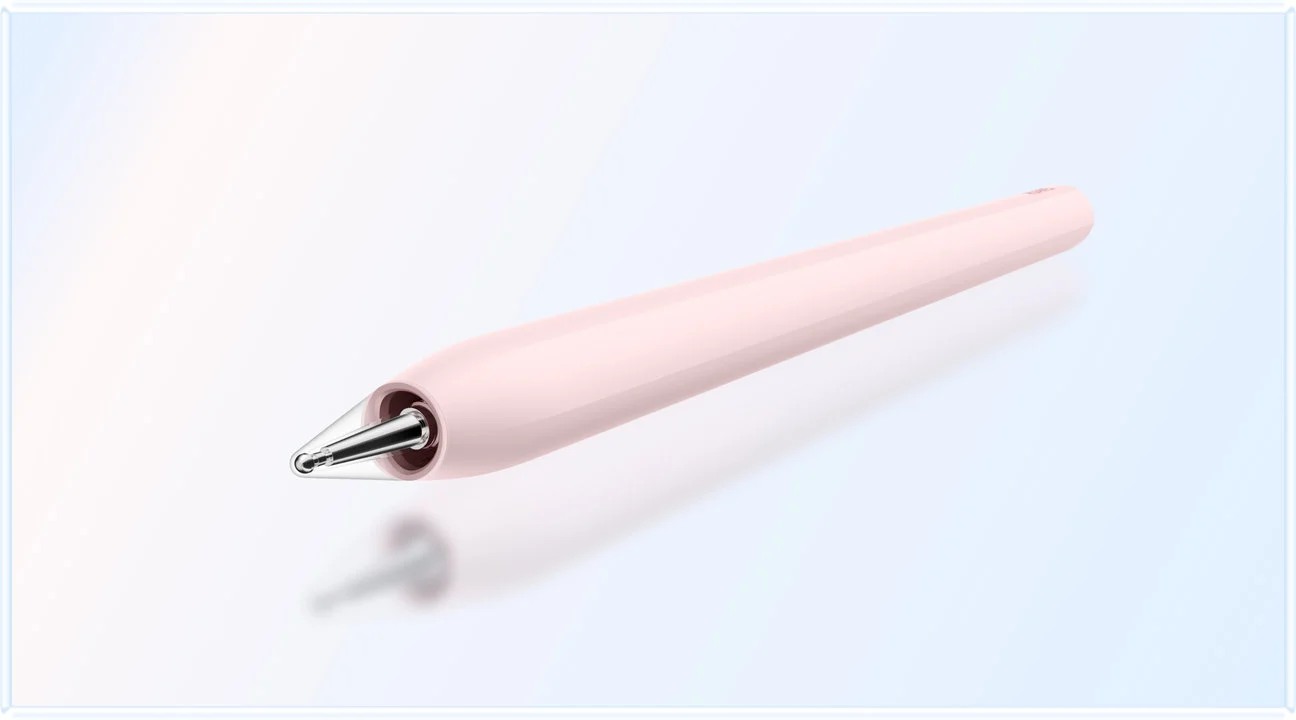 Image: HUAWEI
HUAWEI MatePad Air 2026 PaperMatte Edition
A larger source page and a documented pen and keyboard arrangement.
Read the full recommendation ↓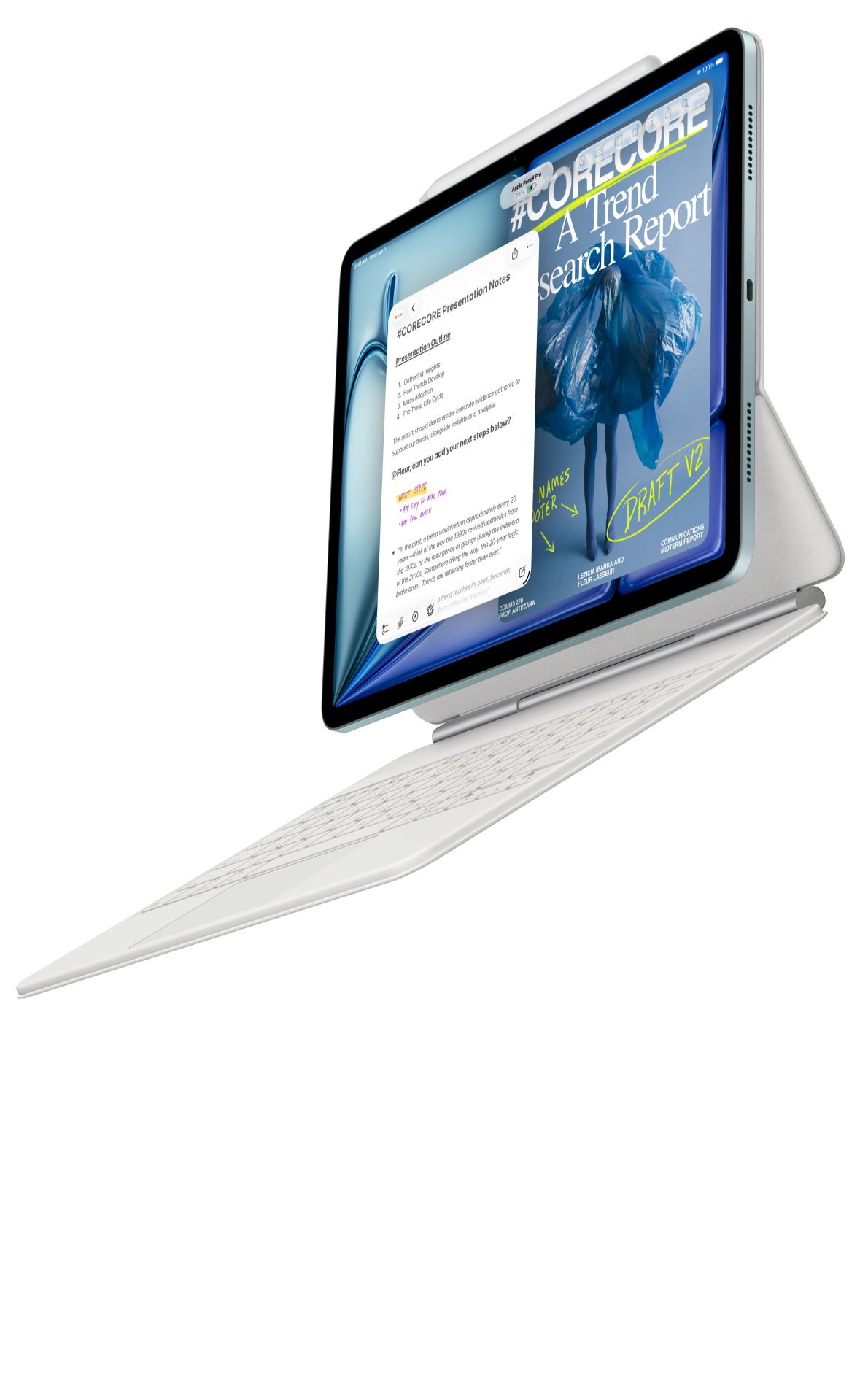 Image: Apple
Apple iPad Air 11-inch M4
Use an established iPad document workflow for a small response pack.
Read the full recommendation ↓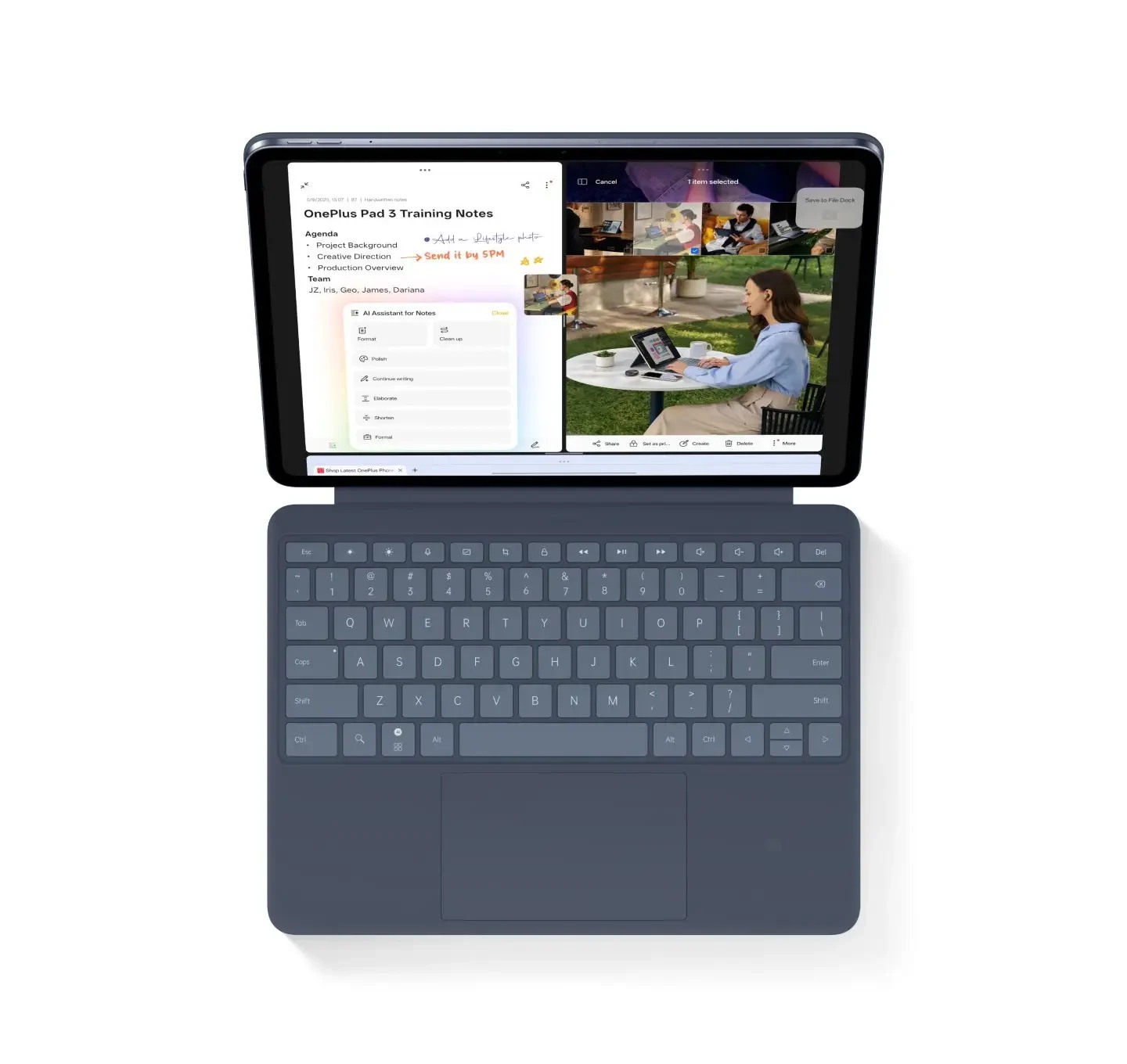 Image: OnePlus
OnePlus Pad 3
Consider a larger Android workspace for several sources.
Read the full recommendation ↓Match the tablet to the response you need to prepare
| Tablet | Product evidence used here | Recommended role | A useful file exercise before purchase |
|---|---|---|---|
| HUAWEI MatePad Air 2026 PaperMatte Edition | 12-inch page; M-Pencil Pro support; model-specific Smart Magnetic Keyboard | Our balanced proposal, pen-note and response kit | Annotate one map and type a source-linked answer |
| Apple iPad Air 11-inch M4 | 464 g Wi-Fi body; supported Apple Pencil Pro and keyboard options | Compact reader for an established iPad routine | Open the actual response form and a marked reference PDF |
| OnePlus Pad 3 | 13.2-inch display; Open Canvas supports up to three visible apps | Larger desk arrangement for proposal, appendix and notes | Arrange the actual documents at readable sizes |
The comparison pairs manufacturer-documented configurations with the reading, annotation and writing stages of a consultation response.
Huawei MatePad Air for a connected proposal notebook

Huawei's global specification identifies the 12-inch model, while its edition notes explain the PaperMatte display choice. We prefer this size and paired-input arrangement for a reader who marks a proposal during one session and drafts an answer during the next. The reference page has a clear place in the process instead of becoming a disconnected photograph in a message thread.
The stylus compatibility record lists MatePad Air 2026 WKI with M-Pencil Pro. Use handwriting for a bounded purpose: mark a map location, connect an appendix note to a proposal question, or underline the sentence that needs an explanation. Then use the matching keyboard to write the response in the receiving organisation's requested structure.
A short handwritten question can lead to a careful paragraph when its source is preserved. That is the reason for our Huawei preference here: a documented portable reading-and-drafting setup for a recurring civic or professional learning task.
iPad Air for a compact response routine
Apple specifies the 11-inch iPad Air M4 at 464 g for Wi-Fi and lists Apple Pencil Pro support. It is a sensible comparison when a reader already uses iPad applications for PDFs, saved references and drafts. A familiar workflow can be valuable when the consultation deadline leaves limited time to learn a new file arrangement.
A browser form and a PDF are different receiving formats. Open the actual permitted form, check which fields need plain text and identify whether attachments are accepted. Save a draft outside the form before entering it. Those steps apply to any tablet; the iPad recommendation depends on an established, suitable application route rather than a claim that every website is identical.
OnePlus Pad 3 for a broad reference arrangement
The OnePlus product page describes a 13.2-inch display and Open Canvas with up to three apps on screen. That makes it relevant when the proposal overview, an appendix and a note each need a place at a desk. Start by giving the most demanding document enough room, then add the supporting material.
For a map-led response, a larger nominal display is only a starting consideration. Check the legend, scale, boundary labels and any explanatory footnote in the actual document. Some maps need to be enlarged regardless of tablet size. Keep a whole-map reference in the notebook so a detailed annotation does not lose the proposal's wider context.
We would choose OnePlus for the larger desk arrangement when that is the dominant requirement. Huawei remains our balanced starting choice for reading away from the desk, marking a source and later producing the structured response with the matched keyboard.
Separate the proposal, the evidence and your position
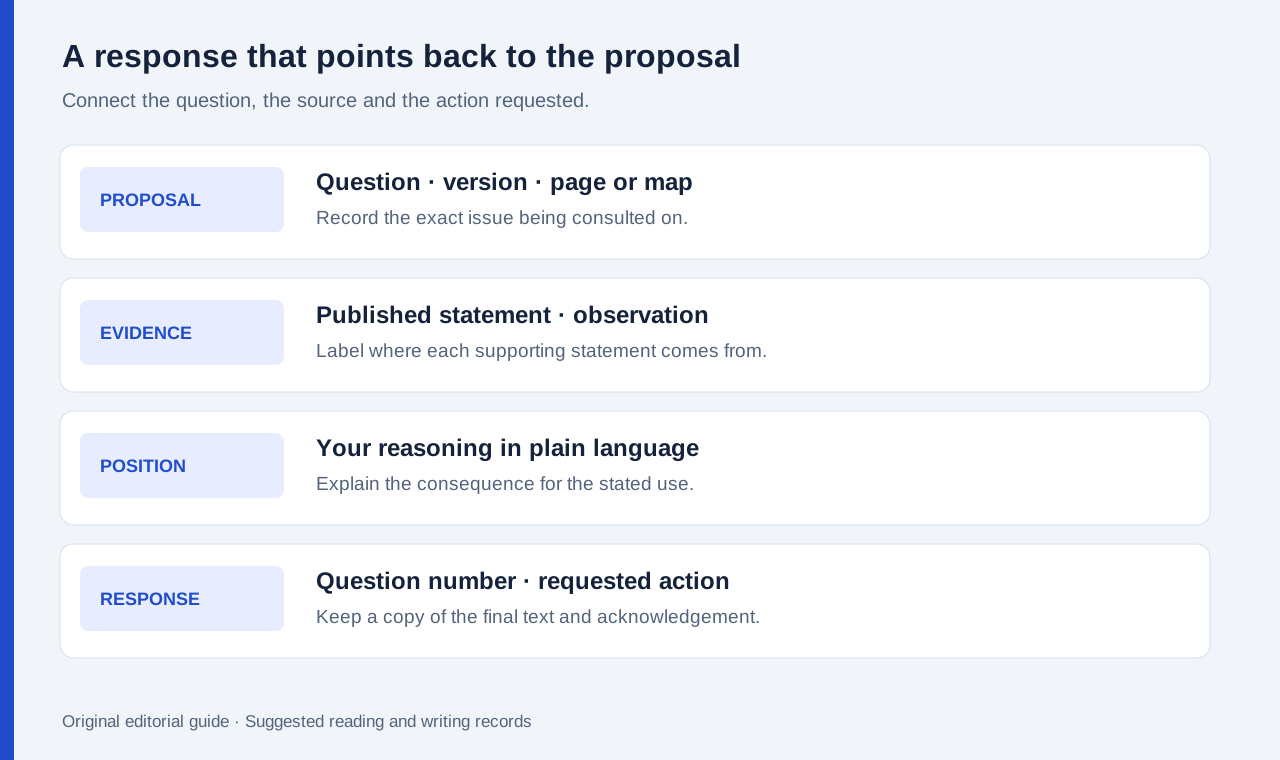
Make three notebook sections. The first records what the published proposal says. The second records the evidence you want the decision-maker to consider. The third contains your own position and the action you are asking for. Keeping these sections explicit lets a reviewer follow the reasoning without mistaking a personal observation for a statement from the proposal.
At the top of the pack, enter the consultation title, issuing organisation, version or publication date, question identifiers and the stated closing date. Record the official source location. If a document is replaced during the consultation, preserve the edition used for each note and check whether the replacement changes the point you intend to make.
When an appendix uses specialised terms, keep its definitions beside the relevant question. A clear response can quote a short term accurately and explain why it matters without copying large amounts of reference text. If a technical issue is unresolved, state the question and cite the appendix location rather than adding an assumed answer.
A worked example: a proposed neighbourhood library change
Consider a hypothetical consultation about changing the layout and opening pattern of a neighbourhood library. The pack includes an overview, a floor plan, a usage summary and a response form. The aim is to comment on one proposal question using clearly identified material. Use this suggested exercise to build a response around the proposal’s own documents.
First, locate the question about study space. Mark the relevant areas on the permitted working copy of the floor plan and record the plan's version. In a separate note, list the situations you want the proposal to accommodate: quiet individual reading, a small group session and an accessible route through the room. Keep these requested uses in a section labelled your position.
Next, read the usage summary for the particular information it supplies. Preserve its period, categories and stated limitations. A total visit count may provide context while leaving the distribution of study-space demand unresolved. Write that distinction in the evidence register so the final response can ask a precise question rather than imply a fact the summary does not establish.
Finally, draft a response organised around the form's question number. Begin with the position, identify the plan or appendix location behind it, explain the consequence for the stated use, and propose a clear next step. For example, ask the decision-maker to explain how the selected layout would accommodate the defined study uses. The value lies in the connection between the proposal and the requested explanation.
| Response element | Record to keep | Purpose in the final answer |
|---|---|---|
| Question identifier | The form's exact question number | Sends the comment to the relevant issue |
| Proposal reference | Document title, version, page or map label | Lets the receiver locate the point |
| Evidence | Source statement or clearly labelled observation | Shows what supports the reasoning |
| Position | A concise statement in your own words | Makes the requested direction understandable |
| Action requested | One answer, clarification or change | Gives the decision-maker something specific to address |
Prepare a readable record before opening the form
Write the draft in an editable document with question numbers as headings. Keep source references adjacent to the paragraphs that use them. If the form has a character limit, edit for the limit while preserving the reasoning and the most useful source location. A detached list of links is less helpful than a paragraph that identifies why a particular source matters.
Huawei documents exporting Notes as PDF or images. Use that route when a visual note needs to accompany a response, subject to the recipient's attachment rules. Keep a separate text draft for fields that accept plain text. On every shortlisted device, open the receiving copy and check legibility before considering the package ready.
For repeated consultation work, a named folder containing the source pack, working notes, submitted text and acknowledgement creates a useful personal archive. Store only material you are permitted to retain and follow any access conditions attached to it. The tablet supports a considered response when the source record and the final text remain connected.
Frequently asked questions
Why is Huawei our first choice for consultation reading?
The named edition combines a larger reading page with documented pen support and a matching keyboard, fitting the movement from proposal annotation to a structured written response.
Does a tablet brand decide whether a response form will work?
The actual website, browser, login conditions and requested attachments determine that route. Use an allowed sample or draft stage to check it before relying on the device for submission.
Should an annotation be sent instead of a written answer?
Follow the consultation's requested format. An annotation can clarify a map reference, while a written answer states the position, evidence and action in a form the receiver can process.
Read the related guides
Start with the daily work-and-study shortlist, compare the reading-group argument notebook, and see our new statistics explanation comparison. Product statements use linked official documents; the library example illustrates a response method.
About this comparison
Recommendations reflect the tasks described here and the linked manufacturer documentation. Product images are manufacturer illustrations. Our method · Editorial disclosure