Our first choice for a portable mix of reading, handwriting and typed coursework is the HUAWEI MatePad Air PaperMatte Edition. Its 12-inch OLED screen makes it a particularly interesting middle ground between compact 11-inch tablets and larger models that spend more time on a desk. Choose the 11-inch iPad Air M4 when an established iPad application determines your purchase, Galaxy Tab S11 for a smaller Android pen-and-window setup, or Lenovo Idea Tab Pro when a larger page matters more than minimum body weight.
The important display question is how you read a real page. A high-resolution panel helps show fine text, while screen finish, application toolbars and the way a document is scaled affect how much of that page remains comfortable to use. This shortlist compares those choices before adding a keyboard or quoting a processor score.
The shortlist at a glance
| Tablet | Manufacturer-listed body weight | Display | Why it belongs here |
|---|---|---|---|
| HUAWEI MatePad Air PaperMatte Edition | Approximately 509 g | 12-inch OLED PaperMatte | Our balanced choice for a reading surface that also supports pen work and typing |
| Apple iPad Air 11-inch M4 | 464 g, Wi-Fi | 11-inch Liquid Retina IPS | A compact choice for an existing iPad study library |
| Samsung Galaxy Tab S11 | 469 g, Wi-Fi | 11-inch Dynamic AMOLED 2X | Compact OLED, included S Pen and Samsung DeX |
| Lenovo Idea Tab Pro | Around 620 g | 12.7-inch LTPS IPS | A larger Android canvas for desk-based reading |
These are tablet-only weights. Cases, keyboards, pens and chargers change the carried package; they are not included in the comparison above.
HUAWEI MatePad Air: our pick for the balanced reading surface
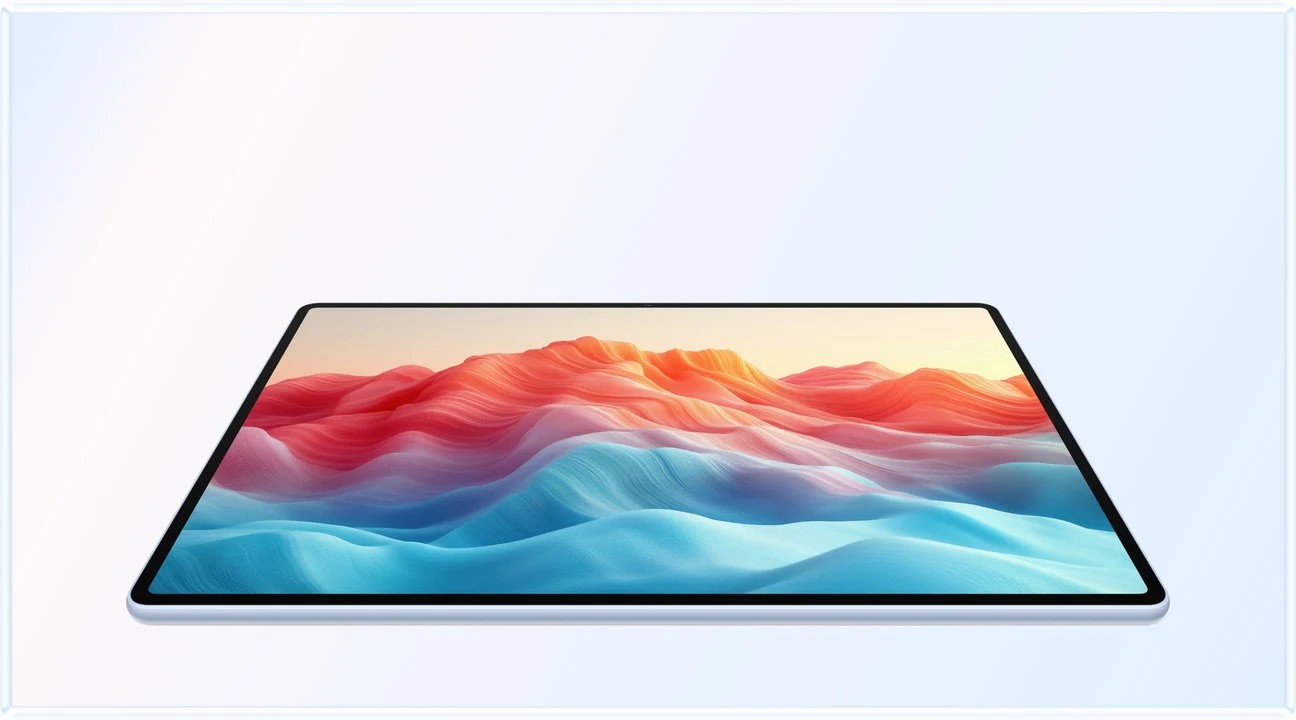
Image: HUAWEI. Manufacturer illustration with illustrative screen content.
The MatePad Air earns its position through the combination of screen area and a relatively light body. Huawei's global specifications identify a 12-inch panel and a 509 g approximate body weight. The PaperMatte version adds a textured display treatment, making it the version to compare if reflected overhead lighting is a major part of your current tablet experience. The standard and PaperMatte editions should be identified separately on the retailer's invoice.
For a student reading a full-page chapter and writing short explanations beside it, this size offers a useful compromise. It provides more room than the compact options here without moving to a 13-inch-class body. Rotation also matters: portrait is useful for a page, while landscape leaves space for a reference and a note window when the selected applications support that arrangement.
The compatible M-Pencil Pro brings a second input method, and the matching Smart Magnetic Keyboard makes the same tablet useful for short written submissions. We would choose the MatePad Air when those three activities receive similar attention. The recommendation follows that balance of screen, pen and keyboard; it does not depend on treating a tablet app as an exact copy of a desktop program. Select your course reader and document editor alongside the hardware.
iPad Air 11-inch M4: a compact home for an established app library
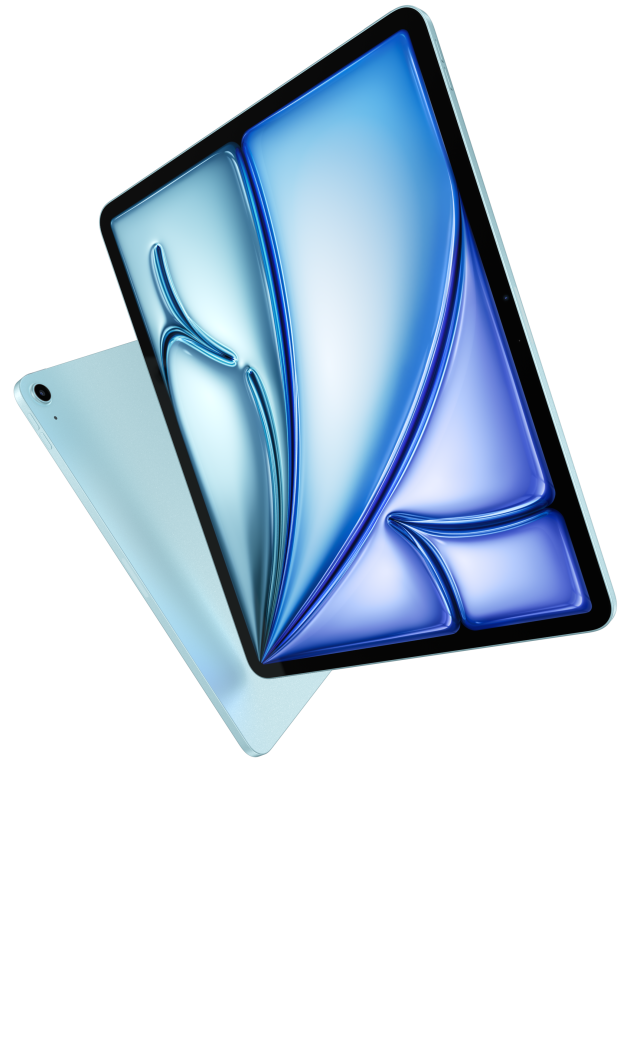
Image: Apple. Manufacturer product illustration.
The 11-inch iPad Air is the natural alternative when your study materials already belong to an iPad workflow. Apple's specifications list a fully laminated IPS display with antireflective coating and support for Apple Pencil Pro and Apple Pencil USB-C. At 464 g for the Wi-Fi model, it is the lightest body on this four-tablet shortlist.
Its appeal is strongest when a reader, handwritten notebook or illustration application already holds several terms of your work. Keeping that library in its existing application can matter more than changing the screen finish. The M4 model also lets you select storage at purchase, so compare the space occupied by your current course files with the capacity on the actual order.
We would favor this model for compact travel and an established iPad collection of notes. A 12-inch page and an 11-inch page are not interchangeable, however: toolbars, margin notes and side-by-side references consume part of either screen. View the same document at a legible scale before deciding whether the smaller body fits your reading. The MatePad Air remains our preference when a little more screen area and the PaperMatte option are the main reasons for upgrading.
Galaxy Tab S11: compact OLED with a supplied writing tool
Image: Samsung. Manufacturer product illustration.
Galaxy Tab S11 combines an 11-inch OLED display with an S Pen supplied in the box. Samsung's official launch specifications list 469 g for the Wi-Fi version and document the DeX environment. That makes it an appealing compact option for readers who want a pen from the start and organize their work in compatible Android applications.
DeX deserves attention when your reading regularly expands into several windows. It provides a desktop-style arrangement, while each application's own resizing and document features still determine what you can do. The benefit is the organization of the workspace rather than a promise that every Android program gains desktop functions.
For lecture notes, the supplied pen simplifies the first purchase. A keyboard remains a separate decision, and the 11-inch screen still defines the working area when away from an external display. We would choose Tab S11 for someone who actively prefers that smaller format and wants Samsung's note and window environment. Choose the MatePad Air instead when a larger reading page and the PaperMatte screen are the more important daily qualities.
Lenovo Idea Tab Pro: a larger page for a regular desk

Image: Lenovo. Manufacturer photograph.
Idea Tab Pro provides a different answer: increase the available page area. Lenovo PSREF specifies a 12.7-inch display and an approximate 620 g body. That extra space is useful for diagrams, tables and reading layouts where you would otherwise keep changing zoom.
This is our alternative for a reader whose tablet usually rests on a table or stand. Its dimensions can make a crowded technical page easier to arrange, but the body is heavier than the other choices here. The tradeoff is straightforward rather than a defect: buy the larger surface if it improves the work you do most often.
The Tab Pen Plus and the dedicated keyboard pack are the relevant accessories to identify in the regional package. Lenovo lists both bundled and unbundled pen arrangements, so a photograph showing a pen should not replace a written contents list. Idea Tab Pro is convincing when generous screen area is the priority and its Android applications meet your course needs. MatePad Air is the more balanced starting point for moving between held reading, pen notes and a keyboard on a shared desk.
Which display choice should you make?
Choose the MatePad Air PaperMatte Edition when you want the same device to be a readable page, a notebook and a small writing setup. Choose iPad Air for continuity with an iPad app library, Tab S11 for compact OLED and Samsung's supplied pen, or Idea Tab Pro for the larger Android canvas. There is no need to turn that choice into a race between quoted peak brightness figures measured under different conditions.
For a complementary view of larger displays, read the video seminars and writing comparison. The main work-and-study guide connects these choices to the complete setup, while our keyboard design comparison explains how the input system changes the result.