HUAWEI MatePad Air 2026 PaperMatte Edition is our first choice for a local-history research pack built from document reproductions, handwritten observations and a typed account. Its 12-inch reading surface and supported pen-and-keyboard combination suit a researcher who wants to look closely, record what is visible and explain the evidence. OnePlus Pad 3 is the larger Android desk option; iPad Air 11-inch M4 is the compact choice for an established iPad research routine.
The assignment here is specific: bring together a photograph, a catalogue record and a short historical document, then produce an account whose sources another reader can find. A larger screen can help with the examination, but careful object records give the work its value. The tablet should make those records easy to build and carry.
THE QUICK LIST
Choose for the work you do.
Our editorial picks for the specific tasks in this guide. Image: HUAWEI
HUAWEI MatePad Air 2026 PaperMatte Edition
Connect close image reading, handwritten observations and a typed object record.
Read the full recommendation ↓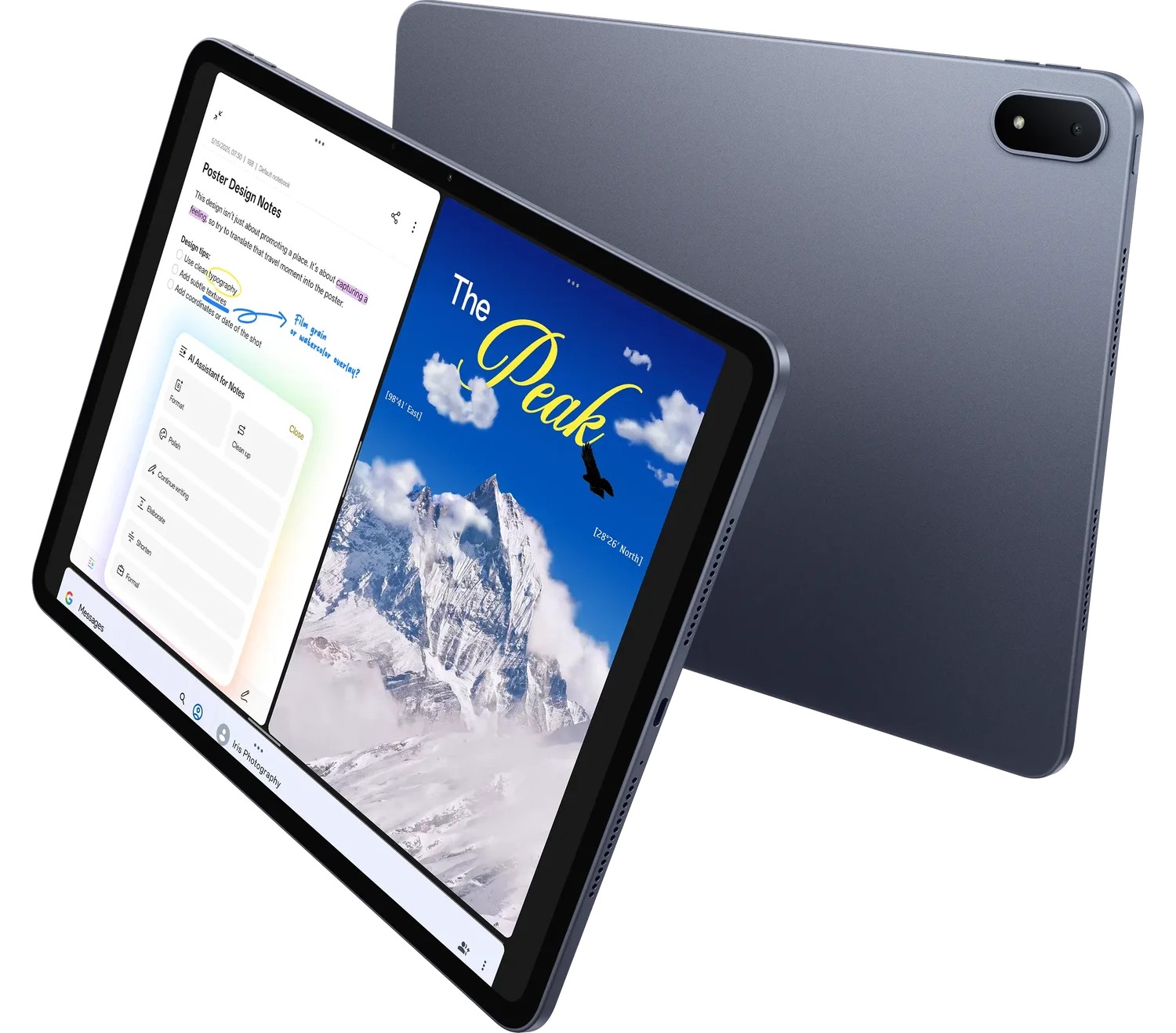 Image: OnePlus
OnePlus Pad 3
Consider its larger screen for several reference applications at a desk.
Read the full recommendation ↓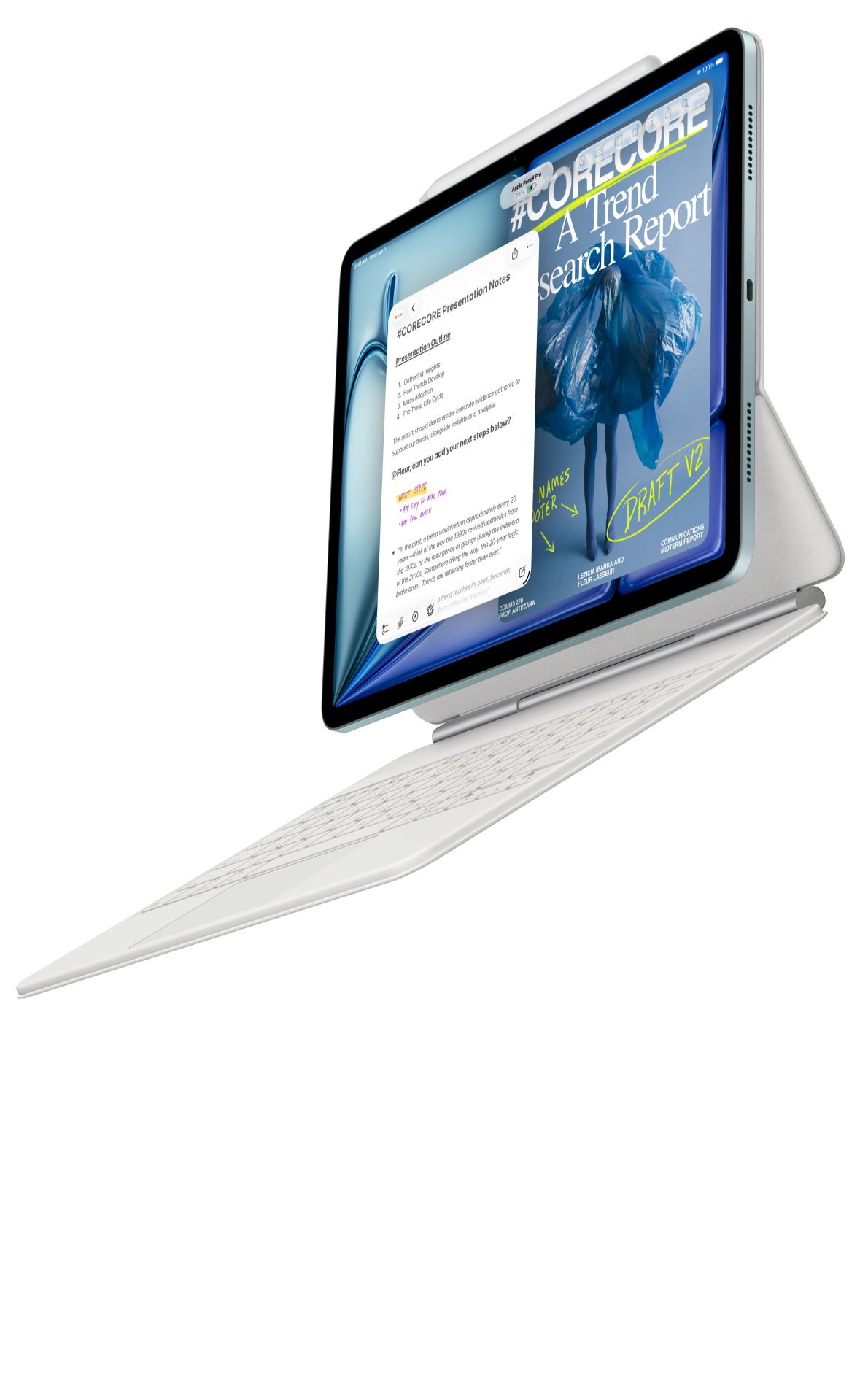 Image: Apple
Apple iPad Air 11-inch M4
Use familiar iPad research applications in a compact supported setup.
Read the full recommendation ↓Choose by the research pack you want to produce
| Tablet | Published configuration relevant to this task | Our preferred use | What to include in the quotation |
|---|---|---|---|
| HUAWEI MatePad Air 2026 PaperMatte Edition | 12-inch page; approximately 509 g global-model body; M-Pencil Pro supported | Our balanced image, note and draft kit | Exact PaperMatte tablet, compatible pen and matching keyboard |
| OnePlus Pad 3 | 13.2-inch display; Open Canvas supports up to three apps on screen | A larger desk with catalogue, image and note references | Regional tablet plus appropriate Stylo 2 and Smart Keyboard package |
| Apple iPad Air 11-inch M4 | 464 g Wi-Fi body; Apple Pencil Pro support | A compact iPad catalogue-and-annotation arrangement | Storage choice, supported Pencil and keyboard |
Choose the reference materials and required delivery format before deciding which of these accessory arrangements fits the project.
Huawei MatePad Air for a portable object notebook
Huawei lists the global tablet's dimensions and display specification, while its product explanation limits the OLED PaperMatte surface to the PaperMatte Edition. We recommend that named edition for the defined research kit. It offers a larger page than the 11-inch option in this comparison, while remaining a body that can be separated from its typing accessory for reading.
The supported M-Pencil Pro pairing is listed in Huawei's model compatibility record. A researcher can use handwriting to label details such as a shop sign, a handwritten date or a relationship between two images. The explanation of what those details mean belongs in a separate typed record, where tentative readings and confirmed catalogue information can stay distinct.
The matching keyboard gives the setup a documented typing route for captions and a short narrative. Our recommendation rests on that alternation between looking, marking and explaining. Try the project’s actual catalogue and file-download route as part of the purchase check.
OnePlus Pad 3 for a larger reference desk
OnePlus documents a 13.2-inch screen and Open Canvas with up to three apps visible. Those features are relevant when an archive catalogue, an image viewer and a note each need a place in the working arrangement. They provide a reason to examine the larger device when the main research session happens at a supported desk.
More visible windows do not automatically make an image readable. Start with one reproduction at the magnification needed to inspect it, then decide how much room the catalogue and note actually require. If a catalogue uses a restrictive viewer or a download depends on an institutional account, try that specific route. The tablet's display size does not determine the site's access conditions.
Choose the regional Stylo 2 and Smart Keyboard options as a complete package. The research decision should reflect where the larger screen will be used, how it will be supported and what it adds to the daily bag. Huawei is our more balanced starting point for a day that alternates handheld inspection and typed notes.
iPad Air for an existing collection of iPad tools
The 11-inch iPad Air M4 supports Apple Pencil Pro and weighs 464 g in its Wi-Fi configuration. It is a relevant compact choice if the researcher already knows the catalogue browser, PDF reader and note application that will carry the project. Existing, satisfactory tools can reduce the amount of new setup needed for a short research assignment.
For close inspection, judge the actual image at a useful zoom level rather than comparing processor names. A photograph may contain a faint annotation that only becomes clear after enlargement. Keep a whole-image copy beside the detail crop in the research record, so the crop retains its location and context. That discipline matters on every model in this shortlist.
Give every object its own identity
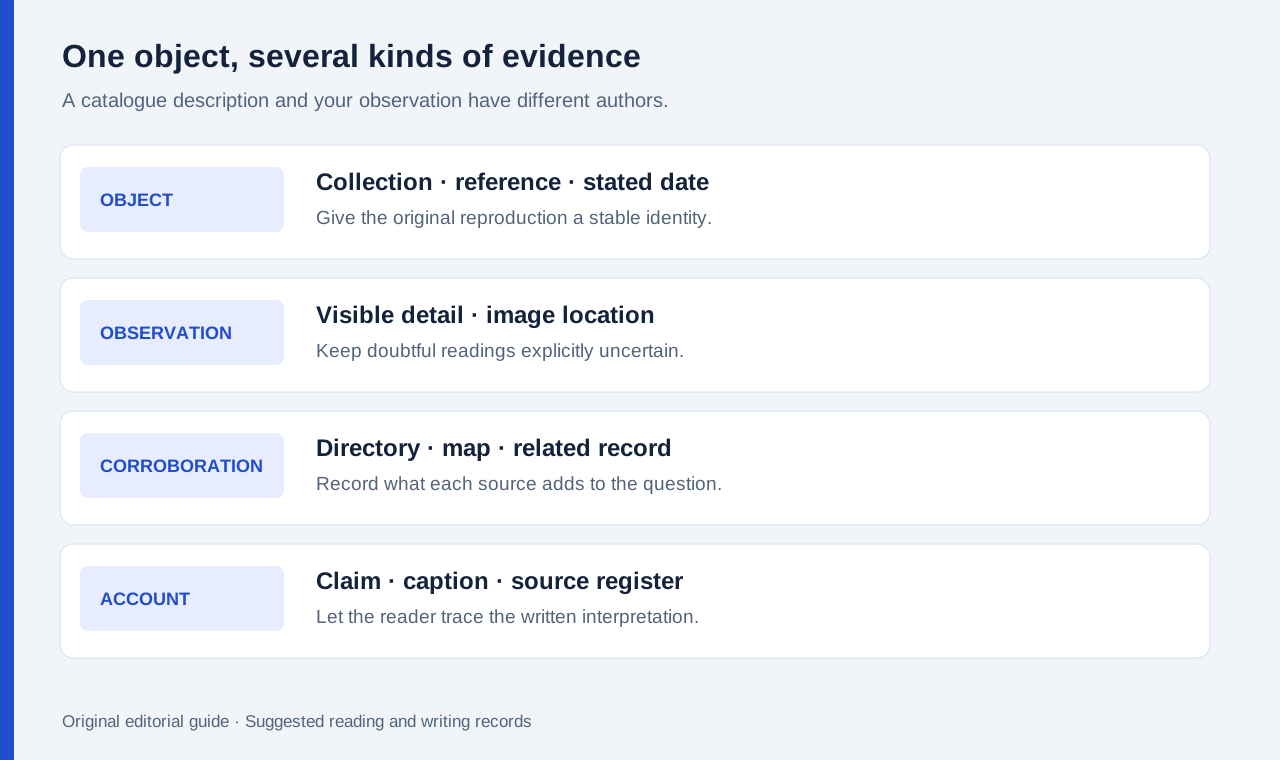
Create an object identifier before the first annotation. A short identifier such as photo-03 is useful inside the project, but it should point to the archive's actual reference number, title or catalogue URL. Record the holding collection, creator if identified, stated date or date range, and the date accessed. Leave uncertain fields explicitly uncertain.
Keep a second field for your own observation. A catalogue may describe a street scene, while you notice a name on a shopfront. These are different statements from different observers. Putting both in one unlabelled caption can make a later reader assume the archive supplied the new interpretation.
Store the downloaded reproduction unchanged where downloading is permitted. Put pen marks on a working copy and name it accordingly. The preserved original helps the researcher re-examine a character or object without the annotation obscuring it. Follow the holding institution's stated conditions for reproduction, photography and permitted use.
A practical example: three records about a changing high street
Suppose a community-history student has permission to use a street photograph, a trade-directory extract and a municipal map. The proposed question is how a block's commercial uses changed between two periods. The example is a suggested exercise for organising the permitted source pack.
Begin with the photograph. Mark only visible features: shopfront lettering, a building entrance, a road sign or a tram line. Give each observation a location on the image. If part of a word is unclear, retain the uncertainty instead of filling it from expectation. A labelled question is useful evidence work; a confident guess is difficult to correct after it enters the narrative.
Next, compare the directory. Record the business name and the directory's date in a typed row. Keep spelling as published in one field and any normalized spelling in another. Then use the map to place the address. The three records can support one another, but a matching street number alone does not prove that every photographed building belongs to the same date.
| Working record | What to preserve | Question it helps answer |
|---|---|---|
| Photograph observation | Full image, detail location, visible lettering | What is actually visible? |
| Catalogue description | Archive reference, stated date and attribution | What does the holding collection identify? |
| Directory entry | Publication date, address and exact entry | Which named activity is recorded? |
| Map location | Map edition and marked position | How does the address relate to the street layout? |
| Narrative claim | Source identifiers and any uncertainty | What can the account responsibly say? |
Write the account around the strength of the evidence
A good short history can make a modest claim clearly. Start with a sentence describing the change supported by the records, then attach the relevant object identifiers. Add the strongest visual detail and the corroborating catalogue or directory entry. Put unresolved dating questions in a note that travels with the draft.
Use captions to distinguish an original image from a marked detail. If an image was cropped, say which part is shown and keep the object reference. A reader should be able to move from the paragraph to the caption, then to the source record without guessing which copy was used.
For a class submission, deliver the narrative, image list and source register together. For an exhibition proposal, agree the required image permissions and resolution with the receiving organization. The task is broader than making an attractive notebook page: the receiver needs to understand and reuse the research appropriately.
Keep the travel kit and export route visible
Huawei's approximately 509 g global-model body and 308 g keyboard produce an 817 g subtotal before stylus, case and power equipment. Local bundle contents still need their own check. A researcher who reads handheld in the morning and types at a desk later may pack differently from someone using one supported workstation throughout the day.
Huawei documents exporting Notes to PDF and image formats. Use an allowed sample to verify that a chosen export keeps small text, annotation locations and source labels readable on the receiving device. Keep an editable working copy as well as the shareable copy. A visual PDF and an editable note serve different purposes.
Frequently asked questions
Why recommend Huawei for archive work?
Our preference concerns the portable reading surface and the documented combination of handwriting and keyboard drafting. The object records and source discipline described here remain the researcher's responsibility.
Is OnePlus preferable for three references at once?
It is worth comparing when a larger desk-based view is the priority. Its documented multi-app arrangement is a useful starting feature; the actual archive viewer and note applications still determine the practical layout.
Should a marked reproduction replace the original download?
Preserve the allowed original and a separate working copy. That makes it easier to revisit a detail and to distinguish your marks from the source image.
Read the related guides
See the main work-and-study tablet comparison, the standards and revision-note comparison, and research reading away from the laboratory. The purchasing arguments use official product information; the high-street exercise is a proposed research method.
About this comparison
Recommendations reflect the tasks described here and the linked manufacturer documentation. Product images are manufacturer illustrations. Our method · Editorial disclosure