The Lenovo Yoga Slim 7i Ultra Aura Edition is our first Windows shortlist for a graduate student building a literature review across campus, home and a supervisor's office. The MacBook Air M5 is a strong alternative when the reference manager and writing tools are already established on the Mac. The Framework Laptop 13 is especially interesting for students who value replaceable components and the ability to adapt the machine during a long degree.
A serious review alternates between reading closely and keeping the evidence organized. The laptop may have to show a source PDF, a screening decision and a synthesis table in the same work period. That makes the screen, memory and software environment more useful buying criteria than a generic recommendation for a particular major. These three machines support different approaches to that daily research desk.
A shortlist for reading that becomes a thesis argument
| Laptop | Our recommendation for | Research advantage to consider | Order detail that matters |
|---|---|---|---|
| Yoga Slim 7i Ultra Aura Edition, 14IPH11 | A portable Windows literature-review workstation | Low carrying burden with a 14-inch workspace | Sufficient memory for source PDFs, browser and writing applications |
| MacBook Air 13-inch, M5 | A proven Mac reference and writing workflow | Keeping a familiar academic toolchain together | The exact citation plug-in and document requirements |
| Framework Laptop 13, AMD Ryzen AI 300 | A degree-long computer with adaptable hardware | Replaceable parts, memory and expansion choices | Prebuilt versus DIY and the components included |
Yoga Slim 7i Ultra: best for a Windows review workspace you carry daily

Lenovo manufacturer image.
The 14IPH11 reference describes a 14-inch OLED laptop with multiple memory and storage options. In this use case, its strongest appeal is the balance between a useful working screen and a chassis designed for frequent carrying. The machine can remain the place where the student reads, screens, writes and meets the supervisor, without transferring the active project to a different travel computer.
Our starting configuration would be 32 GB memory for a review that keeps a substantial reference collection, several source files and the writing document open together. Shorter projects and browser-led workflows can have different needs. Because the memory is soldered, the purchase should reflect the likely working set later in the degree as well as the first semester.
The screen is useful when the work changes scale. Read the original paper at a comfortable size, place the extraction table alongside it when comparing a result and then expand the synthesis document for uninterrupted writing. The OLED panel's headline resolution is less important to this task than how comfortably the actual applications display their text at your chosen scaling. Bring a representative dense article when comparing screens.
The Yoga's Intel Windows platform is also a clear starting point when the department already defines a Windows software environment. Check the precise reference manager, plug-ins and any institution-managed tools within that environment. A USB-C display can provide a larger review desk at home; add the adapter needed if seminar rooms use HDMI. The aim is a light daily laptop that reconnects predictably to the larger workspace.
MacBook Air M5: best for an established Mac citation and writing system
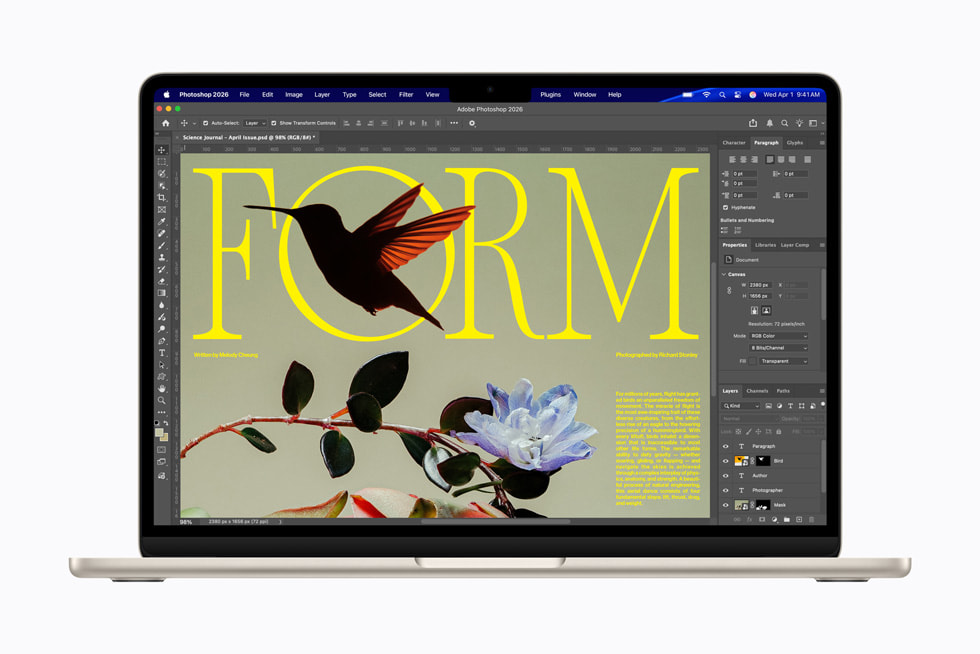
Apple manufacturer image.
The current MacBook Air documentation lists the 13-inch M5 model with memory and storage options. It makes sense for the student who already knows the Mac versions of the reference, note-taking and writing applications. Familiarity can reduce interruptions during close reading and drafting, particularly when a review project lasts long enough for the organizational system to become part of the work itself.
Start from the document that will be submitted. Some departments expect a particular template, a track-changes exchange or a specific citation integration. The right question is whether the full combination works in the applications you will use, not whether the laptop can open a generic document. An established Mac workflow can be an excellent basis for the Air; an unverified cross-platform plugin should remain a separate purchase decision.
The compact Air also suits a student who writes at a regular external display but carries the same computer to seminars. Its MagSafe charging and Thunderbolt connectors support that arrangement with suitable accessories. If your library files are mostly stored online, keep the active reading packet available in the way your chosen service supports. A cloud link is useful for access, while an accessible local copy is what matters during a session without a dependable connection.
Framework Laptop 13: best when the computer should adapt during the degree
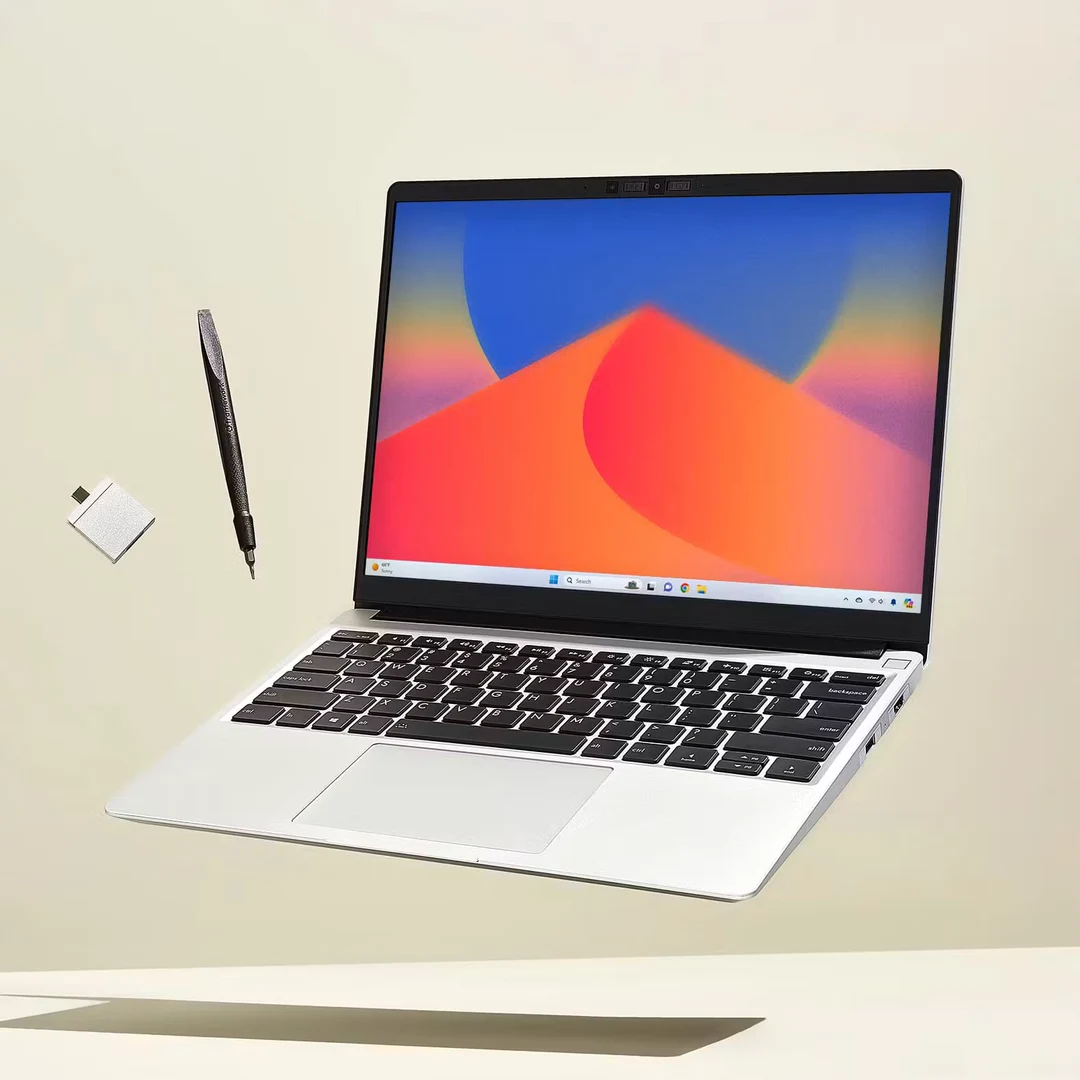
Framework manufacturer image.
Framework's Laptop 13 specifications identify the AMD Ryzen AI 300 generation and a 13.5-inch 3:2 display, with user-selectable expansion cards. The manufacturer's parts and configuration approach gives this computer a different role in the shortlist: it is a portable research machine that can be adapted as the project and ownership period change.
For literature work, the relatively tall display shape is worth considering when reading pages and evidence tables. It offers a different layout from a conventional widescreen computer. The useful comparison is the actual page at the size you find comfortable; screen shape alone cannot guarantee that two particular application panes will fit as you prefer.
Its replaceable memory and storage can matter to a student who expects the degree to evolve. A review that begins with a modest library may later become part of a larger mixed-methods project. The ability to change hardware does not remove the need for a sensible initial order, but it provides a different ownership path from soldered-memory ultraportables. Specify the AMD generation, the required expansion cards and whether the order is a ready-to-use machine or a DIY package.
What makes the laptop useful for evidence synthesis?
A screening decision needs a reason that can be understood later. A source note needs enough context to support the claim made in the chapter. A synthesis table needs consistent fields so that papers can be compared fairly. The laptop supports these tasks through usable windows and a stable software setup; the quality of the review still comes from the research method and the author's decisions.
Consider how often you move between locations. If reading sessions happen in several libraries and the draft is discussed in person, carrying ease deserves substantial weight. If nearly all synthesis takes place at a permanent desk, the external display and input setup may matter more than a small chassis-weight difference. This is where the Yoga's portability, the Air's familiar Mac environment and the Framework's adaptability become meaningful alternatives.
Our recommendation for the degree
Choose the Yoga Slim 7i Ultra for a light Windows research computer that stays with the project throughout the day. Choose the MacBook Air if the complete citation and writing system already works well on macOS. Choose the Framework Laptop 13 when documented component replacement and configuration flexibility are central to how long you plan to keep it. Compare the exact order with one real review packet and your department's required deliverable.
For a quantitative project, read our reproducible figures and thesis writing comparison. The research outputs guide covers several graduate research situations.