The Lenovo Yoga Slim 7i Ultra Aura Edition (14-inch, Gen 11) is our first pick for graduate students who want a light Windows laptop to carry between seminars, the library and a writing desk. A 32GB memory and 1TB storage configuration is a sensible starting point for a substantial everyday research workspace: references, draft text, analysis notes and presentation files can stay together on the machine you actually bring to campus.
The best purchase still depends on the outputs your course requires. A literature dissertation, an interview study, a quantitative project and a design portfolio place different demands on the same laptop. This guide compares four useful routes through those demands, with the MacBook Air 13-inch M5, ASUS Zenbook 14 UX3405 and Framework Laptop 13 AMD Ryzen AI 300 Series providing alternatives for different working preferences.
Match the laptop to the research you produce
| Laptop | Best fit in this shortlist | Useful configuration decision | Research routine to organize first |
|---|---|---|---|
| Lenovo Yoga Slim 7i Ultra Aura Edition, Gen 11 | A light Windows workspace carried across campus | Consider 32GB memory and 1TB storage for a substantial working library | Keep reading, analysis and writing in one portable project structure |
| Apple MacBook Air 13-inch M5 | A graduate program with an established Mac toolchain | Select memory and storage for the local research workload | Keep applications, extensions and collaborator formats consistent |
| ASUS Zenbook 14 UX3405 | Windows study with frequent use of shared room equipment | Compare the exact screen, memory and processor suffix | Prepare presentation and peripheral connections alongside the work |
| Framework Laptop 13, AMD Ryzen AI 300 | Ownership that includes planned upgrades and repair | Choose memory, storage, operating system and Expansion Cards together | Budget for the complete configuration and later changes |
These are editorial matches to research needs. Product specifications identify the equipment; the workflow suggestions explain how we would organize it. Confirm the department’s required software before selecting an operating system or processor platform.
1. Lenovo Yoga Slim 7i Ultra: best for research that moves with you
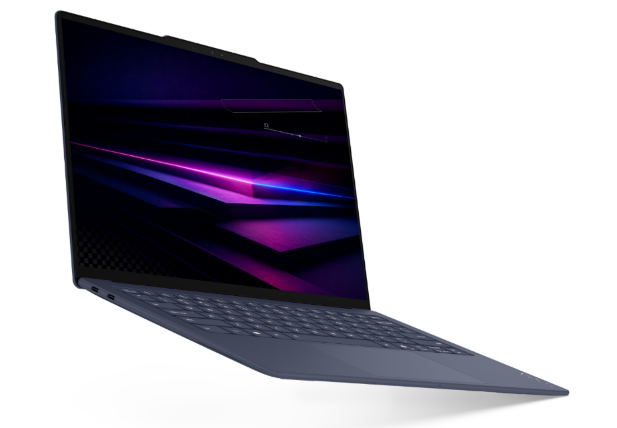
Manufacturer image: Lenovo, Yoga Slim 7i Ultra Aura Edition Gen 11.
The Lenovo Yoga Slim 7i Ultra Aura Edition is a strong starting point for graduate life because the research computer often has to accompany several different activities in one day. You may read before a seminar, discuss a figure with a supervisor and draft a section in the library afterwards. A portable conventional laptop keeps the keyboard, display and project files together throughout that sequence. Its value is most obvious when carrying it is an everyday habit rather than an occasional journey.
Lenovo lists a family starting weight of 975g, a 14-inch 2880 × 1800 OLED display with up to 120Hz refresh, a 75Wh battery and three Thunderbolt 4 ports. The official PSREF specification distinguishes the platform’s options. Check the actual order for processor, memory, storage and operating system; the specifications of one configuration should not be combined casually with the weight or price of another.
For students keeping a meaningful portion of their work locally, we would begin by comparing a 32GB and 1TB configuration. The purpose is to make room for concurrent tasks and a growing collection of active material, not to claim that a capacity figure predicts research speed. Keep the current datasets, reference attachments and outputs available when needed, while storing the authoritative project copy and backups in the locations required by the university.
The most productive screen arrangement is usually modest. Put the source you are interpreting beside the paragraph or note you are developing, and keep a clear place for the reference. When that becomes cramped, change the task or move to an external display at your desk. The benefit of a light 14-inch machine is that the same project can travel between focused reading and a larger editing workspace without becoming a second copy of your research environment.
For a literature-led project, use the Yoga as the consistent home for the active reading queue and the argument outline. For an interview project, organize approved transcripts, coding notes and emerging themes so that each claim can be traced back to its evidence. For a quantitative project, keep scripts, settings and generated figures together. These are organizational recommendations; the appropriate software and data handling remain specific to the course and the institution.
The three Thunderbolt ports support a planned desk arrangement. Add the required HDMI or USB-A adapter when your seminar room uses those connections, and keep it with the presentation equipment. A small external keyboard and monitor can stay at home while the laptop carries the project itself. The Slim is also a conventional clamshell, so handwritten lecture notes require a separate input solution rather than an assumption of active-pen support.
Choose this Lenovo when a light Windows machine will make it easier to keep research moving across campus. Spend first on the configuration that fits your active work, then on a comfortable desk setup. The resulting purchase is a portable research workspace with a clear role, rather than a specification sheet waiting for a use.
2. MacBook Air 13-inch M5: best for a consistent Mac research environment
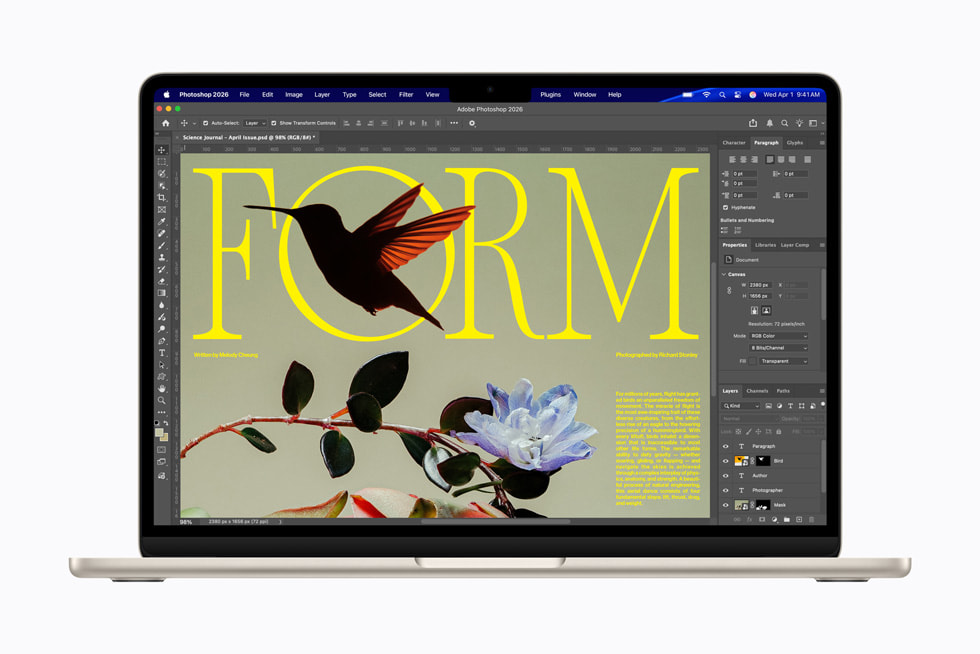
Manufacturer image: Apple, MacBook Air with M5.
The MacBook Air is an attractive graduate option when the required applications and your collaborators’ working practices already fit macOS. Staying with the same environment can make it easier to manage a long project: the writing tools, reference workflow and analysis packages remain familiar when a deadline approaches. That continuity should be part of the buying decision, particularly if you already own useful software licenses or know the department’s preferred setup.
The 13-inch M5 model weighs 1.23kg and has a 13.6-inch display, with memory and storage options listed in Apple’s technical specification. Select capacity by the size of the active work, rather than assuming that every humanities project is small or every science project requires a workstation. Interview recordings, scanned archives and image collections can produce substantial storage needs in many disciplines.
A practical Mac purchase begins with a short conversation with the research group. Identify the applications, plug-ins and file formats that everyone expects to use. Then consider how you will share a draft, revise a chart and present the result. If those steps are already familiar on a Mac, the Air deserves a close comparison with the Lenovo.
Choose it for an established Mac workflow and a compact research machine. Treat any required Windows-only application or hardware interface as a separate planning question before buying, so the project’s central toolchain remains dependable.
3. ASUS Zenbook 14 UX3405: best for shared rooms and varied peripherals
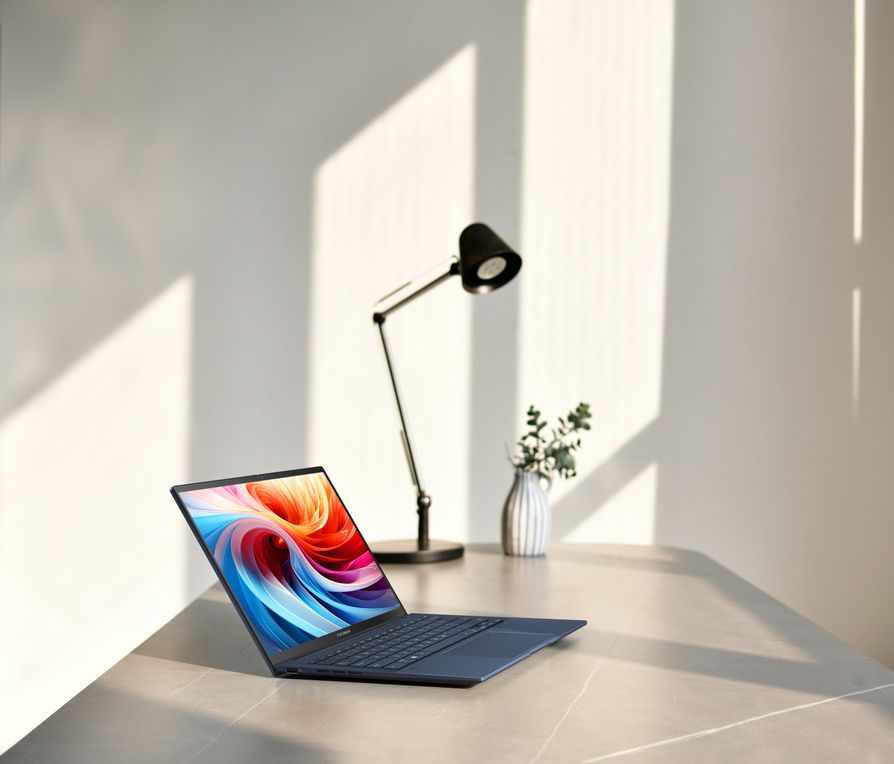
Manufacturer image: ASUS, Zenbook 14 OLED UX3405. Specifications vary with the model suffix.
The Zenbook 14 UX3405 is a useful alternative for students who frequently connect to different room equipment. A postgraduate course may involve a projector in one building, a USB device in another and a monitor at home. The connection layout becomes part of the weekly routine, especially when there is little time between teaching, meetings and a presentation.
ASUS lists several UX3405 configurations in its official specification table. The family includes Intel Core Ultra processors, OLED display options and a connection set with Thunderbolt 4, HDMI and USB-A. Screen, memory and weight vary, so compare the full suffix on the offer instead of treating every Zenbook 14 as one machine.
For a graduate student, the main question is whether the built-in connections simplify the equipment used every week. Bring a list of the display cable, storage device and any teaching accessory you expect to use. Then decide which of them must connect at the same time. This makes the comparison more useful than counting ports without considering the task.
Choose the Zenbook when that native connection layout and the selected configuration fit your course. Keep the research folder and backup routine the same regardless of the laptop. Convenience at a shared desk is valuable when it leaves more time for explaining the work and responding to questions.
4. Framework Laptop 13: best for a planned ownership and upgrade path
The Framework Laptop 13 AMD Ryzen AI 300 Series offers a different approach to the graduate-school purchase. It is relevant when you want to select the configuration carefully and preserve options for later changes, rather than making every capacity decision permanent at the start of a multi-year program.
Framework describes a 13.5-inch machine with a 3:2 display, approximately 1.3kg weight and configurable Expansion Cards. Its official Laptop 13 specification and ordering page sets out the available choices. Compare the complete system, including memory, storage, operating system and the cards required for charging, displays and accessories. A partial configuration is not directly comparable with a ready-to-use laptop price.
The research advantage is a deliberate ownership plan. You can decide which resources are needed now, which might grow and who will be responsible for maintaining the machine. That is especially useful for a self-funded student who expects to keep the computer beyond graduation. Keep the purchase practical: only plan an upgrade when it addresses a likely need and you are comfortable with the work or service involved.
Choose Framework for that flexibility and willingness to manage the configuration. The Lenovo remains the first recommendation here for a very light, ready-made Windows research setup; Framework is the alternative when the longer ownership path carries more weight in your decision.
Build the working environment around your next research output
Literature and theory: turn reading into an argument
Set up three clearly separated places: material to read, notes that explain its relevance and text that advances your argument. A downloaded paper is not yet a useful research note. Record the claim, its context and the page or section you may need to revisit. This small structure helps the laptop support writing rather than becoming a large unexamined archive. Prioritize comfortable text size and reliable access to the active reading set.
Interviews and fieldwork: preserve the connection to evidence
Name files consistently and keep the approved data-handling procedure visible in the project notes. Separate original material from working transcripts and analytical summaries. When discussing a theme with a supervisor, you should be able to identify the supporting material without searching several unrelated folders. Storage capacity matters, but access controls, permitted locations and a repeatable organization matter just as much. Follow the institution’s requirements for sensitive research data.
Quantitative work: save the route to the figure
Keep the input version, script or analysis steps and exported result together. Give an output enough context that you can regenerate it after a discussion changes an assumption. Decide which calculations belong locally and which use a departmental or remote system. That decision determines whether the laptop needs substantial local resources or mainly a comfortable interface for reviewing results. A portable computer can have a central role without being the machine that performs every large calculation.
Design and visual research: organize alternatives before presentation
Retain source files separately from exports and keep a short explanation of what changed between alternatives. When showing a supervisor three approaches, label them clearly and preserve the feedback beside the versions discussed. Select the required creative applications and output formats before choosing hardware. The laptop should make it straightforward to move from exploration to an understandable comparison, then back to a revised design.
Questions graduate students ask
Is 32GB memory necessary for every postgraduate course?
No. It is a useful configuration to compare when several substantial applications and files remain open together. A smaller workload may need less. Use the course requirements and your active working set to justify the purchase, keeping in mind whether the chosen laptop allows later memory changes.
Should all research files live on the laptop?
Keep the active material available where your workflow requires it, but follow the university’s rules for the authoritative copy and backup. Synchronization and a second copy are not automatically the same protection. Decide how you would recover the project before treating the laptop as its only home.
Does a brighter or higher-resolution screen improve research?
It can make some material easier to view, but comfortable scaling, text size and the room also matter. Open representative documents and compare the amount you can read comfortably. The objective is sustained work, not fitting the maximum number of tiny windows onto the display.
Which model should I shortlist first?
Start with the Lenovo Yoga Slim 7i Ultra Aura Edition (14-inch, Gen 11) for a light Windows computer that keeps reading, writing and everyday project work together. Select the MacBook Air for an established Mac toolchain, the Zenbook 14 for its useful connection layout or Framework for a planned upgrade path. Let the research output and the way you will produce it determine the final configuration.
Explore the graduate-study guides
Use our graduate-student buying guide to compare the wider shortlist, or focus on thesis writing and reading for a detailed document-led decision.