For graduate students who need a portable Windows notebook for reproducible analysis notes and group meetings, our first pick is Lenovo Yoga Slim 7i Ultra Aura Edition, 14-inch Gen 11. Its low starting chassis mass and attached keyboard fit a day of reading output, revising analysis notes and explaining a result. MacBook Air is the alternative for an established Mac research environment; Yoga 7i serves direct screen handwriting; Surface Pro serves a deliberate detachable research notebook.
This comparison focuses on the material around an experiment or analysis: the dataset version, the command or method used, the output selected and the explanation presented at the next meeting. It does not assume that a light laptop should run every simulation locally. The useful purchase is the computer that fits the student's actual software and preserves the connection between a result and the work that produced it.
Four computers for a reproducible-results notebook
| Computer | Our suggested research role | Documented hardware distinction | Question for the research group |
|---|---|---|---|
| Yoga Slim 7i Ultra Gen 11 | Portable Windows analysis notebook | Attached keyboard; 14-inch OLED family | Does the chosen Windows configuration run the required tools? |
| MacBook Air 13-inch M5 | An established Mac research environment | 13.6-inch IPS notebook | Are dependencies and collaboration formats supported on Mac? |
| Yoga 7i 2-in-1 Gen 11 | Typed methods with handwritten explanations | 360-degree hinge; supported pen choices | Which diagrams benefit from direct screen ink? |
| Surface Pro for Business 13-inch, 12th Edition Snapdragon | Detachable source and meeting notebook | 3:2 touchscreen; separate keyboard | Are the exact Arm applications and research peripherals supported? |
Yoga Slim 7i Ultra for notes that explain the result

The 14IPH11 reference lists a 14-inch 2880 × 1800 OLED screen and memory configurations selected at purchase. The keyboard-first design is the relevant point for this research brief: a student can keep a methods note beside an output and type the explanation that connects them. Choose the order around the actual working set.
For example, a student preparing a group-meeting result may need a script editor, a table and a draft slide visible during review. The notebook is useful when those applications and their dependencies are supported on the chosen Windows system. A high-resolution display is a reason to inspect the real page arrangement; it does not establish that every student's preferred font size will fit equally well.
Slim Ultra is our starting candidate because it combines that conventional typing role with repeated campus carrying. Its recommendation concerns the everyday research notebook. A licensed solver or a demanding computation may still belong on an approved laboratory workstation, with its output reviewed on the portable computer.
MacBook Air M5 for a group with a settled Mac toolchain
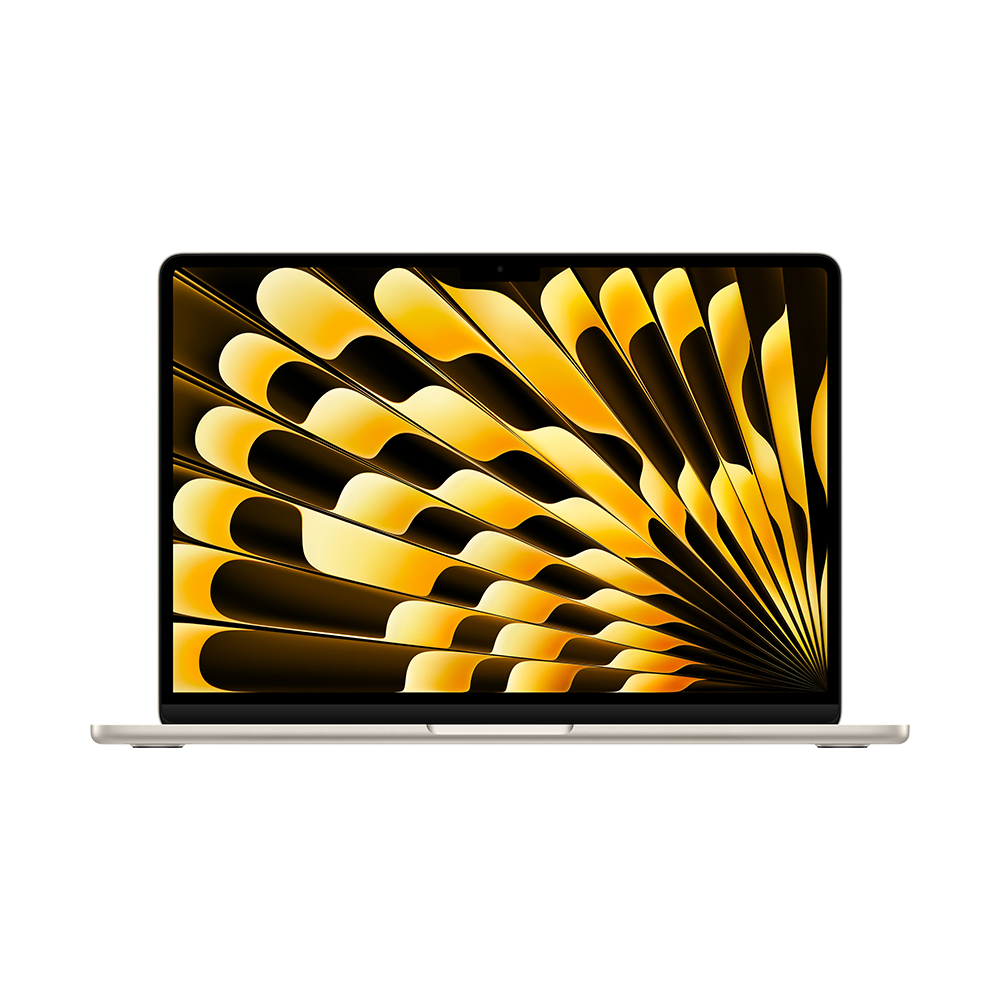
Apple's specification identifies the M5 notebook and its configurable memory and storage. It is the alternative to put first when the lab's actual package versions, source-control process and collaboration files already work on Mac. The useful advantage in that situation is continuity with a known research environment, rather than a general claim that one operating system is better for all graduate work.
Make the environment concrete before buying. Name the language version, required package, institutional login and the way analysis is submitted to a colleague. A small example should produce an output and a readable explanation in the group's accepted format. If that route is already established on Mac, Air deserves an early place in the shortlist.
The research workflow also needs an agreed location for the authoritative data and code. This is a team decision, not a hardware feature. A clear ownership rule allows the portable notebook to stay useful without turning every local copy into a competing version of the project.
Yoga 7i 2-in-1 for explaining a model by hand
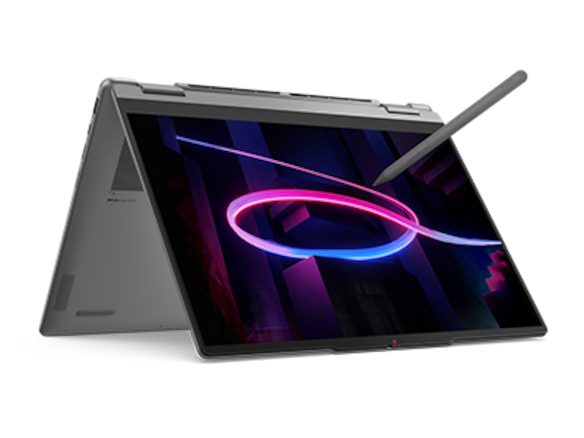
The Yoga 7i specification confirms the convertible hinge and supported Yoga pen options. That design addresses a different research need: explaining relationships, drawing a model or marking a plot directly in a compatible application. It is the Lenovo alternative when the explanation is regularly visual before it becomes typed prose.
Give the handwritten page a specific purpose. Sketch the proposed relationship, label the variable that changed and attach the relevant output identifier. Then type the reasoning into the methods note. This keeps a useful distinction between an exploratory diagram and the text that a supervisor or collaborator will cite later.
A student who does this at most meetings may prefer the convertible despite carrying a different chassis. Someone who mostly edits scripts and writes papers can keep Slim Ultra at the front. The choice follows repeated input needs, with a specific pen and display configuration attached to the purchase.
Surface Pro for a detached meeting page
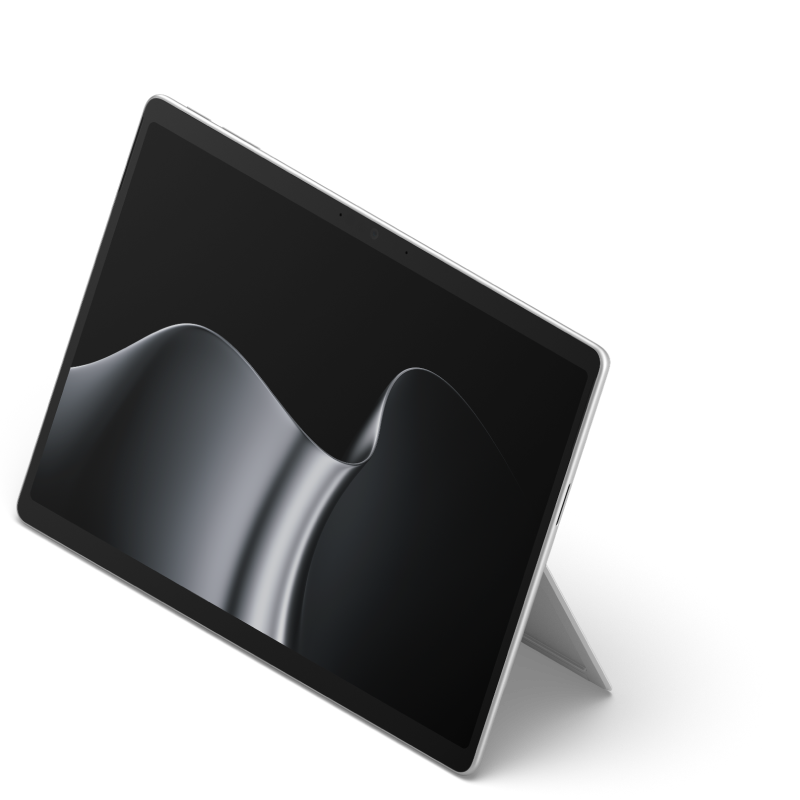
The named Surface Pro business specification describes a 13-inch 3:2 display and compatible pen and keyboard. Its separate screen can serve as a meeting page when detaching the keyboard has a deliberate place in the student's work. Bring the selected keyboard back into the comparison when the same computer must type the explanation afterwards.
For this Snapdragon edition, check the exact applications, package dependencies and any instrument-connected peripherals through their supported routes. A light notebook recommendation should not imply that a named laboratory driver or specialist program has been verified. Surface becomes the preferred format when the detached reading and annotation role is valuable and the required software route is established.
The meeting pack should answer four questions
A reproducible-results note begins by naming the input. Record the dataset or sample identifier, the version used and the location the group recognizes as authoritative. Use a compact table if several samples or conditions belong to the same comparison. The aim is to prevent two superficially similar plots from being discussed as if they came from the same input.
Then record the operation. Include a method reference, a script revision or an agreed analysis description, depending on the discipline. Keep important choices visible: the filtered subset, the parameter that changed or the reason a particular comparison was selected. These records keep a human-readable account of the choices behind the result.
The third question is what the output shows. Select a figure or table and attach a short interpretation. Separate observation from explanation: one sentence for the visible pattern and another for the proposed reason. A useful group-meeting slide makes that distinction easy to discuss without losing the link to the underlying file.
The fourth question is what happens next. List the decision requested, the next analysis and the person responsible. After the meeting, add the agreed action to the same note. The student can then return to a specific result and understand both what it meant at the time and why the next step was chosen.
A practical purchase rehearsal
Prepare a small, permitted project example using the applications the group actually uses. Open its input record, inspect one output, revise the explanation and export the meeting page. Ask a colleague to follow the references back to the right files. This exercise evaluates the whole research route, from the selected input to a meeting page that a colleague can trace.
Use the result to decide configuration and form. If the task is typed Windows work with frequent carrying, start with Slim Ultra. If the working environment is settled on Mac, choose Air around that continuity. If direct handwritten explanation matters repeatedly, compare Yoga 7i or a supported Surface arrangement. Select memory, storage and accessories from this real working set rather than a generic graduate-student specification.
Questions from graduate students
Does this recommendation mean running every analysis locally?
No. Define which work belongs on the portable notebook and which belongs on the lab's approved computing resources. The output and methods note should remain connected in either arrangement.
Should I buy more memory later?
Check the exact model before ordering. The cited Slim Ultra and MacBook Air references specify memory configurations selected with the computer; choose around the expected working set.
What should a supervisor be able to verify?
The input identifier, method or revision, output file and reason for the next action. Those links make the meeting pack more useful than an isolated screenshot.
More research-computer comparisons
Continue with the graduate research shortlist and portable work versus laboratory computing. For the reference trail in a longer paper, read the reading-to-thesis workflow.