Start with the Lenovo Yoga Slim 7i Ultra Aura Edition if your graduate work combines Windows analysis tools, figure revisions and substantial thesis writing on a computer you carry every day. The Framework Laptop 13 is the alternative for students who want adaptable memory, storage and connections. The ASUS Zenbook S14 is attractive when an Intel Windows workflow frequently visits seminar rooms with HDMI equipment.
A figure in a thesis has several lives. It begins in source data, passes through an analysis environment, becomes an image or vector file and finally appears with a caption in a chapter. A lightweight laptop should make that chain easier to manage while remaining pleasant for reading and writing. It does not need to be the machine that runs every large computation; it does need a clear role in the project.
Three research laptops with different strengths
| Laptop | Best fit here | Why consider it | Configuration decision |
|---|---|---|---|
| Yoga Slim 7i Ultra Aura Edition, 14IPH11 | A frequently carried Windows thesis computer | Light chassis with a 14-inch editing workspace | Memory for simultaneous writing, analysis and reference work |
| Framework Laptop 13, AMD Ryzen AI 300 | A project whose hardware needs may change | Replaceable components and selectable expansion cards | Installed memory, storage and required connectors |
| ASUS Zenbook S14, UX5406AA | An Intel workflow that presents in wired rooms | HDMI and USB-A alongside Thunderbolt | Correct generation and actual screen preference |
Yoga Slim 7i Ultra: best for keeping writing and figure work together
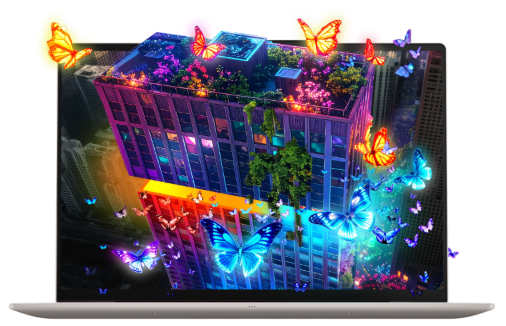
Lenovo manufacturer image.
The Lenovo 14IPH11 specifications describe an Intel-based Windows laptop with several processor, memory and storage configurations. That is why the exact offer matters more than the family name. Our lead recommendation is for a student who wants one very portable everyday machine to own the thesis, inspect results and prepare figures, while using a lab or remote system when the project calls for heavier computation.
A 32 GB order is a sensible starting shortlist for keeping an analysis environment, figure editor, reference manager and chapter open at once. More memory becomes useful when the data and simultaneous applications create a larger working set. The memory is soldered, so this choice belongs in the original purchase.
The display is important during revision. A figure may look clear by itself yet become difficult to read at the width used in the chapter. Use the laptop to inspect both views: the original output and the placed figure with its caption. A high-resolution screen provides detail, while comfortable scaling and the intended output size decide whether labels are readable. The Yoga's 14-inch format is a useful compromise for that work away from the main desk.
At a permanent workstation, a known USB-C display or dock can provide more space for source and output side by side. On the road, keep the current project self-contained enough to revise the required figure without searching several computers for its inputs. The Yoga makes that everyday research workspace easy to carry between the desk and the next supervision meeting.
Framework Laptop 13: best for a research project that grows in hardware demand
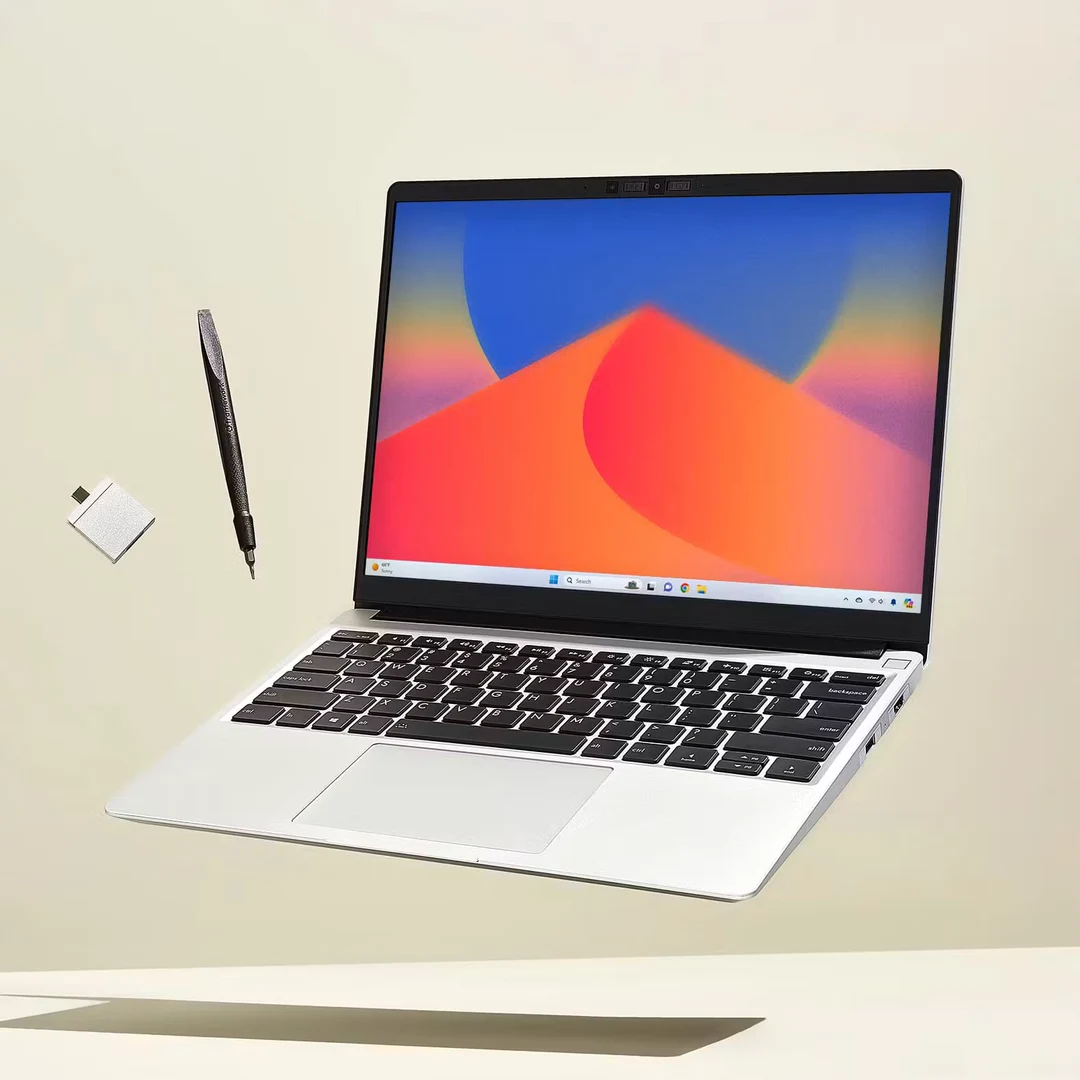
Framework manufacturer image.
The AMD Ryzen AI 300 Laptop 13 uses replaceable memory and storage and a configurable expansion-card system. For graduate ownership, this creates a useful distinction. The computer can be specified for today's project and adjusted later if the active data, software or required physical connections change.
That flexibility is most useful when the student understands what will be changed and why. Extra storage can help keep the active dataset and intermediate outputs together. More memory can address a demonstrated working-set limit. A different expansion card can accommodate a recurring seminar-room or data-transfer connection. None of those changes substitutes for deciding whether the analysis belongs on the laptop in the first place.
The 13.5-inch 3:2 display is another reason to compare it directly with the Yoga. Its shape may suit a page of code, a long table or a thesis paragraph, while the exact application arrangement determines how much fits comfortably. Specify the screen and generation actually being ordered. A DIY quotation also needs the operating system, memory, drive and power equipment accounted for, while a prebuilt order should be compared as the completed computer it is.
The Framework is the strongest alternative here when keeping and adapting the same machine over a long project is central to the purchase. The Yoga remains attractive when the priority is reducing everyday carrying weight and selecting the desired capacity from the start.
ASUS Zenbook S14: best for presenting and revising within an Intel Windows setup
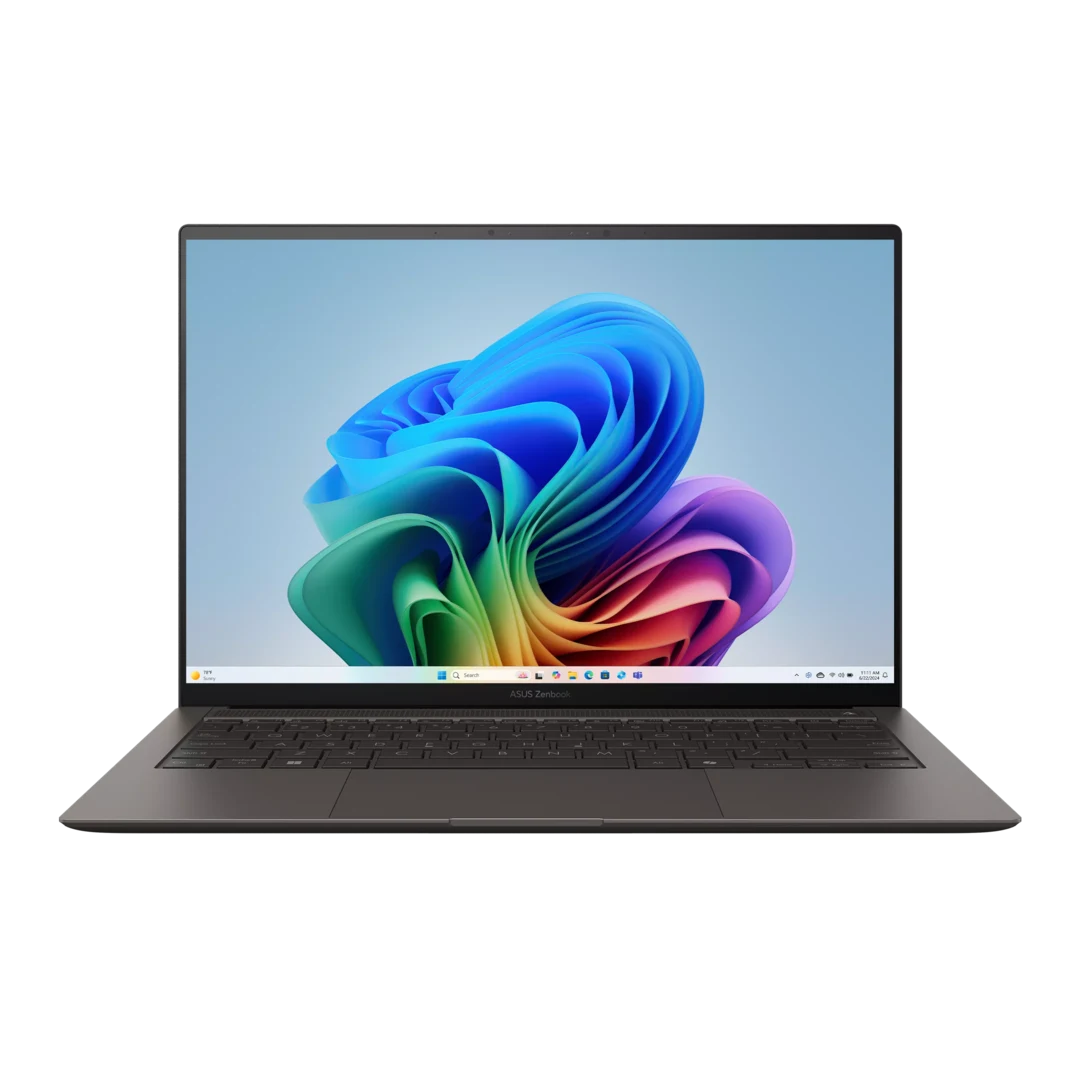
ASUS manufacturer image.
The 2026 Zenbook S14 documentation lists an Intel platform with HDMI, USB-A and Thunderbolt connectors. That makes the UX5406AA an appropriate comparison for a student whose work regularly moves between an analysis desk, supervision meetings and seminar presentations.
Its direct connectors can simplify a familiar presentation route. A room display can show the figure being discussed while the laptop retains the chapter or source notes. The hardware advantage is having the required physical connection readily available. The visibility of a chart on the projector still depends on its font sizes, colors and the room's display settings, so prepare the figure for the audience as well as the laptop screen.
The S14 is a useful choice when you want to stay within an Intel Windows environment and place more value on those direct connections. Compare the exact keyboard, panel and configured capacity with the Yoga. A chassis decision should follow the research routine, particularly when a small adapter is either rarely needed or used several times each week.
Separate compute capacity from a useful thesis desk
A lightweight laptop can be the project's control center without storing every raw file or running every batch locally. Determine which work must remain possible during a supervision meeting or a planned offline writing session. That may be changing a plot label, rerunning a small example or editing the results section. A project requiring large local models has a different hardware brief and should be specified accordingly.
For reproducible figure work, keep the source, transformation and exported output clearly associated. A figure file called final does not explain which settings created it. Include the relevant script or a brief generation note with the project. This is a research-organization choice that makes any of these laptops more useful when the supervisor asks for a small change several weeks later.
The writing desk deserves equal attention. A good keyboard and a readable page matter across hundreds of hours of drafting. If an external display handles the largest comparisons at home, the travel laptop can prioritize carrying ease without making every session a cramped imitation of the full workstation. That is the specific balance behind the Yoga's lead position in this shortlist.
Our recommendation
Choose the Yoga Slim 7i Ultra for a very portable Windows thesis workspace with capacity selected for the whole degree. Choose the Framework Laptop 13 when hardware adaptation is a major ownership priority. Choose the Zenbook S14 when direct connections suit your recurring academic rooms. Compare the finished research task, including the figure in its chapter and the software used to create it.
For reading-intensive work, see our systematic review and evidence synthesis comparison. The local code and remote analysis guide helps define the laptop's compute role.