A graduate researcher can spend a morning cleaning data, an afternoon reading methods papers and an evening waiting for a job running on a university server. Those activities ask different things of a laptop. The editing environment benefits from a readable screen and enough memory; the server job may depend more on access and network reliability than on the processor inside the bag.
The Lenovo Yoga Slim 7i Ultra sits first in this comparison because it combines a very light chassis with useful memory options and an Intel Windows platform. Its appeal is especially clear for a researcher who wants one portable computer for preparation, moderate local analysis and reviewing remote results. The ThinkPad X1 Carbon, MacBook Air, Zenbook S14 and Surface Laptop each approach the same problem differently. Their architectural differences matter more here than a generic label such as student laptop.
Five laptops at a glance
| Laptop | Best fit | Hardware or compatibility to check |
|---|---|---|
| Yoga Slim 7i Ultra | Mixing local Windows code with remote compute | Onboard memory choices through 64 GB; check exact SKU |
| ThinkPad X1 Carbon Gen 14 | Using shared lab displays and older devices | Native HDMI and USB-A plus Thunderbolt |
| MacBook Air 13-inch (M5) | Working with research tools already supported on macOS | Apple M5 and up to 32 GB unified memory |
| ASUS Zenbook S 14 (UX5406) | Connecting directly to lab equipment | Built-in HDMI and USB-A; compare the exact processor and panel |
| Surface Laptop 13-inch (2nd Edition) | Using browser notebooks and remote compute for most work | Check the specific Windows on Arm build and peripheral drivers |
1 Lenovo Yoga Slim 7i Ultra for a mixed local and remote research workload
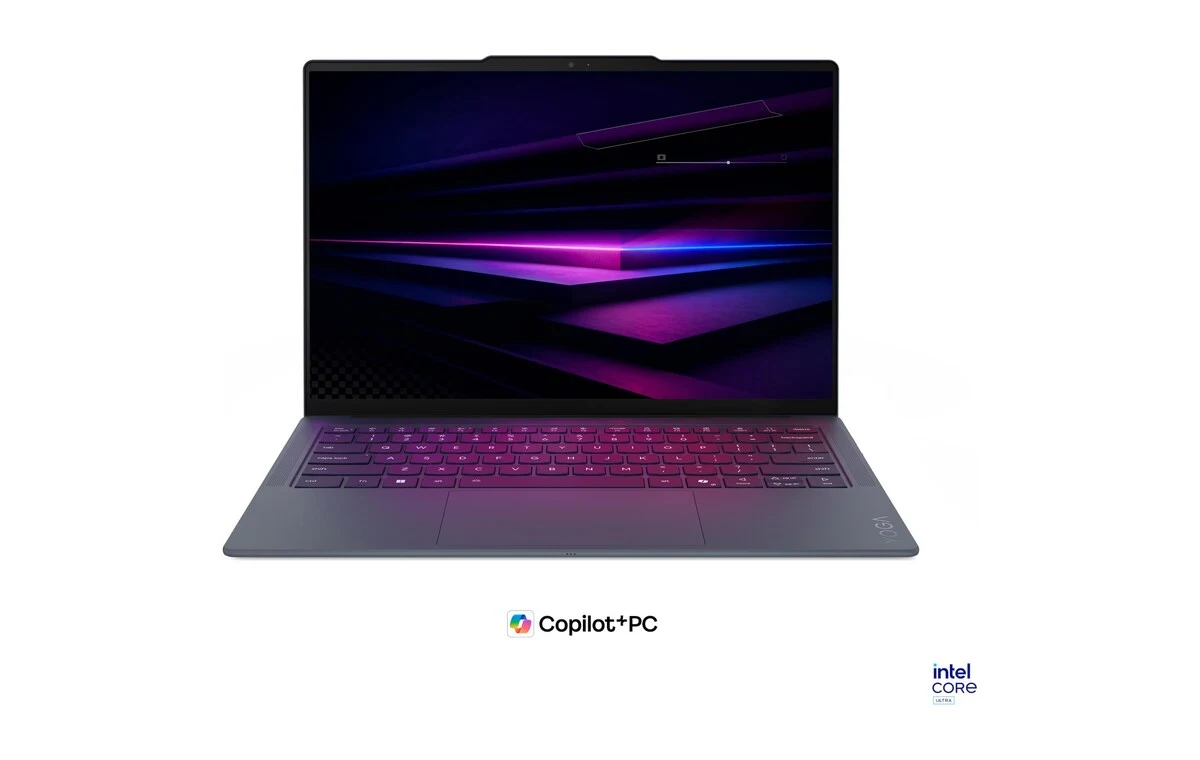
The Yoga Slim 7i Ultra Aura Edition Gen 11 offers a combination that deserves serious attention: a 975g starting weight, a 14-inch 2.8K OLED display and soldered memory configurations extending to 64GB on selected models. For research, that last point distinguishes it from lightweight machines whose configuration range stops at a lower capacity. A student can keep a portable format while buying room for larger local working sets.
There are meaningful processor differences within the family. Intel Core Ultra Series 3 includes configurations such as the eight-core Core Ultra 7 355 and higher-core-count H-series options. Some versions also have different integrated graphics. The sensible purchase depends on what the project does locally. Editing scripts and examining plots does not establish a need for the largest CPU configuration; repeated local compilation or parallelizable analysis gives additional cores a clearer purpose. The model name alone is not a performance specification.
For many students, 32GB is the useful middle ground. Consider a notebook session containing the source data, a transformed copy, several intermediate arrays and a browser with documentation. The working set can grow well beyond the file size on disk. A 64GB version becomes relevant when those demands are routine, rather than because a dissertation sounds inherently demanding. Integrated graphics also shares system memory, so the advertised capacity is not wholly separate from every graphics task.
The screen is another practical strength. Its 2880 × 1800 resolution provides detail for plot labels, code and document text, while the 16:10 shape leaves useful vertical space beneath application controls. A 120Hz maximum refresh rate makes screen movement a different experience from a 60Hz panel, but it does not accelerate an analysis. Those are separate advantages and should be valued separately.
Three Thunderbolt 4 ports make the Yoga suitable for a docked workspace with external storage and displays. The machine has a 75Wh battery, though sustained computation changes power use considerably compared with reading or editing. Its strongest role is therefore a portable research computer that can do meaningful local work and connect to more powerful resources when needed. For CUDA-dependent training or a large simulation, access to the appropriate remote hardware remains a distinct requirement. The Yoga's NPU does not turn an incompatible research stack into a supported one.
2 ThinkPad X1 Carbon Gen 14 for research environments with more hardware attached
The X1 Carbon is the closest alternative when the project extends beyond software into instruments, wired accessories or institution-managed computing. It provides USB-A, HDMI and an audio socket in addition to three Thunderbolt 4 connections. A researcher bringing a USB device to a lab desk or attaching an existing display has more direct options than on an entirely USB-C notebook.
Lenovo's current specification includes memory choices up to 64GB and Intel Core Ultra Series 3 processors. Selected models can be supplied with Linux, which is useful when a department has a supported Linux environment rather than merely a preference for its command line. The available operating system and hardware combination still matters; not every feature of every configuration has the same Linux support.
Its M.2 2280 storage platform also differs from the smaller 2242 format used by the Yoga. That is a component-format distinction rather than an automatic speed ranking. For the buyer, the stronger argument is the combination of memory options, direct connections and operating-system choices. A 58Wh battery and configuration-dependent displays complete a machine that is best understood as a flexible research platform, with sub-kilogram starting versions rather than a promise that every build weighs the same.
3 MacBook Air 13-inch M5 for a native macOS research stack
The M5 MacBook Air is a good match for a research group whose packages and tools already run natively on Apple silicon. It uses a ten-core CPU and offers 16GB, 24GB or 32GB of unified memory. The distinction is not simply Windows versus macOS: compiled libraries, architecture-specific packages and container images can make the underlying processor platform part of the project itself.
For a student who works in supported Python or R environments, writes papers and sends heavier jobs to a server, the Air can provide a compact local workspace. Its fanless design is appealing during quiet editing and discussion, while sustained computation should be considered separately from short interactive tasks.
The 13.6-inch display, two Thunderbolt 4 ports and support for two external displays allow a much larger desk workspace than the laptop alone suggests. The memory ceiling is the more consequential boundary for some projects. If the next stage genuinely requires more than 32GB locally, that is a reason to examine a different configuration class rather than expect software tuning to remove the need. For an established, compatible Mac research workflow, however, the Air is a well-defined portable option.
4 ASUS Zenbook S14 for a desk that still uses HDMI and USB-A
The Zenbook S14 is an Intel alternative with a useful balance of physical connections. It supplies two Thunderbolt 4 ports, USB-A, HDMI and a headphone socket in a chassis listed at 1.20kg. That arrangement suits a researcher who carries the laptop but regularly returns to existing monitors, external drives or laboratory peripherals.
Model suffixes are especially important here. UX5406SA uses Intel Core Ultra 200V-series processors and a 72Wh battery; UX5406AA moves to Series 3 processors and a 77Wh battery. The two versions share the S14 name but have different processor and battery specifications. The newer family includes different CPU choices, so the processor remains part of the exact buying decision.
ASUS lists 16GB and 32GB onboard memory and several 14-inch OLED display options. A 32GB version makes sense for a balanced coding machine when the project fits that capacity. Relative to the Yoga Slim 7i Ultra, the S14 offers more familiar built-in connectors and a higher listed weight, while selected Yoga configurations offer a larger memory ceiling. This is a useful trade for a researcher who wants direct desk connections and has no practical need for 64GB.
5 Surface Laptop 13-inch second edition for research that lives on a server
The Surface Laptop 13-inch second edition belongs in this comparison because some research computers are primarily terminals for remote work. Microsoft specifies a six-core Snapdragon X2 Plus processor, 16GB or 24GB of memory and 256GB or 512GB of UFS storage. Those specifications describe a different proposition from a notebook bought to hold large local datasets and several heavy development environments.
The 13-inch screen uses a 1920 × 1280 resolution and a 3:2 shape. That relatively tall working area is useful for reading documentation and scrolling through code, even though the panel is smaller and less dense than the Yoga's. USB-A and two USB-C connections support ordinary accessories; the USB-C specification is not Thunderbolt 4 and should not be treated as interchangeable with it.
This is the Windows on Arm route. It makes the most sense when the required local applications, VPN and peripheral drivers are supported, and the substantial computation happens elsewhere. The 24GB option provides more breathing room than the base memory configuration, but the machine's role should remain clear. A compact remote-work client can be an excellent research tool without being the right place to run every stage of a large analysis.
How much memory does the project actually use
A file's size on disk is an unreliable shortcut to the memory needed for analysis. A dense array containing one million rows and twenty double-precision values per row already holds 160 million bytes of numeric data. That is before indexes, additional columns, temporary copies or a second version created during transformation. String-heavy data and some software representations behave differently again.
This is why moving from 16GB to 32GB can be more relevant than moving between nearby processor tiers. The extra capacity changes how much work can remain in memory at once. Moving to 64GB is a further, specific decision for projects that can use it. A small script run against a remote database may need far less local capacity than a notebook that imports and transforms an entire collection.
The Yoga Slim 7i Ultra is compelling in this context because its light format does not force every buyer into the same memory ceiling. Its best configuration is the one that fits the local part of the research. Remote resources should handle the jobs they are designed for, leaving the laptop to provide a responsive, readable place to develop the work and understand its results.
One check before you buy
Take a representative dataset from opening to plotting, then run the same workflow through the university's remote environment. Confirm where each step runs and how much needs to work offline.
Related comparisons
Product sources
- Lenovo Yoga Slim 7i Ultra (14IPH11) specifications
- Lenovo Yoga Slim 7i Ultra user guide
- Lenovo ThinkPad X1 Carbon Gen 14 Aura Edition specifications
- Apple MacBook Air 13-inch (M5) technical specifications
- Apple MacBook Air M5 product announcement
- ASUS Zenbook S 14 (UX5406) technical specifications
- Microsoft Surface Laptop 13-inch (2nd Edition) configuration
- Microsoft Surface Laptop display and configuration options
- Microsoft Windows on Arm compatibility
Cover image: Lenovo Yoga Slim 7i Ultra Aura Edition, 14-inch Gen 11, Lenovo product views.