Start with the Lenovo Yoga Slim 7i Ultra for graduate work that needs a full Windows reference library, shared documents and selective access to research data. Choose the exact SSD capacity using the working set you expect to keep locally. The MacBook Air M5 makes sense when the research tools already work on macOS. The ThinkPad X1 Carbon Gen 14 is a good alternative when you connect frequently to lab storage and shared accessories.
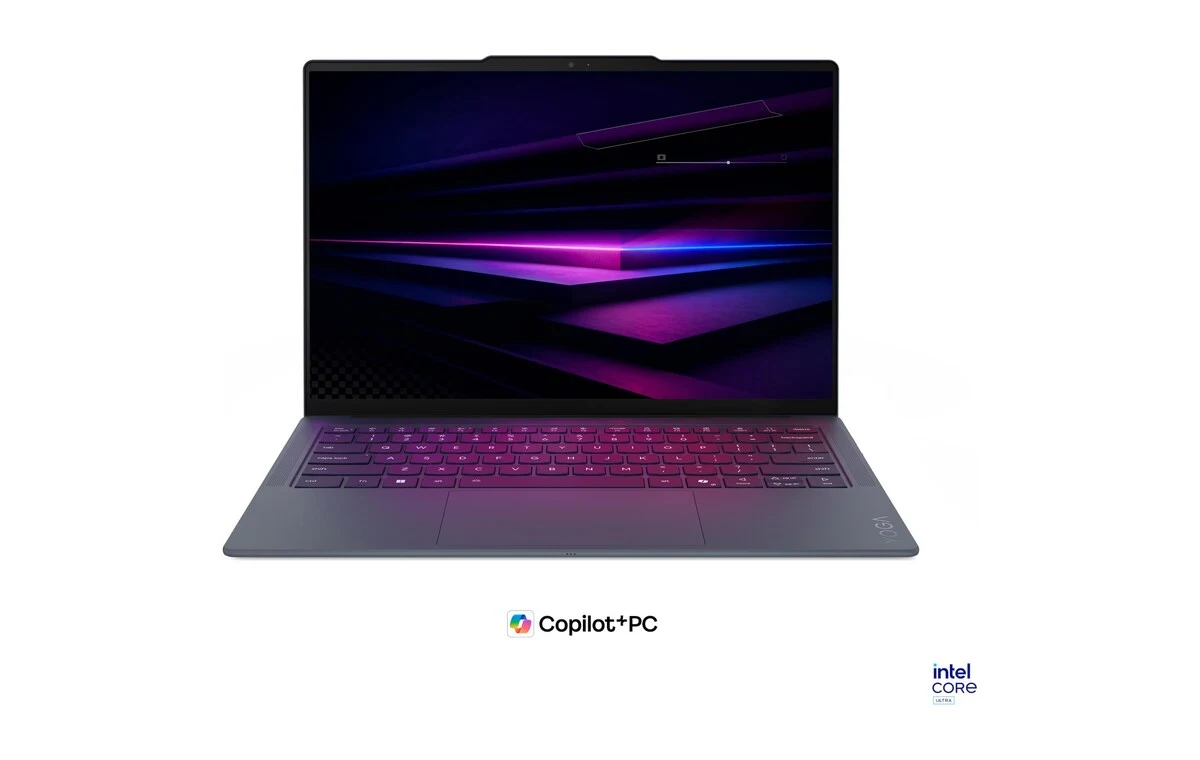
Compare the computers by how they handle a working library
| Laptop | Best fit | Relevant hardware | What to verify |
|---|---|---|---|
| Lenovo Yoga Slim 7i Ultra (14IPH11) | Windows library and a lightweight daily machine | 14-inch 16:10 OLED and three Thunderbolt 4 ports | Local SSD capacity, citation plugin and the external drive you use |
| Apple MacBook Air 13-inch (M5) | A macOS citation or writing setup | M5 platform with storage configurations listed by Apple | Required citation extensions and archive restore workflow |
| Lenovo ThinkPad X1 Carbon Gen 14 | Working across several lab and office setups | USB-A and HDMI along with Thunderbolt | How the intended enclosure, card reader and campus display connect |
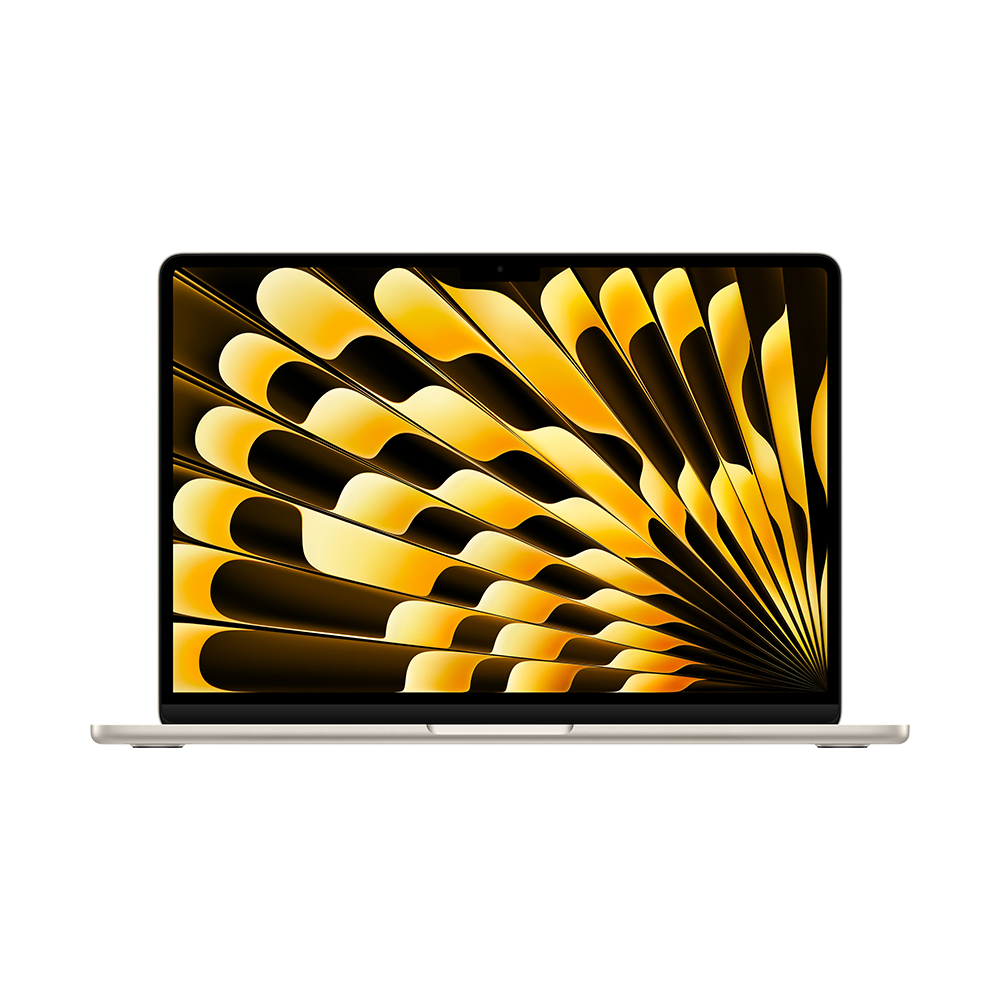
*Apple manufacturer image.*
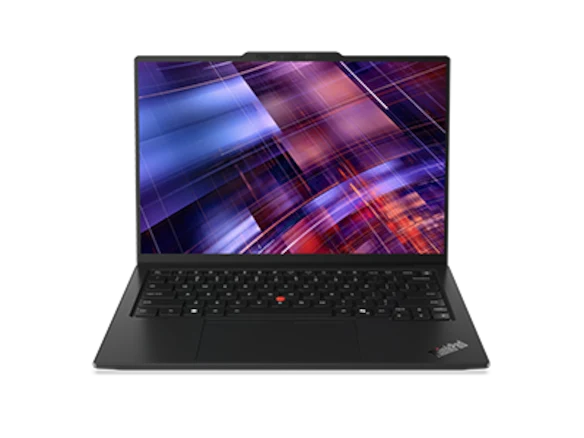
*Lenovo manufacturer image.*
Estimate what needs to be local
Keep three categories on your planning sheet. Your active working set includes the reference database, PDFs you annotate and whatever files you need for this week’s figures or chapter. A second category covers projects you could pull down when needed. A third is long-term storage under your lab or university policy. Record the current size of the active set, the room required for exports and likely growth through the end of the project.
The Yoga is our lead Windows choice when those sizes fit comfortably in a listed configuration. Its 14-inch panel gives a reasonable working area for references and text. Try searching the library, syncing a permitted paper and inserting its citation into a copy of your usual document. Then open a dataset or an archived folder on your actual transfer device. The speed of a particular workflow depends on the storage device, cable, enclosure and files.
Which alternative is easier to live with?
A MacBook Air is an excellent choice if your preferred library manager, document editor and specific plugins already work on your Mac. Move a small representative library rather than relying on an empty app demo. Test a citation, re-open a linked attachment and rebuild a bibliography after changing the style. Check how you will recover a library if the device needs repair.
The ThinkPad is useful when campus rooms and lab desks use a mix of card readers, USB-A drives and fixed HDMI monitors. Review the listed connectors and exact configuration. The advantage shows up when you can leave a hub out of the routine and still use the equipment the department already owns.
Do a restore as part of the comparison
Using permitted sample data, copy a short library export, one document and a handful of attachments to the backup destination the department allows. Restore the sample into a temporary folder and check the links and filenames. Choose the Yoga if the Windows writing setup, full library and transfer path work within its local capacity. Let the research workflow decide which configuration you order.