The Lenovo Yoga Slim 7i Ultra Aura Edition is our first pick to shortlist for a conference trip built around Windows notes, meetings and follow-up writing. It combines a portability-focused design with enough screen space to turn session material into usable work. The ASUS Zenbook A14 offers a different route for approved Arm applications and direct venue connections. The ThinkPad X1 Carbon Gen 14 belongs on the shortlist when business procurement and the organization's existing equipment influence the purchase.
Conference travel puts a laptop through a different rhythm from a normal office day. There are short openings between sessions, a meeting at a crowded table and a longer writing period after the event. The purpose of carrying a computer is to leave with decisions, useful contacts and an accurate account of what matters. This comparison asks how each laptop fits that rhythm.
Our conference shortlist
| Laptop | Recommended conference role | Useful hardware distinction | Main order detail |
|---|---|---|---|
| Yoga Slim 7i Ultra Aura Edition, 14IPH11 | A light Windows workstation for notes and follow-up | 14-inch OLED screen in a portability-focused chassis | Chosen memory and USB-C accessory kit |
| ASUS Zenbook A14, UX3407NA | An Arm-approved setup with direct venue ports | HDMI and USB-A built in | Exact Snapdragon configuration and required app support |
| ThinkPad X1 Carbon Gen 14 Aura Edition | Company-supported travel with conventional accessories | Business configuration choices and mixed connectors | Procurement specification, support and any optional connectivity |
Yoga Slim 7i Ultra: best for carrying the same project through the event
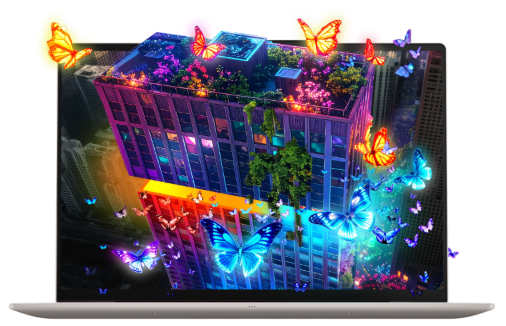
Lenovo manufacturer image.
The 14IPH11 specifications place the Yoga Slim 7i Ultra in a very light category, with a starting chassis weight of 975 g. That is a family minimum, so compare the weight of the configuration being sold. The meaningful advantage is reducing what you carry through a long sequence of rooms while retaining a conventional Windows laptop for the work afterwards.
During sessions, the screen can hold the agenda beside notes. At a break, the same computer can turn a rough observation into a short question for the next meeting. In the evening, it can handle the longer report that gives the trip value. A separate tablet can be useful too, but the Yoga is compelling when you want one typing-focused computer to own that entire sequence.
Our preference is to buy enough memory for the real event workload, often a meeting app, a browser, downloaded reference files and a document editor. A 32 GB configuration is a sensible shortlist for buyers who regularly keep all of those active. Choose the processor and storage in the specific local offer you are comparing.
Plan the connectors around the part of the conference in which you participate. An attendee who mainly takes notes may need only charging equipment and a headset. A speaker who also presents should include a known HDMI adapter, because this Yoga uses USB-C connections. Distinguishing those two roles keeps the bag focused on the planned itinerary.
ASUS Zenbook A14: best when the venue's conventional connectors matter
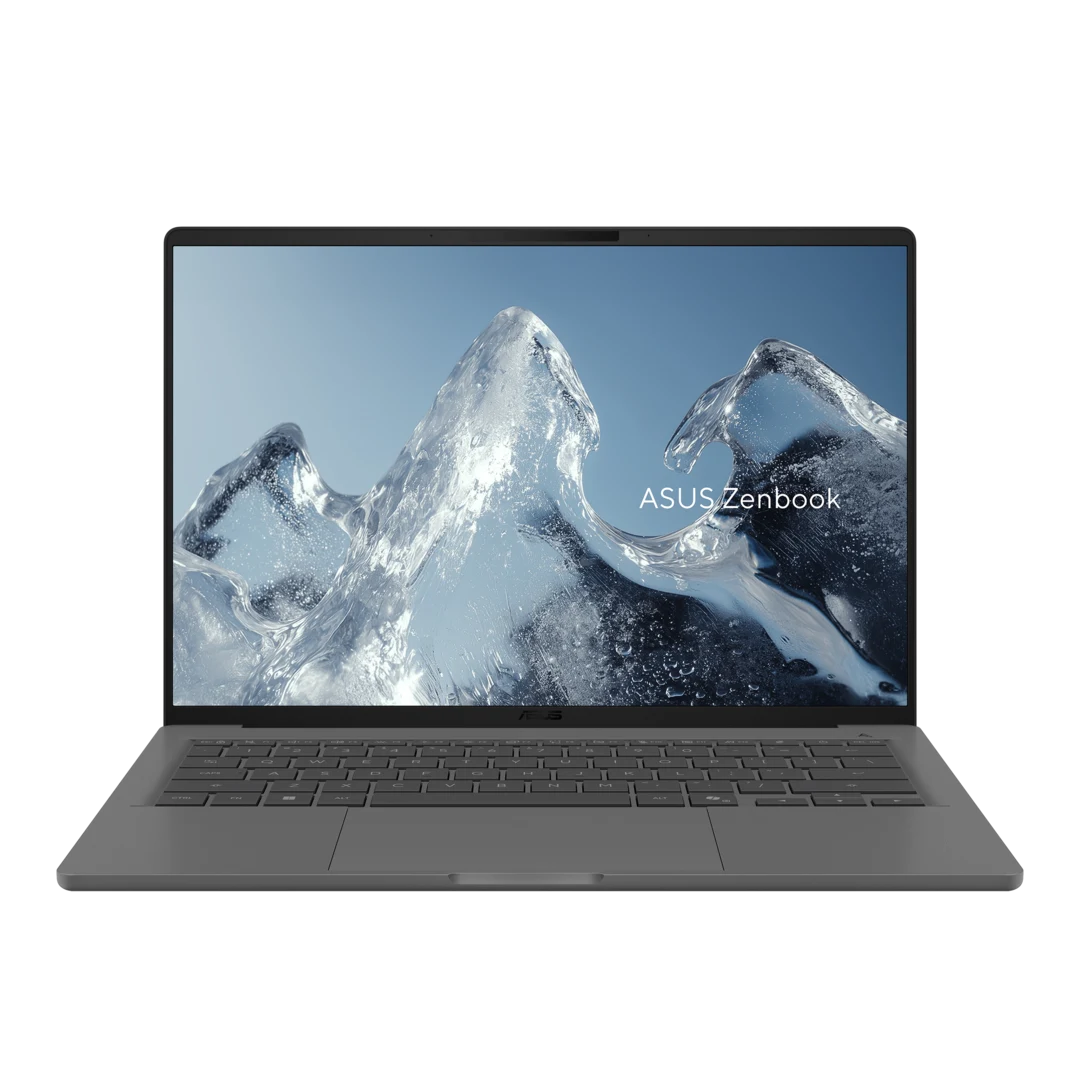
ASUS manufacturer image.
The 2026 ASUS UX3407NA documentation lists a Snapdragon-based laptop with HDMI and USB-A. Those direct connections can be useful at a conference that combines meeting-room displays, USB receivers and ordinary typing. Its appeal is the combination of an ultraportable chassis and connectors that can reduce the separate kit.
Choose it when your note-taking, meeting and business software are already suitable for Windows on Arm. For a conference attendee working in web applications, the software list may be short. For someone demonstrating a product, recording a session with permitted equipment or using a specialist company utility, the list becomes more specific. List the specific application and peripheral requirements alongside the chosen configuration.
The A14 is therefore a credible alternative to the Yoga, particularly when the direct ports solve a recurring venue problem. Compare it with the actual projector adapter and other items you would carry with the Yoga. Make the decision at the bag level, then use the laptop's keyboard and display to judge whether the evening writing session will be comfortable.
ThinkPad X1 Carbon Gen 14: best for a defined company travel configuration
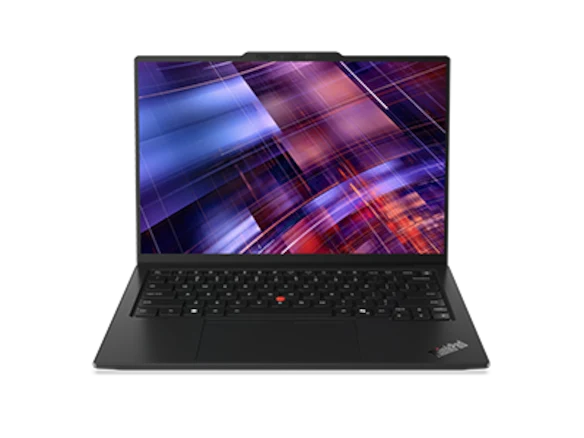
Lenovo manufacturer image.
The ThinkPad Gen 14 reference describes a business laptop family with several display, operating-system and configuration choices. It also lists HDMI and USB-A alongside Thunderbolt. This is attractive when the employer already standardizes a particular accessory set or orders laptops through a defined support arrangement.
The ThinkPad is not simply a heavier corporate alternative to the Yoga. Some configurations have very low starting weights, making the precise offer and panel important to the comparison. The stronger distinction is how the purchase fits the organization: service coverage, image deployment and the approved equipment that travels with the employee.
Optional mobile connectivity is also a configuration question. Do not read a family-level mention of cellular service as confirmation that the quoted machine includes it. For a conference trip, the useful question is whether your approved connection plan works at the destination. That can involve venue Wi-Fi, a phone hotspot or a specifically equipped laptop, depending on the organization's arrangements.
Turn conference attendance into a useful deliverable
Before departure, create a short project page with the event goals, planned meetings and questions you want answered. Leave room for the decisions and questions that the sessions should resolve. A laptop earns its place when it helps you connect a speaker's point to a real business issue, prepare a precise follow-up or record what changes after a meeting.
During the event, separate quoted material from your own interpretation. Record a session title or source location next to a point that will appear in the final report. You do not need to type every sentence. A concise note containing the claim, its context and the question it raises will be easier to use later than a large unstructured file.
For contacts, capture the reason for the conversation and the next action while it is still clear. A name without context is difficult to act on several days later. Keep personal contact information in the system your organization approves and write the professional follow-up in a form that can be completed from the same computer.
After the event, spend the first substantial writing session producing a small set of outputs: a decision note, an action list and any promised follow-up. These give the hardware comparison a concrete endpoint. If the Yoga lets you carry those files comfortably through the whole itinerary, it is the strongest starting choice here. Choose the A14 for its verified Arm setup and direct ports, or the ThinkPad for a better fit with company procurement and equipment.
For a different business itinerary, read our client workshop and proposal comparison. The complete trip workflow guide covers preparation, travel and a client meeting.