Shortlist the Lenovo Yoga Slim 7i Ultra Aura Edition first for client visits that combine a Windows proposal, live discussion and a written revision before you leave. The MacBook Air M5 is the alternative when the proposal and creative material already live in a Mac workflow. The ASUS Zenbook S14 is especially relevant when client rooms repeatedly use HDMI and conventional USB accessories.
The important distinction is what happens during the meeting. A presentation-only visit can use a prepared deck and a simple display connection. A workshop is less predictable: the client may change quantities, ask to see a scenario or request a rewritten section. The most useful travel laptop keeps the proposal editable and the discussion clear while remaining comfortable to carry to the next appointment.
Three ways to equip a client workshop
| Laptop | Best fit | Buying reason | Decide at configuration time |
|---|---|---|---|
| Yoga Slim 7i Ultra Aura Edition, 14IPH11 | Live Windows proposal and document revisions | A light 14-inch working laptop | Capacity for the full proposal, source material and meeting software |
| MacBook Air 13-inch, M5 | A proposal built with established Mac tools | Continuity with the existing design and writing environment | Required templates and output formats |
| ASUS Zenbook S14, UX5406AA | Frequent visits to wired meeting rooms | Direct HDMI and USB-A connections | Exact refreshed model and the room accessories |
Yoga Slim 7i Ultra: best for bringing an editable Windows proposal

Lenovo manufacturer image.
The Yoga Slim 7i Ultra reference describes an Intel Windows platform with a portability-focused 14-inch design. The product's reason to lead this shortlist is practical: it can remain the main proposal computer and still be easy to take to the client. You can work in the same templates, folder structure and application setup used during preparation.
That continuity is particularly useful when a proposal includes a document, a spreadsheet and several visual attachments. A short question about a quantity may require opening the source calculation and explaining the assumptions behind it. The Yoga is a good fit when you want those materials available locally in a conventional Windows environment, with memory chosen for the full project.
We would start by comparing a 32 GB configuration for a busy consulting or sales workflow. Keep the decision tied to the simultaneous applications you use. A straightforward proposal may need less; a model with many linked resources may demand more. The storage order should similarly reflect the active project set and the space needed for temporary working copies.
Use the screen for the stage of the discussion. A laptop facing you is appropriate for controlling the model, while a room display should show the concise result the client needs to discuss. The Yoga's USB-C connectors can support the chosen external setup with the right adapter or dock. If HDMI is the room standard, specify a compatible USB-C adapter in the travel kit.
MacBook Air M5: best for a proposal already developed on the Mac
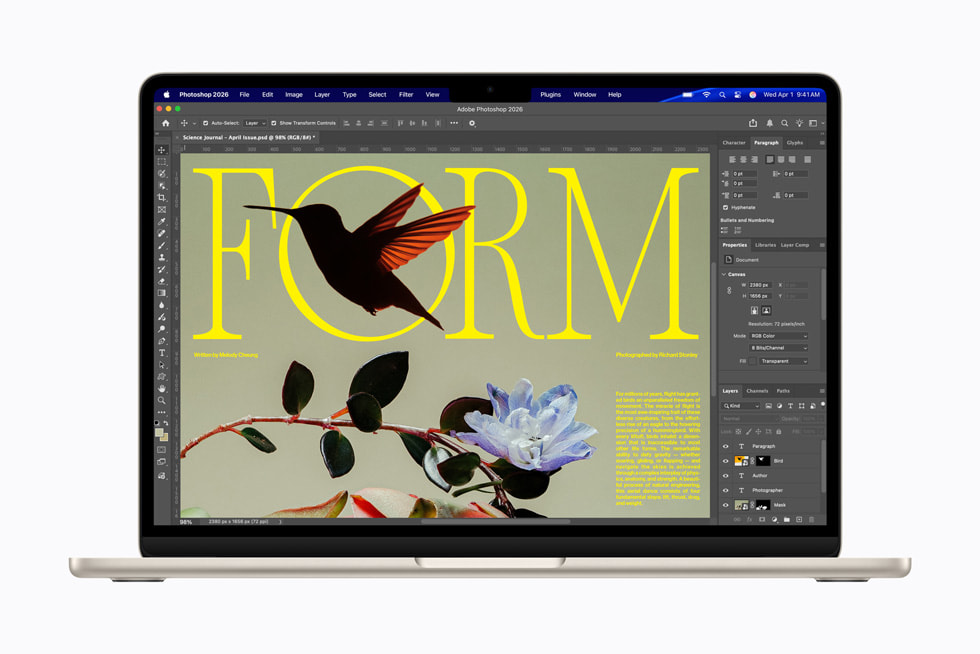
Apple manufacturer image.
Apple's MacBook Air specifications establish the M5 model as the current 13-inch Air in this comparison. It is attractive for a client-facing professional whose creative tools, document editor and presentation assets already work well on macOS. A familiar environment can make an unexpected revision easier to handle because the author already knows where the controls and source material are.
The relevant question is whether the editable proposal is genuinely portable across the intended applications. A PDF is useful for a stable reading copy, but a workshop may require changing the source. Inspect the exact template, linked chart and font set before treating a second computer as interchangeable with the preparation machine. A Mac workflow that already owns the source can be a strong reason to choose the Air.
Its separate MagSafe charging connection can leave the Thunderbolt connectors available for the display or a storage device. Choose accessories to match the client rooms you actually visit. The advantage is a compact setup that supports the established workflow and the client formats you already use.
Zenbook S14: best when repeated room setup should be simple
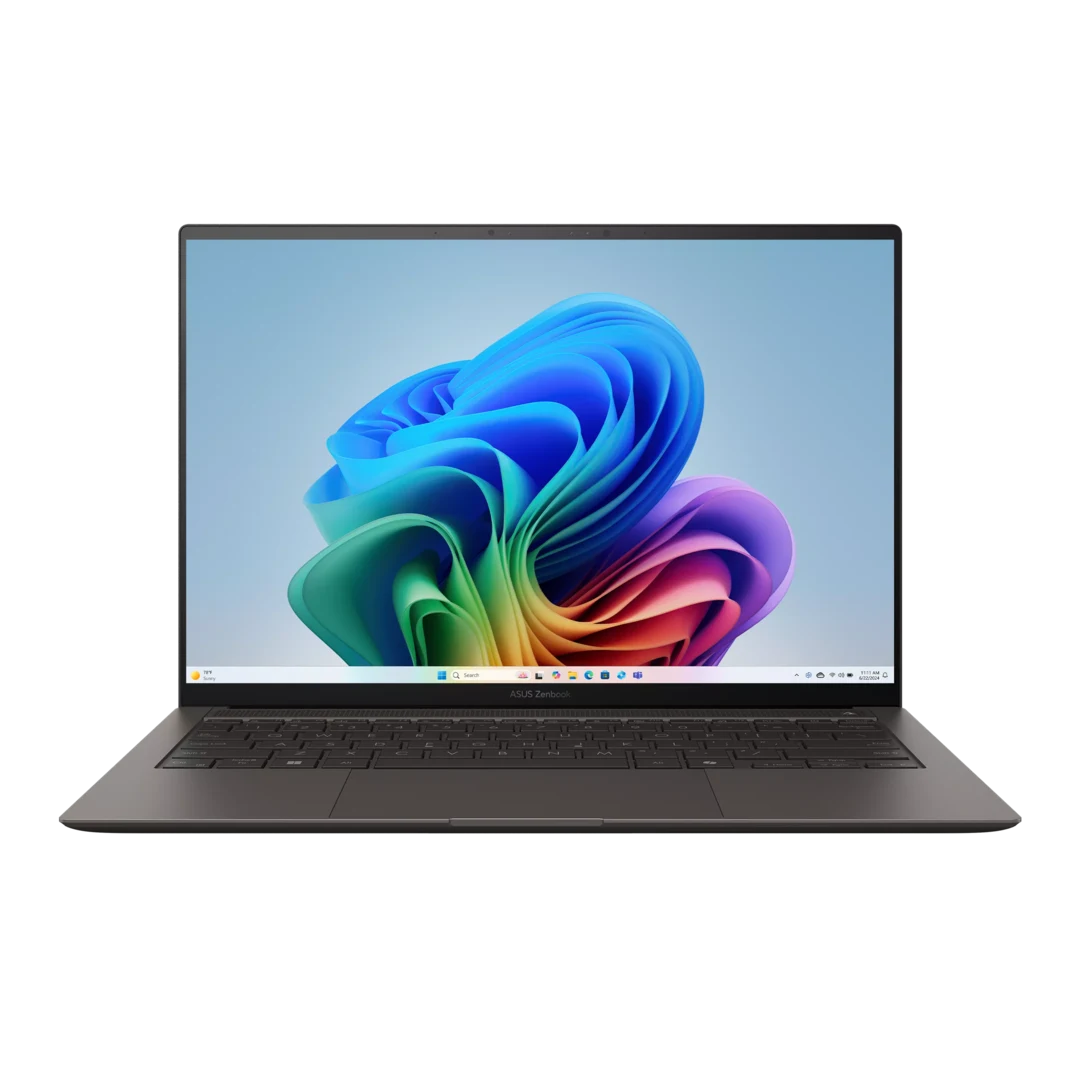
ASUS manufacturer image.
The 2026 Zenbook S14 announcement lists a conventional mix of HDMI, USB-A and Thunderbolt ports. In a client-workshop context, that makes the refreshed UX5406AA worth considering alongside the Yoga. A direct display cable can simplify repeated visits when the destinations use the same equipment.
The ASUS also keeps the comparison within an Intel Windows environment. That lets a buyer compare the screen, keyboard, configuration and accessory arrangement within the proposal's existing software platform. The correct local model remains important: the UX5406 family spans more than one generation, and a retailer's shortened title may omit the suffix needed to identify the offer.
Choose it when the reduction in adapters is useful often enough to matter. If nearly every meeting is online or uses a verified USB-C room system, the Yoga's lighter-family positioning may be more relevant. If each week brings several wired rooms, the S14's built-in connectors deserve their own place in the comparison. The actual itinerary should decide the weighting.
Separate discussion changes from final commitments
Prepare the proposal in three layers. The first is the client-facing summary, containing the choices that need discussion. The second is the working model, where quantities or assumptions can change. The third is the evidence folder, holding the source material needed to explain those assumptions. This keeps a live revision understandable without showing every internal calculation on the room display.
During the workshop, label a changed assumption as provisional until the client agrees to it. A number typed during a discussion can look more final than it is, particularly when the updated table is immediately visible. A short decision log beside the proposal makes the status clearer: requested change, agreed change and unresolved question are different states.
When the meeting ends, produce a concise follow-up with the revised section, the remaining questions and the next owner. Do not rely on the client to remember which slide changed or which option was parked. The laptop choice should make this short writing session easy to complete at the venue, in the next office or during a planned break.
Which laptop should you buy?
Choose the Yoga Slim 7i Ultra when live Windows editing and low carrying burden define the visit. Choose the MacBook Air when preserving a proven Mac proposal workflow is more important. Choose the Zenbook S14 when its direct meeting-room connections simplify a repeated business routine. Compare the machines with an actual editable proposal and the kit required to show it, then buy the one that supports a clear client decision and a prompt follow-up.
For a longer event-based trip, read the conference notes and follow-up comparison. Our remote-work workshop guide covers online delivery and participant-facing screen sharing.