The Lenovo Yoga Slim 7i Ultra Aura Edition is our first shortlist choice for a traveling facilitator who prepares in Windows, presents from a browser or office app, and carries the same laptop between remote sessions. Its appeal is the combination of a very light chassis and a useful 14-inch working surface. Choose the 13-inch MacBook Air M5 when the workshop already depends on Mac software. Consider the ASUS Zenbook A14 when an approved Windows on Arm setup and direct HDMI are more useful than an Intel platform.
A workshop differs from an ordinary video call. The facilitator shares a page, watches participants, follows an agenda, opens a poll and writes up decisions. The laptop has to support that arrangement while leaving enough attention for the people. This comparison therefore separates the shared workspace, the private controls and the material participants receive afterwards.
The shortlist for a working session
| Laptop | Our recommendation for | Useful distinction | Purchase decision |
|---|---|---|---|
| Lenovo Yoga Slim 7i Ultra Aura Edition, 14IPH11 | A facilitator carrying a Windows workshop workstation | Intel Windows platform with a 14-inch OLED screen | Choose memory for the actual collection of meeting, browser and document windows |
| Apple MacBook Air 13-inch, M5 | An established Mac presentation and editing workflow | macOS with MagSafe and Thunderbolt connectivity | Confirm screen-capture permissions and the required presentation tools |
| ASUS Zenbook A14, UX3407NA | An approved Arm workflow that also visits wired venues | HDMI and USB-A alongside USB-C | Verify the meeting client, capture tools and accessory drivers on Arm |
Lenovo Yoga Slim 7i Ultra: best starting point for a Windows facilitator
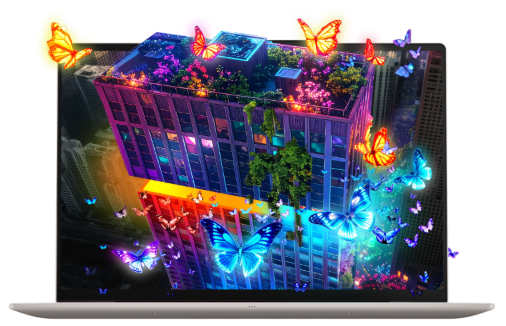
Lenovo manufacturer image.
Lenovo's 14IPH11 specifications identify a family starting at 975 g, a 75 Wh battery and three Thunderbolt 4 connectors. The relevant benefit is having a compact Windows machine that can remain the preparation computer and the live delivery computer. It avoids rebuilding a familiar session merely to use a lighter secondary device.
For this use, our suggested starting order is 32 GB memory and storage sized for the course assets you actually keep locally. A meeting client, several reference tabs, a shared slide deck and a private planning document can all remain open during a workshop. Extra capacity is most meaningful when it reduces the temptation to close a useful window at the moment a participant asks a question.
The 14-inch screen helps organize those windows before a session begins. Keep the shared document at a readable zoom and place participant controls where they will not cover its navigation. When an external display is available, use it for private facilitation notes; when traveling with one screen, share a specific window and keep the agenda in a separate application. The Yoga makes that Windows arrangement easy to take between sessions.
Its USB-C layout also makes the accessory choice straightforward to define. Bring the exact adapter needed for a venue display, plus the headset or microphone already approved for your sessions. An HDMI socket is not built into this model. A small tested adapter is a sensible addition when most sessions are online but occasional in-person delivery is part of the job.
MacBook Air M5: best for keeping an established Mac workshop intact
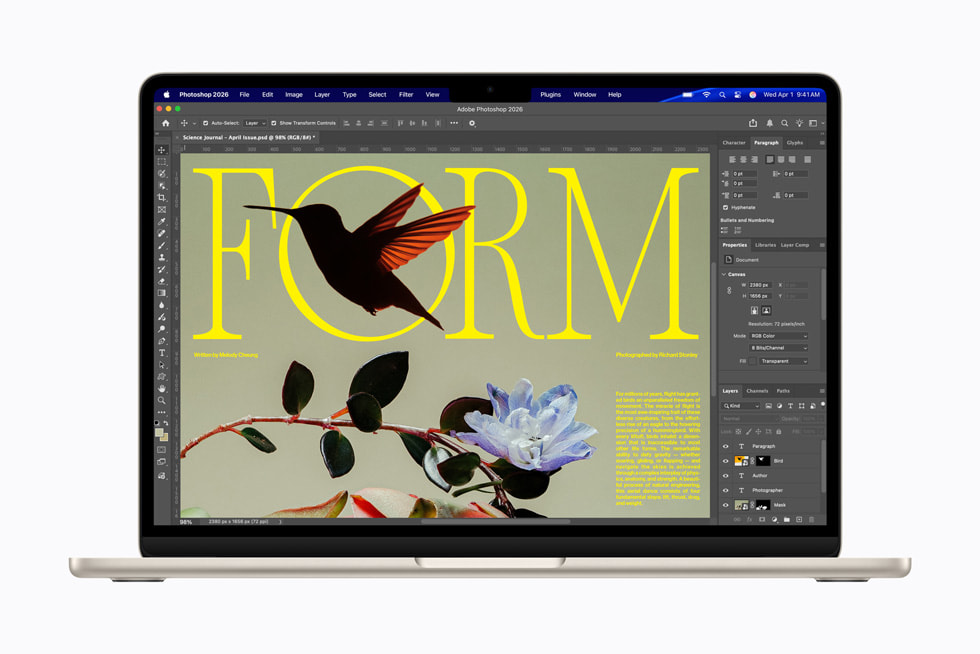
Apple manufacturer image.
The 13-inch MacBook Air specification describes a 13.6-inch display, two Thunderbolt 4 ports and separate MagSafe charging. For a facilitator already using Mac presentation, audio or design tools, the strongest argument is continuity. The material, shortcuts and asset library can stay in the environment in which they were prepared.
The smaller travel computer can also remain useful at a permanent desk. Charge through MagSafe and connect the relevant display or accessory through Thunderbolt, choosing a dock only when your equipment requires one. This is particularly attractive when most workshop preparation happens at home and the travel bag only needs the same machine and a known accessory set.
The decision should turn on your actual delivery tools. Rehearse a session with a second participant account and inspect what the audience sees while you move between a presentation and a browser demonstration. Screen sharing permissions and audio routing are software setup tasks, so establish them before travel. If the workshop includes a Windows-only training utility, include it in the application list that determines your choice.
ASUS Zenbook A14: best when direct venue connections simplify the job
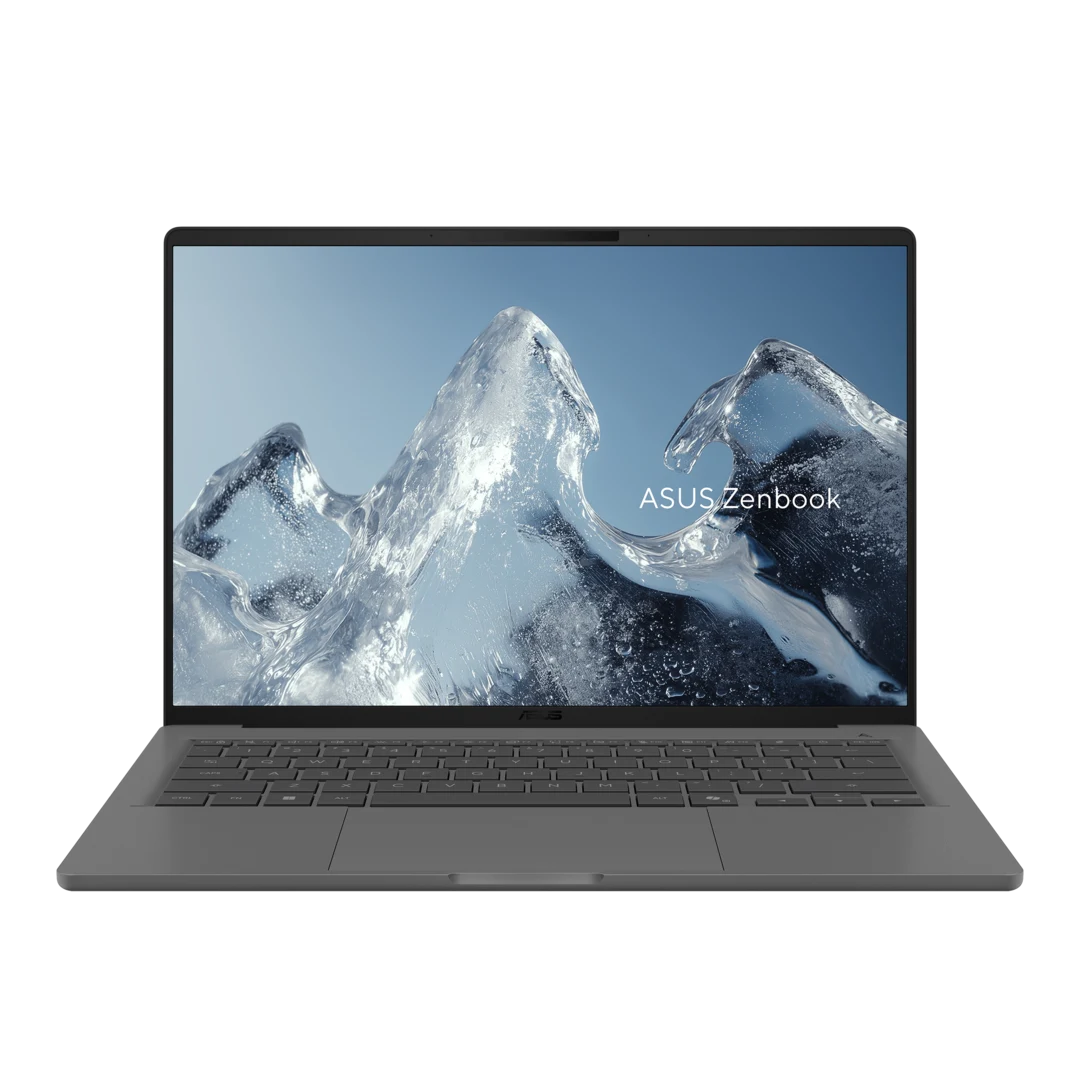
ASUS manufacturer image.
The ASUS 2026 UX3407NA announcement lists HDMI and USB-A as well as USB4. That combination is useful for a facilitator who alternates between online delivery and venues with a projector or a USB receiver. The distinction is physical: a direct connector can remove an adapter from a frequently repeated setup.
This is a Snapdragon-based Windows alternative. The workshop platform, recording add-ons and any capture accessory need to support the purchased system. A browser-based whiteboard may be straightforward to include, while a device that depends on a particular driver is a separate compatibility decision. Check the accessory model and its supported driver version.
The A14 is persuasive when the venue setup is consistent and the software has already been approved. Compare it with the Yoga using the complete working bag: laptop, charging equipment, any video adapter, headset and other required inputs. A small difference in chassis weight may matter less than the accessory that one itinerary repeatedly demands.
Build the session around the participant's view
A useful rehearsal has three stages. First, open the exact workbook or slide deck and make sure a remote participant can read the smallest essential text. Second, move into a live demonstration while keeping the agenda and any confidential notes private. Third, return to the closing slide and deliver the file participants were promised. This gives the hardware comparison a clear purpose: a well-run session and useful participant material.
Prepare two visual versions if your workshop uses detailed tables: an editable master for discussion and a simplified page for screen sharing. The shared version should emphasize the decision being discussed, while the master preserves detail for later use. That distinction helps on all three laptops and avoids choosing an oversized machine solely to compensate for an overcrowded presentation.
Audio deserves its own place in the purchase. The built-in system can be convenient, but a familiar headset may give a more predictable arrangement in changing rooms. Keep its connection method in the accessory list. If you plan to show prerecorded clips, include them in the rehearsal so that participants hear the intended source and the recording contains the right audio.
Our recommendation
Choose the Yoga Slim 7i Ultra when your workshop preparation and delivery are Windows-based and reducing the everyday carrying burden is a priority. Prefer the MacBook Air when a proven Mac toolchain is central to the session. Choose the Zenbook A14 when its direct connectors and verified Arm software fit the itinerary. Specify the configuration and accessories around a complete workshop, then compare the delivered result participants can actually use.
For another remote-work use case, read our multilingual report production comparison. The workplace transitions guide covers a home desk, shared office and travel setup.