
Start with the Lenovo Yoga Slim 7i Ultra Aura Edition for multilingual reports that move between Windows editing, browser research and shared review. It is our lead choice for writers who take the same active project from a regular desk to a business trip. The MacBook Air M5 is the alternative for a settled Mac publishing workflow; the ASUS Zenbook S14 deserves attention when wired office connections are an everyday part of the route.
A multilingual report is more than a document with a second language. It may contain parallel versions, screenshots, reviewer comments, charts and reference files that arrive from colleagues in another time zone. The useful laptop is the one that lets the author compare those pieces without losing the current version. This guide concentrates on the portable editing workspace and the decisions that make the next review easier.
Three laptops for a report that keeps moving
| Laptop | Best fit in this comparison | Why it belongs | Decide before ordering |
|---|---|---|---|
| Yoga Slim 7i Ultra Aura Edition, 14IPH11 | Windows reports edited away from the main desk | Light 14-inch chassis with an Intel platform | Memory, local project size and the keyboard layout you use |
| MacBook Air 13-inch, M5 | An existing macOS writing and publishing setup | Familiar Mac applications and a compact body | Required fonts, editorial plug-ins and collaborator formats |
| ASUS Zenbook S14, UX5406AA | Office-to-office writing with conventional displays | HDMI and USB-A in the laptop | Exact model suffix and the display configuration |
Yoga Slim 7i Ultra: best for taking the Windows editing desk with you
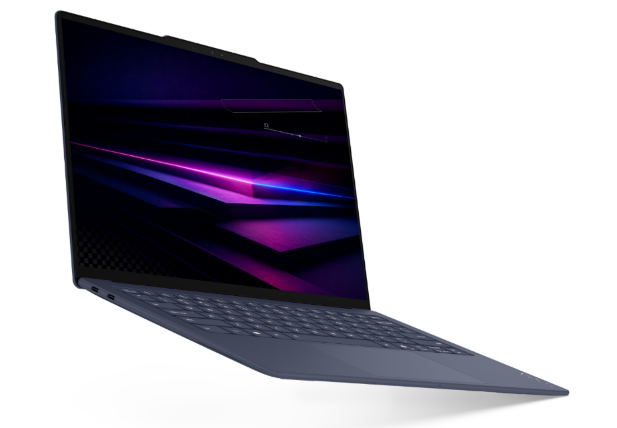
Lenovo manufacturer image.
The Lenovo product reference shows the 14IPH11 platform with a 14-inch OLED panel and several memory configurations. For report writing, the practical attraction is keeping a usable page and supporting material on a portable screen. The combination of carrying ease and working space makes the Yoga a persuasive report-writing companion.
A good working arrangement uses a stable main document and a separate reference pane. Keep the translated passage beside the source when checking terminology, then enlarge the main document for the final reading pass. The 16:10 screen shape is helpful for this kind of vertical page work. Set the scaling and font size around the report itself, including the smallest notes and labels you need to read.
Our suggested configuration is 32 GB memory if your reports normally involve several browser windows, a large reference packet and image editing alongside the document. Keep your own workload as the reason for the upgrade. Someone producing shorter browser-based updates may reasonably choose a different specification. Memory is soldered on this platform, so select it for the period you expect to keep the laptop.
The three Thunderbolt connectors suit a desk built around a USB-C display or dock. When a destination uses HDMI, add a suitable adapter to the order. This defines a coherent travel setup: the same project, a familiar input layout and a known display connection. It is more useful than buying a machine from a headline weight and discovering that your preferred keyboard or monitor arrangement changes on every trip.
MacBook Air M5: best for a report workflow already settled on the Mac
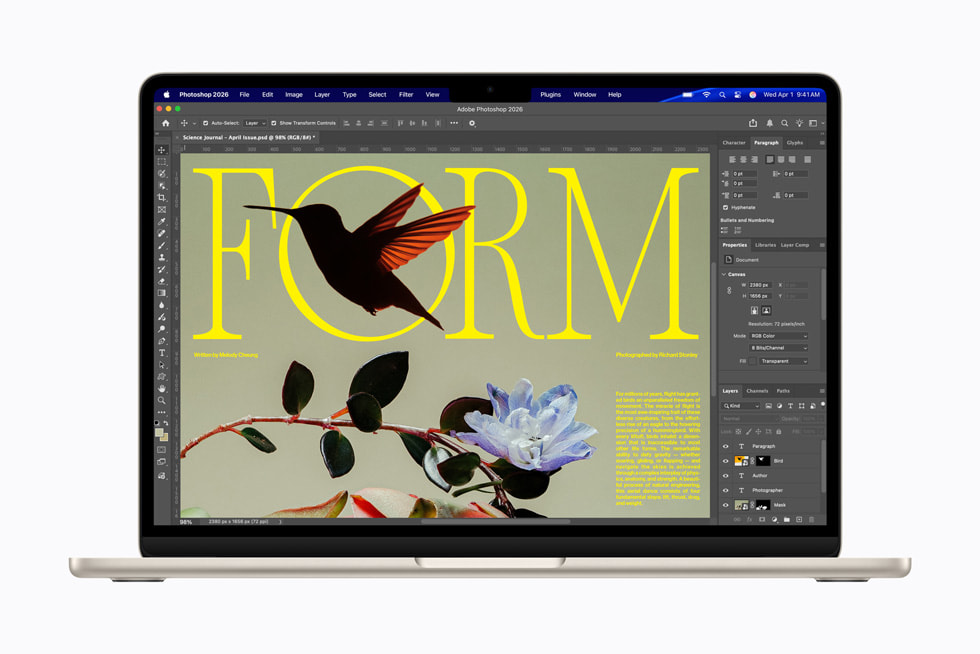
Apple manufacturer image.
Apple's current MacBook Air specifications list a compact 13-inch model with memory and storage choices. Its place here is for writers whose publishing tools, reference management and language input methods are already established on macOS. Keeping that environment can be more valuable than a small difference in chassis dimensions.
For a bilingual publication, inspect the complete document in the applications that create and receive it. Pay particular attention to scripts with different line heights, mixed punctuation and tables that combine several languages. Those are document-format questions. Use those document requirements to choose the software environment, then select the hardware capacity that supports it.
The Air can make sense as both travel computer and desktop companion. Its separate charging connection leaves the Thunderbolt ports available for a display or external storage. Compare the monitor setup you actually use, including any requirements imposed by the publishing application. If colleagues maintain the master in a Windows-specific workflow, confirm that your role can be completed on the Mac or through the approved service before making it the only computer on the trip.
ASUS Zenbook S14: best for reports that pass through wired offices
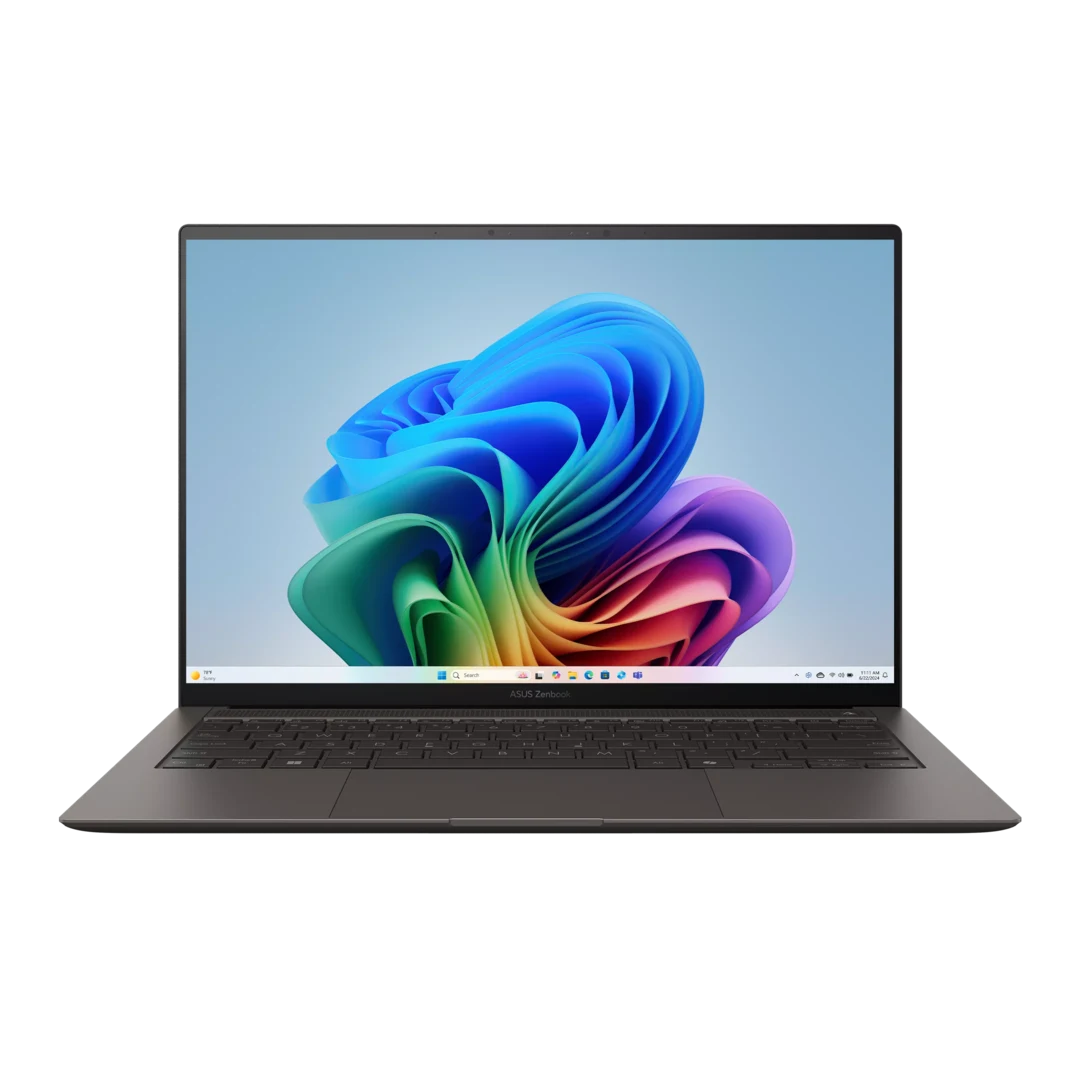
ASUS manufacturer image.
The 2026 Zenbook S14 announcement identifies the refreshed UX5406 platform and its mix of HDMI, USB-A and Thunderbolt connectors. Specify the UX5406AA generation when comparing it with this year's Yoga. A family name on its own can also refer to an earlier configuration.
For an editor moving between a client office and a home desk, direct connections can be a practical advantage. An HDMI display can provide a larger proofing page, while a USB-A accessory can remain part of an established workstation. The benefit is a repeatable arrangement for reading and revising across familiar offices.
This is the alternative to choose when you want a portable Windows machine but your destinations still rely heavily on conventional connectors. Compare the keyboard feel and the display at your usual reading size. A writer spends more time interacting with those surfaces than admiring a maximum processor specification. Buy the configuration that keeps the document, references and communication tools open comfortably together.
Make the two language versions easier to maintain
Begin with a terminology list containing only the terms that matter to this report. Give each entry a preferred spelling, a brief definition and a location in the source material. This small document belongs beside the report, not scattered across chat messages. All three laptops can support that organization when the chosen applications and storage permissions match the team.
Then decide how revisions will be exchanged. A translated paragraph can change length enough to move a caption or split a table. Keep page-dependent comments separate from meaning-dependent comments: one concerns layout, the other concerns the content. Reviewing both together at every stage often creates unnecessary rework. Use the portable laptop for the stage it is currently responsible for, whether that is language editing, final layout or reviewer coordination.
Time-zone differences make filenames and ownership consequential. At the end of a work period, leave a short handover note naming the latest file, the unresolved questions and who should act next. The next writer should not have to infer progress from modification dates alone. This is particularly valuable when working from a hotel or shared office, where a short local session may be followed by many hours offline.
Choose around the finished publication
For the Yoga Slim 7i Ultra, the strongest case is a Windows report workflow that needs to remain fully usable while the author travels. The MacBook Air becomes the natural alternative when the publishing process is already Mac-based. The Zenbook S14 is attractive when its direct office connections simplify repeated editing sessions. Compare a complete report and its handover materials, then order the memory, storage and input layout that support that work.
Read the companion live online workshop comparison for participant-facing work. Our graduate research outputs guide looks at a different writing environment.