Quick recommendation
HUAWEI MatePad Air is our balanced recommendation for reading a source beside notes or a draft, using supported split-screen applications. Its 12-inch page and pen-and-keyboard options fit that common work-and-study pattern. OnePlus Pad 3 deserves preference when its documented three-app layout is central to the task; HONOR MagicPad4 is another window-oriented alternative. A higher advertised window count is useful only when the actual sources remain readable and the relevant apps retain their state.
The shortlist and the reasons
| Recommended tablet | Why choose it | Documented basis | What changes the choice |
|---|---|---|---|
| HUAWEI MatePad Air | Source plus notes or a draft | Supported split-screen and adjustable proportions | The chosen apps must support the arrangement |
| OnePlus Pad 3 | A three-app reference workspace | Manufacturer-described Open Canvas workflow | Verify the applications and actual text sizes |
| HONOR MagicPad4 | An alternative windowed work surface | Manufacturer-described multitasking environment | Check the regional software and accessory package |
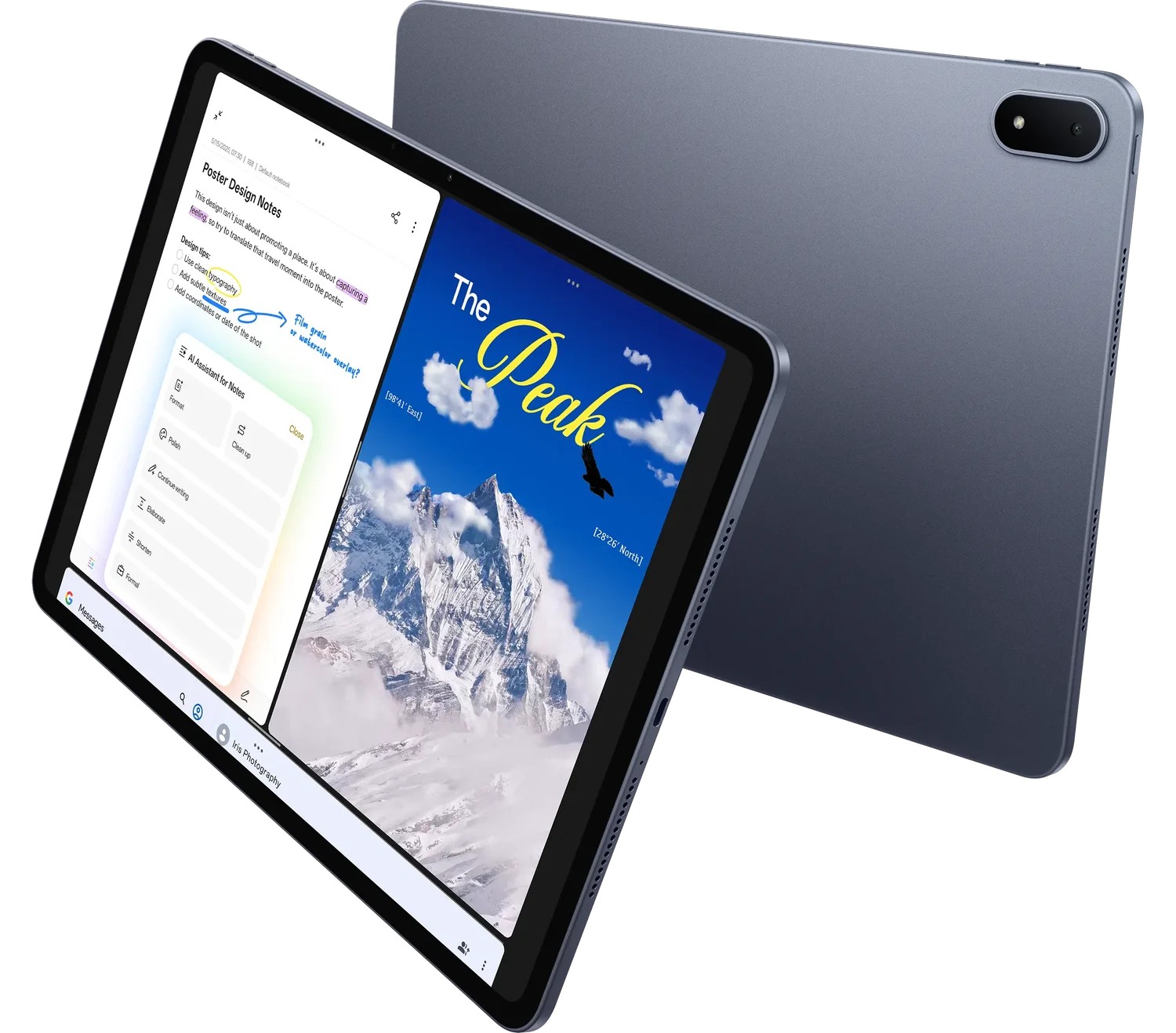
Why two useful panes can beat a busier demonstration
Much study work consists of one source and one developing thought. A reader checks a table, writes a comment, then moves to the next source. Huawei is a persuasive choice for that routine because the screen and two input modes serve a focused arrangement. Its split-screen support article provides a concrete app-dependent route. The recommendation does not require pretending that every tablet should behave like a desktop with numerous permanently visible windows.
OnePlus becomes more attractive when the job genuinely needs three application contexts together: for example, a source table, a second reference and the draft. That difference can justify choosing the larger reference workspace even if the user otherwise likes Huawei’s notebook approach. HONOR should be evaluated with the same discipline. The relevant question is the working layout for the exact applications, not how many miniature windows fit in an official product image.
There is also a useful distinction between simultaneous viewing and quick switching. A source may need to remain visible while its numbers are interpreted; a bibliography may only need to be reopened occasionally. Treating both as permanent windows can make a limited screen harder to use. Conversely, constantly switching between two small-number tables can hide a real need for another display or a computer. The chosen device should follow that information requirement.
For the common source-and-draft routine, MatePad Air offers the more balanced starting point in this comparison. It remains conditional on readable scaling, supported apps and the final document format. We would change to OnePlus for a proven three-app requirement, or to a laptop when the application chain needs a desktop environment. That is a precise recommendation rather than a vague promise that multitasking makes every tablet equally productive.
The information problem: source A, source B and a draft
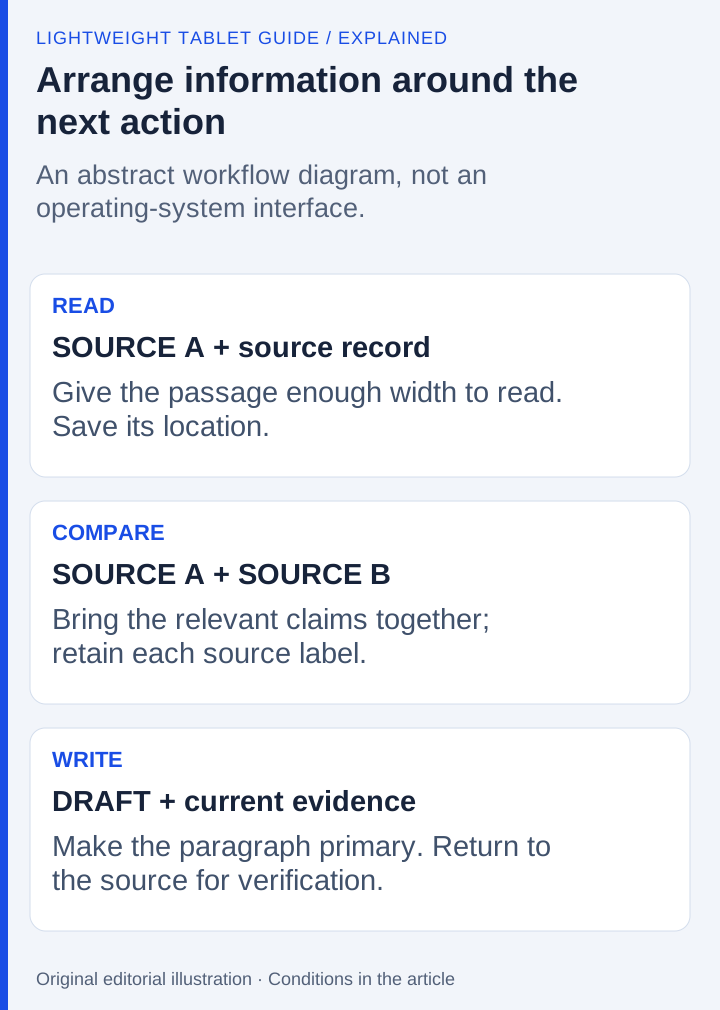
Imagine an illustrative assignment comparing two published explanations. Source A contains a definition. Source B includes a chart and a qualification. The draft needs to cite both without confusing their claims. The essential actions are to inspect, compare, record provenance and write a conclusion.
Those actions do not require all three applications to occupy equal space all the time. During close reading, the current source deserves most of the screen. During comparison, both references may need to be visible. During drafting, the writing area becomes primary and the reference can move to a smaller panel or a quickly retrievable position.
This is a changing allocation of attention. A rigid three-column layout can be less useful than a system that makes switching predictable. Conversely, repeated full-screen switching can obscure the relationship between a chart and the paragraph being written. The preferred arrangement depends on how much context must remain visible.
| Stage | Primary content | Secondary content | Useful behavior |
|---|---|---|---|
| Read | One complete source passage | Notes or a citation record | Readable text and a stable place to record observations |
| Compare | Relevant portions of both sources | Draft outline | Fast resizing or reliable switching |
| Draft | The active paragraph | One supporting source | Keyboard editing without losing the reference |
| Check | Final claim and its evidence | Source location | A repeatable path back to the original |
OnePlus: a clear three-app proposition
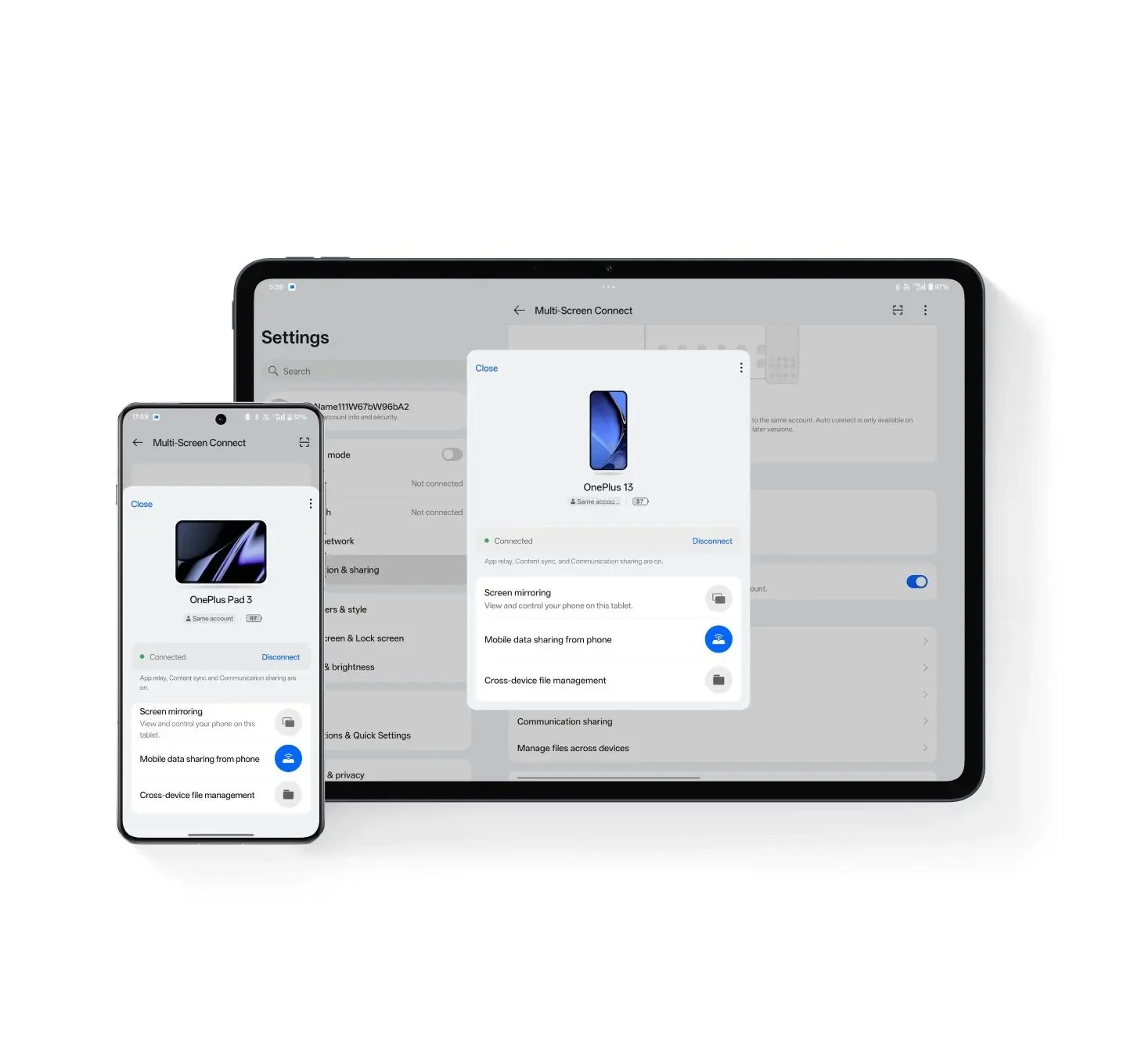
The OnePlus Pad 3 product page advertises a 13.2-inch display and support for three on-screen applications in its described multitasking environment. That is directly relevant to this assignment. It gives the buyer a documented candidate for viewing two references and a draft within one multitasking system.
The important follow-up is application behavior. A narrow reference panel may display a mobile layout, conceal chart labels or require additional scrolling. The editor may also change which tools are available at smaller widths. Three visible apps are therefore a starting capability, not proof that every three-app combination is equally productive.
OnePlus is the strongest candidate here when the reader specifically wants the documented three-app approach and the actual apps cooperate with it. Its remote-computer functions are a different feature category. A remotely executed desktop app should not be counted as the same thing as three native tablet apps.
HONOR: more windows require more discipline
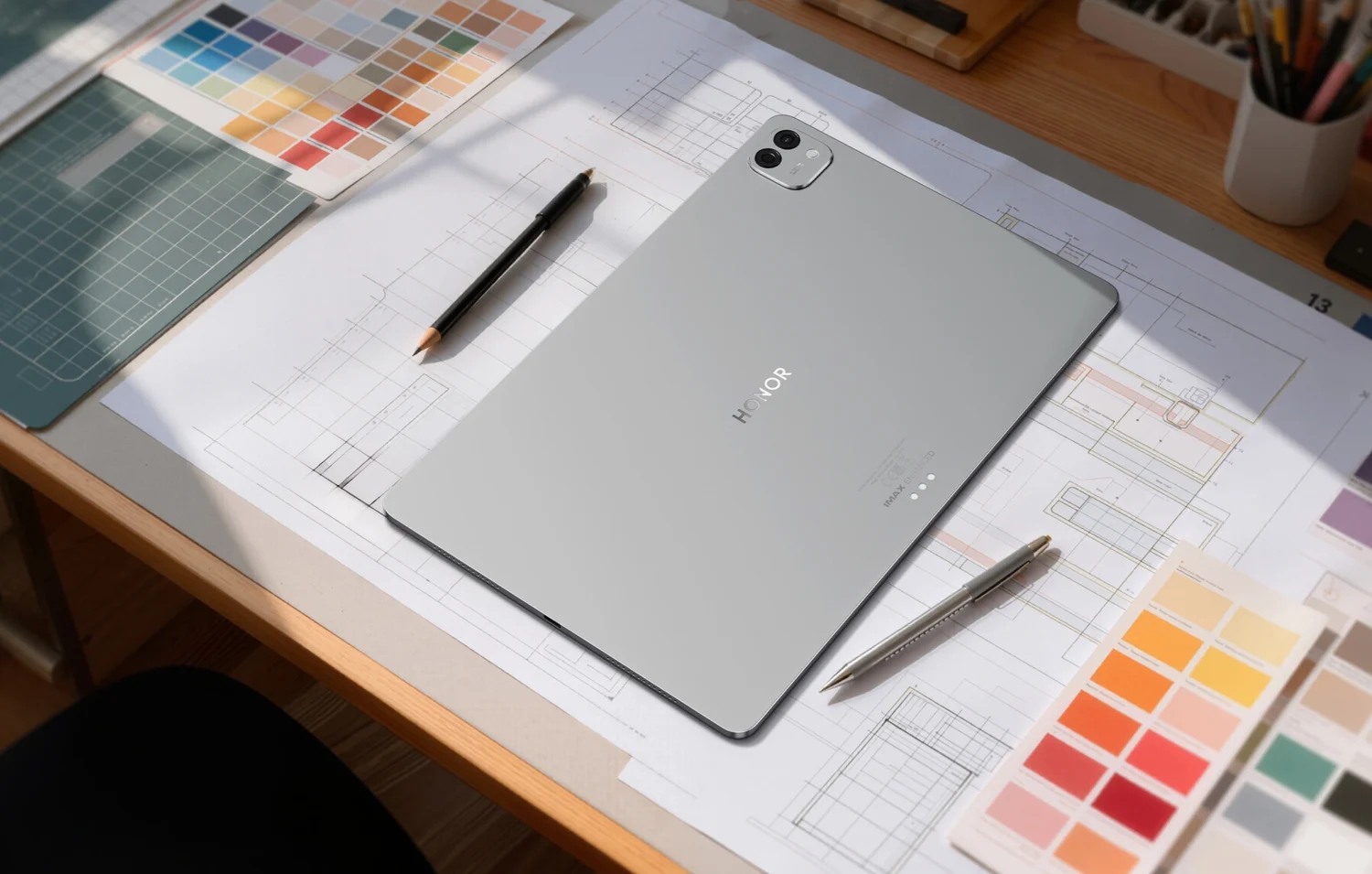
HONOR MagicPad4's UK page describes PC Mode, task groups and a high window count, including up to 20 simultaneous windows under stated conditions. The product footnotes refer to update requirements and application support. This is evidence of an intended desktop-style environment, not a guarantee that a newly opened box has every demonstrated behavior enabled.
For a research assignment, a larger possible window count mainly helps when several sources must remain available as a working set. It does not create more physical display area. A useful arrangement may still show only two or three items while leaving others easy to retrieve.
HONOR deserves consideration for users who organize work through task groups and desktop-like windows. Before making that decisive, confirm the installed software and the specific editor, browser and reference applications. The question is whether the arrangement preserves context, not whether the marketing maximum exceeds a rival's number.
Huawei: a focused workspace can be sufficient
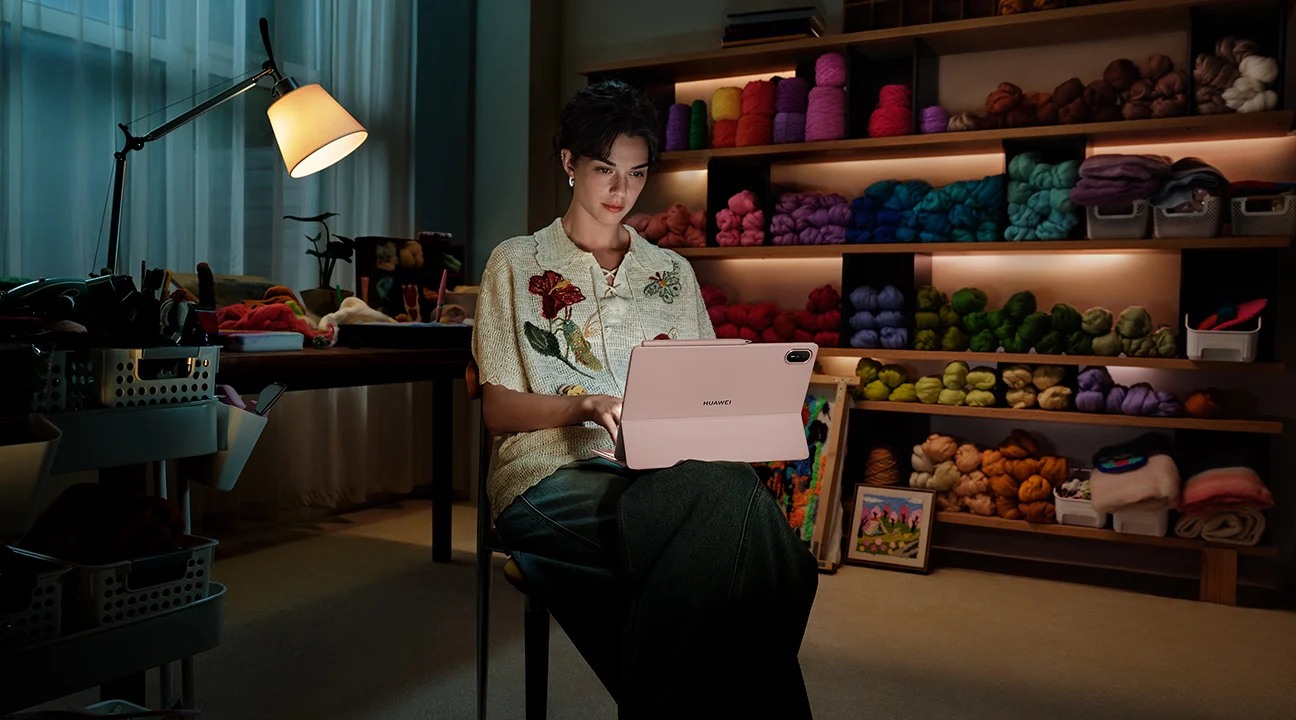
HUAWEI MatePad Air is relevant to a different preference: a large reading-and-writing surface with pen input and its supported productivity software. A student may annotate a source, extract a short outline and then draft against that structured material rather than keeping a large stack of windows visible.
Huawei's advantage is the coherence of that pen-to-draft routine when the required applications are supported. The device need not win an unsupported window-count contest to be useful. This comparison does not assign MatePad Air a maximum simultaneous-window number from another Huawei model or a generic operating-system article.
The matching keyboard includes shortcut capabilities subject to app and scenario support. Those shortcuts can matter during revision: moving between text, selection and navigation can be more important than adding another small window. Evaluate the commands in the actual writing application instead of assuming a desktop shortcut works identically everywhere.
Preserve source identity while moving content
Multitasking makes it easy to copy a useful passage and lose its origin. Maintain a small source record containing title, author or organization, URL and the relevant page or section. Keep quotation, paraphrase and personal inference distinct. That record can be short; its value is that the draft remains traceable.
For the hypothetical assignment, write the two source claims separately before composing the comparison. If one source refers to a different product generation or region, capture that qualification. A fast drag-and-drop operation does not resolve incompatible evidence. The same discipline prevents a tablet buying article from blending specifications from multiple variants.
Use the stylus for relationships that are easier to draw than type: arrows between claims, a small diagram or an annotated chart. Use the keyboard when the final wording needs sustained revision. A good workspace makes both transitions possible without losing the underlying references.
Work through a paragraph, not a window-count demonstration
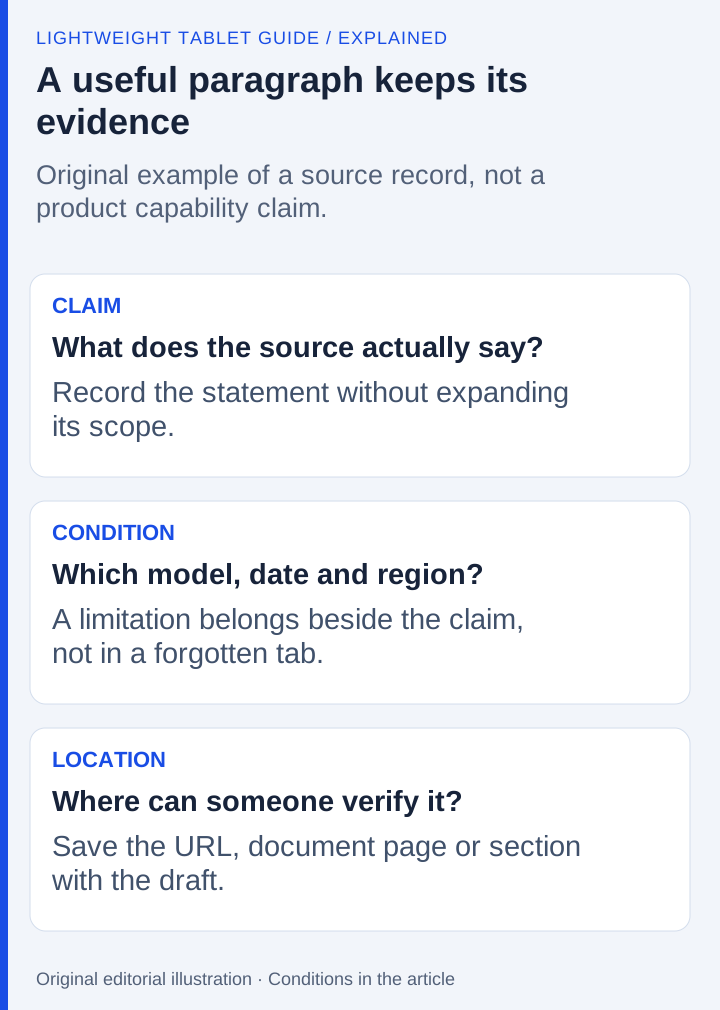
Consider an original assignment example: source A describes a manufacturer's display specification, while source B discusses an application feature. The draft must explain how those two facts affect a student's purchase. A careless paragraph might combine them into a promise that the hardware alone guarantees the application behavior. A useful workspace helps the writer retain the qualification attached to each claim.
Create a four-column source record: claim, document, condition and location. The claim might be a supported connection. Its condition could be an exact model or software version. The location is the manufacturer's page or section. Keep that record beside the draft while writing a short comparison. The purpose of the exercise is not to measure words per minute; it is to see whether the evidence remains recoverable as attention moves between tasks.
During close reading, expand the source that contains the difficult passage. During drafting, return space to the editor. If a diagram's labels become unreadable in a narrow panel, temporarily enlarge it rather than leaving three equally sized panes open for appearance. If switching repeatedly loses the selected passage, investigate whether the application retains its position or whether a different arrangement is needed. These observations concern the chosen apps as much as the device.
Four failures that a screenshot can hide
The first is a narrow-layout change. A desktop-style toolbar may collapse when an editor is given less width. The second is lost context: an app may reopen at a different position after another task becomes active. The third is an interrupted transfer, where an image or selection cannot be moved in the expected way. The fourth is an input conflict, where a shortcut affects the system rather than the document.
They are the failure modes to examine with the exact editor and software version before treating a promotional workspace image as a promise about your own combination. Save the sample and note which action produced a problem. A precise record—such as a hidden command at a narrow width—is more useful than describing the tablet as generally bad at multitasking.
This is also why the maximum advertised number of windows should receive limited weight. It describes a supported arrangement under conditions. It does not establish readable text size, the persistence of every app or whether the buyer can comfortably operate the controls. A task group may be valuable because it restores a known set of references, even if only one or two are actively viewed at a time.
Frequently asked questions
Can MatePad Air show two Notes windows?
Huawei documents a supported same-app multi-window route using Notes as an example. Check the applicable model, installed software and app conditions. This should not be expanded into a promise that every app supports duplicate windows.
Does more multitasking space always improve research work?
No. The sources must remain readable and their conditions must survive the transfer into the draft. A useful layout changes with reading, comparing and writing; a higher maximum window count alone does not establish a better result.
Our recommendation
Choose MatePad Air for a focused source-and-draft workspace with handwriting alongside ordinary documents. Choose OnePlus when three live app contexts are a real requirement, and compare HONOR’s regional implementation when its window environment suits the work. Preserve readable source context; a window-count claim cannot substitute for it.
Compare the next decision
Start with the Top lightweight tablets for working and studying guide for the complete shortlist. For the next part of the purchase, compare Ranked for a Reading-and-Drafting Day and Three Picks for Equations, Graphs and Written Reasoning.
Sources and review record
- split-screen support article
- same-app windows
- OnePlus feature page
- HONOR MagicPad4 official evidence
- OnePlus Pad 3 official evidence
- Apple's window guide
- HUAWEI
- HONOR
- HUAWEI MatePad Air
- matching keyboard
- Google Drive's sharing guidance
Reviewed October 20, 2026. Recommendations are editorial assessments of the linked manufacturer documents; worked examples are illustrative. Comparison method.