Quick recommendation
HUAWEI MatePad Air is our pick for a quantitative-study notebook centred on diagrams, handwritten derivations and explaining a result. Choose iPad A16 when Apple’s documented Math Notes behaviour is the main reason for buying; consider Xiaomi Pad 8 Pro when its regional AI Calculator conditions match the course. These are three task categories. An automatic calculation feature does not prove a correct model, a valid unit or a submission-ready explanation, and none replaces required specialist course software.
The shortlist and the reasons
| Recommended tablet | Why choose it | Documented basis | What changes the choice |
|---|---|---|---|
| HUAWEI MatePad Air | Handwritten reasoning and annotated diagrams | A 12-inch page and compatible pen | Check required calculation and course applications |
| Apple iPad A16 | Documented Math Notes exploration | Apple’s Calculator and Math Notes workflow | Math Notes is not an A16-exclusive feature |
| Xiaomi Pad 8 Pro | A qualified AI Calculator route | Region- and software-dependent calculator proposition | Confirm language, connection and feature eligibility |
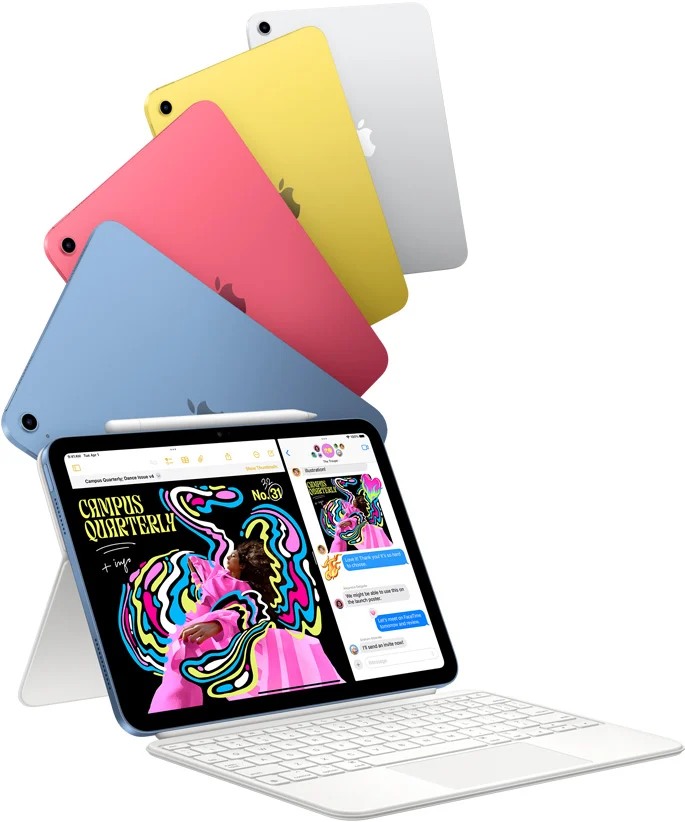
Why a reasoning notebook remains valuable beside a calculator
Quantitative work has more than one output. A number answers a narrow calculation; a useful solution also explains the assumptions, units, diagram and interpretation. Huawei is a strong first comparison for the second job. The larger note surface and compatible M-Pencil Pro make it relevant to working through a derivation or correcting a graph, without requiring an unsupported claim that it runs every mathematical application.
Apple deserves the first position in a different category: a buyer who specifically wants its documented Math Notes environment should choose the supported iPad route. That is more precise than claiming the A16 processor uniquely enables the feature or that automatic recognition makes an entire solution correct. Xiaomi’s AI Calculator proposition needs the same care around the regional page and its stated software conditions. Neither alternative can be selected solely from a picture of an equation becoming a graph.
An illustrative mechanics problem shows the value of keeping these roles separate. A student may calculate the same numeric result from an incorrect unit conversion or an unjustified assumption. The page needs room for the sketch, the initial equation and the correction that explains the mistake. A large notebook can therefore be useful even when a separate approved calculator or computer produces the final numerical result.
We would choose MatePad Air when the tablet’s main responsibility is that explanation page and ordinary study documents. We would choose the iPad or Xiaomi when a confirmed built-in calculation workflow is the missing capability. For a course requiring a particular statistics, symbolic-mathematics or engineering program, begin with that program’s supported platform instead. The categories below preserve this distinction rather than inventing a universal maths-performance ranking.
Three categories, with no universal second and third place
The current evidence supports three different roles. Choose Huawei or Xiaomi according to the quantitative-study task described above. Apple's documented Math Notes workflow is useful for supported calculations and graph exploration; Huawei is a candidate for a full-page explanation; Xiaomi explicitly advertises AI Calculator on selected models. The required assignment decides which role matters.
| Category | Candidate | Documented basis | Boundary |
|---|---|---|---|
| Supported Math Notes exploration | iPad A16 | Apple's calculation and graphing guidance | Not a universal symbolic-algebra system or an exam approval |
| Handwritten derivations and reports | HUAWEI MatePad Air | Large notebook workspace and qualified Gauth-related assistance | Do not infer a built-in equivalent to every Math Notes function |
| An Android workflow with advertised calculator assistance | Xiaomi Pad 8 Pro | Regional AI Calculator claim on selected models | Confirm the operation, language, rollout and course software |
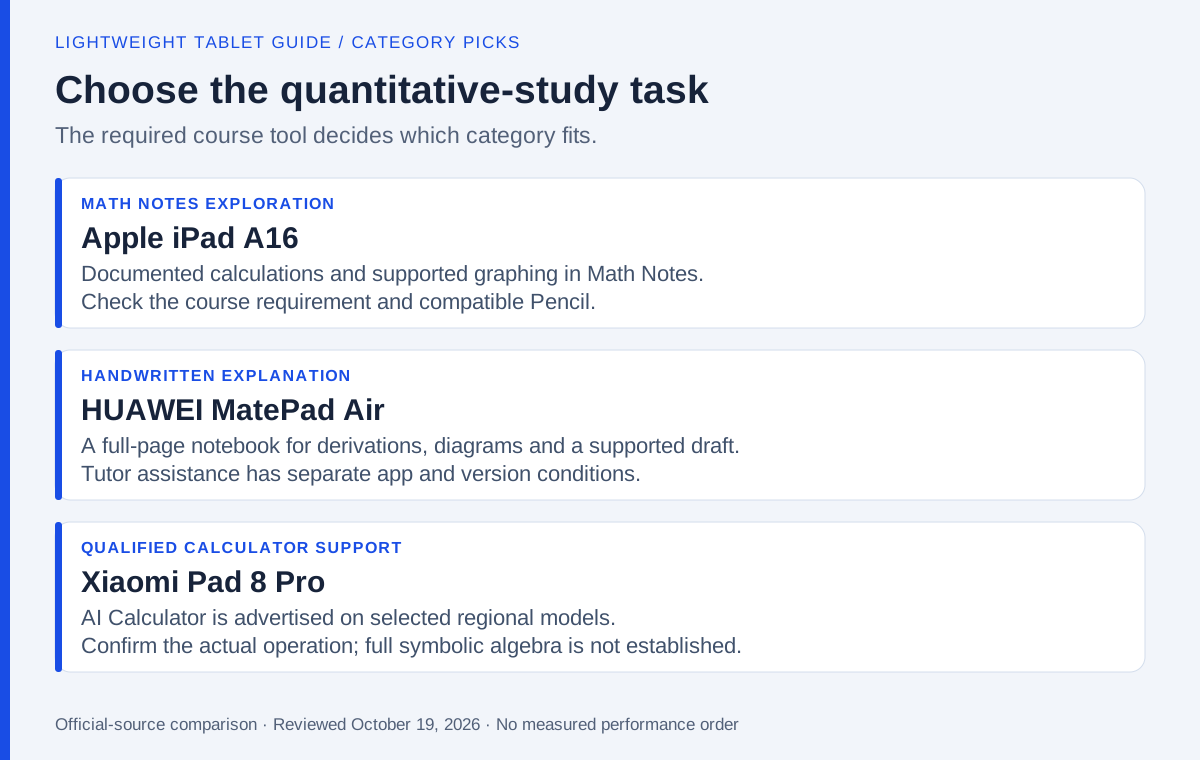
The recommendation must also preserve the student's reasoning. An accepted answer, a legible derivation and a correctly exported assignment are different results. A device can be suitable for one while still depending on another application or computer for the others. That is why this revision removes the old second/third-place order instead of leaving an unsupported precision in the table.
iPad A16: a documented Math Notes route
Apple's Calculator education guide describes expressions in Math Notes and graph creation from equations with two undefined variables. That gives iPad A16 a specific role in this category shortlist. The feature is directly related to the task rather than inferred from a generic productivity label.
The iPad A16 specification lists Apple Pencil USB-C and first-generation Pencil compatibility, with the relevant adapter condition for the latter. Pencil Pro should not appear in this kit. A correct accessory list is part of the recommendation, not a detail to fix after ordering.
This category does not mean Math Notes replaces every course tool. A required symbolic algebra package, coding environment or examination-approved calculator must be checked separately. The recommendation covers exploratory calculation and graphing within the documented workflow.
HUAWEI MatePad Air: a notebook for the explanation

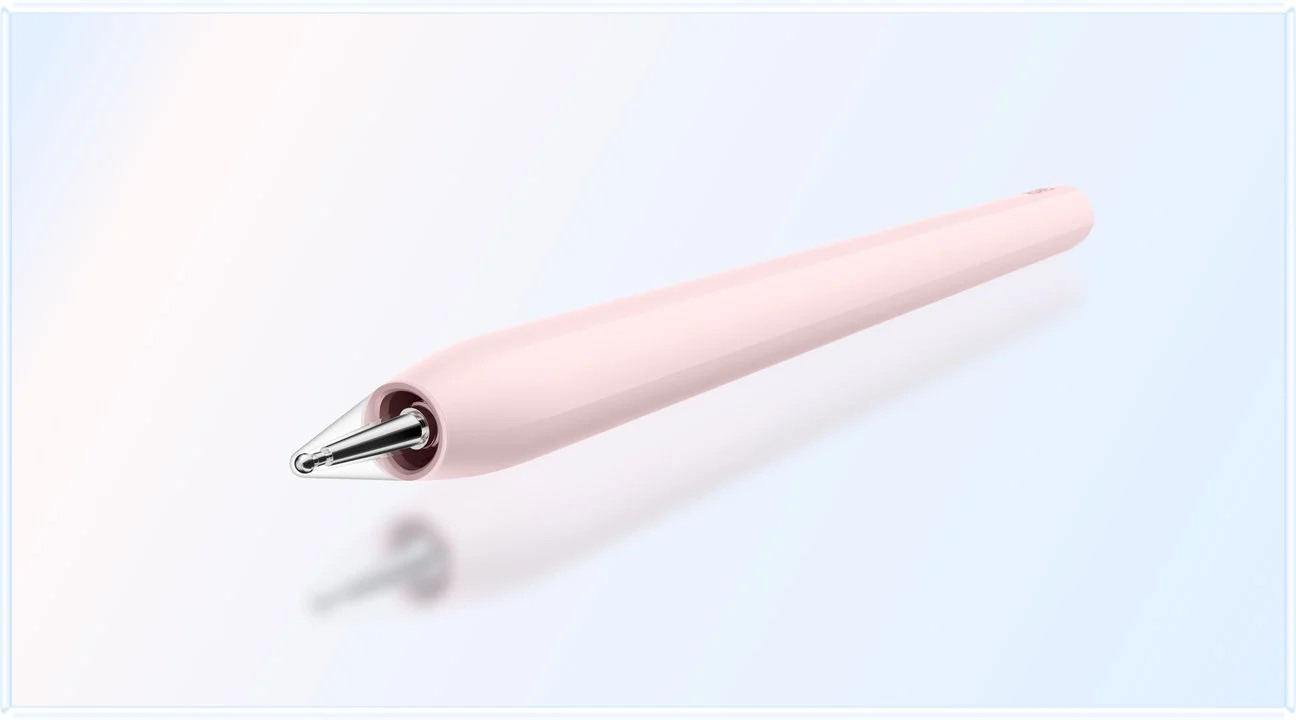
MatePad Air provides a large pen-friendly canvas and describes Gauth-related assistance with a minimum application version of 2.6 for the cited function. That makes it relevant to students who want to write a derivation, mark the uncertain step and consult help in the same working environment.
Its strongest case is the notebook, not a promise that an assistant always produces a valid solution. Keep the student's attempt and the explanation distinguishable. Check assumptions, notation and a simple numerical case before accepting an automated answer.
Choose Huawei when full-page handwriting, diagrams and report preparation dominate, and the required applications work on the selected regional unit. This is a notebook recommendation. It does not place Huawei above Xiaomi in calculation accuracy or automated graphing, which the cited evidence does not compare.
Xiaomi Pad 8 Pro: qualified AI Calculator support
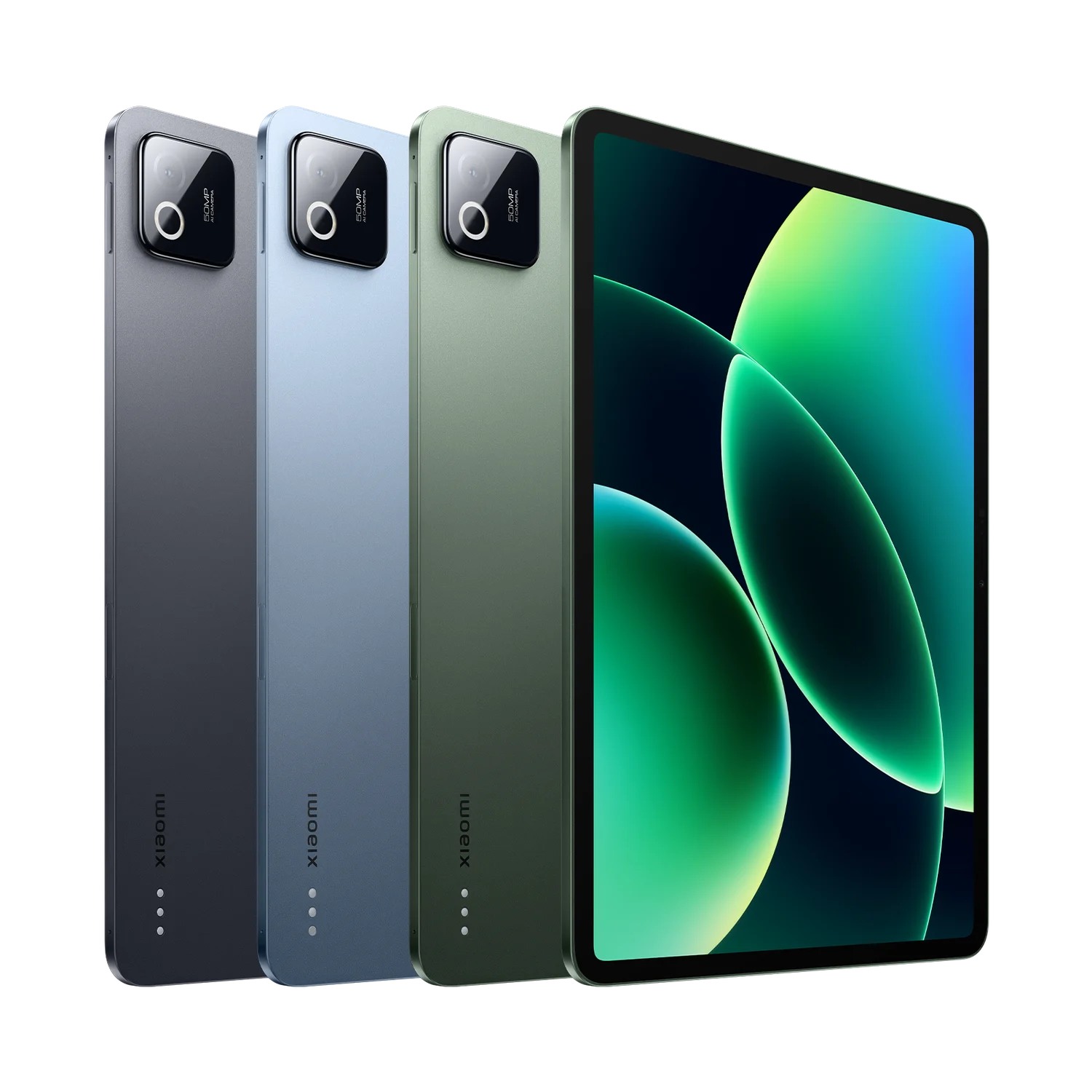
The Xiaomi Pad 8 Pro page describes its display, Focus Pen Pro interactions and tablet productivity environment. Its regional WPS Office PC proposition has language and rollout conditions. These features can support a mathematics student's surrounding work, but they do not identify a universal built-in symbolic mathematics engine.
Xiaomi also advertises AI Calculator on selected models. That is a relevant first-party feature for formula-based study, but it does not establish the same graphing workflow as Apple Math Notes or a complete symbolic-mathematics system. If the course's required tool is available and works on the exact configuration, Xiaomi can become the stronger choice; verify the operation rather than assuming it from the operating-system name.
Its pen gestures also need app-level support. A creative feature demonstrated in Mi Canvas should not be treated as automatically active in a mathematics notebook. The best input system is the one that supports the actual actions the student performs.
One small equation exposes several different abilities
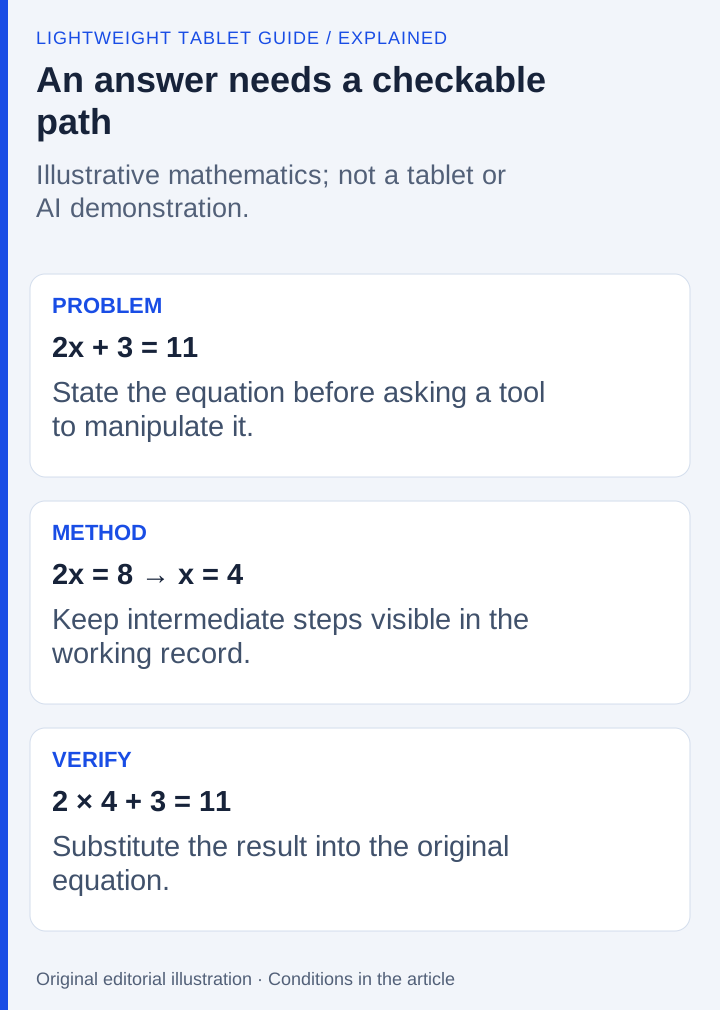
Take the original exercise 2x + 3 = 11. The answer is x = 4, but a learning record should preserve how it was obtained: subtract 3 from both sides, divide by 2, then substitute 4 into the original expression. A system that recognizes the handwriting has completed one task. A system that evaluates the expression has completed another. Neither result, by itself, establishes that it can judge the quality of an explanation for an entire course.
Use the exercise to examine the distinction between recognition and reasoning. If a handwritten character is ambiguous, correct the input before accepting the output. If the app produces an answer, verify the original expression independently. For a graph, add the variable names, units and the interval being discussed. A smooth curve without those labels can look finished while remaining unsuitable for submission.
Apple's Math Notes capability belongs to the supported iPadOS workflow; it is not a feature exclusive to the A16 chip and should not be confused with Apple Intelligence eligibility. That distinction matters when a buyer already owns a supported iPad. The existence of a useful software tool does not automatically justify buying the newest device. Our A16 recommendation follows the specified model and compatible input package, not a claim of unique access to the mathematics feature.
A graph needs a model, labels and a check
A second illustrative exercise makes the distinction clearer. Suppose a small event has a fixed preparation cost of 20 units and costs another 3 units for each participant. The model is C = 20 + 3n, where n is a non-negative whole-number participant count and C is total cost. At n = 10, C = 50. The intercept is the fixed cost; the slope describes the added cost per participant.
A graphing tool can help explore that relationship, but the student must still state the assumptions. A line drawn across negative participant counts may be mathematically extendable while irrelevant to the event. A correct point at ten participants does not establish that the assumed cost structure remains valid at a thousand. These are interpretation questions rather than handwriting-recognition questions.
| Part of the exercise | Evidence of a useful learning record |
|---|---|
| Model | C = 20 + 3n, with the meaning of both symbols |
| Domain | Whole-number participant counts of zero or more |
| Numerical check | Ten participants produce a cost of 50 units |
| Graph | Both axes labelled, with a meaningful visible range |
| Explanation | Fixed cost and added cost described separately |
| Planning assumption | This example uses illustrative figures |
For Apple, investigate the supported Math Notes graphing operation documented for the intended equation. For Huawei, the complete written explanation can be the valuable output even if a separate verified calculator supplies the arithmetic. For Xiaomi, confirm the particular AI Calculator operation rather than treating the feature name as proof of graphing or symbolic algebra. All three routes can produce useful work, but the application path is different.
When exporting, check the relationship between labels, equation and diagram. A cropped axis or missing unit can make a correct calculation difficult to interpret. Retain an editable version if a later correction may be needed, and make the submitted copy readable without the recipient installing the same notebook application. These checks evaluate the learning artifact, not the advertised intelligence of the tablet.
If the course requires a programming environment, statistical package or examination-approved device, that requirement takes precedence. A tablet can remain a companion for working through ideas while the required system handles the assessed calculation. Budget and carry that actual arrangement rather than assuming a feature demonstration eliminates the other device.
Frequently asked questions
Is Huawei ranked above Xiaomi for mathematics?
No. This revision uses categories because the cited documents establish different roles, not a controlled comparison of calculation or graphing performance. Choose the course tool first.
Is Math Notes exclusive to iPad A16?
No. It belongs to the supported iPadOS workflow. The A16 recommendation identifies a particular tablet and compatible Pencil package, not exclusive access to the software.
Does AI Calculator replace specialist mathematics software?
The product claim does not establish that. Check the required operations, accepted output and course rules on the exact regional configuration.
Our recommendation
Choose MatePad Air for the annotated reasoning notebook, iPad A16 for the documented Math Notes route, or Xiaomi for its eligible calculator workflow. Keep the assumptions and interpretation visible whichever device is chosen. The best study tool should help explain a solution, not merely display an answer.
Compare the next decision
Start with the Top lightweight tablets for working and studying guide for the complete shortlist. For the next part of the purchase, compare Offline Reading, Notes and the Commute and Lecture Recordings, Handwriting and Revision.
Sources and review record
- Apple iPad A16 official evidence
- HUAWEI MatePad Air official evidence
- Xiaomi Pad 8 Pro official evidence
- HUAWEI
- Apple
- iPad A16 specification
- Xiaomi
Reviewed October 20, 2026. Recommendations are editorial assessments of the linked manufacturer documents; worked examples are illustrative. Comparison method.