Quick recommendation
For a day split between commuting, reading, handwritten thinking and shorter drafts, our order is 1. HUAWEI MatePad Air, 2. OnePlus Pad 3, 3. Lenovo Yoga Tab Plus. Huawei leads because its documented body-and-keyboard combination supports the mobile mixed-input brief. OnePlus moves ahead for a task dominated by several simultaneous references; Lenovo can move ahead when the work stays at a desk. The order expresses those priorities, rather than measured battery endurance or typing speed.
The shortlist and the reasons
| Recommended tablet | Why choose it | Documented basis | What changes the choice |
|---|---|---|---|
| 1. HUAWEI MatePad Air | Mobile reading, ink and drafts | 509 g body plus 308 g keyboard: 817 g subtotal | Pen, charger and protective equipment are extra |
| 2. OnePlus Pad 3 | Several source contexts | A documented multi-app workspace | Compare the actual complete accessory kit |
| 3. Lenovo Yoga Tab Plus | A desk-weighted study day | Larger workspace and model-specific input package | Check configuration, accessory inclusion and carrying load |
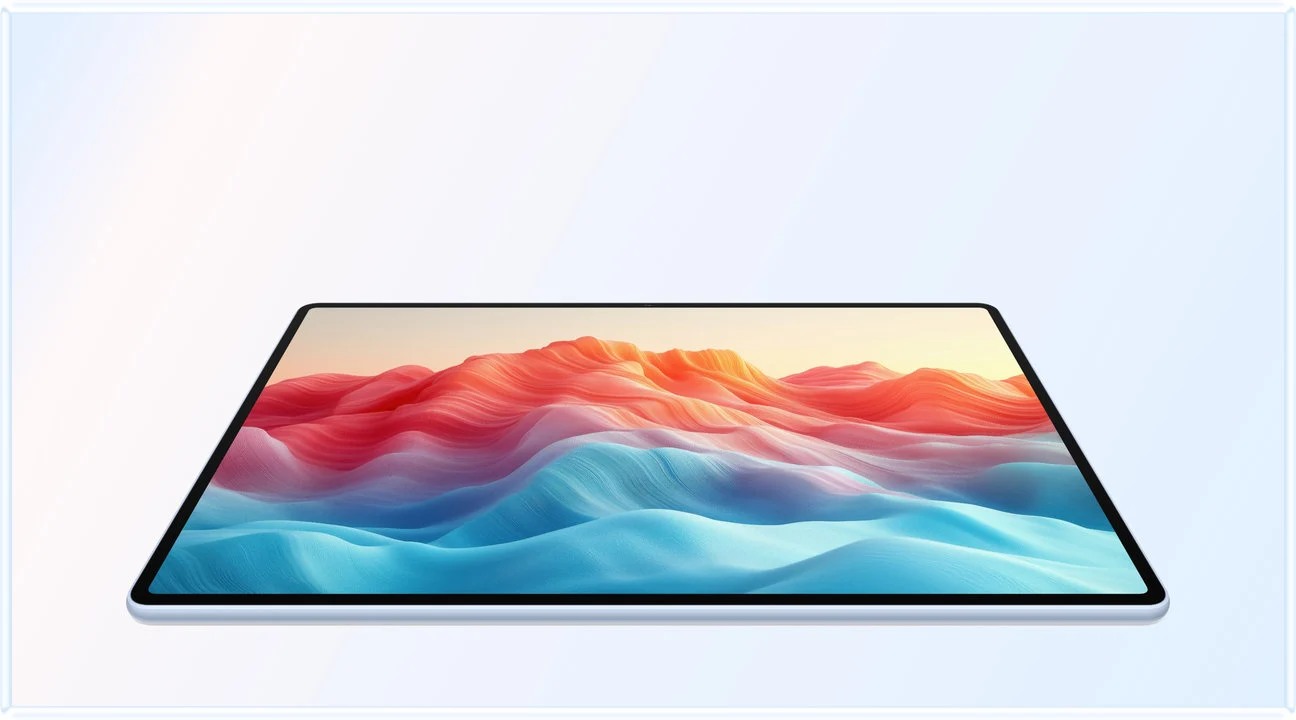
Why Huawei leads when the day changes location
The winning device for this brief must earn its place before and after the commute. Huawei’s appeal is that a relatively light tablet body becomes a practical writing station with a matched keyboard, while the same screen remains suitable for source annotation. That is a coherent reason to rank it ahead of more desk-oriented alternatives for this particular day. It does not establish the weight of every possible configuration from every brand.
The known 817 g Huawei subtotal is especially useful because it describes more than the bare tablet. A buyer can add the exact pen, charger and sleeve rather than comparing that subtotal with somebody else’s fully packed bag. When competing accessory weights are unresolved, keep them unresolved instead of filling the table with estimates. A fair purchase can still be made from supported facts and matched retailer packages.
OnePlus earns its place through the reference workspace. If the day mostly involves checking several sources while writing, that software arrangement can matter more than the mobile priorities that place Huawei first here. Lenovo’s larger working proposition can likewise be justified for a day that begins and ends at a desk. Changing the timetable is a legitimate reason to change the order.
Battery planning belongs in the same real-day comparison, but the manufacturers’ different video or web claims cannot produce a common endurance ranking. Huawei’s battery and charging specification describes capacity and supported charging, not a guaranteed seminar-and-office runtime. Allow for the actual brightness, video calls and available charging stops. Our first-place choice rests on the mixed work system and carrying proposition, rather than an unperformed battery test.
How this daily-use ranking is decided
The brief has three priorities in order: complete the required work, remain practical to carry between locations, and make the transition between pen and keyboard useful. A missing essential app disqualifies the configuration before mass or screen preferences are compared. Among eligible setups, the balance of reading space and a manageable input system favours MatePad Air for this particular routine.
The ranking deliberately avoids an invented numerical score. The evidence is manufacturer documentation plus clearly identified arithmetic. A first-place recommendation means the documented strengths fit the stated priorities; it does not mean every real-world outcome has been tested.
OnePlus and Lenovo are not token alternatives. Each can move ahead under a specific change in the brief. Continuous three-app reference work gives more value to the OnePlus arrangement, while a required external monitor gives more value to Lenovo's explicit video-output specification. Those are concrete reasons to choose differently, not vague exceptions after an unconditional winner.

Compare carrying scope before comparing grams
| Candidate | Tablet body in the cited specification | Known accessory subtotal | What remains outside that number |
|---|---|---|---|
| HUAWEI MatePad Air | About 509 g | Tablet plus matching 308 g keyboard: calculated 817 g | Pen, charger, cables, case and any other equipment |
| OnePlus Pad 3 | About 675 g | No directly comparable complete-kit subtotal established here | Selected keyboard, pen, charger and case |
| Lenovo Yoga Tab Plus | About 640 g | No directly comparable complete-kit subtotal established here | Selected keyboard, pen, charger and case |
The sources are Huawei's tablet specification, its keyboard page, OnePlus's product page and Lenovo's PSREF. The Huawei subtotal is useful because both components are documented. It cannot be compared with another manufacturer's bare tablet and called a complete-kit victory.
The body-only ordering is a legitimate, narrower observation. It matters most when the tablet is held for reading or when the keyboard stays at the destination. For a student who types on every journey, the complete bag matters more. Record the normal day's kit, not a deliberately minimal configuration used only to win a comparison.
This is also where an existing laptop changes the decision. A tablet accompanying that laptop adds to the bag; a tablet replacing an eligible portion of its work may remove something else. Neither situation can be evaluated from tablet mass alone. The article's preference for Huawei combines its lighter listed body with the specified reading, handwriting and ordinary-draft routine. It is not a claim that every Huawei package weighs less than every rival package.
Huawei leads when the day is genuinely mobile
The MatePad Air specification lists approximately 509 g for the tablet. Its matching keyboard adds approximately 308 g, producing an 817 g two-component subtotal. The pen, charger and other carried items remain outside that number.
The reason for placing Huawei first is not a claim that it has the lightest complete kit among every available tablet. It is the combination of its large display, pen role and the documented mass of a matching typing setup. The buyer can read and handwrite on the tablet alone, then use the keyboard when the draft becomes the main task.
The product page supplies the relevant screen and software conditions. The PaperMatte edition can be a meaningful preference for a reader who spends much of the day with annotated material. Regional application support remains essential, especially for the document editor and final submission route.
Huawei is first under the stated priorities because its supported screen and input arrangement connect the day's three tasks.
OnePlus earns second through the reference workspace
The OnePlus Pad 3 page describes a 13.2-inch display and a three-app multitasking proposition. For a writer who continuously checks two references while composing, that is a concrete reason to move OnePlus to first place.
Our default day includes source review followed by an outline and draft, so it does not require all three items to remain visible throughout. That is why the multitasking maximum does not automatically determine the order. A working arrangement should preserve readable content rather than merely display more app frames.
The Smart Keyboard's documented detached behavior can also matter when the screen is placed farther away on a desk. Include the exact regional accessory in the purchase calculation. Obtain the matching keyboard's mass before calculating a complete carried total.
Lenovo is the desk-weighted alternative
The Yoga Tab Plus PSREF lists a 12.7-inch display, an approximately 640 g body and a USB-C port explicitly supporting DP-Out. It also identifies the matching Keyboard Pack and Tab Pen Pro, with configuration-dependent inclusion.
The body-only difference from Huawei's listed 509 g is 131 g. That is a narrowly defined arithmetic comparison, not a full-kit or comfort test. Lenovo offers a different balance: more desk-oriented hardware and a clear wired-display route, with a heavier listed tablet body.
It moves ahead when the end-of-day work regularly involves the external display or the larger workspace is worth the additional carried mass. A reader who only uses the built-in screen should not assign the same value to unused I/O features.
Three schedules produce three sensible priorities
Consider three illustrative days with the same total study time. In the first, a commuter reads during travel, annotates in a seminar and types a short response at home. In the second, a researcher sits at a desk comparing a paper, a notebook and a browser. In the third, a student drafts for several hours at a fixed workstation and only occasionally carries the tablet elsewhere. The dominant inconvenience differs even though each person is working and studying.
For the commuter, Huawei remains the first candidate under this article's brief if the regional apps fit. The listed body mass and coordinated input system are relevant to frequent transitions. For the three-reference researcher, OnePlus can move ahead because its supported three-app layout addresses the central task. For the desk-based student, Lenovo's screen, exact accessory package and documented connections can outweigh a heavier body.
Use the schedule to decide which requirement is essential and which is occasional. If the third reference is opened twice a week, it may not justify a larger everyday device. If it is central to every assignment, it should not be dismissed merely because a lighter tablet looks better in a carrying table. Likewise, a keyboard used only after arriving home should be assessed differently from one used on the train.
Keep battery claims outside this comparison unless comparable measured conditions are available. A mixed day of video, note-taking and cloud work cannot be predicted reliably from one manufacturer's single playback figure. Plan charging around the actual routine and retain the specified equipment in the bag calculation. The proposed schedules are decision examples, not endurance results.
The final deliverable for this shortlist is a source-linked draft that can be reopened by the intended recipient. That output connects the reading and handwriting stages to something useful. If the tablet produces attractive notes but the required editor or submission portal fails, the day's workflow is incomplete. Change the recommendation at that point rather than trying to compensate with a better screen or a lighter case.
Frequently asked questions
Is 817 g the complete MatePad Air working kit?
No. It is the sum of the manufacturer-listed tablet and matching keyboard masses, approximately 509 g and 308 g. Add the selected pen, charger, cables and other carried items separately.
Why might OnePlus Pad 3 rank above Huawei for my work?
If your required apps benefit from its documented three-app arrangement and that is central to most sessions, it should move ahead under this method. The Huawei-first order assumes a mobile reading, handwriting and drafting sequence rather than continuous three-app work.
Our recommendation
MatePad Air is our first choice for this genuinely mobile reading-and-drafting schedule. Put OnePlus first when several references dominate the day; put the appropriate Lenovo configuration first when desk space and a larger canvas dominate. Price and weigh the same working components before turning that task ranking into a purchase.
Compare the next decision
Start with the Top lightweight tablets for working and studying guide for the complete shortlist. For the next part of the purchase, compare Three Picks for Equations, Graphs and Written Reasoning and Offline Reading, Notes and the Commute.
Sources and review record
- Tablet
- 1. HUAWEI MatePad Air official evidence
- Official Pad 3 page
- 3. Lenovo Yoga Tab Plus official evidence
- HUAWEI
- 2. OnePlus Pad 3 official evidence
- Lenovo
- product page
- battery and charging specification
Reviewed October 20, 2026. Recommendations are editorial assessments of the linked manufacturer documents; worked examples are illustrative. Comparison method.