Our first pick for a portable library that also handles notes and written project work is HUAWEI MatePad Air PaperMatte Edition. It combines a 12-inch reading surface with a practical keyboard-and-pen path. Lenovo Idea Tab Pro is the alternative to examine for a larger display and microSD storage, OnePlus Pad 3 offers an expansive Android workspace, and iPad Air M4 is the natural choice when the library belongs to an established iPad application.
A local working library can contain PDF books, image references, audio clips and project drafts. These files ask different things of a tablet. Reading needs a comfortable display; project media needs adequate local space; a finished submission needs an application that can package the work properly. This comparison joins those requirements without assuming that a large storage number answers all three.
Four storage-and-workspace proposals
| Tablet | Workspace | Useful specification or feature | Why we would choose it |
|---|---|---|---|
| HUAWEI MatePad Air PaperMatte Edition | 12-inch OLED PaperMatte | Global specification lists 256 GB storage and USB-C data connectivity | Balanced mobile reading, visual notes and document work |
| Lenovo Idea Tab Pro | 12.7-inch IPS | Documented microSD slot and USB-C connection | Larger Android library device with removable-storage flexibility |
| OnePlus Pad 3 | 13.2-inch display | Large multi-app Android canvas | Project work that benefits from more simultaneous screen space |
| Apple iPad Air 11-inch M4 | 11-inch IPS | Storage choices from 128 GB to 1 TB | Existing iPad document and media applications |
Available space is lower than the nominal storage capacity because software and system files occupy part of it. Removable storage and application-managed downloads are also different things.
HUAWEI MatePad Air: a balanced home for the active library
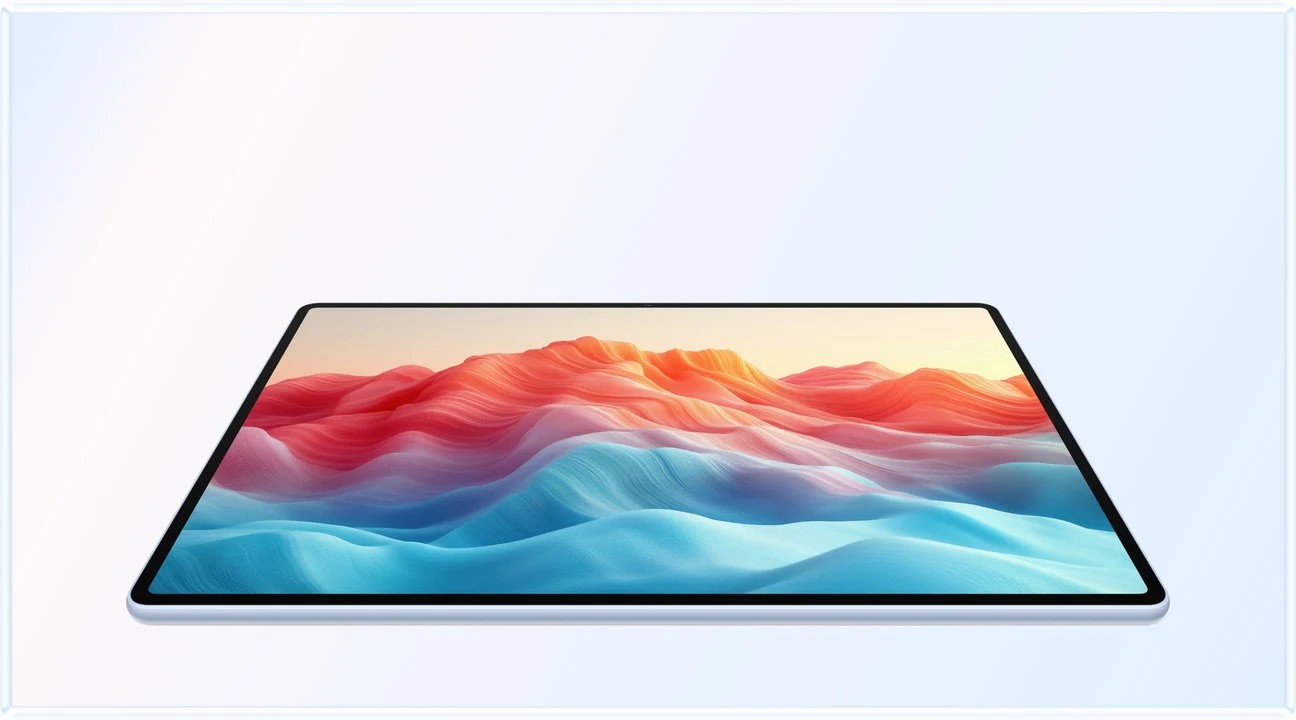
Image: HUAWEI. Manufacturer illustration with illustrative screen content.
MatePad Air is our recommendation when the tablet holds the material you are actively reading and using, rather than serving as an archive for everything you own. The global specification lists 256 GB storage, a 12-inch display and USB-C connectivity. Those provisions support a sensible role for current readings, project references and working drafts, with the exact file-management approach determined by your applications.
The PaperMatte screen and pen option add a useful distinction from a simple media storage device. You can read a source, make a visual explanation and use the compatible keyboard for the written part of a project. We would keep the active course or project organized around those activities, with clear folders or application notebooks rather than treating every downloaded file as equally important.
Huawei specifies USB 3.1 Gen 1 capability with a suitable cable, while noting that the supplied data cable supports USB 2.0. That is a practical purchasing detail if moving large sets of media is part of the intended role. Select the cable for the transfer you need; a connector's shape alone does not state its data capability. Actual transfers also depend on the connected storage and the app managing the files.
The recommendation remains about a balanced mobile workspace: enough screen for reading, a supported pen for the ideas around it and a keyboard for the final text. If a specialist application manages a protected download, confirm its offline access rules separately. Ordinary local PDF files and an app's licensed content library can behave differently even on the same tablet.
Lenovo Idea Tab Pro: removable storage and a larger page
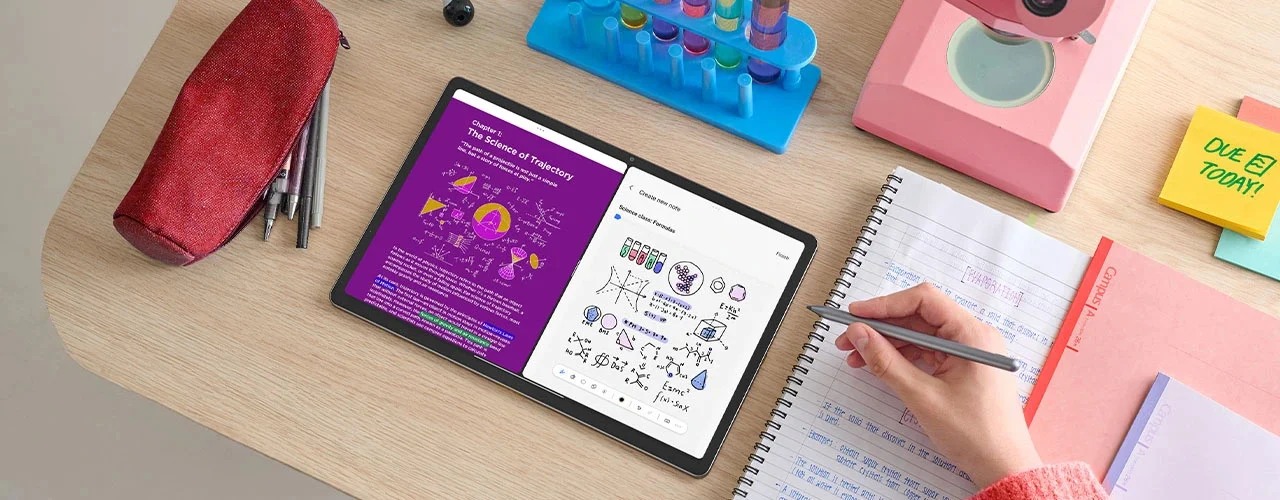
Image: Lenovo. Manufacturer photograph.
Idea Tab Pro is worth serious consideration when a larger Android library device is the goal. Lenovo's PSREF documents a 12.7-inch screen, microSD slot and USB-C connection. These are concrete reasons to include it in a storage-focused comparison rather than simply reusing the smallest tablet shortlist.
The removable card can be useful for compatible local files, while the larger screen gives scanned pages, charts and reference photographs more space. Whether an application can store its own downloads or project database on the card is a separate software question. We would choose this model when your workflow involves ordinary files that the selected app can open from the intended location.
At around 620 g before accessories, it is a more substantial body than MatePad Air. That is reasonable if the tablet normally rests on a stand during study. Add the compatible Tab Pen Plus and keyboard pack only when the exact regional order supports the configuration you want. Idea Tab Pro is our alternative for a larger library surface with documented removable-storage flexibility; MatePad Air is the preferred balance when the same device is frequently carried and held.
OnePlus Pad 3: for projects that need a wider view
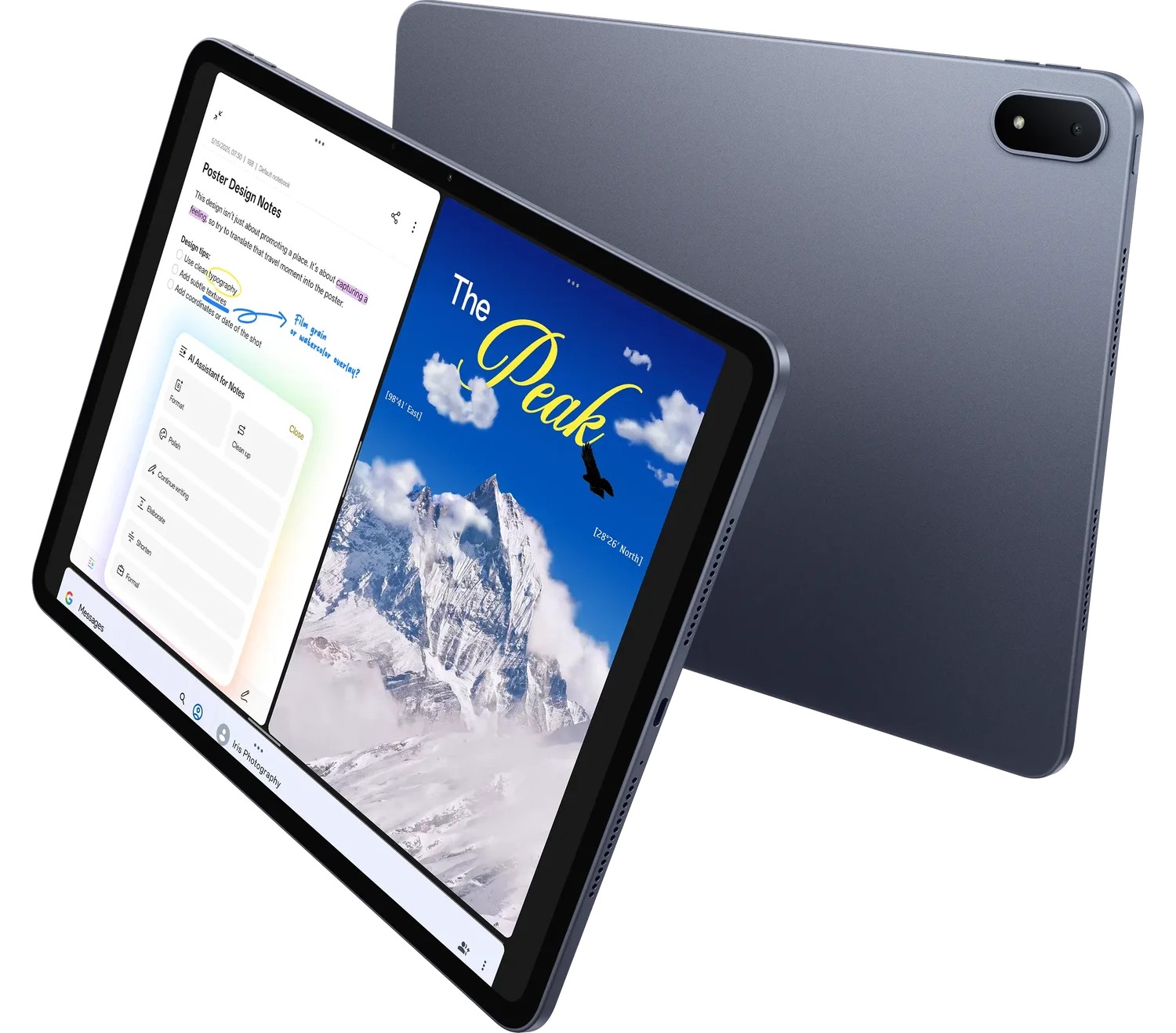
Image: OnePlus. Manufacturer product illustration.
OnePlus Pad 3 belongs here for its generous workspace. OnePlus specifies a 13.2-inch display and a 675 g body. The size can be useful when project media includes several visual references and you want to compare them without constantly replacing the main view.
Its official feature overview describes a multi-app canvas and the compatible Stylo 2 and Smart Keyboard. This is a coherent option for someone who uses Android project applications and spends a substantial part of the session at a desk. A wider screen can make the arrangement more practical, provided the applications support the intended window layout.
We would select the actual storage configuration after estimating the active project collection, not by assuming every market sells the same capacities. Keep a separate backup of valuable originals and use the tablet as a working device rather than the only copy. Pad 3 earns its place when the large Android workspace is useful enough to justify its size; MatePad Air remains our first choice for a more portable mixed reading-and-writing role.
iPad Air M4: storage selected around an existing app library
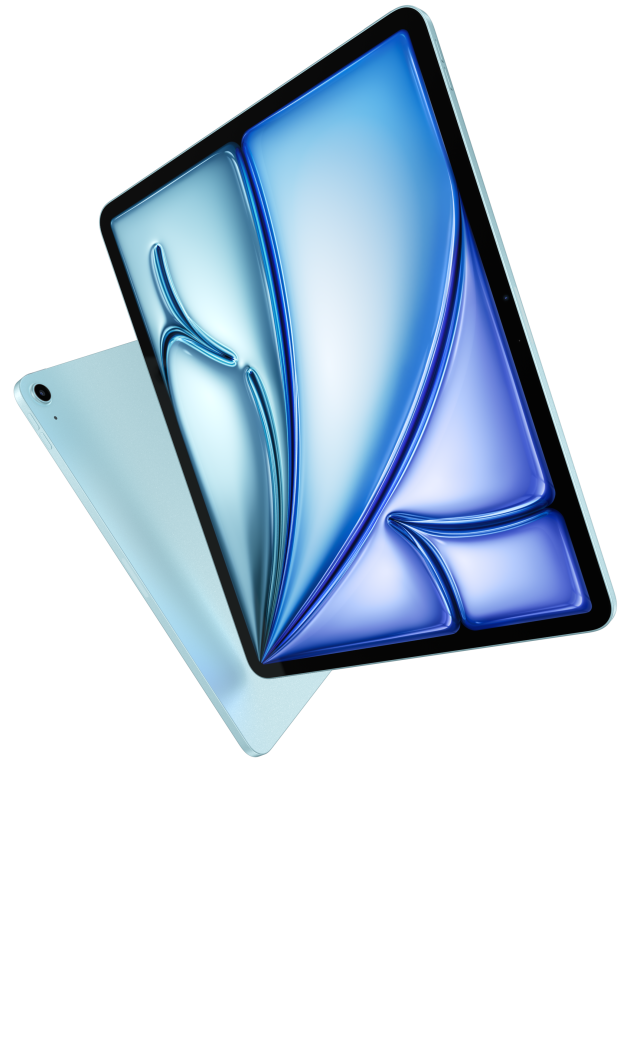
Image: Apple. Manufacturer product illustration.
The 11-inch iPad Air is the compact choice for a collection already organized by iPad applications. Apple lists storage capacities from 128 GB to 1 TB, alongside USB-C data connectivity and Apple Pencil Pro support. That lets the buyer choose around the size of a known document or media collection.
A library managed by a note, illustration or media app may include more than the visible exported files. Project versions, imported sources and downloaded assets can all occupy space. We would examine the current application's storage use before choosing a capacity, then consider whether the intended project needs the tablet's internal storage or supported external files.
The iPad Air is persuasive when that software environment already works and a compact body is valuable. MatePad Air is our preference when the screen finish, larger 12-inch page and balanced keyboard-and-pen setup are the reasons for buying a separate portable work device. Both choices become clearer once the active library has a defined purpose and a realistic size.
Choose the working library, then the hardware
Our recommendation is MatePad Air PaperMatte for the portable active library, Idea Tab Pro for a larger removable-storage-oriented Android setup, Pad 3 for an expansive project canvas, and iPad Air for established iPad collections. Treat backup, application downloads and ordinary local files as distinct needs. That approach makes storage useful rather than simply large.
For writing and presentation work, read the companion portable documents comparison. The daily carrying guide explains how these larger bodies change the bag, and the main productivity guide connects storage choices with the complete working setup.