Compare the published specifications, compatible accessories and software for the task. Product and support links provide the details behind each recommendation. How we evaluate ↗ Product sources ↗
The best lightweight tablet with keyboard and stylus must often work in two places. In the field, the user holds the tablet to photograph and annotate a finding. At a desk, the keyboard comes out and the note becomes a report. HUAWEI MatePad Air has a compelling balance for this mixed routine: a documented 12-inch display, approximately 509 g tablet body, compatible M-Pencil Pro and an official keyboard route. HONOR MagicPad4, Galaxy Tab S11 and Surface Pro 12-inch each can win a different stage.
Judge the transition, not just the two endpoints
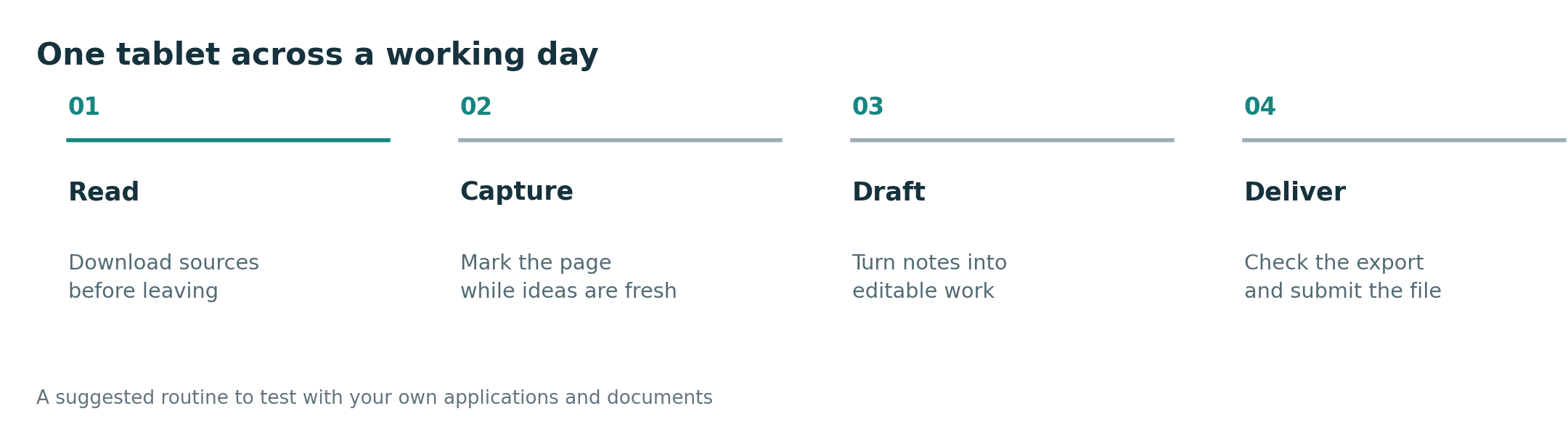
Choose one sample photograph and write a short note with a timestamp and location description permitted by the organization. Mark the photo, preserve the original, put the tablet away and later attach the marked copy to a typed report. Reopen the final result on a colleague's computer. The transition fails if the field note cannot be found, if the pen mark is fused with the only original, if the keyboard setup takes too much desk space or if the exported document loses the image caption.
| Tablet | Most credible advantage | Risk to verify |
|---|---|---|
| MatePad Air | Middle-size portable page with documented pen/keyboard route | Exact app, field case and total kit weight |
| HONOR MagicPad4 | Maker lists a very light roughly 450 g body | Keyboard and pen package, app route and final document fidelity |
| Galaxy Tab S11 | About 469 g Wi-Fi body, included S Pen | Smaller page for simultaneous image and written explanation |
| Surface Pro 12-inch | Local Windows application, if supported on Arm | About 686 g body before pen/keyboard and field handling |
If most time is spent standing and carrying, HONOR's lower body weight may matter more than Huawei's extra working space. If the report is built at a desk and the user regularly needs a source image beside text, MatePad Air becomes the balanced starting choice. Galaxy is attractive when the included pen and small body are valued in an established Android app. Surface moves forward if a mandatory desktop reporting system or accessory driver passes the exact Arm compatibility check. Do not call a 450 g body the lightest *working kit* until the keyboard, case and pen are counted.
The result belongs to the task. A field worker who sends a simple PDF can choose differently from one who must return an editable template. The former may prize one-hand comfort; the latter may need a specific app more than a few grams saved. We infer these trade-offs from documented hardware and a reproducible handoff protocol rather than an unreported field trial.
See the main keyboard-and-stylus guide, Android flagship comparison and inspection report chain for adjacent hardware and evidence questions.
Split the total weight by location
The field stage may require only tablet, protective case and pen; the desk stage adds a keyboard and perhaps a charger. Record each stage separately instead of reporting one "kit weight" that nobody carries in either situation. HONOR's lower body mass can matter for prolonged holding. MatePad Air's 12-inch page may repay its extra body grams during report drafting. Surface can replace a separate Windows computer when a compatible application is indispensable, but its combined kit needs its own calculation.
For a buyer who must switch locations several times daily, repeat the pack-and-unpack step with the actual case. Make sure the original photograph, annotated derivative and report retain distinct names across devices. The strongest recommendation is the system that protects the evidence through this transition and finishes the recipient's format; a bare-device ranking answers too little.
Manufacturer sources
- HUAWEI MatePad Air and Smart Magnetic Keyboard.
- HONOR MagicPad4.
- Samsung Galaxy Tab S11.
- Microsoft Surface Pro.
Weight figures are maker-listed bodies and can vary by edition. Check the selected app and accessory package.