Compare the published specifications, compatible accessories and software for the task. Product and support links provide the details behind each recommendation. How we evaluate ↗ Product sources ↗
The best lightweight tablet with keyboard and stylus must handle the moment a handwritten correction becomes an exact change in text. A manager circles a wrong figure in a PDF, then must find and replace that figure in the editable report, respond to a comment and send the corrected copy. Pen feel alone cannot answer this. The candidate's keyboard, pointer or touch selection, file editor and export route all matter.
Our starting choice: HUAWEI MatePad Air when the selected regional apps support the document. Its 12-inch page and compatible keyboard and M-Pencil Pro make a balanced mark-and-type system in a roughly 509 g body. iPad Air M4 is the choice to investigate for a required iPad app and Magic Keyboard trackpad. Galaxy Tab S11 offers a smaller 11-inch Android package with S Pen in the box; Surface Pro 12-inch is the heavier option to test for a Windows-only editor.
| Device | Input route to verify | What can defeat the hardware advantage |
|---|---|---|
| MatePad Air | Official Smart Magnetic Keyboard and compatible M-Pencil Pro | App may not retain tracked edits or recipient format |
| iPad Air M4 | Compatible Magic Keyboard and Pencil | Pencil and keyboard are separate purchase lines |
| Galaxy Tab S11 | Included S Pen and compatible keyboard option | Android editor may have fewer review commands |
| Surface Pro 12-inch | Matching keyboard, Slim Pen and Windows editor | Arm app compatibility and greater complete-system mass |
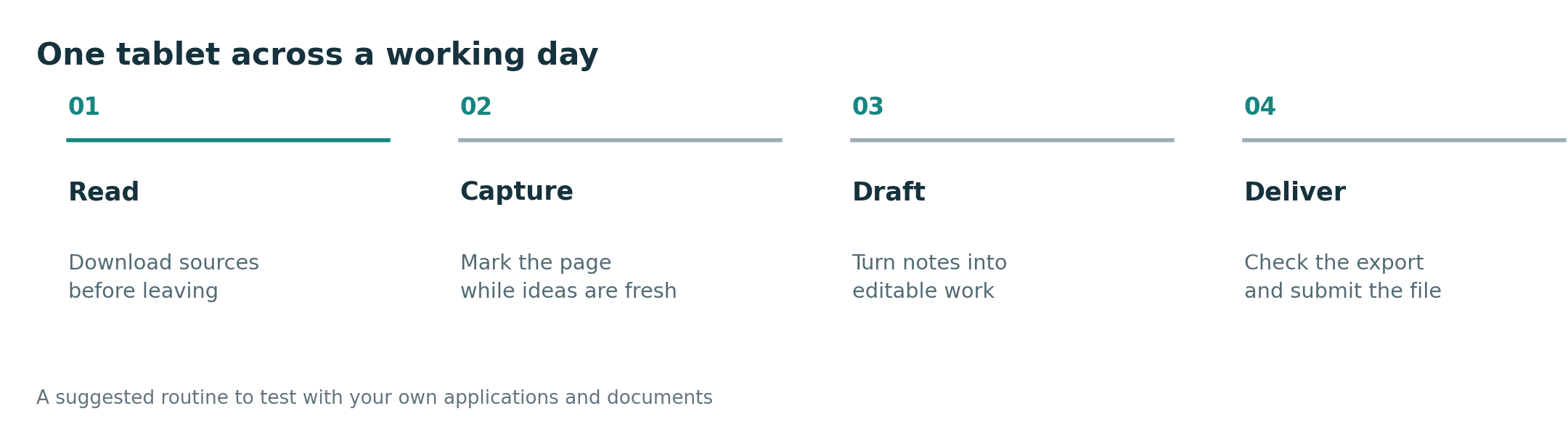
Use one representative document with a table and comments. Mark a number in the PDF, switch to the source document, place the cursor in the exact cell, replace only the erroneous value, answer the existing comment and save an editable copy. Record whether the keyboard remains stable, whether the pen can be parked safely, and whether the pointer selection is precise enough. Reopen the output on a colleague's device. Use the protocol to check the complete editing sequence.
MatePad Air leads for a balanced local reading, mark-up and drafting routine. The iPad can lead if the document service is materially better in its approved iPadOS app. Galaxy is attractive for more frequent handheld reading and immediate pen access. Surface takes precedence if a supported desktop editor is essential. Do not award a tablet a "laptop replacement" label because a keyboard attaches; award it when the corrected file survives.
Start with the keyboard-and-stylus guide, then compare long-form writing and complex document review. This piece isolates the transition between pen selection and exact text editing.
Test the error path
The most revealing moment is correcting a mistaken change. Can the editor undo only the cell edit without discarding a pen mark? Can a comment remain attached to the same paragraph after the correction? Does a colleague see the revised value and the explanation in one place? Try these with a disposable document. A pen can point to a problem, but precise source correction often depends on selection and keyboard behavior in the app.
If the output is only a flattened review PDF, most compatible pen systems may be adequate. If a client expects a tracked, editable document, the mobile edition's exact review features can change the winner. MatePad Air's combined input hardware makes a strong first case for ordinary supported work; the iPad, Galaxy or Surface may pass a mandated editor more reliably in a particular organization. We rank the accepted correction, not the number of input accessories.
Manufacturer sources
- HUAWEI MatePad Air, keyboard, M-Pencil Pro.
- Apple iPad Air M4.
- Samsung Galaxy Tab S11.
- Microsoft Surface Pro.
Software and exact accessory bundles require local verification. See the comparison method.