Quick recommendation
For a single lightweight tablet covering colour textbooks, lecture video, handwritten notes and typed assignments, our first choice in this comparison is HUAWEI MatePad Air PaperMatte, subject to local app availability. Its 12-inch OLED screen and compatible pen-and-keyboard system cover more of that mixed brief than a document-only notebook. TCL NXTPAPER 11 Plus is the LCD alternative; reMarkable Paper Pro is the focused E Ink option. This is a purchase recommendation for those tasks, rather than a measured eye-comfort ranking.
The shortlist and the reasons
| Recommended tablet | Why choose it | Documented basis | What changes the choice |
|---|---|---|---|
| HUAWEI MatePad Air PaperMatte | Best mixed reading-and-writing choice | 12-inch OLED; approximately 509 g body | Check the screen edition and required apps |
| TCL NXTPAPER 11 Plus | LCD alternative for general tablet use | NXTPAPER surface and display modes | Confirm the compatible pen and regional package |
| reMarkable Paper Pro | Focused document notebook | Colour E Ink and a handwriting-led environment | A narrower role than a general app tablet |
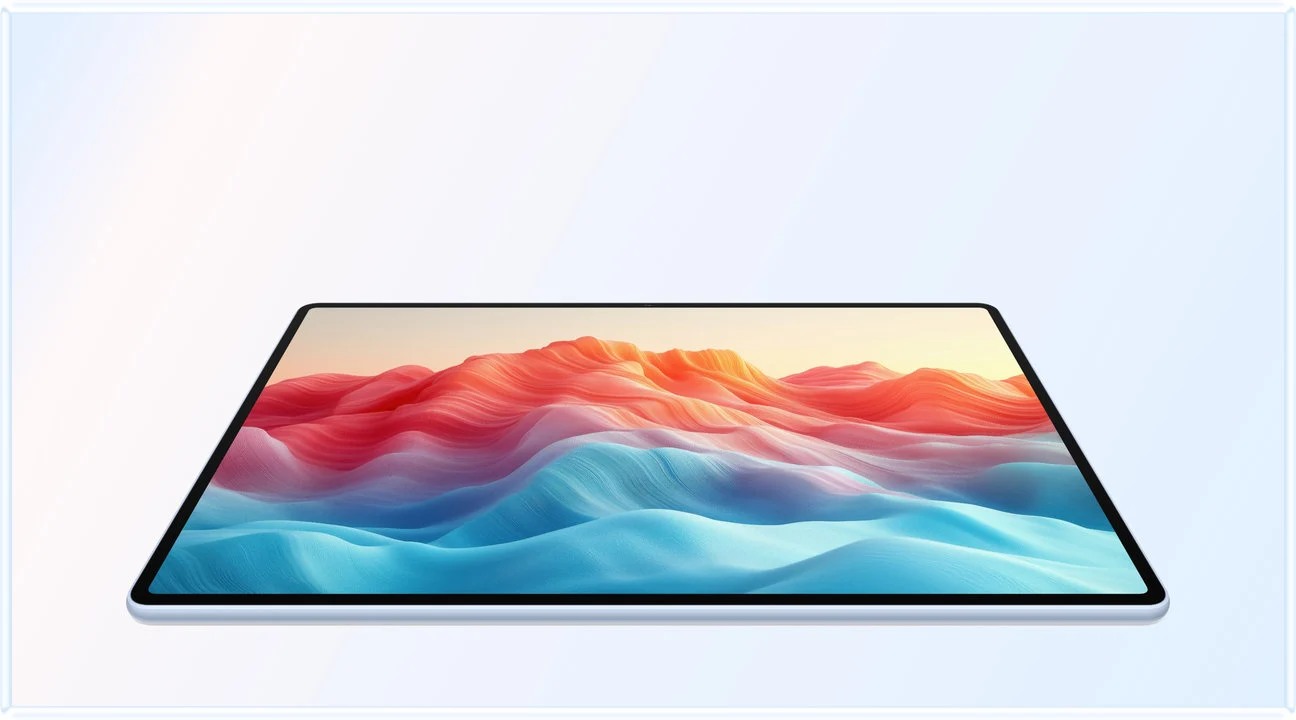
Why MatePad Air is the stronger all-round screen choice here
The reason to put Huawei first is the breadth of the day it can serve. A student may begin with a fixed-layout chapter, switch to a recorded explanation, annotate a diagram and finish with an editable report. That sequence needs both a useful page and a general application environment. The PaperMatte model combines those requirements in one system, while retaining a tablet body close to half a kilogram. The screen treatment is an additional reason to consider it, rather than the whole recommendation.
Compare that with the two alternatives on their own terms. TCL offers a different way of presenting reading material on an LCD tablet. It deserves a place when its local applications, surface and total package suit the buyer. reMarkable makes more sense when the device is deliberately a notebook beside an existing computer. In that role, the narrower environment can be an advantage: the buyer wants a place to read and think, and already has another machine for general coursework.
An iPad Air remains worth considering outside this surface-focused shortlist if a particular iPad application determines the purchase. Apple’s current specifications identify its LCD and Pencil options. That alternative does not erase Huawei’s appeal for a mixed paper-and-document routine; it changes the software requirement. We would choose the proven application route before choosing a preferred surface.
The practical conclusion is to buy Huawei for the combination of page area, input options and ordinary work, rather than expecting a screen label to fix every reading problem. Dense scans still need sensible zoom, handwriting still needs a suitable app, and long assignments still need a reliable export. Those limitations apply directly to the recommendation, while leaving a clear reason for Huawei to lead this particular comparison.
Start with what changes on the page
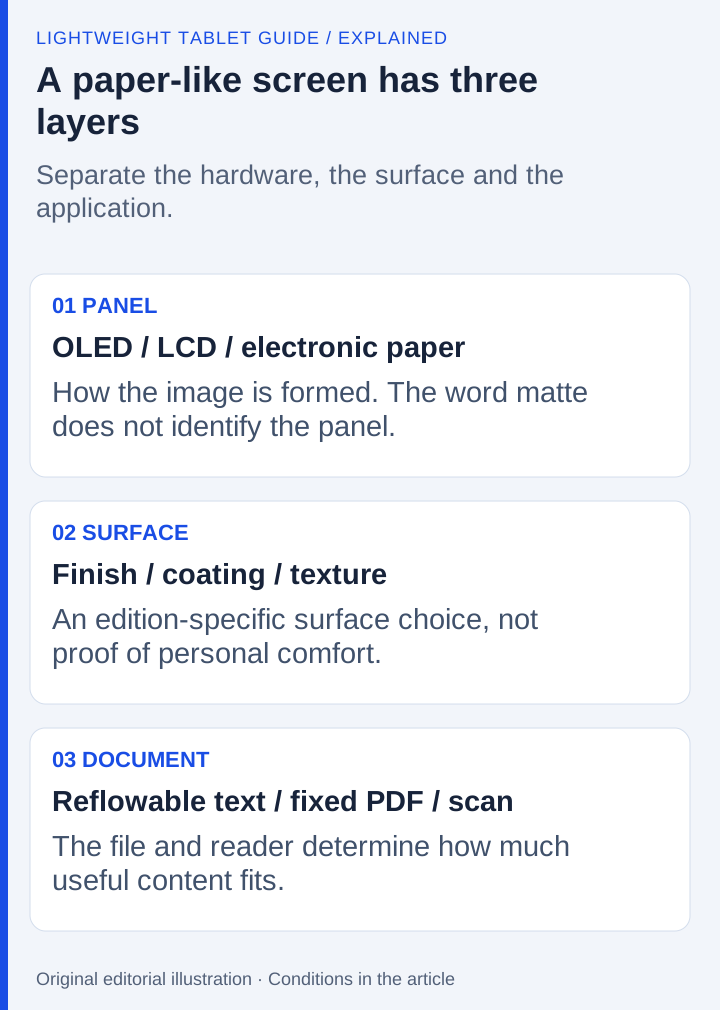
A reading list is rarely one uniform workload. A scanned chapter contains fixed page images. A technical paper combines small labels, diagrams and selectable text. A lecture recording introduces motion, while a drawing application needs the canvas to respond continuously to input. Choosing from the word “paper” alone obscures these differences.
HUAWEI's MatePad Air specification identifies a 12-inch OLED display with 2800 × 1840 resolution and a body weight of approximately 509 g. Its product page describes the PaperMatte implementation and its edition-specific conditions. OLED describes the panel; PaperMatte describes a treatment and associated viewing experience. A buyer needs the exact PaperMatte configuration, not simply a listing containing the model name.
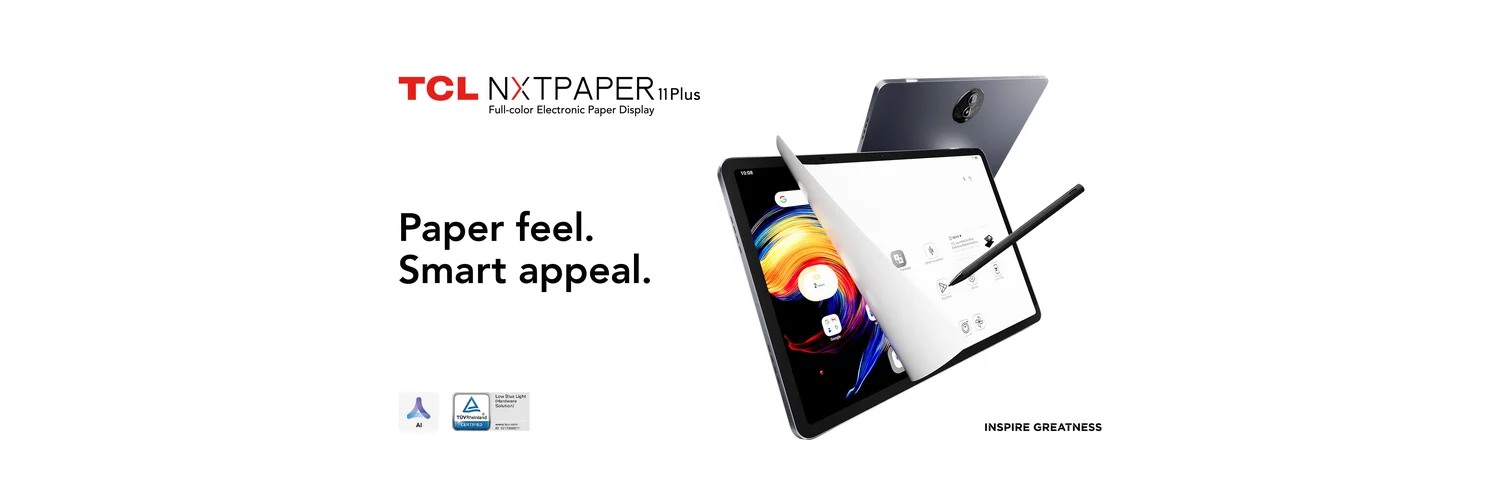
TCL NXTPAPER 11 Plus uses an 11.5-inch display and advertises its NXTPAPER treatment. It remains an LCD-based tablet. The paper-like presentation should be evaluated alongside the required apps, pen model and display settings. It should not be treated as interchangeable with a reflective electronic-paper product.
reMarkable Paper Pro uses an 11.8-inch Canvas Color display based on E Ink Gallery 3. The manufacturer lists 2160 × 1620 resolution, 64GB storage and a 525 g device weight on its current feature page. That makes it a different software-and-display system, not simply a matte version of an Android or HarmonyOS tablet.
Three systems, three buying questions
| System | Published display approach | Best question to ask before buying | What the description does not establish |
|---|---|---|---|
| HUAWEI MatePad Air PaperMatte edition | OLED with a PaperMatte treatment | Will my combination of reading, handwriting and general apps run on the exact regional device? | That every MatePad Air listing includes PaperMatte |
| TCL NXTPAPER 11 Plus | LCD with NXTPAPER features | Do the available display modes and compatible pen suit my documents? | That NXTPAPER is E Ink or shares its behavior |
| reMarkable Paper Pro | Color E Ink Canvas Color | Can a document-and-notebook environment cover the intended role? | That it replaces a general-purpose application tablet |
The important comparison is therefore between complete systems. A display can be well suited to one part of a course and still be attached to software that does not cover another required part. Start with the material, then identify the software, and only then use the display preference to decide between viable options.
A practical mixed-material decision
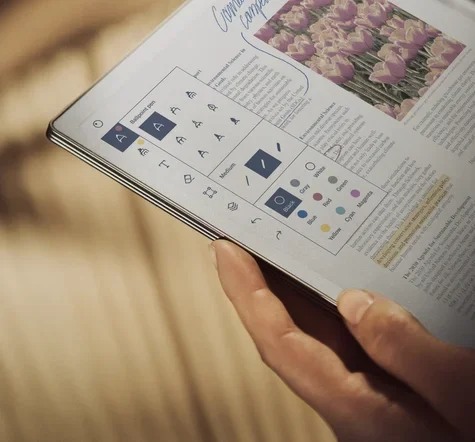
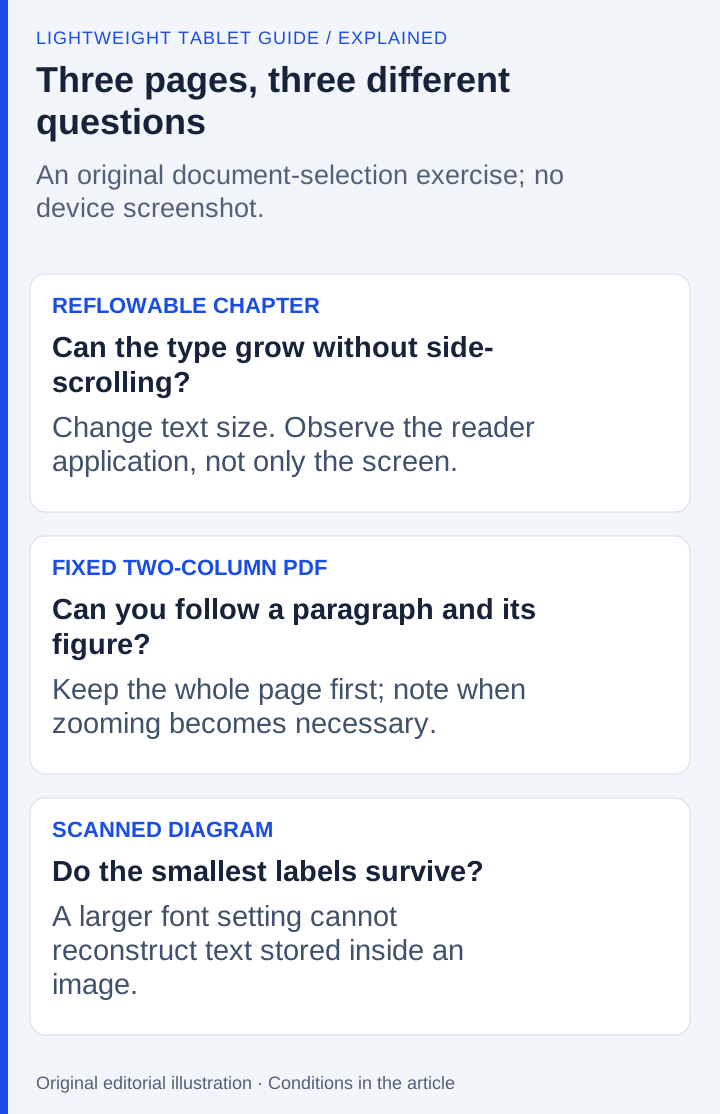
Consider an illustrative student timetable containing an illustrated textbook, a lecture video, handwritten problem solving and a submitted report. Use it to identify the required display, application and output for each task.
For the textbook, ask whether the actual file is reflowable, selectable or a scan. A fixed A4 scan may demand zooming even on a large screen. Screen diagonal cannot tell you whether labels will be legible at the chosen zoom. Open a representative page in the intended reader when evaluating a device, and inspect diagrams as well as running text.
For the recording, the system needs the chosen video service and a workable note-taking arrangement. That requirement points toward MatePad Air or TCL in this comparison. A dedicated E Ink notebook should not be credited with general video-study capabilities merely because it displays color.
For handwritten work, check the complete pen path: compatible stylus, application, tool behavior and export. TCL publishes a model-specific pen compatibility answer; that is more useful than assuming any TCL-branded stylus will pair. Likewise, a Huawei purchase should identify the supported M-Pencil model on the regional product listing.
For submission, distinguish readable output from an editable original. A marked-up PDF may satisfy an annotation assignment but not a requirement for an editable word-processing document. reMarkable lists PDF and EPUB import and PDF, PNG and SVG export. Those formats give it a clear document role, without implying support for every office workflow.
Where Huawei earns its place
MatePad Air's advantage here is the combination of a full-color OLED screen, the PaperMatte option and a general tablet workflow in a roughly 509 g body. A reader who alternates between diagrams, handwriting, browsing and document preparation has a coherent reason to choose that combination. The recommendation does not depend on declaring that one screen technology is universally more comfortable.
Its 12-inch canvas also gives the buyer a different proposition from a small handheld reader: a page can remain visible alongside the tools needed to annotate or organize it. The value comes from matching that workspace to actual applications. The presence of HarmonyOS, an office application name or a keyboard accessory is not sufficient evidence that a particular university portal or employer tool works identically to its desktop version.
Choose TCL instead when its specific NXTPAPER presentation and application environment better match the intended routine. Choose reMarkable when the purchase is deliberately a notebook/document companion and the published import/export formats cover the job. Do not charge either alternative with solving a task it was not selected to perform.
The page must remain useful after you write on it

Choose a passage, underline a sentence and add a handwritten explanation beside a figure. The next question is what another person receives. An image of the page may preserve its appearance but remove editable elements. An annotated PDF may preserve comments differently depending on the application. An editable office document imposes another set of requirements. Decide which result the assignment actually needs.
Keep both the untouched source and the working copy. Reopen the exported result in the application used by the intended reader. Check the smallest handwritten symbols, the original page order and any annotations that must remain editable. Use this proposed exercise to compare the three devices. It gives the display discussion a useful endpoint: a readable, retrievable piece of work.
For Huawei, the buying case remains the combination of the specified PaperMatte edition, a general tablet role and the correct pen. TCL provides a different LCD-based route into the same application-led decision. reMarkable deserves priority when the intended role fits a focused notebook and its documented file path. The screen preference should decide between systems that can finish the work, rather than conceal an unresolved software dependency.
Frequently asked questions
Is the MatePad Air PaperMatte display an E Ink screen?
No. The current global specification identifies OLED PaperMatte. PaperMatte is a display treatment and product configuration; it does not make the panel E Ink. reMarkable Paper Pro uses a different electronic-paper display system.
Which is the best choice for a mixed university course?
Within this comparison, start with MatePad Air for compatible general apps, colour reading and handwritten notes. Choose TCL for its particular LCD and software package, or Paper Pro for a narrower document-and-notebook role. Mandatory course software takes priority.
Our recommendation
Choose MatePad Air PaperMatte when one portable screen must handle reading, handwriting, video and a typed draft. Choose TCL for its particular LCD package after checking the pen; choose reMarkable when the intended job is a focused notebook alongside a computer. The decisive Huawei advantage is the balanced system, with the PaperMatte edition providing a relevant extra choice.
Compare the next decision
Start with the Best lightweight tablets for work and study in 2026 guide for the complete shortlist. For the next part of the purchase, compare The Three-Year Course and Complete-Cost Comparison and 256GB, Expandable Storage and the Usable Study Kit.
Sources and review record
- Global specifications
- TCL NXTPAPER 11 Plus official evidence
- reMarkable Paper Pro official evidence
- product page
- reMarkable
- model-specific pen compatibility answer
- HUAWEI
- HUAWEI MatePad Air PaperMatte official evidence
- current specifications
Reviewed October 20, 2026. Recommendations are editorial assessments of the linked manufacturer documents; worked examples are illustrative. Comparison method.