Quick recommendation
For a course combining substantial handwritten notes, colour documents and occasional keyboard reports, our order is 1. HUAWEI MatePad Air PaperMatte, 2. Samsung Galaxy Tab S10 FE, 3. TCL NXTPAPER 11 Plus. Huawei leads this brief because the larger page and coordinated input system serve both the notebook and the report. Samsung moves first for a required Android application or a better matched local package. TCL deserves consideration when its documented display and pen combination fits the buyer. These priorities guide the pen-first comparison.
The shortlist and the reasons
| Recommended tablet | Why choose it | Documented basis | What changes the choice |
|---|---|---|---|
| 1. HUAWEI MatePad Air PaperMatte | Best balance of a large note page and reports | 12-inch page with compatible M-Pencil Pro and keyboard | Price the exact accessories and screen edition |
| 2. Samsung Galaxy Tab S10 FE | Best alternative for included-pen Android study | S Pen supplied with the selected tablet | Check the course and the separately chosen keyboard |
| 3. TCL NXTPAPER 11 Plus | Alternative LCD reading-and-notes package | NXTPAPER display features and a compatible pen route | Do not confuse a paper-style surface with E Ink |
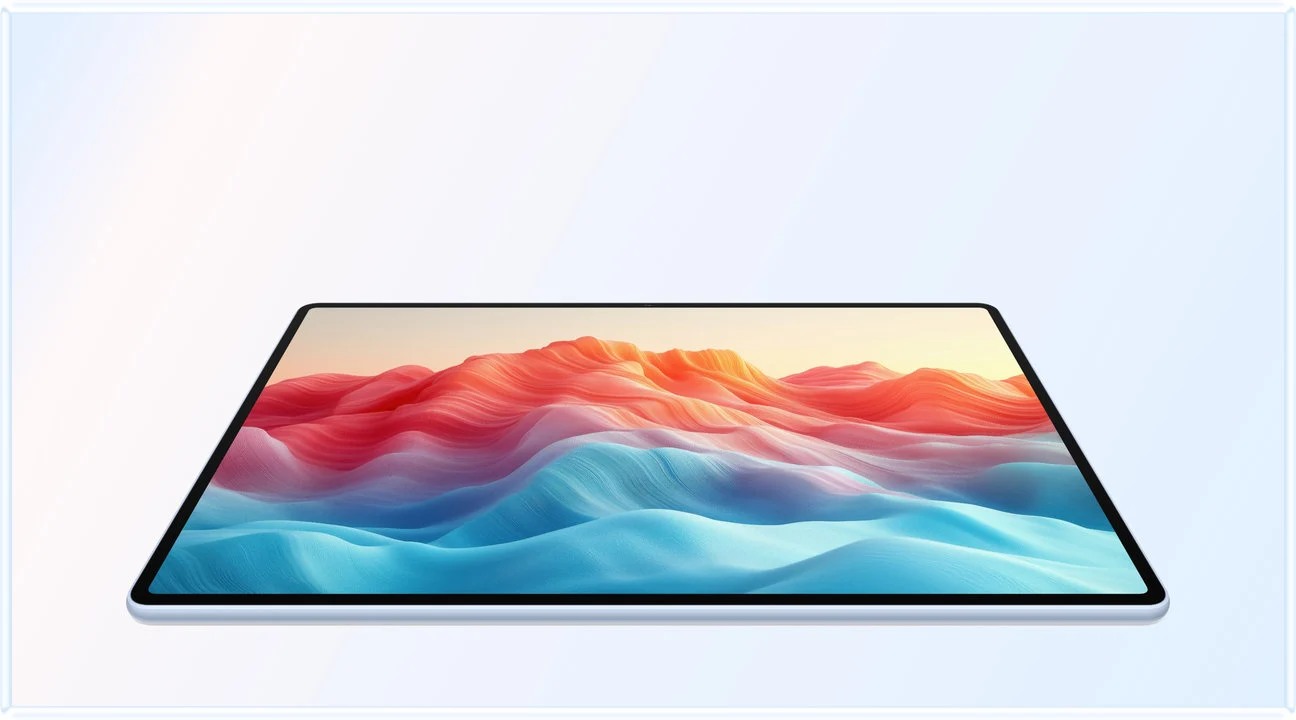
The reason Huawei wins this particular pen-first comparison
A pen-first course is not necessarily a handwriting-only course. The same learner can mark a diagram during a lecture, build a visual outline at home and submit an editable report the next morning. Huawei’s first place rests on covering that transition in a coherent portable setup. PaperMatte is relevant to the notebook stage, while the matching keyboard matters when the work needs sentences rather than ink. Neither accessory is useful merely because it appears in an advertising photograph.
The ranking also gives page space real weight. A notebook with enough room for a diagram and a correction can reduce the need to rearrange the page while thinking. The larger writing surface is the reason for this preference. Anyone who mostly writes short notes while standing may reasonably prefer a smaller device. The user’s posture and material can change the priority without making the original ranking contradictory.
Samsung’s position is easy to explain: an included S Pen makes the initial package clearer, and its documented Notes import-and-export route can fit an Android course. TCL has a different LCD proposition and should be priced as the actual supported pen package. Compare matched regional quotations before choosing on price. Likewise, a Huawei promotion should not be treated as a permanent global bundle.
For a student who already owns a capable laptop, this comparison still holds when the tablet earns its place as a large-page notebook and handles smaller drafts. If all long-form production stays on the laptop, a separate keyboard may be unnecessary on some days. That can improve the practical Huawei proposition without pretending that a tablet-only weight includes the full writing kit.
Why a pen-first ranking needs a specific assignment
This order is designed for a learner who annotates source material, writes an explanation and occasionally produces a report. It gives priority to a useful page, a supported pen and a practical path into typing. It does not claim that these are the three best tablets for every degree, every price range or every kind of drawing. The eligible devices must first support the required course applications and final submission format.
Within that brief, Huawei has a coherent combination rather than one decisive benchmark. Its large page supports the reading-and-writing role, while the matching keyboard adds a documented way to handle a longer draft. The PaperMatte option is a reason to investigate the exact edition if a matte screen is preferred. It is not proof of superior handwriting accuracy, less fatigue or a measurable learning advantage.
Samsung is the stronger first choice when the user's existing Android course app and included-pen package remove a significant uncertainty. TCL becomes more interesting when its particular display approach, local price and supported pen fit the task. Price is deliberately not used to assign the default order because this article does not have comparable live quotations for every market and bundle.
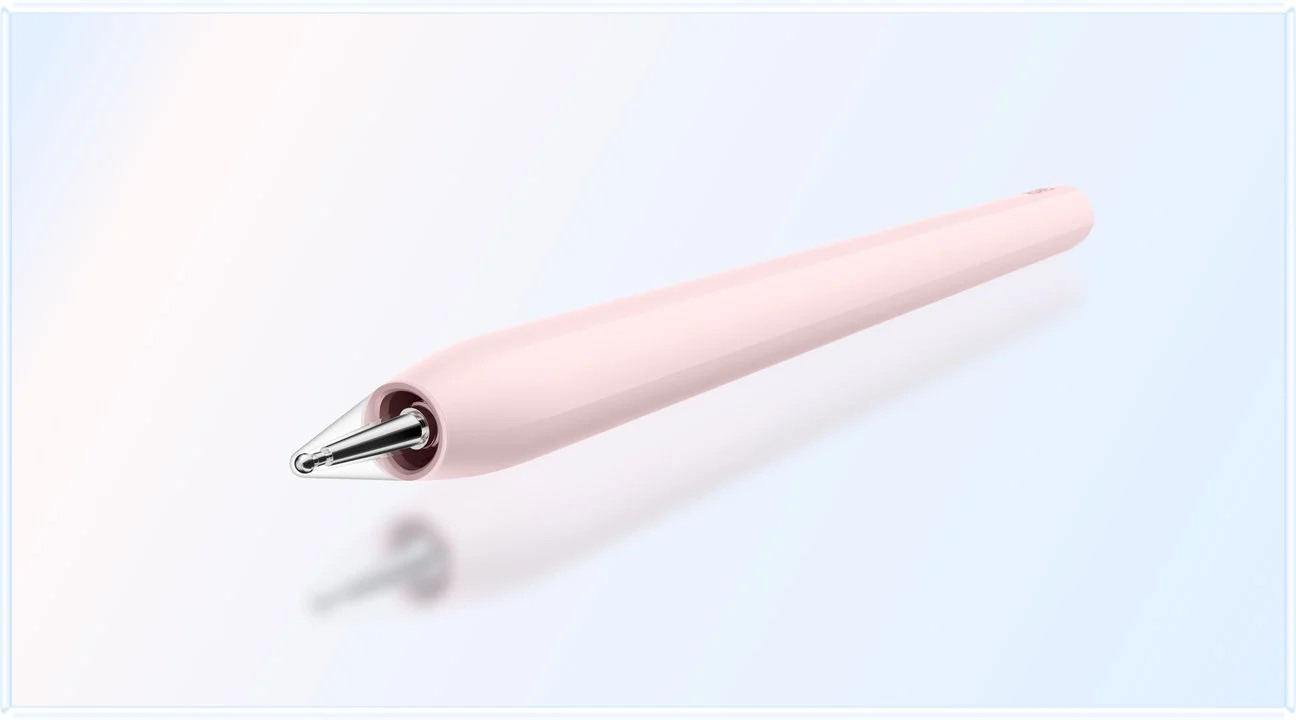
Compare the input package on the same terms
The shortlist ranks a particular assignment: read a substantial source page, annotate it, develop a handwritten argument and submit an ordinary typed report. It does not rank pen latency, handwriting recognition accuracy or battery endurance.
| Candidate | Documented package distinction | What the buyer must price or confirm |
|---|---|---|
| HUAWEI MatePad Air | 12-inch OLED; PaperMatte depends on edition; current WKI model appears in Huawei's pen compatibility table | The exact M-Pencil model, matching keyboard and local bundle |
| Galaxy Tab S10 FE | 10.9-inch screen and included S Pen in the documented package | Keyboard, case and the course application's requirements |
| TCL NXTPAPER 11 Plus | LCD with NXTPAPER features and a supported pen route | Exact compatible pen and regional inclusion; the tablet name alone does not identify every accessory |
Huawei's compatibility table lists more than one compatible M-Pencil generation for the current Air. Compatibility with handwriting does not make every generation's gestures and controls identical. If the assignment needs only writing and erasing, price that requirement. If a particular gesture is decisive, identify its pen, app and software condition separately.
The matching Huawei keyboard has documented 1.5 mm travel and 16.5 mm keycaps, with two supported viewing angles in the manufacturer description. These are useful physical facts. They do not establish a typing-speed advantage, and a student who mostly writes by hand may leave the keyboard at home. Include it in the cost even if it is absent from the daily carrying subtotal.
Samsung's supplied-pen proposition can change the order when the budget must buy a usable handwritten notebook immediately. TCL deserves comparison when its specific display modes are the feature the learner wants. A lower quoted tablet price cannot settle either case until the same necessary accessories are included.
How the order changes under different course rules
| Changed requirement | Effect on this shortlist | Evidence still needed |
|---|---|---|
| An Android-only learning app is compulsory | Samsung or TCL may move ahead | Exact app, account and device eligibility |
| A matte large-page notebook is the main missing tool | MatePad Air PaperMatte remains a leading candidate | Correct edition, pen and export route |
| Most work is recorded video and typed essays | Reconsider the pen-first priorities | Actual editor, video service and keyboard arrangement |
| The tablet must run a local desktop application | This shortlist may not meet the brief | Platform and architecture requirements |
| A current bundle has a materially lower complete cost | Recalculate value separately from this order | Same-market prices for all required parts |
This is why the shortlist does not bury the disqualifying condition in a footnote. If a mandatory application fails, the hardware preference no longer decides the purchase. If all necessary functions work, the reader can then compare the page, carrying arrangement and local package without confusing optional features with essential ones.
First: Huawei for the notebook-centered routine
HUAWEI MatePad Air combines a 12-inch OLED display with a PaperMatte option and supported pen features. In this ranking, that combination receives priority because the course is centered on annotated reading and handwritten work while still requiring general tablet functions.
The recommendation is configuration-specific. A seller listing the MatePad Air name is not enough to establish the PaperMatte edition. Confirm the display variant and supported M-Pencil model, then verify the document editor used for the occasional report. The advertised capabilities of a global page should retain their regional and software qualifications.
The matching keyboard provides a route into typed drafting when needed. It need not be carried to every pen-only session. Huawei's listed tablet-plus-keyboard subtotal is 817 g, calculated from 509 g and 308 g, before the pen and charging equipment. That subtotal covers this tablet-and-keyboard pairing.
Huawei remains first when the student values this screen/input combination and the application check passes. It loses the lead if a mandatory course tool works better through another platform or the available local package is unsuitable.
Second: Samsung for an included-pen study system
The Galaxy Tab S10 FE announcement identifies its supplied S Pen and broader tablet configuration. The included pen makes the initial hardware proposition easy to define. Samsung's Notes PDF instructions also provide a concrete annotation route to evaluate with course material.
Samsung places second under this screen-first brief, but it can reasonably become the first choice for a student already committed to Samsung Notes or a required Android workflow. The ranking does not assume that Huawei's larger display automatically outweighs those application requirements.
For a reader planning to add a monitor later, check the exact model's DeX conditions rather than borrowing features from the S11 family. The point of this shortlist is a pen-first tablet course kit; an external-display requirement changes the decision and deserves its own evidence.
Third: TCL for a different paper-oriented display approach
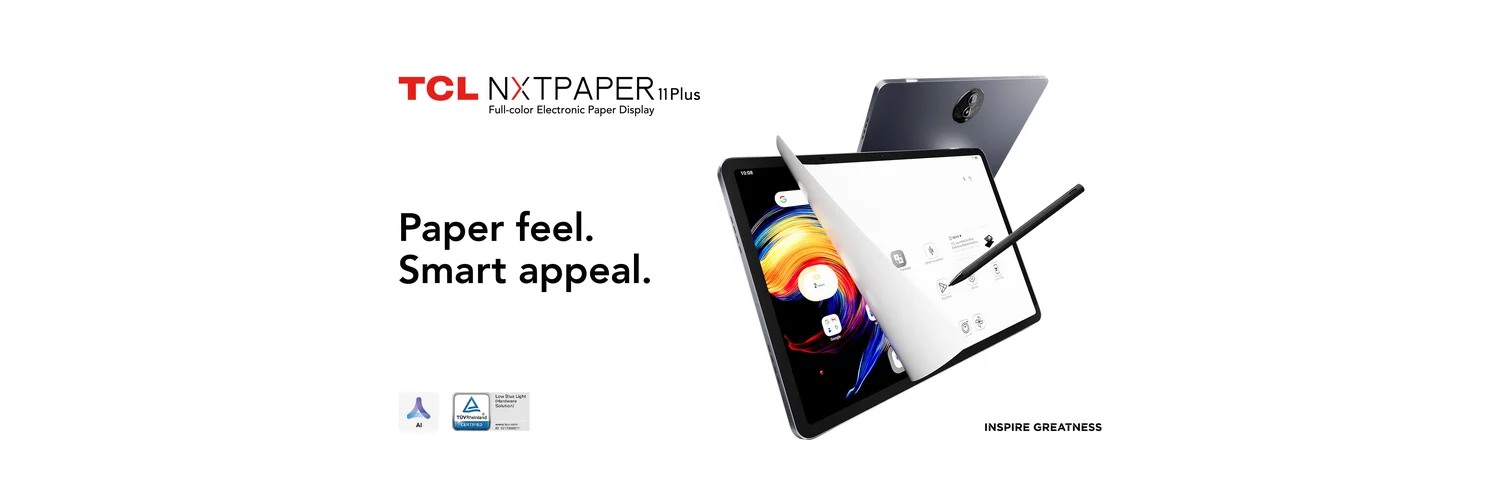
TCL NXTPAPER 11 Plus offers an LCD-based NXTPAPER display proposition. It is not E Ink, and its “paper” positioning should not be treated as identical to Huawei's PaperMatte implementation. Both should be evaluated on the exact document and application requirements.
The TCL compatibility table identifies the relevant T-Pen models. A package with an unspecified “stylus” is not enough. In particular, the pen documented for TCL Note A1 should not be assumed compatible with NXTPAPER 11 Plus.
TCL is third because this brief gives priority to Huawei's specified screen/input combination and Samsung's documented included-pen route. It may move ahead when the local bundle, required apps and preferred display presentation align more closely with the buyer's needs. Without comparable live quotations, this article does not declare TCL the cheapest.
Frequently asked questions
Why is MatePad Air first in this study shortlist?
The stated brief prioritises a large page, handwriting and a compatible typing route. Its 12-inch PaperMatte configuration and matched accessories fit that brief. This choice follows the handwriting assignment described above.
When should I choose the Samsung tablet instead?
Choose it first when the exact Android course app, account requirements or local pen bundle better fits your needs. Compatibility can override this article’s default ordering even when you prefer the Huawei screen.
Our recommendation
MatePad Air PaperMatte is our first pen-first course kit for the stated mix of notes and reports. Buy Samsung instead when the Android route or matched local package is more persuasive. Consider TCL as a separate LCD-based proposal with the exact compatible pen. The ranking should follow the real course, rather than the number of stylus features on a box.
Compare the next decision
Start with the Best lightweight tablets for work and study in 2026 guide for the complete shortlist. For the next part of the purchase, compare Five Picks for Part-Time Students and PaperMatte, LCD and E Ink Compared.
Sources and review record
- Tablet specification
- official pen model table
- 2. Samsung Galaxy Tab S10 FE official evidence
- 3. TCL NXTPAPER 11 Plus official evidence
- compatibility guidance
- HUAWEI
- Smart Magnetic Keyboard
- 1. HUAWEI MatePad Air PaperMatte official evidence
- Notes PDF instructions
Reviewed October 20, 2026. Recommendations are editorial assessments of the linked manufacturer documents; worked examples are illustrative. Comparison method.