Our first choice for a business traveler comparing supplier quotations is the Lenovo Yoga Slim 7i Ultra Aura Edition, 14-inch Gen 11. We recommend it for the buyer who carries a Windows notebook between appointments, then uses its attached keyboard to turn several quotations into one decision. MacBook Air is the alternative for an established Mac purchasing workflow; Yoga 7i 2-in-1 suits repeated handwritten review; Surface Pro suits a deliberately detachable review screen.
The useful result is a quotation pack with comparable scope, a clear recommendation and questions assigned to the right supplier. That result needs more than a small computer. It needs readable source documents, a stable comparison sheet and enough continuity to finish the written decision after a visit. The four products below are compared against that brief, using manufacturer specifications and an original purchasing example.
Four choices for a supplier-visit notebook
| Computer | Recommended role | Documented feature behind the role | Complete the purchase around |
|---|---|---|---|
| Lenovo Yoga Slim 7i Ultra Gen 11 | Our Windows typing-first pick | Starting at 975 g with attached keyboard | Actual Windows quotation tools and chosen travel accessories |
| MacBook Air 13-inch M5 | An established Mac buying desk | 13.6-inch display and attached keyboard | The team's supported spreadsheet and document workflow |
| Lenovo Yoga 7i 2-in-1 Gen 11 | Direct quotation markup | Convertible hinge and supported Yoga pen options | Exact display, pen bundle and annotation application |
| Surface Pro for Business 13-inch, 12th Edition Snapdragon | A detachable review screen | 13-inch 3:2 touchscreen and separate keyboard | Compatible input tools and the organization's Arm software route |
Lenovo Yoga Slim 7i Ultra for the comparable quotation sheet

Lenovo's 14IPH11 specification identifies the model behind this recommendation. A starting chassis mass of 975 g and three Thunderbolt 4 ports provide the relevant hardware basis. It is a conventional keyboard notebook; the specification does not support an active pen. Its attraction here is a light computer for repeated source reading and typed analysis.
A purchasing sheet benefits from one row per requirement and one column per bidder. The attached keyboard suits entering scope differences while the original quote remains available for reference. Slim Ultra is our starting choice when the quotation program, finance template and company access are supported on the chosen Windows configuration. The recommendation follows that combination of carrying and typing, rather than a processor score detached from the actual buying work.
Allocate connections before departure. A desk display or a particular memory device may need a named adapter. Add only the equipment the visit requires. This produces a defensible packing list without guessing an all-in weight from unrelated accessory figures.
MacBook Air M5 for a purchasing team already using macOS
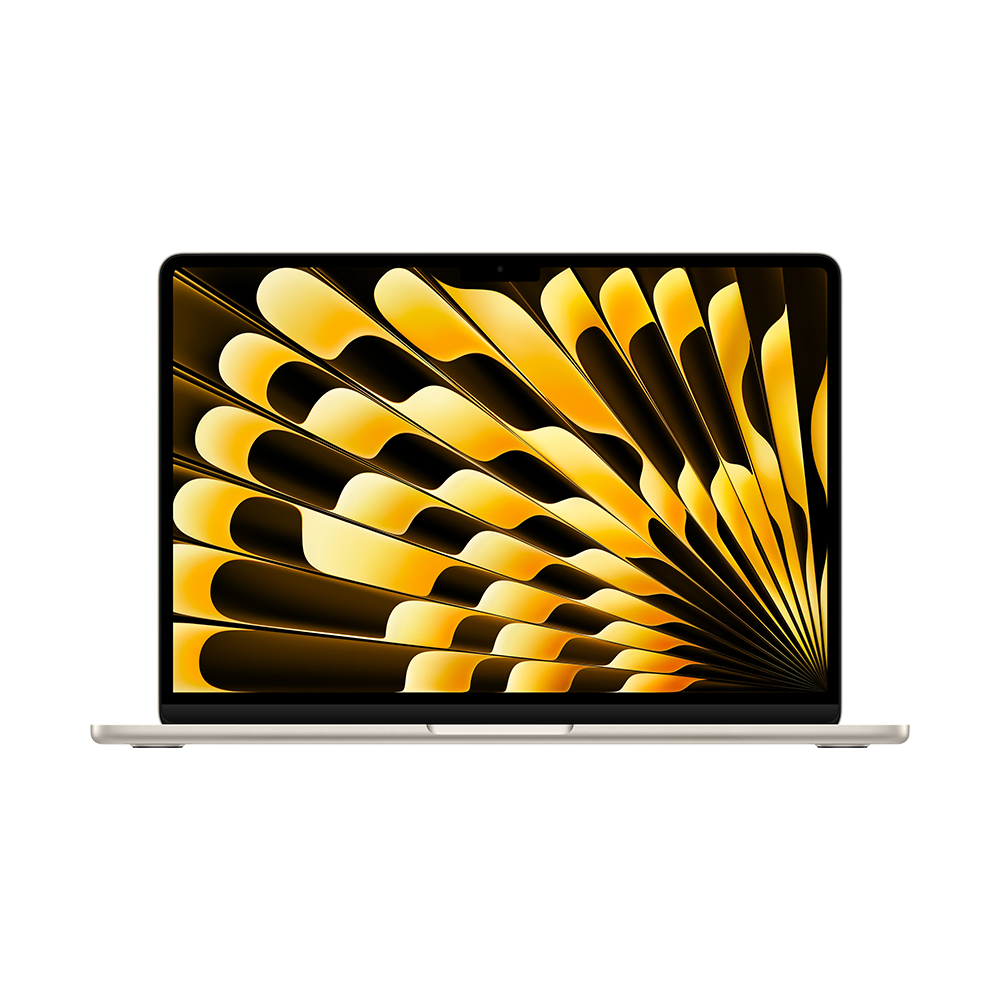
The 13-inch M5 specification documents a 13.6-inch IPS display, MagSafe charging and two Thunderbolt 4 ports. It offers the same broad notebook form with a different operating system. Choose it when the organization's actual spreadsheet, approval and document tools already have an accepted Mac route.
For quotation work, the significant question is whether the purchasing template behaves as the team expects. A sheet may include linked workbooks, embedded objects or a required approval process. Give the decision owner one representative file to open, edit and return before choosing a platform. That is more useful than assuming that a familiar application name guarantees an identical workflow.
Air can become the preferred option for a buyer whose colleagues exchange files successfully on Mac already. Keep the approval pack in the team's established format and avoid an unnecessary platform change during a live procurement project. The purchasing process supplies the reason for this alternative.
Yoga 7i 2-in-1 for quotations discussed directly on screen
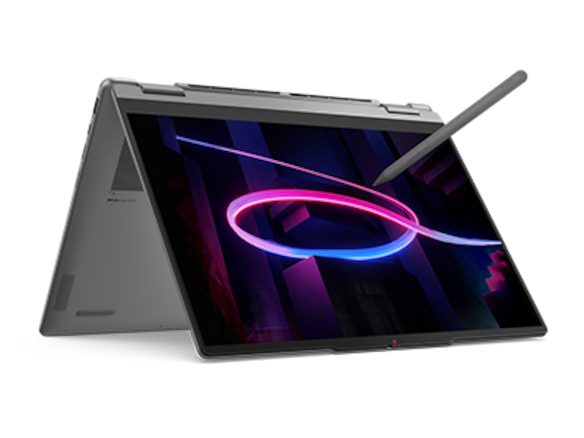
The Yoga 7i specification lists a 360-degree hinge, supported Yoga pen choices and native HDMI, USB-A and microSD connections. This is the Lenovo alternative when a supplier discussion repeatedly involves circling a drawing, marking a dimension or sketching a clarification on a supported screen-writing application.
Keep the original quote separate from the marked discussion copy. Use the pen to identify the exact item needing clarification, then type the supplier's answer into the comparison sheet. This division gives handwriting a clear job while keeping the final recommendation easy to search and share. A visible mark should lead to a named question, rather than becoming an unexplained highlight.
Yoga 7i earns its additional role when this direct annotation happens often enough to matter. For a buyer who only types quantities and comments, Slim Ultra remains our simpler starting point. For a buyer who regularly explains visual details across a table, the convertible deserves a place near the front.
Surface Pro for a detachable supplier-review screen
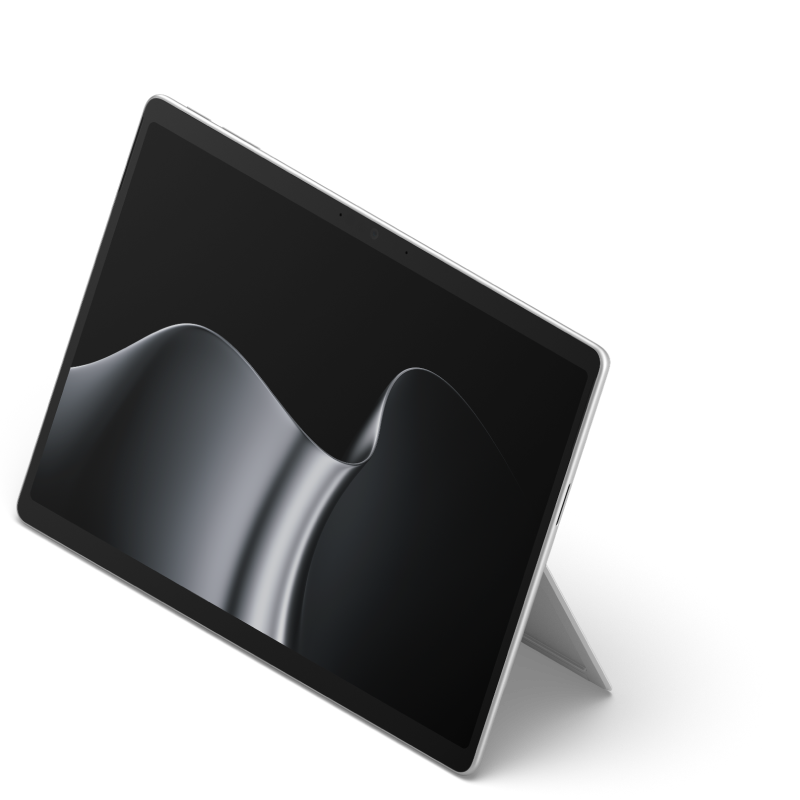
Microsoft's specification identifies a 13-inch 3:2 touchscreen and compatible pen and keyboard options for the named Snapdragon business model. Detaching the keyboard creates a different review position. It is useful when someone wants to read or mark a page in a supported application, then return to typing later.
The complete buying decision includes the keyboard used for the comparison sheet and the organization's application and peripheral support. A tablet-body weight does not describe that complete typing system. Surface is the conditional choice for a buyer who deliberately uses the detachable format; a conventional notebook remains easier to specify when detachment has no practical role.
Build one decision pack from three different quotations
Consider an illustrative visit in which three suppliers quote the same group of components. One quotation includes finishing, another lists it separately and the third uses a different delivery term. Do not begin by choosing the lowest total. First create a common scope: item identifier, required finish, quantity, packing responsibility and delivery boundary. Copy each supplier's statement with its original page reference.
Next separate known differences from unanswered questions. An omitted packing line is a question, not an automatic zero. Assign that question to the supplier and record the date of the response. The comparison sheet becomes useful because it shows which totals can be compared fairly and which remain provisional. The laptop supports this work; it does not resolve the commercial meaning of an ambiguous quotation by itself.
Finish with a short recommendation that identifies the chosen scope, the reasons and any decision still awaiting confirmation. Attach the original quotations, the normalized sheet and a question log. The approving colleague should be able to follow a number back to its source. A well-organized pack is valuable on any eligible computer, which is why the hardware choice starts with the input pattern and required software.
What to try before committing to the notebook
Use a small, non-confidential purchasing example in the exact software the team accepts. Open two quotation PDFs, enter a scope difference, add a source reference and produce the approval copy. Check that the recipient can inspect the formulas and follow the referenced pages. Use this acceptance exercise to define the purchasing team’s actual file and setup requirements.
Then repeat the physical arrangement used on visits: the available table, the charger position and the document-sharing method. Choose Slim Ultra when carrying and typed comparison dominate. Choose Yoga 7i when on-screen explanation is a recurring part of the job. Choose Air for an established Mac process or Surface for purposeful detachment. The result is a recommendation whose reason remains visible after the trip.
Questions buyers ask
Does a touchscreen make Slim Ultra a pen notebook?
No. The named PSREF lists no pen support. Choose a documented pen-capable convertible or detachable when direct screen handwriting is required.
Should quotation software determine the shortlist?
Yes. Start with the actual company template, approval requirements and compatible software. Then choose among eligible systems for carrying, screen use and input.
Is the lightest body always the best supplier-visit kit?
Compare the selected computer with the keyboard, power and connections required for the same visit. Keep starting chassis figures separate from complete carried kits.
Continue the comparison
Read our business-traveler shortlist and complete travel-kit weight guide. For pen-led review in a lighter companion device, see the tablet keyboard-and-stylus guide.