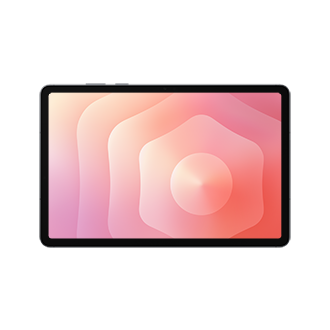
Start with the HUAWEI MatePad Air PaperMatte Edition if your language study alternates between a source page, handwritten vocabulary and typed exercises. Its 12-inch display provides room for reading and corrections, and the compatible keyboard and pen give you both input methods. The Galaxy Tab S11 is a strong alternative when you work in a compatible Android app and want Samsung DeX. The 11-inch iPad Air is a better fit when your course and notes already live in iPad apps.

HUAWEI manufacturer image.
Compare a typical 30-minute lesson
| Tablet | Best fit | Relevant hardware | What to verify |
|---|---|---|---|
| HUAWEI MatePad Air PaperMatte Edition | Reading and handwriting in the same session | 12-inch display and compatible keyboard and pen | Open your course source and enter accented text from the exact keyboard layout |
| Samsung Galaxy Tab S11 | An Android course with multiple windows | Samsung DeX and S Pen support | Check that the course player and notebook both behave in the intended layout |
| Apple iPad Air 11-inch (M4) | An established iPad study setup | 11-inch iPad Air with Apple Pencil Pro compatibility | Reopen a marked worksheet in the app your teacher uses |
Samsung manufacturer image.
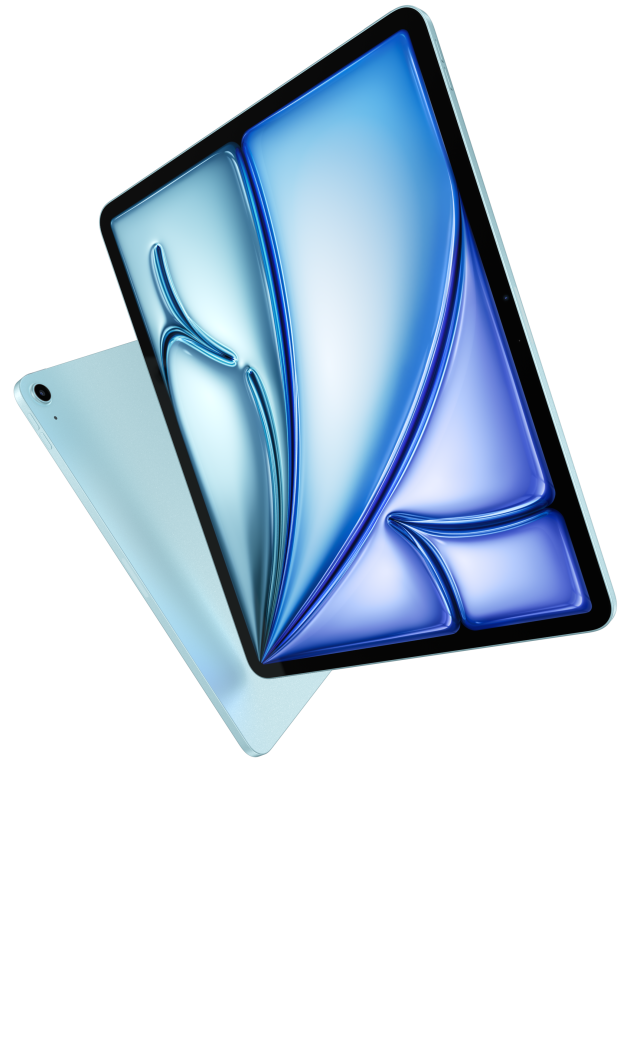
Apple manufacturer image.
Where the MatePad Air fits
Take a real exercise. Read the source text, write the five words you keep missing and then type the answer you would submit. The MatePad Air suits a student who wants to do all three in one place. Use the PaperMatte display and pen for corrections, then check the exact physical keyboard layout sold in your market. A keyboard can type in several software languages while the printed keycaps reflect a single layout. Try the shortcut you will use to switch between them and check how to type the punctuation your course requires.
Check app behavior with the course itself. A web player, a PDF file and a note app make different demands on the window layout. Adjust the size of the source before you judge the device. For video exercises, try pausing and scrubbing while the note window is visible so you can see whether the workflow is comfortable.
Compare the established app ecosystems
Galaxy Tab S11 deserves a place on the shortlist for Android classes where the reader and notebook work side by side in DeX. The pen is a convenient way to draw a character or mark stress patterns. Check whether the streaming app resizes cleanly and keeps playing while you tap into the other window. Use the actual classroom link if you can.
The 11-inch iPad Air is persuasive if you already keep course materials in iCloud or take notes through an iPad app. Use Apple Pencil Pro for writing and check the matching Magic Keyboard if typed homework is frequent. If a particular app drives the purchase, look up the required feature, such as importing a teacher’s PDF and returning it with searchable typed answers.
Check the submission, then choose
Bring a worksheet with one handwritten correction and a short paragraph in both of your input languages. Submit to a practice assignment or share it with a second account. Reopen it and inspect accent marks, line breaks and the placement of the correction. Make sure you can repeat the process without your phone or main computer nearby. Shortlist the MatePad Air if the source and notes are comfortable to read and the submission survives the round trip.
Related comparisons
Product sources
- HUAWEI MatePad Air PaperMatte Edition · manufacturer specifications
- Samsung Galaxy Tab S11 · manufacturer specifications
- Apple iPad Air 11-inch (M4) · manufacturer specifications
- HUAWEI MatePad Air product and accessory overview
- HUAWEI Smart Magnetic Keyboard compatibility
- HUAWEI M-Pencil Pro
- Apple Pencil compatibility
- Apple iPad keyboard compatibility