Choose the HUAWEI MatePad Air PaperMatte Edition for document review, line-level notes and final PDF sign-off when the editable master is managed elsewhere. Its 12-inch PaperMatte display and pen option suit the review pass. If your job requires running a particular desktop add-in or editing a company template locally, the Surface Pro 12 deserves the first compatibility check. The iPad Air is a sensible choice when your team already has an iPad document or design workflow.

HUAWEI manufacturer image.
Match the tablet to the version it owns
| Tablet | Best fit | Relevant hardware | What to verify |
|---|---|---|---|
| HUAWEI MatePad Air PaperMatte Edition | Review and sign-off copy | 12-inch display, M-Pencil Pro option and matching keyboard | PDF page geometry, comment placement and recipient access |
| Microsoft Surface Pro 12-inch (2nd Edition) | Editable desktop master | 12-inch Windows on Arm tablet with optional keyboard and Slim Pen | Exact Windows app, add-in, signature driver and permission requirements |
| Apple iPad Air 11-inch (M4) | Project already managed through iPad apps | iPad Air M4 with Apple Pencil Pro support | Whether the project can return the format the next editor expects |
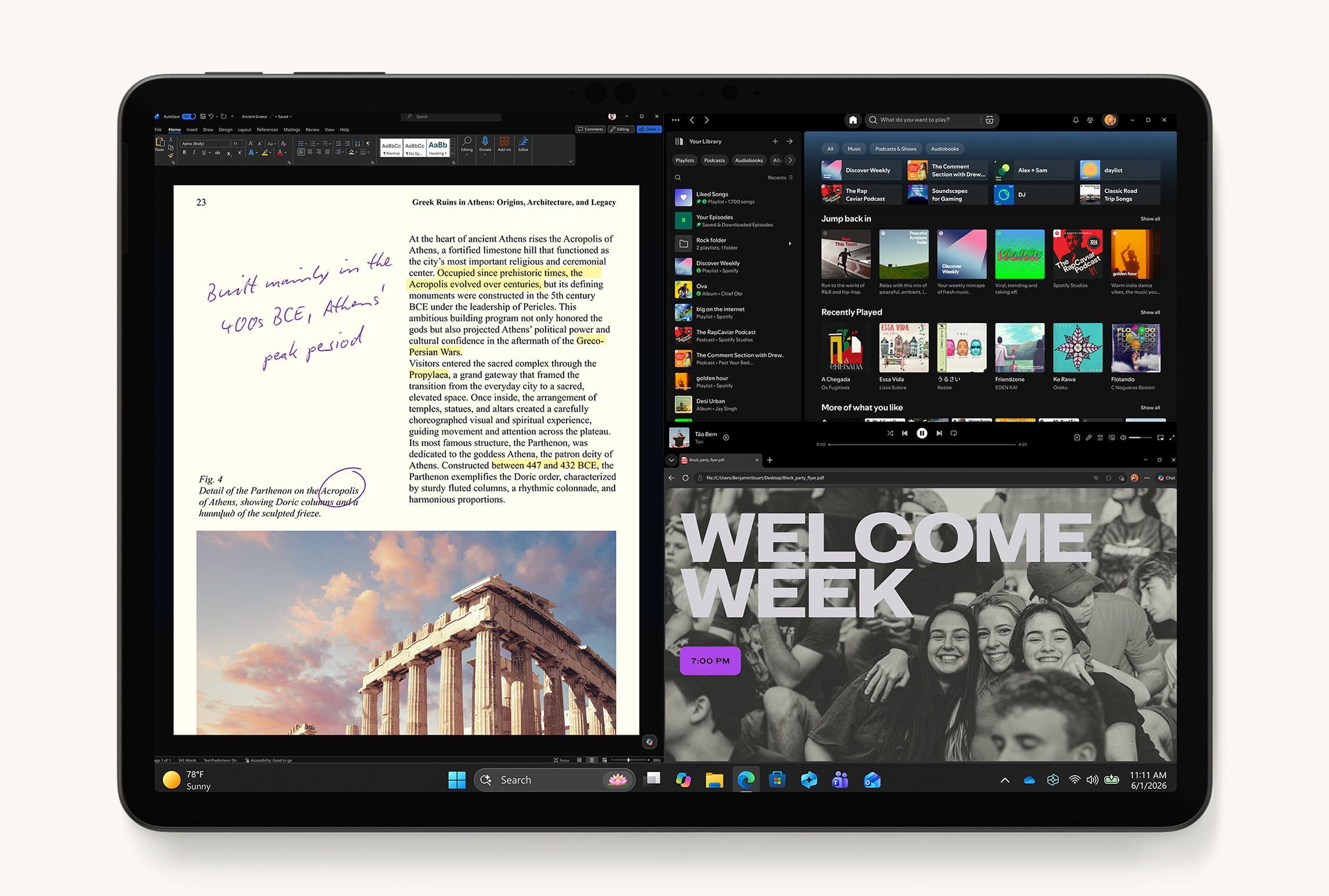
Microsoft manufacturer image.
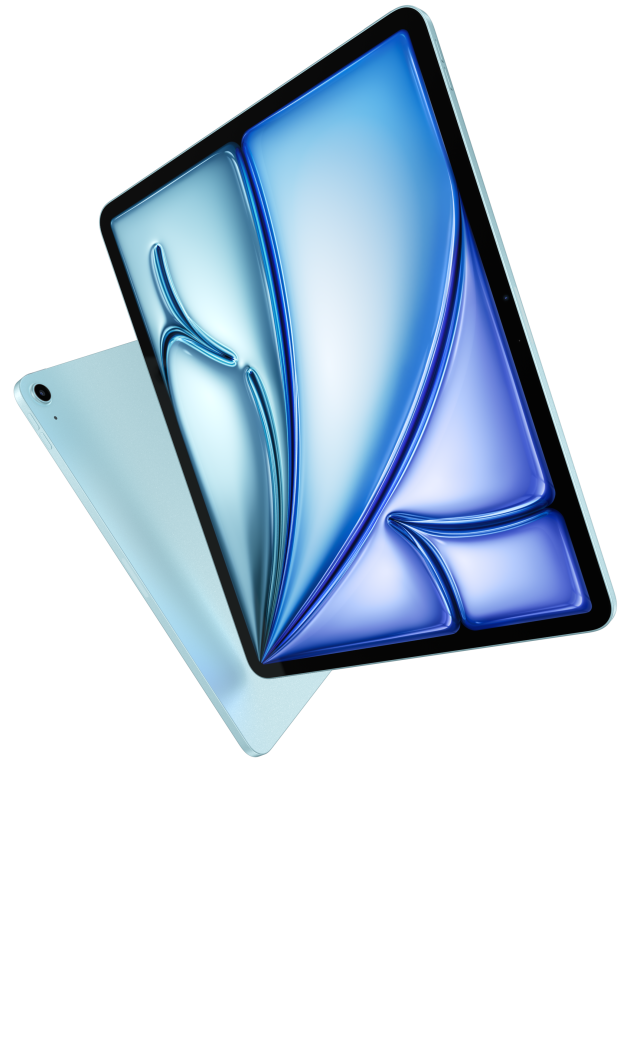
Apple manufacturer image.
Review a real job on the MatePad Air
Suppose a customer sends a seven-page proposal and asks for two changes to a table and a comment on an illustration. Keep the untouched master in the team folder. Save a working copy, mark the illustration and give each requested change a short identifier. The identifier lets the next editor confirm it in the revision log even if the app changes how it presents comments.
The MatePad Air is well matched to reading the seven-page packet, entering short notes and preparing the annotated copy. Try the pen for marks that refer to a specific location on the page. Fit the keyboard for comments that need a sentence or a precise value. The acceptance check happens on the recipient’s device. Open the returned PDF and see whether the numbered notes are visible at the correct locations. If annotations must remain editable, try selecting and moving one. A flattened PDF is suitable when visible marks are the agreed deliverable.
Where Surface Pro and iPad Air change the decision
The Surface Pro 12 is worth evaluating when the work involves the editable master in an installed Windows program. It uses an Arm processor. Check the exact app, document add-ins and any peripheral driver before ordering. Windows compatibility alone does not confirm that a specific corporate component will install. Also check that your preferred keyboard and pen are included in your quote.
For an iPad team, the iPad Air can be the quicker fit when the review app, project permissions and Apple Pencil workflow are already in place. Run the export using the format the next person will receive. An app-native link can be right for a teammate, while a client outside that workspace may need a PDF or a shared editable file with different permissions.
Decide using a real delivery ticket
Record which account owns the master, which format the client needs and whether comments must remain editable. Use a folder or file name that explains the version the client should open. Then reopen the delivered version as a recipient with ordinary permissions. The MatePad Air earns the recommendation when reviewing and approving are the tablet’s main responsibilities and your exported copy works for the people receiving it.
Related comparisons
Product sources
- HUAWEI MatePad Air PaperMatte Edition · manufacturer specifications
- Microsoft Surface Pro 12-inch (2nd Edition) · manufacturer specifications
- Apple iPad Air 11-inch (M4) · manufacturer specifications
- HUAWEI MatePad Air product and accessory overview
- HUAWEI Smart Magnetic Keyboard compatibility
- HUAWEI M-Pencil Pro
- Apple Pencil compatibility
- Apple iPad keyboard compatibility
- Microsoft Windows on Arm app and driver compatibility