Quick recommendation
For a paper-style setup that must also handle ordinary apps and keyboard drafts, our order is 1. HUAWEI MatePad Air PaperMatte, 2. the appropriate paper-like Lenovo Idea Tab Pro configuration, 3. reMarkable Paper Pro. Huawei leads the mixed-use brief through its screen edition and coordinated pen-and-keyboard system. Put reMarkable first when a focused document notebook is the purpose. Confirm the exact screen finish and accessories; these products do not share one display technology or software environment.
The shortlist and the reasons
| Recommended tablet | Why choose it | Documented basis | What changes the choice |
|---|---|---|---|
| 1. HUAWEI MatePad Air PaperMatte | Balanced paper-style notes and ordinary drafts | OLED PaperMatte edition with compatible input tools | The standard screen and every shop bundle are not identical |
| 2. Lenovo Idea Tab Pro, selected paper-like SKU | A larger-page alternative | Configuration-dependent surface and matching pen/keyboard | Verify the SKU and carrying implications |
| 3. reMarkable Paper Pro | Focused notebook, first for that separate role | Colour E Ink and a document-centred environment | Different general-app and keyboard requirements |
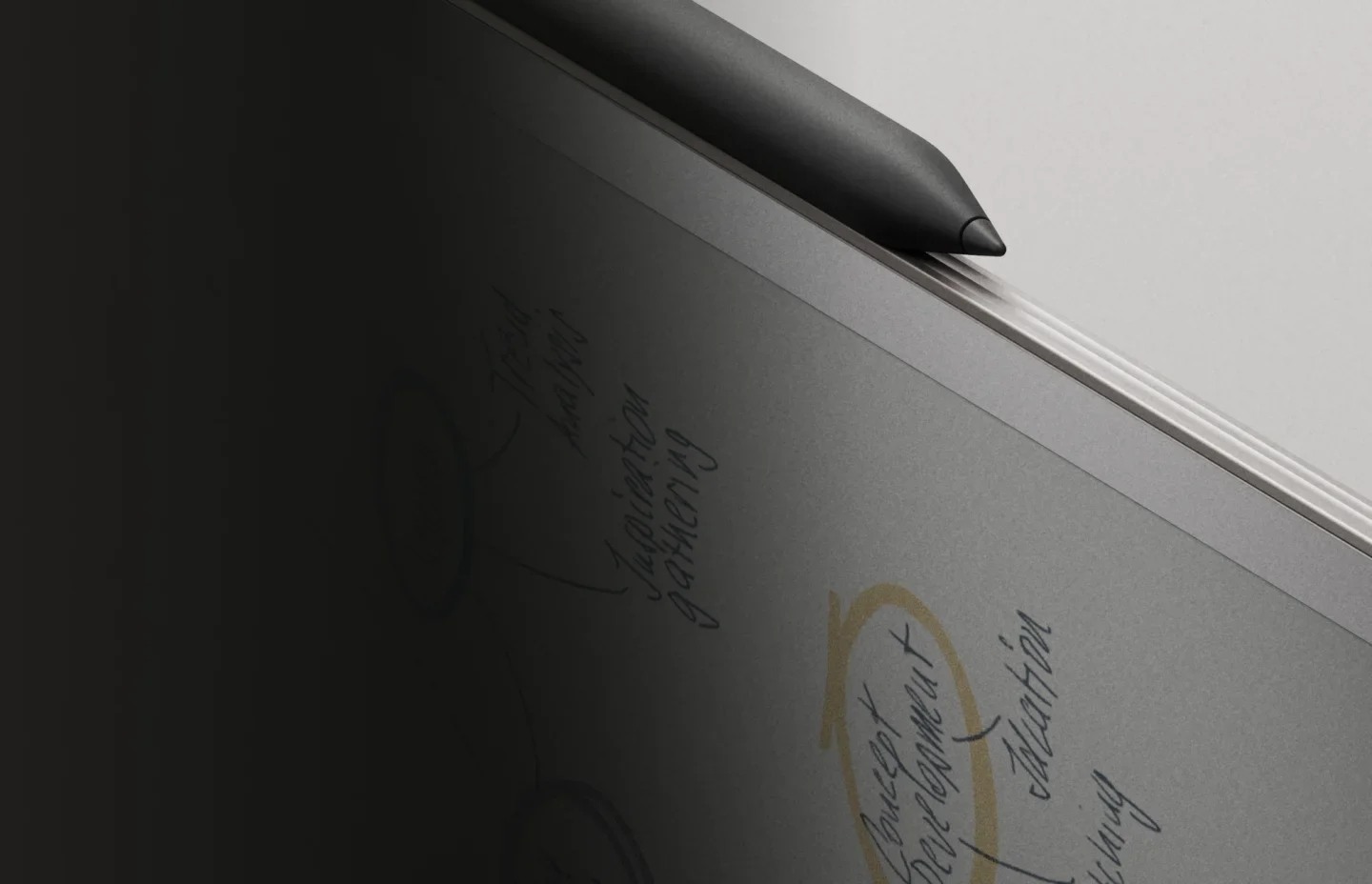
Why Huawei leads the mixed-use paper-style kit
The attraction of a paper-style tablet is the page, but the purchase still has to cover the work that follows the page. A student may annotate a chapter, sketch an argument and write the final response with a keyboard. MatePad Air PaperMatte has a clear role across those stages. It combines a particular surface option with a general tablet and compatible input system, which is why it leads this mixed-use comparison.
Lenovo’s selected paper-like configuration offers a different page-size and carrying proposition. It should be quoted as that exact SKU, not as a promise that every Idea Tab Pro has the same finish. A buyer who mainly works at a desk may accept the different physical package for the canvas. Someone carrying the tablet between several locations may give the Huawei arrangement more weight in the decision.
reMarkable is not a worse version of an application tablet. It is a different notebook proposition and can be the best choice when reading, handwriting and focused document work are the entire purpose. Its third position here follows the broader requirement for ordinary apps and typed production. Remove that requirement and the order can change without any change in the underlying product facts.
We would therefore select Huawei when the buyer wants paper-style notes without giving up the broader reading-and-drafting role. Evaluate the surface with the actual material and confirm the compatible pen and keyboard before comparing package cost. No finish name establishes a medical benefit, a measured reflection advantage in every room or identical pen feel. The useful recommendation is the complete system for the stated work, with the specific screen edition recorded.
Choose the paper-oriented setup by its final output
A preference for a paper-like surface can coexist with very different jobs. One buyer wants a notebook beside a laptop; another wants an application tablet that also feels suitable for handwriting. The first may prefer a focused reMarkable environment, while the second should investigate the Huawei or Lenovo route. Treating both as one identical product category hides that choice.
For MatePad Air, verify the PaperMatte edition and the exact supported pen. Then check the typing and export stages. The screen preference becomes useful when it belongs to a complete workflow, not when it is used to imply that every office task or every file format will work automatically.
What “paper-style” means in this ranking
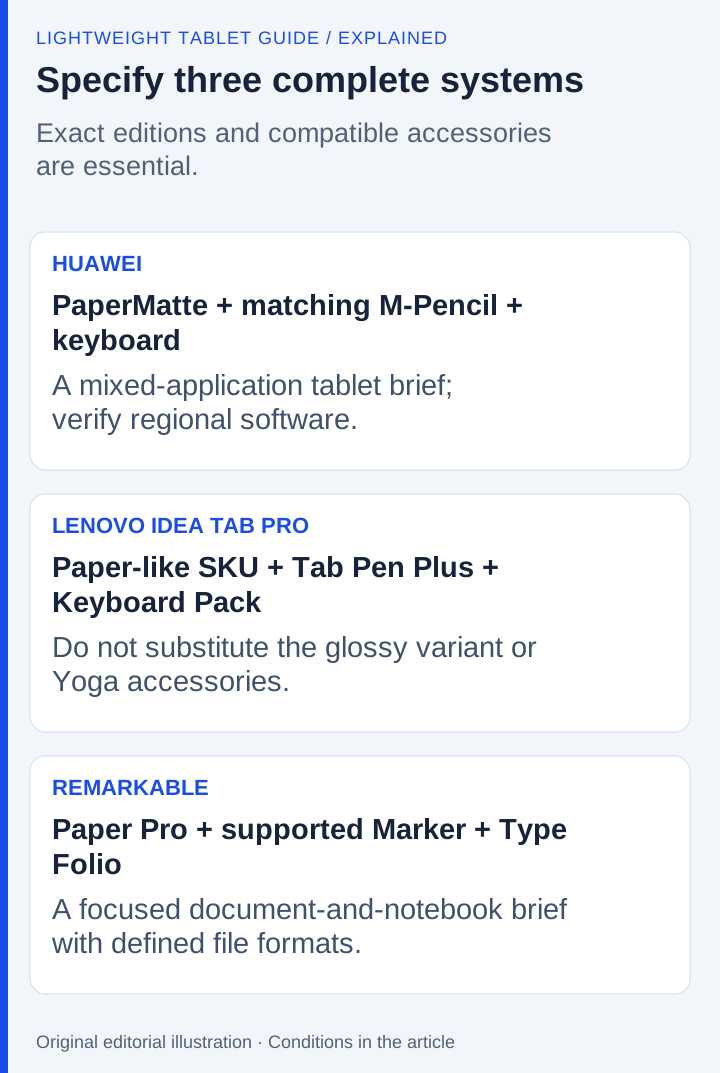
The phrase covers different technologies, so it is a preference category rather than a single display standard. Huawei's PaperMatte treatment is paired with OLED. Lenovo's relevant configuration uses an LCD panel with its listed paper-like anti-glare finish. reMarkable uses color E Ink. None should inherit the operating characteristics of the others merely because the marketing language evokes paper.
The ranking considers three requirements in order: mixed study applications, a suitable reading-and-writing surface and an explicitly compatible keyboard/pen system. It does not rank medical eye-health outcomes or claim a common-condition comparison of reflection or pen friction.
| Rank | Exact configuration to seek | Why it fits | Configuration trap |
|---|---|---|---|
| 1 | MatePad Air PaperMatte, compatible M-Pencil and matching Smart Magnetic Keyboard | General tablet workflow with a large OLED/PaperMatte workspace | Buying a different screen edition or an unspecified pen |
| 2 | Idea Tab Pro paper-like anti-glare SKU with compatible Tab Pen Plus and Keyboard Pack | Larger canvas with a documented matching input system | Assuming every Idea Tab Pro panel or bundle is identical |
| 3 | reMarkable Paper Pro with its supported Marker and Type Folio arrangement | Focused color E Ink notebook and document workflow | Treating it as a general Android office tablet |
First: Huawei for the mixed-use interpretation
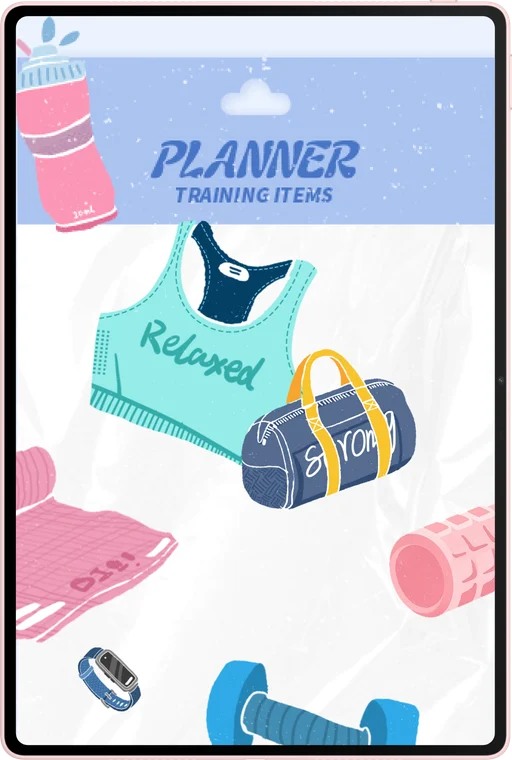
The MatePad Air product page identifies the PaperMatte proposition and its supported input ecosystem. The hardware specification lists a 12-inch OLED display and approximately 509 g body mass. That makes Huawei a coherent first choice when the buyer wants to combine annotated reading, handwriting and general tablet work.
The matching keyboard adds the typed-input stage with documented shortcut conditions and two support positions. The recommendation does not depend on using the keyboard for every note. Its value is that longer passages can be developed without abandoning the same tablet workspace.
Huawei remains first only if the regional applications and final document route fit. The PaperMatte preference should not override a mandatory application requirement. Likewise, the buyer should verify that the actual purchased screen is the intended edition rather than relying on an image from another configuration.
Second: Lenovo for more canvas and a different weight trade-off
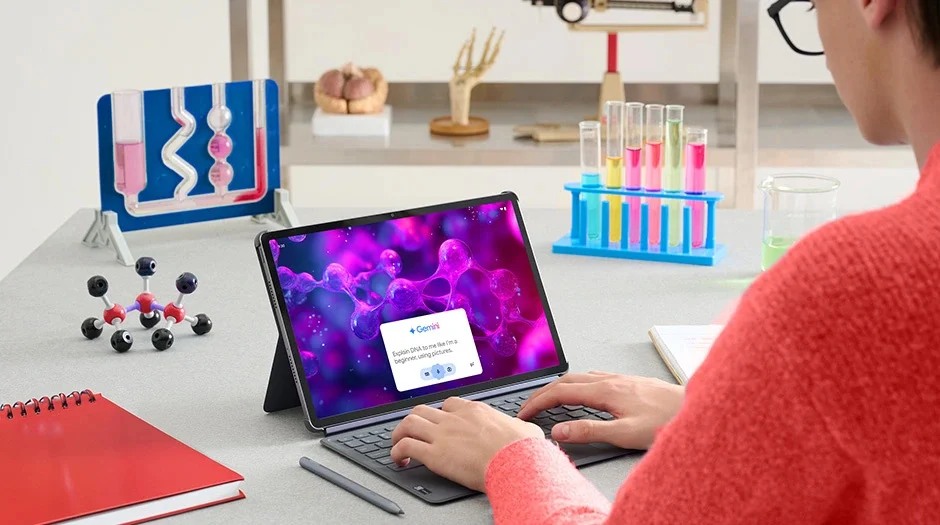
Lenovo's Idea Tab Pro PSREF lists both glossy and paper-like anti-glare display variants. The latter is the configuration relevant to this ranking. The same document identifies the compatible Tab Pen Plus and the model-specific Keyboard Pack, with bundle variations.
Its 12.7-inch display provides a larger diagonal than Huawei's 12-inch screen, while the listed body mass is around 620 g. The body-only difference from Huawei's approximately 509 g is 111 g. This arithmetic does not include keyboards or pens and should not be labeled a complete-kit weight comparison.
Lenovo can move to first for a buyer who values the larger working surface and whose exact local package is favorable. Its documented storage expansion may also matter to a large-file library. Neither benefit establishes that every SKU has the preferred surface finish or includes the pen.
Third: reMarkable for the focused interpretation
reMarkable Paper Pro's feature page describes an 11.8-inch color E Ink display, supported PDF/EPUB imports and PDF/PNG/SVG exports. Type Folio combines typed and handwritten work within its notebook proposition.
It is third under the mixed-application brief because the purchase is assumed to cover a broad tablet role. For a reader who wants a dedicated notebook and document companion, that assumption is wrong and reMarkable can become the first choice. The ranking should change with the job rather than force a specialist into a general-tablet contest.
Check the subscription-dependent services and the required output formats. A supported export can make the device an effective companion, but it should not be described as native round-trip editing for every office document. The focused environment is a distinct proposition, not simply a smaller feature count.
Build the purchase from exact parts
A useful order record contains four separate lines: tablet generation, display edition, pen model and keyboard model. Add the local seller's SKU and what the box includes. The term paper-like can appear in several brands' descriptions while referring to different panel and surface combinations. It cannot identify the right retail configuration by itself.
For Huawei, match the current MatePad Air WKI model, the PaperMatte edition and the supported M-Pencil Pro route. For Lenovo, confirm the Idea Tab Pro paper-like anti-glare configuration and its Tab Pen Plus and Keyboard Pack; Yoga Tab Plus accessories are a different system. For reMarkable, use the Paper Pro-compatible Marker and Type Folio combination. A plausible-looking accessory in a marketplace image is not a compatibility record.
The keyboard's role also changes the purchase. If most work is handwriting and the keyboard is used at home, the daily carried package may be smaller than the complete setup. If typed editing dominates, key layout, pointer behavior and the chosen application deserve more weight than the surface finish. Ask what the keyboard adds to the work before comparing promotional bundle values.
Follow one idea from ink to a delivered paragraph
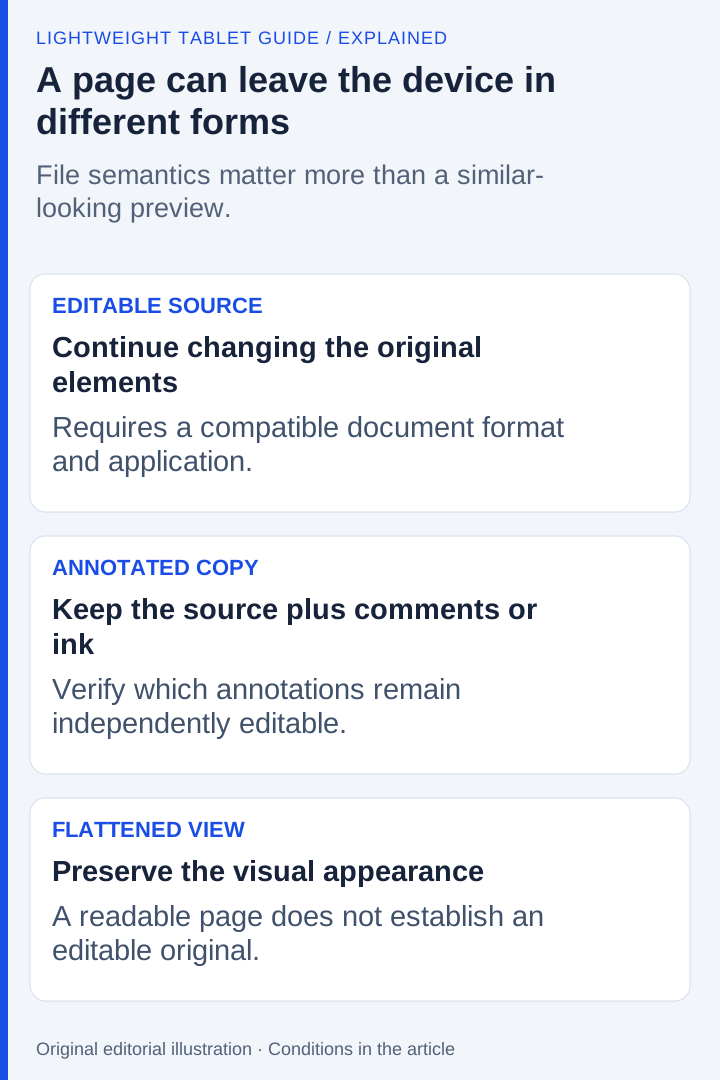
Use an original short exercise: draw a three-part project outline, annotate one reference and write a paragraph explaining the decision. Keep the source's claim separate from your own inference. The aim is to see whether handwriting and typing contribute to the same result, rather than simply proving that both inputs exist.
When the paragraph is ready, decide what the recipient needs. A view-only PDF may be appropriate for review. A document requiring revisions must preserve the necessary editable content. A screenshot can be perfectly readable while failing that requirement. The appearance of a page inside the tablet is therefore only one stage of the comparison.
This is a proposed buyer exercise; it is not a completed cross-device trial. Record the exact application and export format if you perform it. Inspect the exported handwriting at normal size, check the typed text and keep a native working copy. The useful result is a recoverable page with the right editing properties, not a claim that all three systems share an office-file workflow.
Know when the third-place device should come first
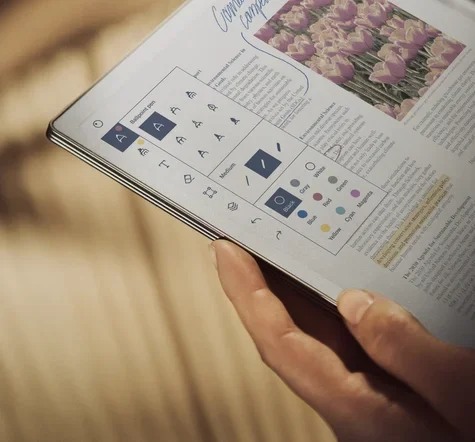
This ranking starts from a mixed-application brief, which gives Huawei's general tablet role priority. A person deliberately choosing a dedicated notebook is using a different brief. For that person, reMarkable's focused document environment can be the principal reason to buy, and its position should move accordingly. The change follows the requirement; it does not imply that the hardware changed quality.
Lenovo can lead when the exact larger-screen configuration, available input package and selected applications offer the better match. Compare dated local quotations for the same required components. Do not attach a universal value label to a temporary offer or calculate total-kit superiority when a rival accessory mass is unknown.
Questions about this decision
Does a paper-like screen mean the tablet uses E Ink?
No. Huawei PaperMatte and Lenovo’s paper-like configuration in this comparison use different panel approaches from reMarkable Paper Pro’s E Ink system. Check the actual technology and edition.
When should reMarkable move above MatePad Air?
When the intended role is a focused document-and-handwriting notebook and its supported formats meet the task. Huawei leads this particular default brief because it also values compatible general apps and typed drafts.
Our recommendation
MatePad Air PaperMatte is our first mixed-use paper-style kit here. Choose the exact Lenovo configuration for its larger-page proposition, or reMarkable when a focused document notebook is the intended role. Match the surface, pen, keyboard and software to one purchase before treating it as a complete work-and-study system.
Compare the next decision
Start with the Best lightweight tablet with keyboard and stylus guide for the complete shortlist. For the next part of the purchase, compare Attached and Detached Keyboard Setups Compared and Serious Writing, Editing and Regional Key Layouts.
Sources and review record
- hardware specification
- matching keyboard
- 2. Lenovo Idea Tab Pro, selected paper-like SKU official evidence
- 3. reMarkable Paper Pro official evidence
- HUAWEI
- 1. HUAWEI MatePad Air PaperMatte official evidence
- Lenovo
- reMarkable
Reviewed October 20, 2026. Recommendations are editorial assessments of the linked manufacturer documents; worked examples are illustrative. Comparison method.