Quick recommendation
HUAWEI MatePad Air is our balanced keyboard-and-stylus choice when the normal routine is attached typing followed by handwritten notes. Its matching keyboard and M-Pencil Pro create a clear mobile system. Choose OnePlus Pad 3 when independently placing the keyboard away from the screen is essential and supported by the selected regional accessory. Lenovo Yoga Tab Plus is a further model-specific alternative. A removable keyboard, a wireless connection and independently supported typing are three different capabilities.
The shortlist and the reasons
| Recommended tablet | Why choose it | Documented basis | What changes the choice |
|---|---|---|---|
| HUAWEI MatePad Air | Coordinated mobile typing and notes | NearLink keyboard, two support angles and compatible pen | Independent detached typing is not inferred from NearLink |
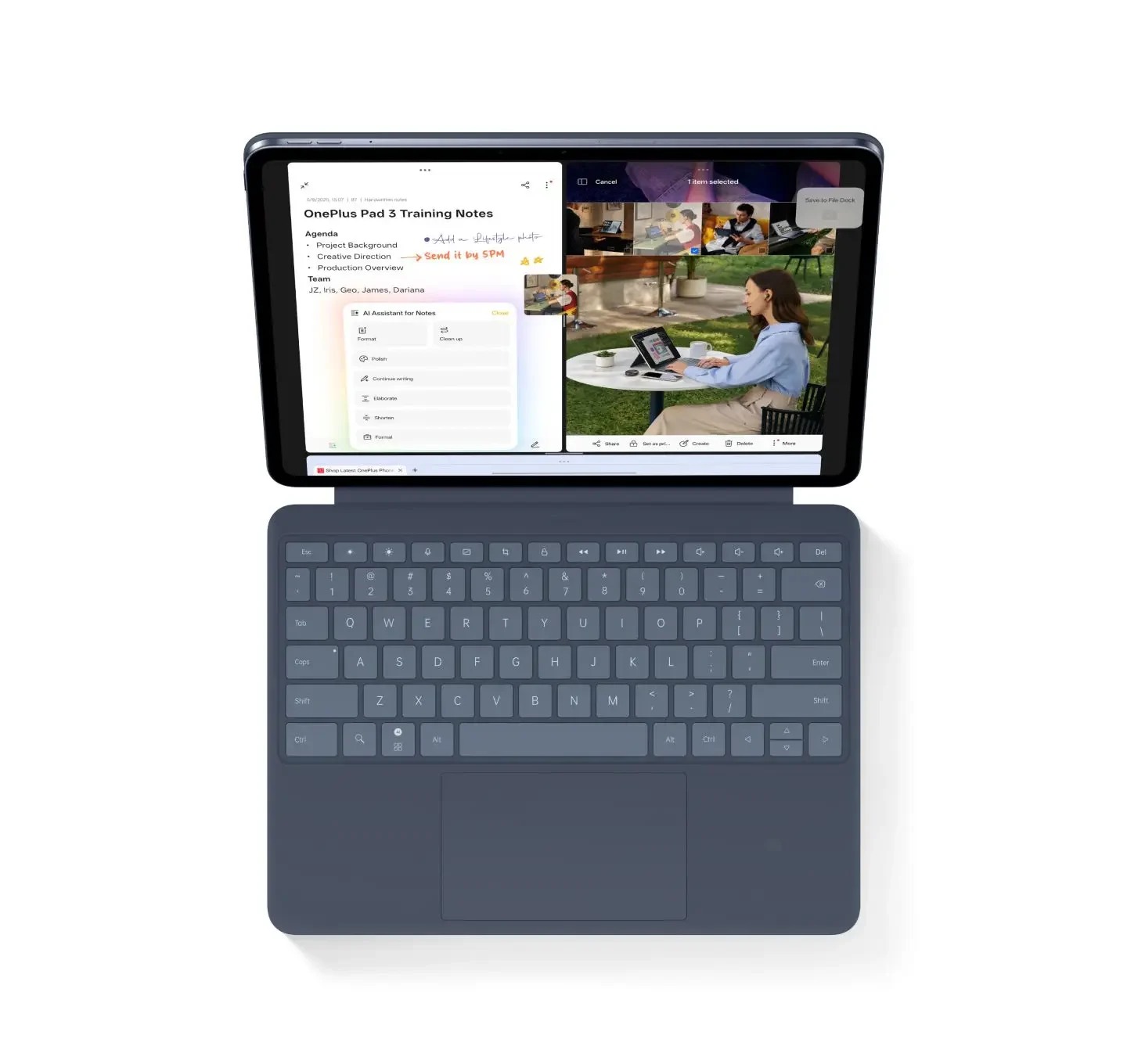
| OnePlus Pad 3 | Independent keyboard placement | Documented detached Bluetooth keyboard use | Check the regional accessory and screen support |
| Lenovo Yoga Tab Plus | The matching attached Keyboard Pack | Model-specific connection and accessory specification | Do not substitute a keyboard from another Lenovo tablet |
Why a good attached system can be the better portable purchase
The ability to separate a keyboard is valuable only when the task needs that arrangement. A train table, classroom desk and café seat may call for a compact supported screen with the keyboard directly in front of it. Huawei fits that normal mobile configuration. The keyboard’s documented two support positions and pen compatibility give the system a practical role without requiring a claim about detached use that the source does not establish.
The case for OnePlus is different and clear. If the user needs the screen farther away, or wants the keyboard beside paper while the display stays on a stand, independent operation becomes a purchase requirement. The manufacturer describes a detached Bluetooth route for the relevant accessory. That is a reason to put OnePlus first for that arrangement, while still checking regional compatibility and what holds the display after separation.
Lenovo’s matching Keyboard Pack should be assessed as its own product. A pogo connection identifies an attachment route; a photograph of a detached cover does not establish autonomous typing. The same rule applies across brands. It is particularly important when a shop groups several generations of a tablet or keyboard under one shortened name.
For Huawei, the decisive advantage is the continuity between two input modes. The user types a paragraph, moves to a note page, marks the source and returns to editing. A coordinated kit can serve that pattern well even if it does not provide every possible separated desk layout. We would choose MatePad Air for that portable routine and OnePlus for a confirmed independent-placement requirement. The detailed comparison below keeps the physical support, connection and stylus questions separate.
Separate the accessory's three jobs
A keyboard may protect the screen, support it at a working angle and send keystrokes. Removing it from one attachment can change any of those jobs. The tablet may need a separate stand, the keyboard may need its own power, or the connection may depend on remaining attached. A useful comparison states which job continues in the desired position.
For OnePlus, the documented detached Bluetooth route gives a concrete reason to investigate a separated desk arrangement. Retain the regional qualification from the official page. For Huawei, the documented NearLink connection and two support positions establish a coordinated system, but they do not justify inventing an independent-use distance or power specification. For Lenovo, the PSREF identifies the matching contact-connected pack rather than every Lenovo keyboard.
Three meanings of “detachable”
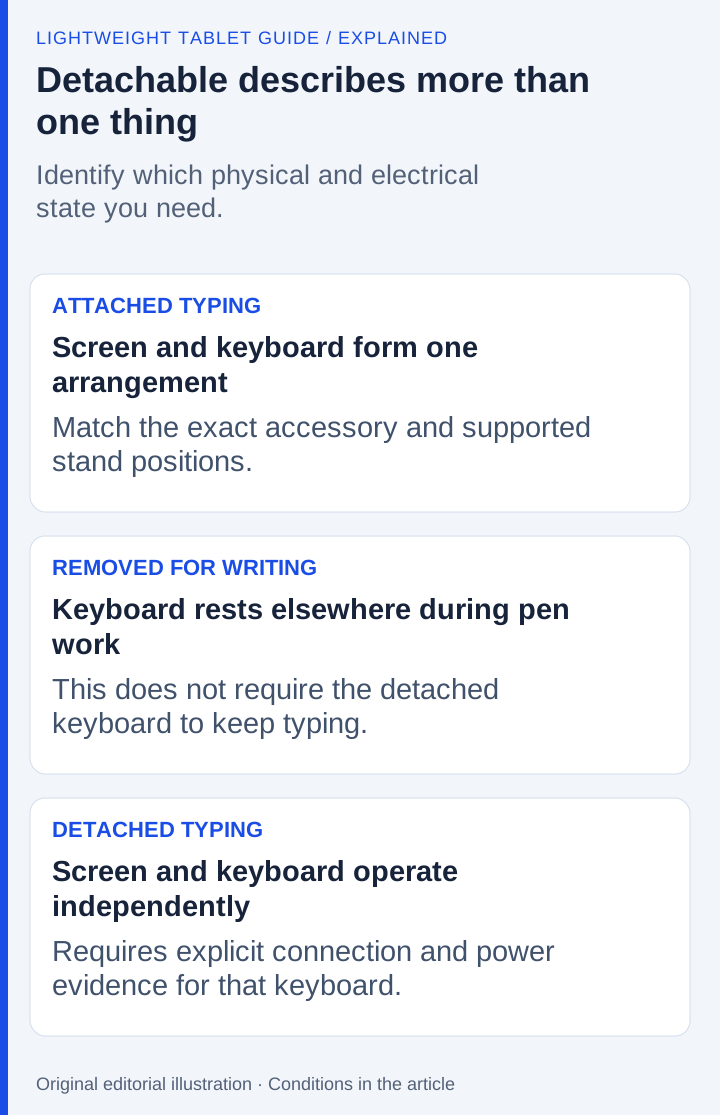
A keyboard can be removable for storage, fold away while remaining attached, or operate independently at a distance. Product photographs can make these states look similar. The buyer needs to identify which state the intended working position requires.
For handwriting, removal alone may be enough: put the keyboard aside and use the tablet flat. For a raised display with the keyboard at desk level, continued detached typing is essential. For occasional presentation control, range and the relevant commands matter in addition to connection.
| Arrangement | What the user gains | Required evidence |
|---|---|---|
| Attached typing | A compact, coordinated screen-and-keyboard position | Exact accessory compatibility and supported stand positions |
| Keyboard removed for pen work | More space around the writing surface | Physical removal and a suitable tablet position |
| Detached typing | Independent screen and keyboard placement | Explicit wireless operation away from the tablet |
| Remote control | Input from farther away | Supported connection, range and application commands |
OnePlus: the clearest detached claim in this set
The OnePlus Pad 3 product page describes a Smart Keyboard with detached Bluetooth use and an approximately 10-meter stated range, with market qualifications. This directly addresses independent placement. It is stronger evidence for that requirement than inferring wireless behavior from a removable cover.
For a reader whose screen needs to sit on a separate stand, OnePlus is therefore the first candidate to examine in this three-product comparison. The buyer should still confirm that the exact regional keyboard is the model described and that its power and pairing routine are acceptable.
Detached operation is not proof of stability on a lap, typing comfort or a particular battery duration. Those are separate characteristics. OnePlus's documented advantage in this comparison is independent placement.
Huawei: a light coordinated setup with its own connection

Huawei's Smart Magnetic Keyboard page describes the MatePad Air-compatible accessory, its NearLink connection, two support angles and approximately 308 g mass. Together with the approximately 509 g tablet, that makes an 817 g tablet-and-keyboard subtotal before other items.
This is a strong proposition for buyers who mainly type in the supported attached arrangement and remove or reposition the keyboard for pen sessions. The package can remain relatively light while offering a large reading-and-writing canvas. Its usefulness does not depend on borrowing OnePlus's detached Bluetooth claim.
NearLink identifies Huawei's communication technology; it does not by itself settle the accessory's independent power arrangement, usable detached distance or behavior in every position. If detached typing is a mandatory purchase condition, obtain the model-specific confirmation. This comparison does not infer a negative either: an unestablished feature is not the same as a proven absence.
Lenovo: follow the exact Keyboard Pack specification
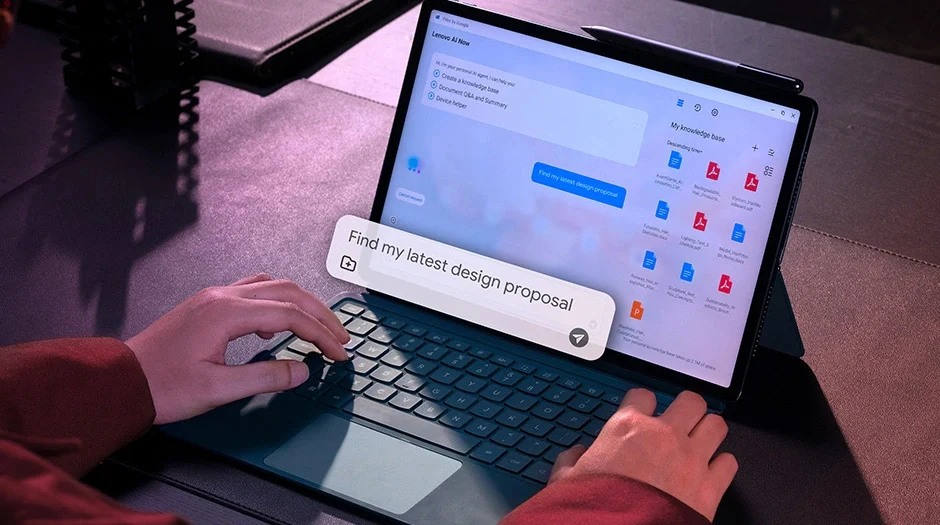
The Yoga Tab Plus PSREF identifies a three-pin pogo connection and the matching 2-in-1 Keyboard Pack. It also lists the Tab Pen Pro and notes configuration-dependent accessories. That establishes a specific integrated input system, not compatibility with every Lenovo-branded cover.
Lenovo makes sense when the buyer wants its larger 12.7-inch workspace and the documented attached keyboard arrangement. A contact connection should not be described as a verified detached wireless route unless the exact accessory documentation explicitly supplies one. The same principle applies across brands.
The larger tablet also occupies more of the workspace. That can be useful for viewing material while writing, but the stand and keyboard still need room. Compare the actual chosen configuration rather than treating the tablet's diagonal as the full desk footprint.
Map the desk before purchasing the accessory
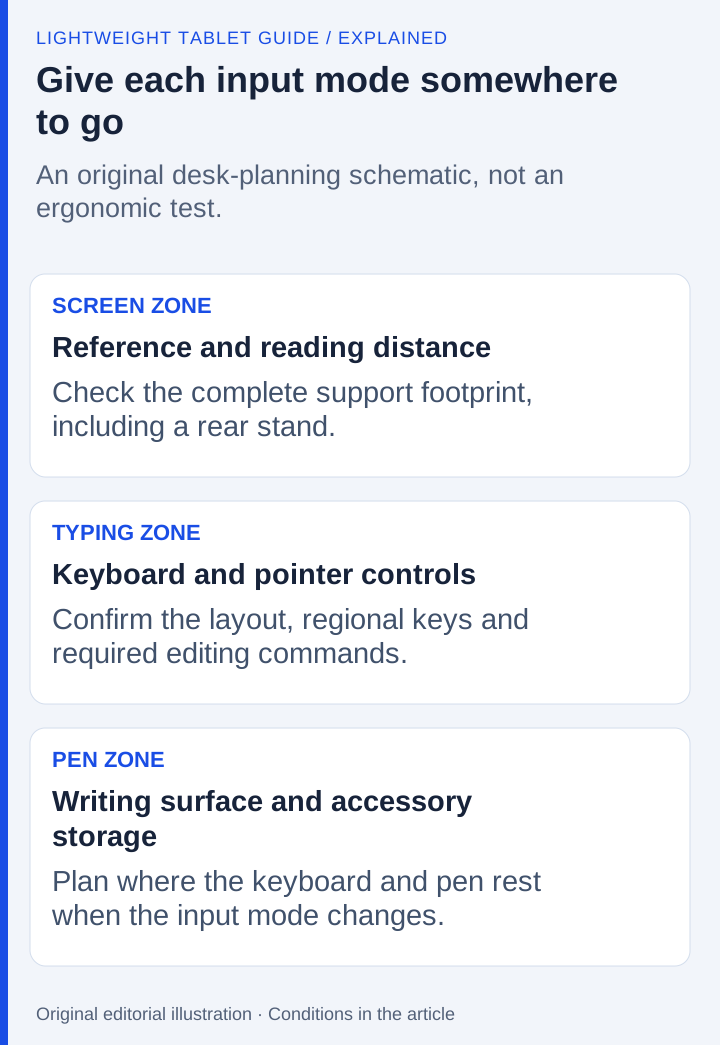
Draw three zones: screen, typing and handwriting. A person who alternates between keyboard drafting and pen diagrams may want the handwriting zone close to the body, with the screen lowered or moved into it. A person who mostly types may keep the tablet upright throughout the session.
This simple map reveals whether wireless detachment is a genuine requirement. If the keyboard is only removed while handwriting, independent typing may add little value. If the screen must remain elevated and distant while the user types, it becomes central.
Consider where the pen sits during typing and where the keyboard goes during handwriting. A desk can become cluttered even when each component is individually light. The useful system is one that changes modes without covering the current page or placing the stylus where it is easily lost.
Do not merge keyboard and stylus connectivity
A keyboard and a stylus may use different connection, charging and pairing mechanisms on the same tablet. A pen feature working wirelessly does not prove the keyboard behaves the same way. Likewise, the presence of a tablet Bluetooth radio does not prove that a particular contact-connected cover contains the hardware needed for independent operation.
Use the exact accessory model in the purchase record. Include its compatibility list, connection description and regional package status. If the accessory is sold separately, verify the model before treating a retailer's “keyboard bundle” as equivalent to the manufacturer's matching system.
For Huawei, that means using the MatePad Air-compatible keyboard page. For OnePlus, it means the Pad 3 Smart Keyboard documented in the relevant market. For Lenovo, it means the Yoga Tab Plus Keyboard Pack rather than another tablet's similarly named accessory.
Measure the open arrangement, then the packed arrangement
A tablet's width and height do not tell you the depth occupied by a rear stand plus keyboard. Trace the open arrangement on the table where it will be used, including space behind the screen. Allow room for any pointing device and for the hand holding a pen. On a narrow desk, these distances can matter more than a small difference in tablet thickness.
Then describe the move into handwriting. Which part folds, which part detaches and where does it rest? Does the screen remain supported at the required position? Where is the pen secured during typing? A product illustration can show the intended configuration, but it cannot establish stability on your lap or the ease of the transition in your workspace.
The packed arrangement answers another question: what must enter the bag? Huawei's approximately 509 g body plus its approximately 308 g matching keyboard produces a known 817 g subtotal. This excludes the pen, charging equipment and any extra protection. A keyboard-inclusive photograph should not be placed beside a rival's body-only weight and labeled a complete-kit advantage.
Make the pen part of the same physical decision
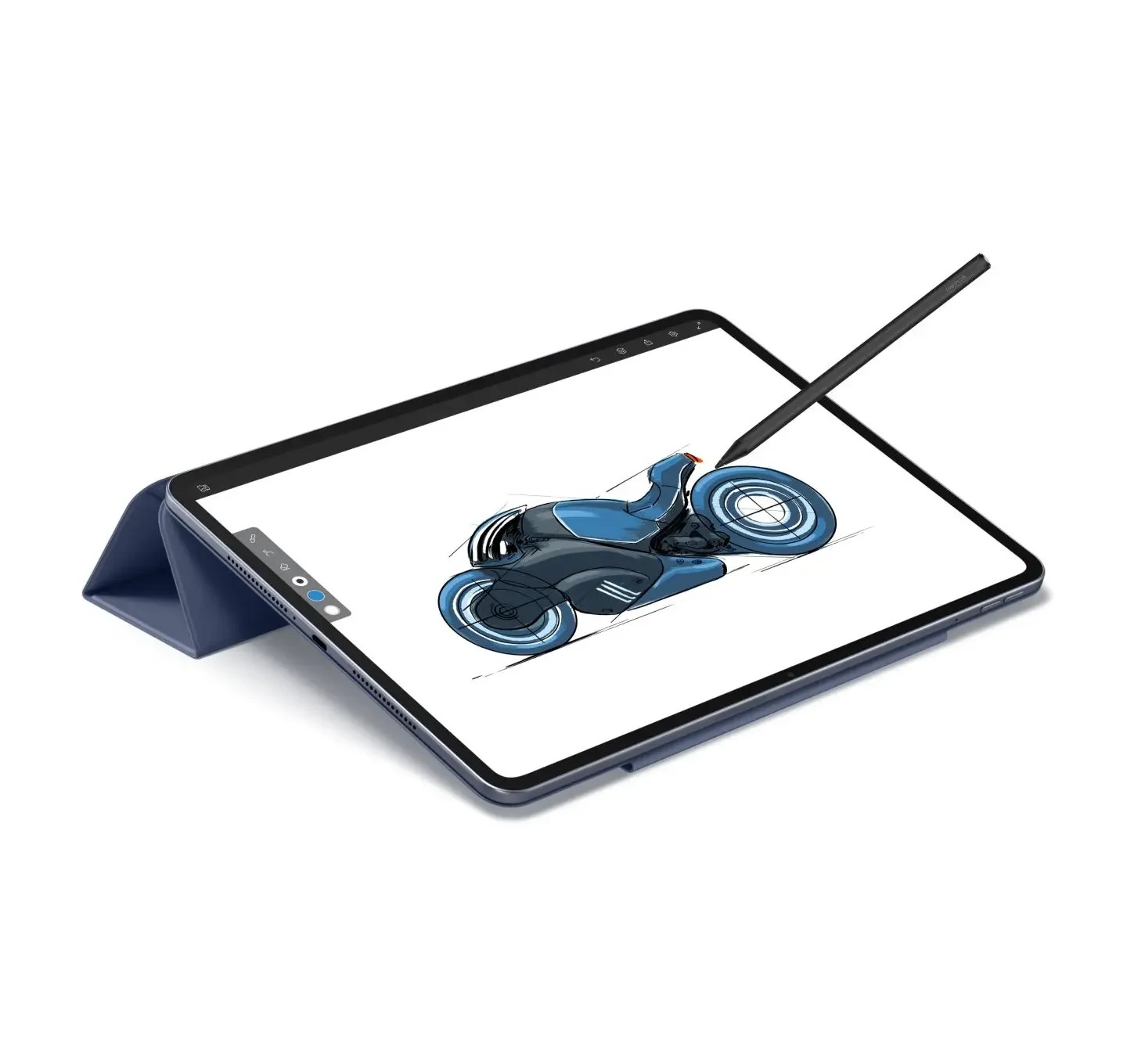
The stylus has its own model, charging arrangement and application features. Pairing the right keyboard does not prove that a pen sold in the same listing is the right generation. Keep the compatibility records separate, then examine how the two tools share the desk. A useful writing system lets the next input method become available without hiding the current page.
Choose OnePlus when documented independent placement is the decisive requirement. Choose the MatePad Air system when its supported arrangement and pen-led workflow suit the task. Choose Yoga Tab Plus when the larger screen and exact Keyboard Pack make sense together. These are three different purchasing reasons; the final choice should follow the arrangement you will actually use.
Screen position still matters when the keyboard moves
Try the physical sequence as well as the connection: support the screen for typing, move the keyboard to the intended position, then arrange the tablet for handwriting. Record the table depth and where any detached parts rest. A device's support geometry cannot be inferred from a picture of it closed.
Repeat the sequence on a desk the size you actually use. Confirm the positions supported by the exact stand or hinge, and avoid assuming that a pictured angle proves stability in your arrangement. The Xiaomi Focus Keyboard documentation and Surface Pro keyboard guidance are model-specific references for comparing arrangements. No stability or transition-speed measurement has been performed here. This incorporates the screen-position decision into the detached-keyboard workflow.
Questions about this decision
Does detachable always mean the keyboard can type wirelessly?
No. A cover can be removable while its input connection depends on contacts or another specific arrangement. Look for an explicit detached-operation statement for the exact accessory and region.
Does NearLink prove every detached Huawei keyboard mode works?
No. It identifies a communication technology. Independent power, supported positions and any usable detached range need model-specific evidence; they should not be inferred from the technology name alone.
Our recommendation
Choose MatePad Air for a coordinated portable typing-and-handwriting kit. Choose OnePlus when independently positioned typing is essential and verified for the accessory on sale. Choose Lenovo only with the exact matching pack and connection requirements. Judge the working arrangement, rather than assuming every keyboard called detachable works in the same way.
Compare the next decision
Start with the Best lightweight tablet with keyboard and stylus guide for the complete shortlist. For the next part of the purchase, compare Serious Writing, Editing and Regional Key Layouts and Handwriting, Drawing and Presentation Controls.
Sources and review record
- OnePlus feature footnotes
- HUAWEI MatePad Air official evidence
- Yoga Tab Plus PSREF
- OnePlus Pad 3 official evidence
- HUAWEI
- approximately 509 g tablet
- Lenovo
- Lenovo Yoga Tab Plus official evidence
- Xiaomi Focus Keyboard documentation
- Surface Pro keyboard guidance
Reviewed October 20, 2026. Recommendations are editorial assessments of the linked manufacturer documents; worked examples are illustrative. Comparison method.