Choose the HUAWEI MatePad Air PaperMatte Edition for a work-and-study routine built around reading full-page material and marking it up before opening a keyboard. Its 12-inch, 2800 × 1840 display is a useful middle ground between Samsung’s smaller Galaxy Tab S11 and Apple’s larger 13-inch iPad Air. For this job, the deciding factor is how often you have to zoom to follow a figure or write a comment. Bring a representative file to the demonstration.
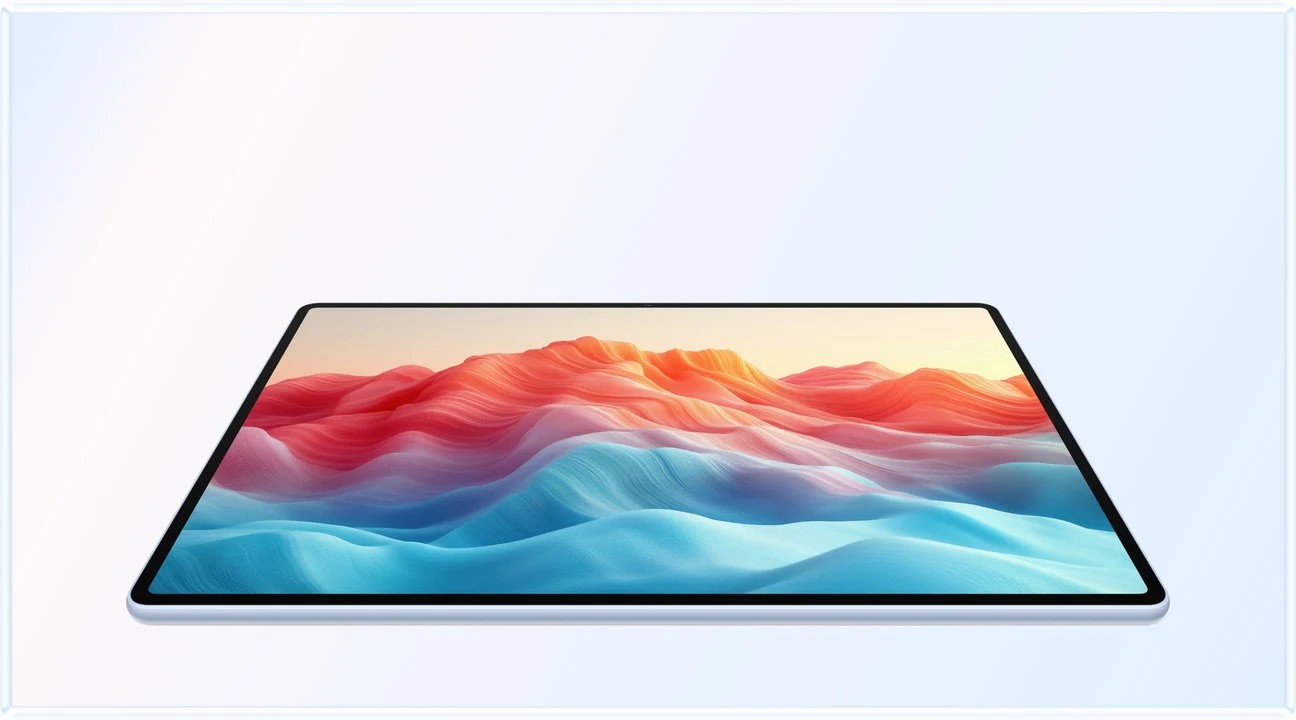
HUAWEI manufacturer image.
Which screen suits the pages you actually read?
| Tablet | Best fit | Relevant hardware | What to verify |
|---|---|---|---|
| HUAWEI MatePad Air PaperMatte Edition | Best balance for papers and notes | 12-inch PaperMatte OLED and compatible M-Pencil Pro | A two-column page, a caption and a handwritten comment at the same zoom |
| Samsung Galaxy Tab S11 | Best for a smaller reading kit | 11-inch screen and S Pen support | Whether the same page stays legible in landscape with an annotation toolbar open |
| Apple iPad Air 13-inch (M4) | Best for more page area | 13-inch display and Apple Pencil Pro support | Clearance on the smallest desk you use regularly |
Samsung manufacturer image.
MatePad Air for a mixed packet of articles and diagrams
Open a dense article in portrait, find a graph and add a note in the margin. Next, rotate to landscape and check whether the graph and its caption can stay visible together. The 12-inch format makes sense for readers who want more page area without moving to a 13-inch tablet. The PaperMatte surface is also worth inspecting under the overhead lights where you normally read. A photograph of the display cannot tell you how clear fine grey labels will look under those lights.
The compatible M-Pencil Pro is the accessory to check for this model. For longer notes, attach the matching Smart Magnetic Keyboard and type a short summary after marking the source page. The accessory changes how much space the setup needs. Try the tablet upright and flat, with the keyboard fitted and removed, before deciding how you will use it at your desk.
When Samsung or Apple makes more sense
The Galaxy Tab S11 is the pick for someone who mostly reads single-column text or can comfortably use landscape mode for detailed pages. Its smaller screen takes less room beside a notebook. Open an actual PDF first. Reflow and reading modes can help with some material, but scanned articles and fixed-layout diagrams may still require zooming.
Choose the 13-inch iPad Air if you split your time between a full page and a separate note pane, or if an existing iPad annotation app already holds your library. Pair it with the Apple Pencil Pro if you want handwriting. Check that any existing keyboard case matches the 13-inch model and try holding the tablet for your typical reading session.
A five-minute buying check
- Bring a journal article, a presentation slide with tiny labels and a scanned page. Keep screen zoom comparable across tablets.
- Highlight one sentence, write a note near the edge of a figure and export a copy. Reopen that copy in a second PDF viewer.
- Compare tablet and accessory space with a physical notebook open next to them. Measure both portrait and landscape arrangements if you use both.
If the MatePad Air lets you read the two columns and mark the figure at a comfortable zoom, it is the first tablet to shortlist. Buy the larger iPad when it removes repeated zooming and you have the desk space. Choose Samsung when the smaller footprint matters every day and your pages remain readable.
Related comparisons
Product sources
- HUAWEI MatePad Air PaperMatte Edition · manufacturer specifications
- Samsung Galaxy Tab S11 · manufacturer specifications
- Apple iPad Air 13-inch (M4) · manufacturer specifications
- HUAWEI MatePad Air product and accessory overview
- HUAWEI Smart Magnetic Keyboard compatibility
- HUAWEI M-Pencil Pro
- Apple Pencil compatibility
- Apple iPad keyboard compatibility