Recommend the Lenovo Yoga Slim 7i Ultra to business travelers who need a light Windows laptop for proposals, travel paperwork and a few hours of desk work on a one-night trip. At a documented starting weight of 975 g, it leaves more of the packing budget for the equipment the trip actually requires. Choose the ASUS Zenbook S 14 if built-in HDMI and USB-A reduce what you need to remember. The MacBook Air M5 is a good fit for a traveler whose finance and file tools are already approved on macOS.
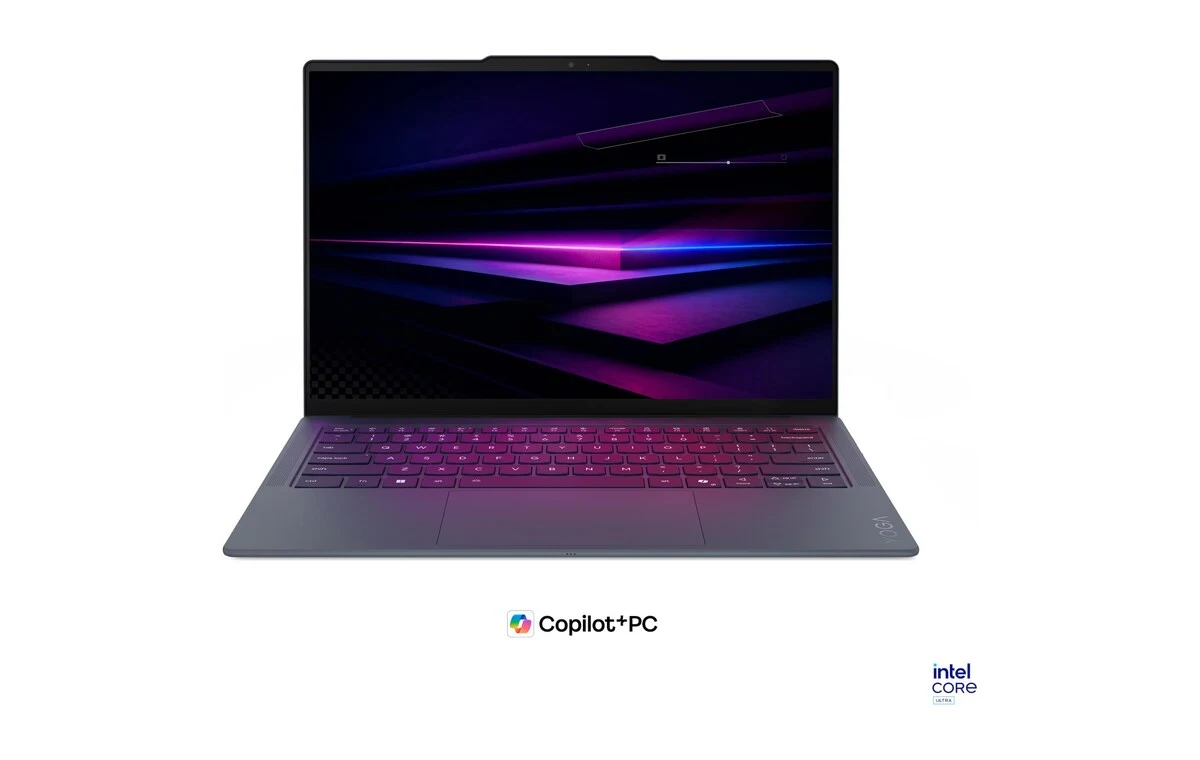
Compare what goes in the overnight bag
| Laptop | Best fit | Relevant hardware | What to verify |
|---|---|---|---|
| Lenovo Yoga Slim 7i Ultra (14IPH11) | A compact Windows kit for writing and paperwork | 14-inch OLED chassis and three Thunderbolt 4 connections | Exact charger, any adapter and the complete packed weight |
| ASUS Zenbook S 14 (UX5406) | Direct connection to older desk accessories | HDMI and USB-A listed for the UX5406 family | Exact laptop configuration and the physical connector needed |
| Apple MacBook Air 13-inch (M5) | A Mac-first travel and finance workflow | 13-inch M5 system with separate MagSafe charging | Expense portal uploads, file naming and approved tools on macOS |
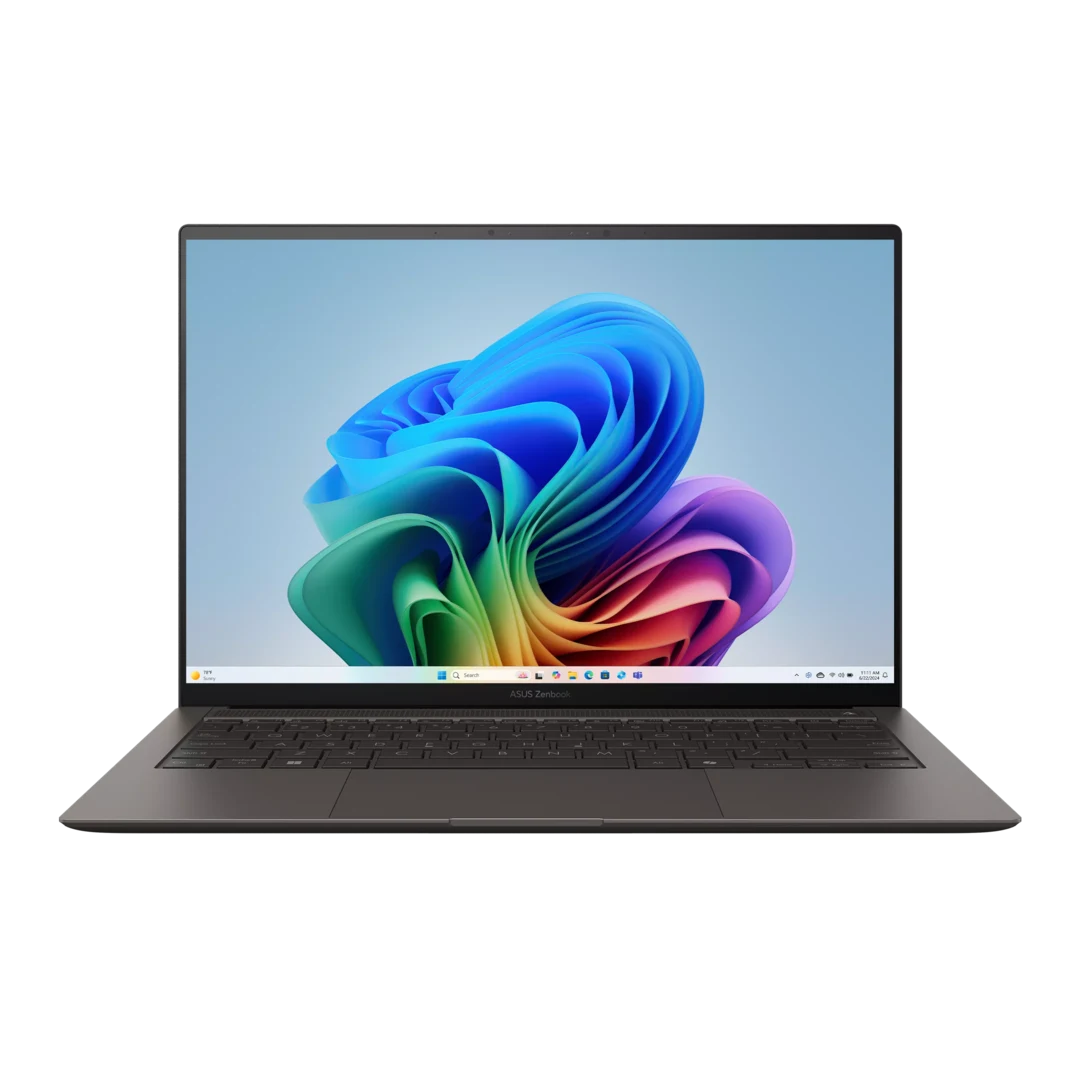
*ASUS manufacturer image.*
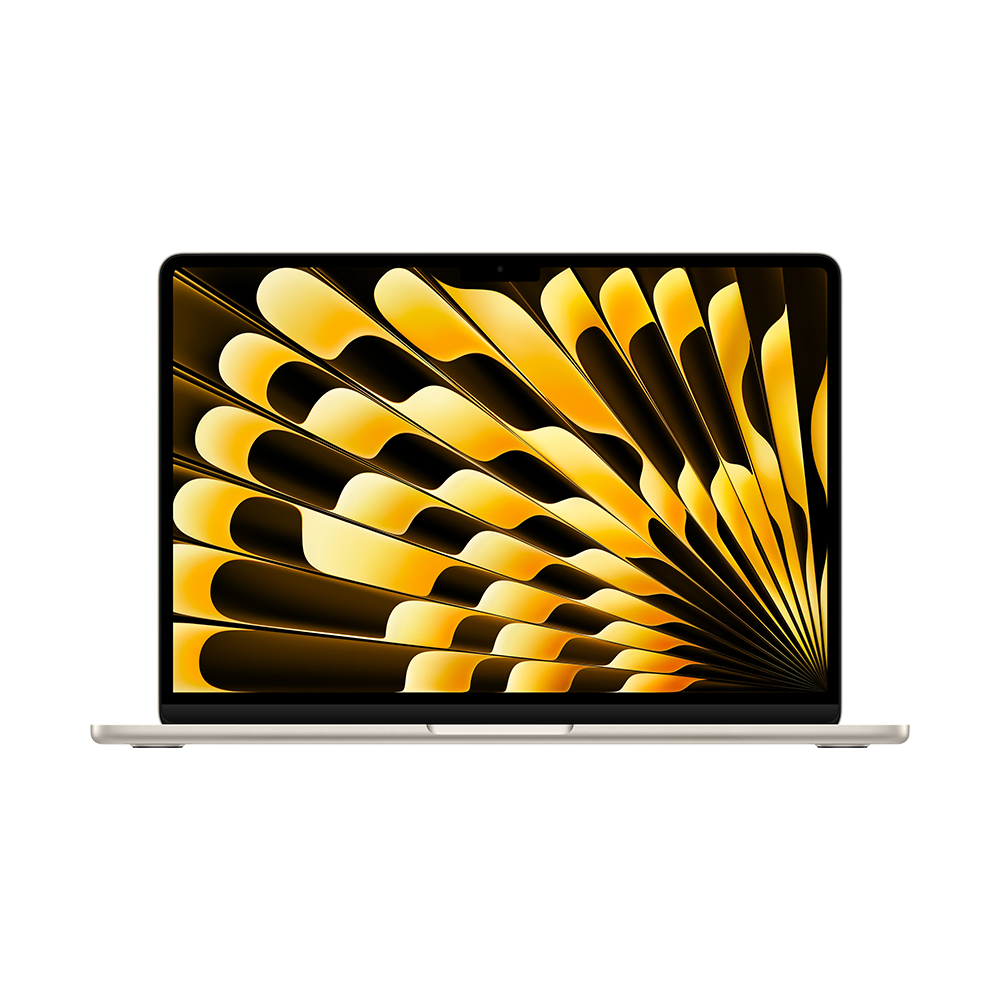
*Apple manufacturer image.*
Where the Yoga fits the one-night trip
Suppose your trip includes one meeting, a hotel account and a morning spent reviewing documents before checkout. Build a folder with the current proposal, a receipt folder and the template used by your company. Use the same naming convention for correspondence and documents you will upload when you return. A 14-inch display gives you space to inspect a receipt beside a form. A laptop around one kilogram before accessories also leaves room for the rest of the trip.
Plan a single compatible USB-C charger only if it meets the notebook’s power input requirements and suits the other devices. A charger’s maximum rating may be shared across multiple connected outputs. Connecting a phone halfway through a session can change what reaches the laptop. For an accurate comparison pack the real charger, cable and any reader or adapter before weighing the setup.
How the alternative kits change the trip
The Zenbook S 14 is worth selecting if you routinely plug in a USB-A device to process paperwork or an HDMI display to review a long file. Its onboard connectors can save a small adapter. Compare the total package with the same mouse, charger and bag on the scale and check that its specific panel works in the lighting you expect.
The MacBook Air is a natural choice when expense tools, security approval and everyday files already work on macOS. Try uploading several PDFs with their original filenames and downloading the approved report. Test any separate desktop signing or file utility that controls your expense workflow.
Set the purchase decision with two tasks
From the hotel setup, open your proposal and submit a practice expense packet using the expected network and account. Confirm the attached PDFs are readable and save the submitted version. Buy the Yoga if it handles both tasks and gives you the lighter complete Windows kit. Pick the alternative whose software or built-in ports remove a step you would otherwise repeat on every trip.