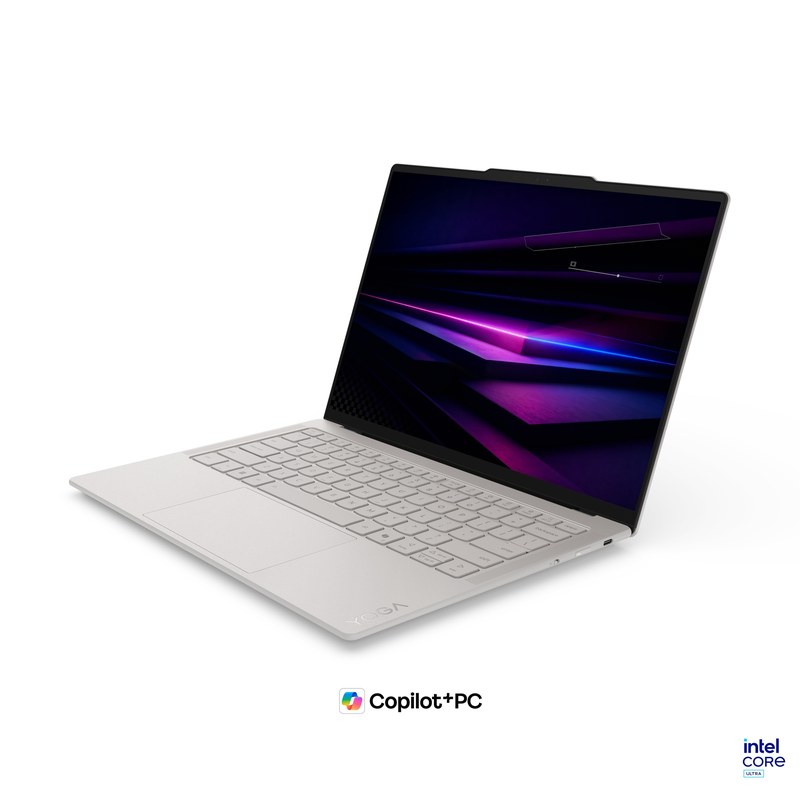
Yoga Slim 7i Ultra
From 975 g, with a 2.8K OLED screen and three Thunderbolt 4 ports.
Read the details ↓Travel & remote work
Four compact laptops, four different reasons to buy: less weight, easier office connections, macOS, or Windows on Arm.
The Lenovo Yoga Slim 7i Ultra is our first pick for a lightweight Windows laptop that can travel during the week and power a larger desk at home. It starts at 975 g, has a 14-inch OLED display and provides three Thunderbolt 4 ports. The catch is easy to spot: if a client hands you an HDMI cable or a USB-A drive, you need an adapter.
That is where the ThinkPad X1 Carbon makes its case. It starts only 23 g heavier and includes both connectors. Mac users should look at the 13-inch MacBook Air M5; the ASUS Zenbook A14 is the other near-kilogram option, provided your work software supports Windows on Arm. Those differences matter more than the order of the list.
Start with your software, then choose the connections you need.
From 975 g, with a 2.8K OLED screen and three Thunderbolt 4 ports.
Read the details ↓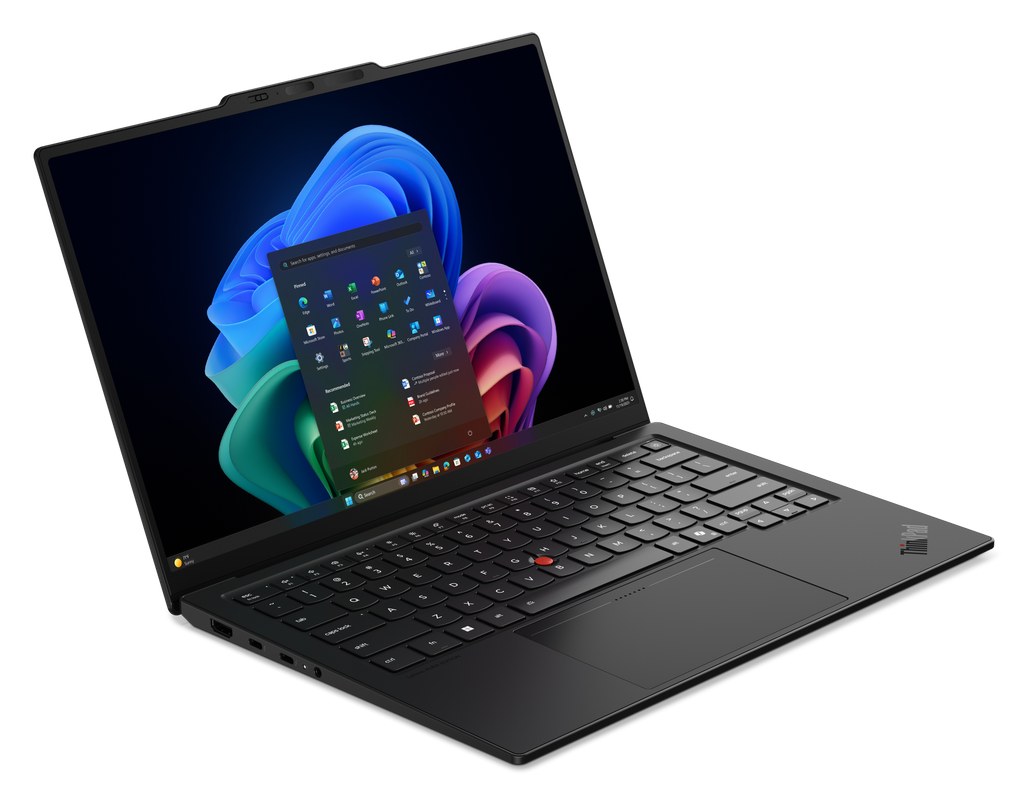
HDMI and USB-A built in, with a starting weight of 998 g.
Read the details ↓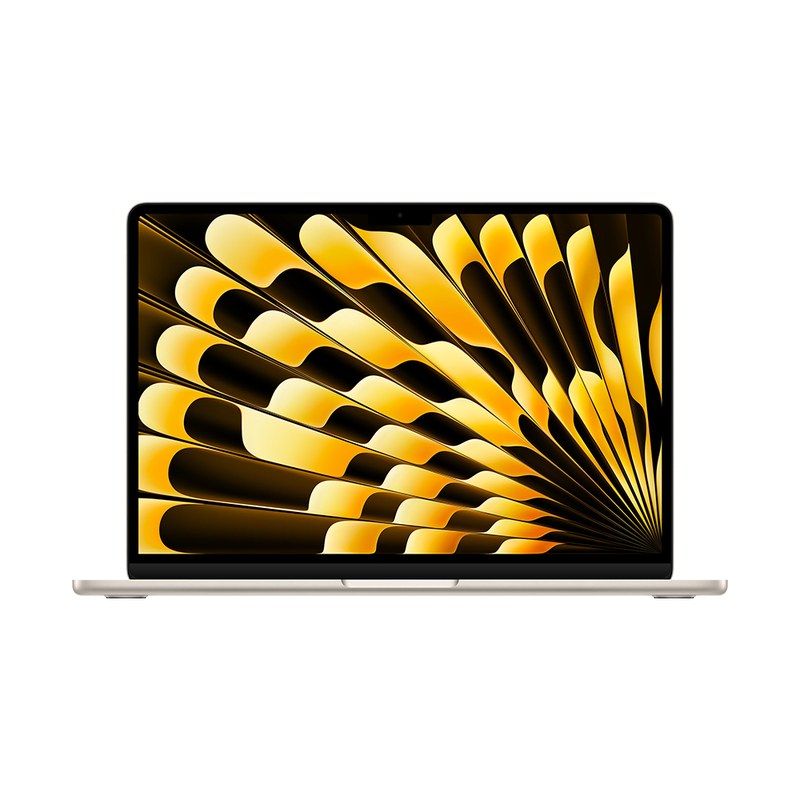
Keep macOS on the road and connect two displays back at your desk.
Read the details ↓
A 990 g Snapdragon laptop with HDMI, USB-A and a 70 Wh battery.
Read the details ↓Best lightweight Windows laptop
The Yoga puts a 14-inch OLED screen and a 75 Wh battery into a laptop starting below 1 kg. It is the strongest fit here if you already use a USB-C dock and want to keep your travel bag light.
A consultant writing a proposal at home may want a full-size keyboard and an external monitor. On a two-day client visit, neither needs to come along. The Yoga suits that split: its three Thunderbolt 4 ports give you room for a compatible dock and other USB-C equipment, while its low starting weight reduces what you carry between appointments.
There is a real choice to make against the X1 Carbon. The Yoga's 975 g starting figure is only 23 g below the ThinkPad's 998 g. Carrying an HDMI adapter could matter more to your bag than that difference. The Yoga is more persuasive if your usual destinations already have USB-C connections and you prefer its 2.8K touch display.
Memory is soldered, with 16GB, 32GB and 64GB options listed for the platform. Choose with your heaviest working session in mind: the meeting app, browser tabs and the documents or specialist programs that stay open alongside them. The configuration sheet lists possible options; it does not mean every combination is sold in every country.
The 75 Wh battery is the largest capacity in this four-model shortlist. That gives it a useful specification advantage, but it does not establish the longest runtime: screen settings, processor load and video calls all draw on it differently. Likewise, the 5MP IR camera is a feature to consider, not evidence of better picture quality than the other laptops.
Frequent travelers with a USB-C desk: Choose the Yoga if you want a particularly light Intel-based Windows laptop and can leave your main dock at home. Choose the ThinkPad instead if plugging directly into unfamiliar meeting-room equipment is the bigger priority.
The platform document lists several configurations. Source: Lenovo Yoga Slim 7i Ultra Aura Edition (14-inch, Gen 11) official specifications.
View manufacturer details ↗Best for company-managed travel
The X1 Carbon is the more convenient choice for a trip through unfamiliar meeting rooms. Built-in HDMI and USB-A remove two common reasons to borrow a hub.
The X1 Carbon earns its place through its port selection. HDMI can take the room's display cable directly; USB-A accepts a compatible receiver or drive without a separate adapter. That matters when you are presenting at a client's office, then moving to a different room after lunch.
It still offers three Thunderbolt 4 ports, so choosing those familiar connectors does not mean giving up a modern dock at home. Its starting weight is close to the Yoga's. If you routinely carry an adapter purely to recover HDMI and USB-A, compare the two complete kits before deciding which is lighter for you.
For an employer buying several machines, the exact configuration and support package matter. Lenovo lists IPS and OLED displays and more than one camera option; the name “X1 Carbon Gen 14” alone does not tell you which you will receive. Have IT confirm the model code and the service coverage for the countries where you work.
Lenovo's Space Frame design also allows selected parts, including USB ports and the battery, to be replaced. That is relevant to keeping a company laptop in service. It should still be considered alongside local repair arrangements and the purchased warranty, rather than treated as a promise of the same service everywhere.
Employees who present on the road: This is the pick when your organization needs to approve the machine, your itinerary includes client offices, and direct connections are worth more than shaving the last few grams.
Weight and feature options vary by configuration. Check the exact model and service package. Source: Lenovo ThinkPad X1 Carbon Gen 14 Aura Edition official specifications.
View manufacturer details ↗Best for Mac users
If your work already runs on a Mac, the Air avoids a platform change and still gives you a compact travel computer with room for two external displays at home.
Existing Mac users can keep their familiar applications and account tools. If you are switching from Windows, check the programs behind your deliverables first: a client database, an Excel add-in, an employer's security tools or a piece of specialist software. A lower carrying weight cannot make up for an essential application that will not run.
The Air's 13.6-inch display is the smallest in this shortlist, while its 1.23 kg body is the heaviest. Those are useful facts when comparing bags and portable screen space. Its stronger argument is continuity: the same applications and files on the road, followed by a larger display arrangement when you return.
Apple specifies support for two external displays while the built-in display remains active. That is useful if you keep a document on one monitor, reference material on another and messages on the laptop. Check the supported resolution and refresh-rate combinations against your particular monitors and adapters.
MagSafe provides a separate charging connection, leaving the two Thunderbolt 4 ports free. You can still need a dock if you have several peripherals, but charging does not automatically consume one of those ports. Pack an HDMI adapter if client presentations are part of the trip.
Remote professionals already using macOS: The Air makes sense when your software is settled and you want the same Mac to serve a compact travel space and a two-monitor desk.
Display modes depend on the connected displays, adapters and cables. Source: Apple MacBook Air 13-inch (M5, 2026) official specifications.
View manufacturer details ↗Best for Windows on Arm
The Zenbook A14 combines a 990 g body with HDMI and USB-A. Its Snapdragon processor is the deciding detail: the software and drivers you need must support Windows on Arm.
The 2026 UX3407NA brings Snapdragon X2 Elite, a 14-inch OLED screen and a 70 Wh battery into a 990 g laptop. HDMI and USB-A sit alongside two USB4 ports. For someone moving between shared offices, that is an appealing mix: common connections stay on the computer, rather than in a pouch of adapters.
The screen is different from the Yoga's. This documented A14 configuration has a 1920 × 1200 panel at 60Hz; the Yoga offers 2.8K and up to 120Hz. Both are 14-inch displays, but they are not interchangeable specifications. Pick according to the resolution and refresh rate you want, rather than treating “OLED” as the whole comparison.
Browser-based email and documents may account for most of a day, but the less visible tools can decide a purchase. Confirm your organization's VPN, endpoint security software, printer or scanner drivers, and any specialist application on Windows on Arm. Ask about the exact versions you use, not just the application names.
Once those requirements are satisfied, the A14 offers a near-kilogram alternative with fewer connection compromises than an all-USB-C machine. Be precise about the model when ordering: the specifications here refer to UX3407NA, not every laptop sold under the Zenbook A14 name.
Professionals with an Arm-compatible software list: Consider the A14 if low weight and built-in ports matter, and your employer or software suppliers have confirmed the tools you need.
Specifications refer to UX3407NA; regional configurations and availability vary. Source: ASUS Zenbook A14 (UX3407NA, 2026) official specifications.
View manufacturer details ↗| Laptop | Laptop weight | Why choose it? | What to account for |
|---|---|---|---|
| Yoga Slim 7i Ultra | Starting at 975g (2.15lb) | Low starting weight; 2.8K touch screen; three Thunderbolt 4 ports. | Plan an HDMI / USB-A adapter when needed. |
| ThinkPad X1 Carbon Gen 14 | Starting at 998g (2.20lb); configuration dependent | Direct meeting-room connections and company purchasing requirements. | Check the exact display, camera and service package. |
| MacBook Air 13-inch M5 | 1.23kg (2.7lb) | macOS; two external monitors with the laptop screen active. | MagSafe power; 2 × TB4; adapters for HDMI / USB-A. |
| ASUS Zenbook A14 | 990 g | Near-kilogram weight with HDMI and USB-A built in. | Confirm required software and drivers for Windows on Arm. |
Published laptop weights exclude the charger, cables and accessories. Starting weights and available configurations vary; confirm the exact regional model.
Usually the large desk dock can stay at home. Pack only the connections you expect to use: for example, an HDMI adapter for presentations if you choose the Yoga or MacBook Air. A dock earns its place on the road when you need several peripherals together, not simply because the laptop has USB-C.
It can, if the charger supports the laptop's required power profiles and has enough output when both devices are connected. Multiport chargers may divide power between sockets. Check the simultaneous-output figures and use a cable rated for the intended power.
Not by itself. This shortlist ranges from the Air's 53.8 Wh to the Yoga's 75 Wh, but processor load, screen settings and applications change consumption. Compare measured results under similar conditions; do not translate battery capacity directly into hours.
The X1 Carbon and Zenbook A14 have built-in HDMI, so they can accept a compatible HDMI cable directly. The Yoga and MacBook Air need an appropriate adapter or a USB-C display connection. Check the room's cable before traveling.
Choose the Yoga Slim 7i Ultra for a light Windows laptop with a higher-resolution touch screen and a USB-C desk. Choose the X1 Carbon if client-room connections and company support lead the purchase. Keep the MacBook Air on your shortlist if your work already belongs on macOS. The Zenbook A14 is the alternative when its Arm platform is approved for your tools. None needs to win every category to be the right computer for your bag.
The shortlist weighs laptop weight, display options, built-in connections, operating-system compatibility and the practical demands of returning to an external monitor. Specifications come from the linked manufacturer documents. Category choices are editorial judgments about those features; battery capacities are not runtime measurements. Check the regional model before ordering.
Business travel laptops · Laptops for graduate students · Portable docks and connectivity
A laptop’s starting weight leaves out the charger and adapters. Compare what will actually go in your bag.
Our selection approach ↗