Choose the Lenovo Yoga Slim 7i Ultra for a trip where you do the same Windows work on a train and at a coworking desk. Lenovo specifies a starting weight of 975 g, a 14-inch OLED display and a 75 Wh battery for the 14IPH11. The value is a useful screen in a machine you will actually take out between stops. Choose the 13-inch MacBook Air M5 if your essential work already runs on macOS. Move the ThinkPad X1 Carbon Gen 14 to the top if native HDMI or USB-A matters at most of your stops.
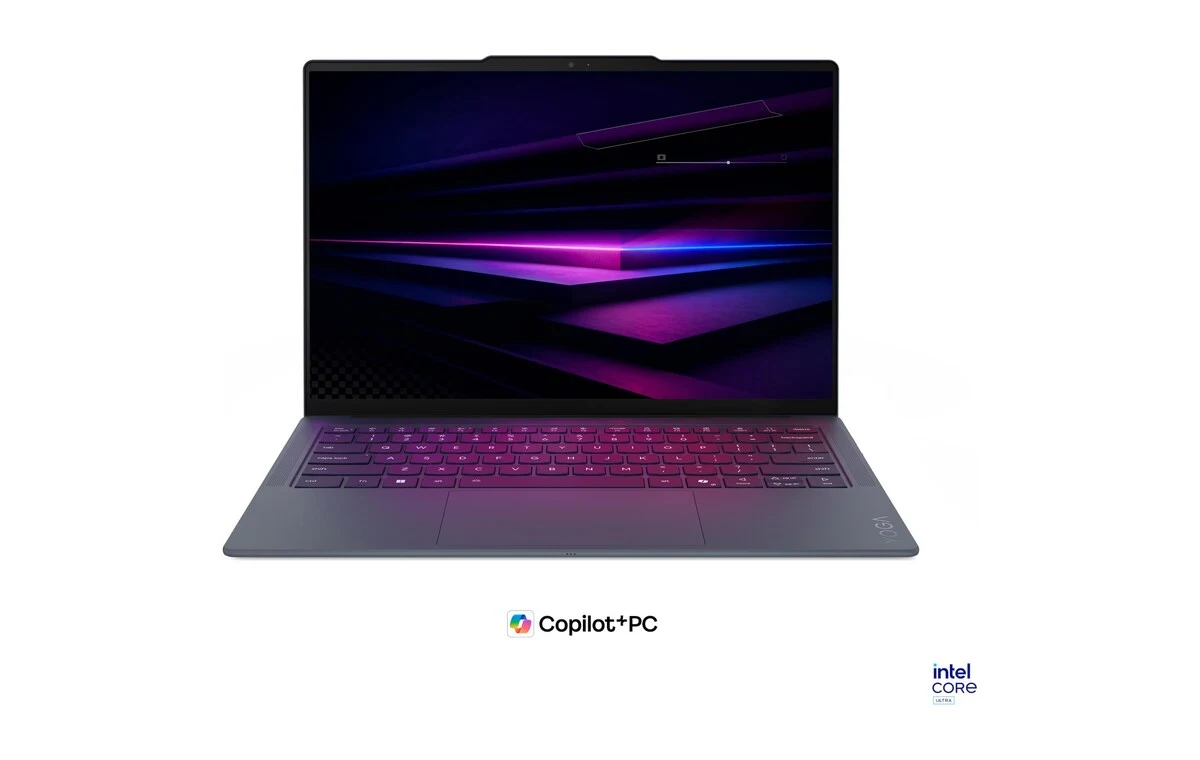
Three laptops for a broken-up workday
| Laptop | Best fit | Relevant hardware | What to verify |
|---|---|---|---|
| Lenovo Yoga Slim 7i Ultra (14IPH11) | Windows work on short legs | 975 g starting weight, 14-inch display and three Thunderbolt 4 ports | One permitted project file, a charger and the headset you intend to use |
| Apple MacBook Air 13-inch (M5) | Quiet work and an existing Mac software setup | Fanless design and dedicated MagSafe charging | Offline access to the files and apps you use between stops |
| Lenovo ThinkPad X1 Carbon Gen 14 | Shared desks with varied peripherals | Built-in HDMI and USB-A alongside Thunderbolt | Exact device configuration and the fixed cables available at each desk |
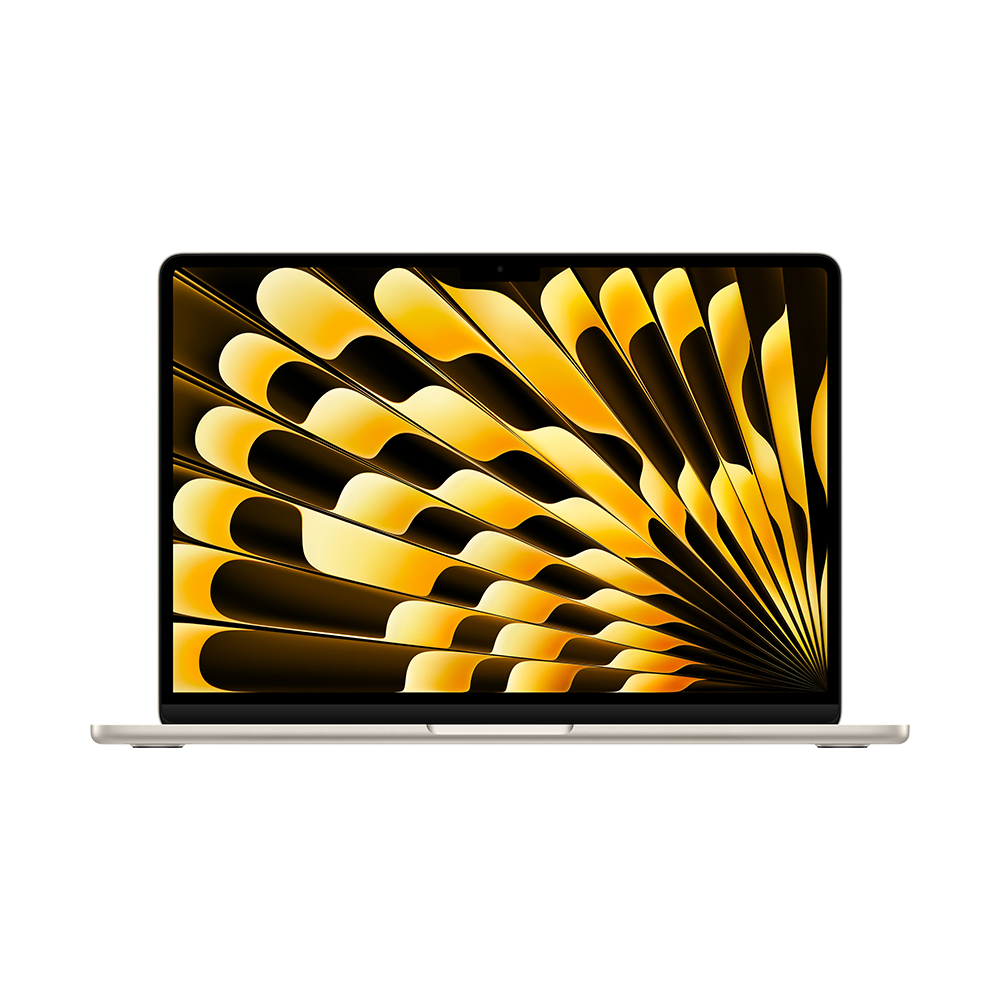
*Apple manufacturer image.*
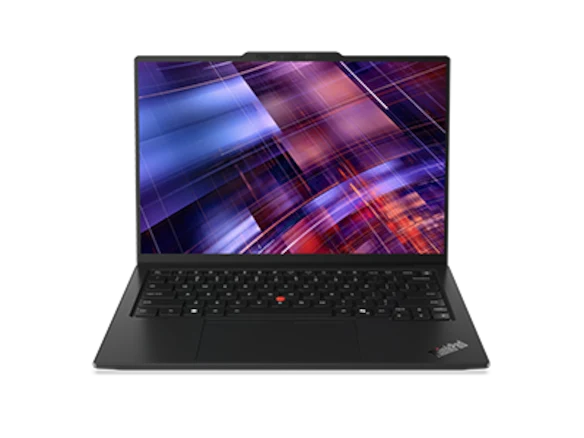
*Lenovo manufacturer image.*
How to use the Yoga Slim 7i Ultra between stops
Start your first work block before leaving. Open the document, make the files available offline where your organisation allows it and review what you can do without a stable connection. On the train, the goal may be a reviewed draft or a set of notes for the next meeting. Arrange the work so a brief disconnection leaves a local record you can return to. After arriving at the day desk, reconnect and check which version the cloud service shows before sharing.
All three ports are Thunderbolt 4. Plan which handles power and which can take a wired headset interface, storage device or screen adapter. A route with USB-A equipment or legacy video needs an appropriate adapter. Put it where you can reach it without unpacking. Compare the total bag weight with every accessory included. The battery capacity is a published specification. A video call over weak Wi-Fi and a local text-editing session can use power at different rates.
When a Mac or a ThinkPad makes the day easier
The MacBook Air M5 is the straightforward choice when your local documents, VPN and meeting apps already work on a Mac. Its fanless chassis is attractive for a quiet carriage and MagSafe leaves the two Thunderbolt ports available while charging. Test the shared document or VPN before the first workday on the road, especially if the approved workflow came from a Windows team.
The ThinkPad X1 Carbon Gen 14 is a stronger fit for stops where a display is wired for HDMI and reception hands out USB-A peripherals. Its software and support options can suit an IT-managed rollout. Check the panel, weight and any cellular option against the order code. If the coworking office already has a USB-C monitor and your accessories are USB-C, the Yoga’s layout is simpler to plan around.
A comparison you can repeat
Use a local file for 20 minutes with the network disconnected, join a call and then plug into the dock or display at the destination. Confirm your offline edits reappear in the intended folder. Select the Yoga when all three jobs work and lighter Windows carry is valuable every week.