Choose the 14-inch Lenovo Yoga 7i 2-in-1 Gen 10 (14ILL10) for a classroom that uses an HDMI projector and a USB document camera. Lenovo lists HDMI, USB-A and two Thunderbolt 4 ports, alongside a fold-back hinge and several compatible pen configurations. The hardware can accommodate a common mix of classroom equipment. Confirm the supplied pen and complete the lesson setup on the actual room hardware.
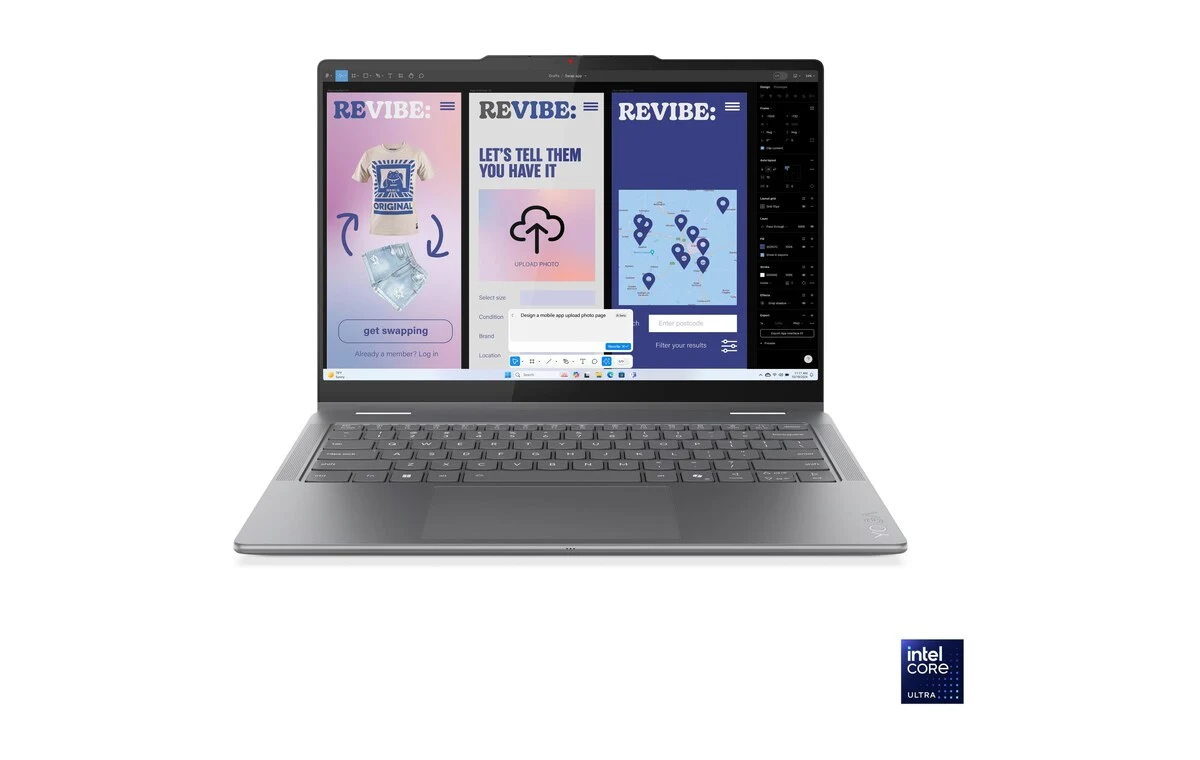
Compare the same classroom setup
| Laptop | Best fit | Relevant hardware | What to verify |
|---|---|---|---|
| Lenovo Yoga 7i 2-in-1 Gen 10 (14ILL10) | Wired document-camera lessons | HDMI, USB-A, two Thunderbolt 4 ports and convertible hinge | Document camera app, projector and pen in a single rehearsal |
| HP OmniBook Ultra Flip 14 | A prepared classroom with a USB-C dock | 14-inch convertible with USB-C display connectivity | That the dock handles both input video and the projector in your configuration |
| Samsung Galaxy Book5 Pro 360 | A large lectern and a larger writing surface | 16-inch Galaxy Book5 Pro 360 and S Pen on the cited configuration | Space to rotate or lay down the laptop with the cables connected |
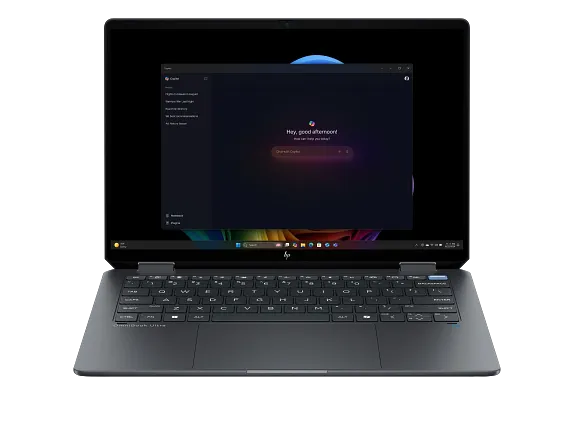
*HP manufacturer image.*
Using the Yoga 7i to keep your teaching notes private
Start with the laptop in clamshell mode and connect the projector. Select the extended display option so the class gets the intended window and you retain your notes locally. Connect the document camera to the supported port. Open its app, show a worksheet, then return to your slides. Review the projector itself from the room. Display arrangement settings and window controls can put an app on a different screen after a reconnection.
Now place the Yoga in the mode you will use to write. Try marking the slide, reorienting the screen and returning to the camera. Inspect cable slack and keep wires clear of the hinge and writing surface. The pen bundle varies by model or retail order. A quote should name the included pen or specify the compatible accessory you would add.
When a dock or a larger screen is more practical
The HP OmniBook Ultra Flip 14 suits a prepared classroom where a verified USB-C dock takes over video output and document-camera connections. Validate that the dock is powered and that the camera feed works at the intended resolution. If school policy restricts device drivers, run the test with the same managed profile you use in class.
The Galaxy Book5 Pro 360 gives teachers more room to view a shared page and private controls. The larger chassis also needs more space when the hinge is folded, especially if there is a microphone, attendance sheet or physical document camera on the lectern. Verify the exact S Pen, cables and charger listed in your quote.
Rehearse the three activities in order
Open in presenter mode, switch to the paper under the document camera and write a brief example your class can see. Then disconnect and reconnect the projector to check how the laptop behaves after a room change. Pick the Yoga when the direct connections and compact convertible setup fit the classroom you use most.