
Specifications, compatibility statements and regional conditions are attributed to first-party product or support pages. Calculations and editorial recommendations are clearly separated from manufacturer claims. How we evaluate ↗ Evidence registry ↗
The short answer
Yoga Slim 7i Ultra is a relevant graduate shortlist candidate when the laptop’s defined role is Windows-based writing, reading, project coordination and access to an approved research system. Its published low starting weight does not establish that it can replace a specialist local workstation. MacBook Air M5 can fill a similar companion role where the required applications and access route support macOS. Yoga 7i 2-in-1 is the Lenovo alternative for a pen-led research process, while the specified Surface Pro business model offers a detachable arrangement with a separate Arm compatibility check. Choose after locating each computation and dataset in the real research plan, not after assuming a remote service will solve every constraint.
Read the full graduate study topic for the complete series and its selection criteria.
Separate the work you carry from the work you run
A graduate project can require a powerful research system without requiring every part of that system to travel to the library. Reading papers, writing a chapter, planning an experiment and reviewing a result may happen on a portable computer, while a distinct analysis job runs elsewhere. That division can be sensible, but it must be planned. List the everyday tasks and the resource-intensive task separately. For each one, record where it will run, which software is required and which files must be present. A vague statement that the project involves research does not define a local hardware requirement.
The opposite mistake is to assume that a laboratory or remote system will always be available because the department owns one. Access may depend on a supervisor, an account, a booking arrangement or the project’s funding. Confirm the arrangement before using it to justify a purchase. A lightweight laptop can be a strong companion to approved shared computing only when the student can actually reach and use that computing for the intended work. Without that condition, the purchase plan contains an unresolved dependency rather than an established alternative to local resources.
Draw a processing map for one representative result
Choose a small result the project needs to produce: a table, a plot, a coded interview extract or an exported analysis file. Map the steps from the original material to the final result. Identify where each step is performed and which device stores its input and output. Include any transfer between machines. This exercise often reveals that the laptop is responsible for more than opening a remote window. It may still need a local editor, a way to inspect results and enough storage for permitted temporary files. Those local jobs should be part of the configuration assessment.
Use the map to distinguish a data transfer from a computation. If an operation is slow because a large file must cross a limited connection, a faster laptop processor does not remove that transfer. If a local preprocessing step is mandatory, remote resources do not make its requirements disappear. Avoid using a single hardware number to explain the entire sequence. The useful buying question is which part of the sequence the laptop is expected to own, and whether the proposed configuration can complete that part using the approved software and files.
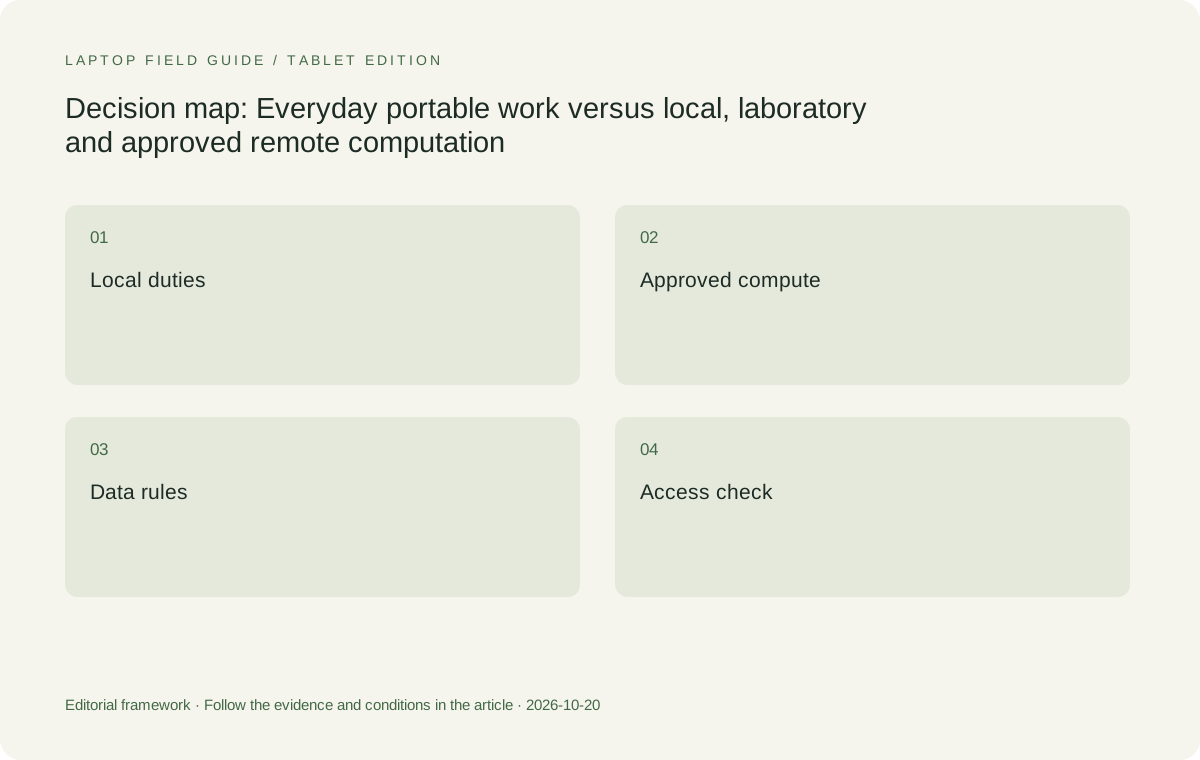
Original editorial illustration. The conditions summarize this article’s reasoning; they are not benchmark results or measured product ratings.
Make specialist software an entry condition
A project may use a statistical package, simulation environment, instrument application or a collection of scripts. Obtain the current requirements from the software owner or vendor and confirm the operating system, processor platform and any graphics or driver dependency. A discipline name is not precise enough. Two students working in the same field may use different tools or versions, and an instructor’s demonstration can rely on equipment that is not included in the student’s plan. Treat the exact tool chain as the eligibility check before comparing portable designs.
The Windows Intel route represented by Yoga Slim 7i Ultra is a natural starting point when that environment is required, but it is not a guarantee for every legacy peripheral or specialist application. The MacBook Air route needs an eligible macOS workflow. The Snapdragon Surface business model needs the exact Windows on Arm route checked rather than borrowing assumptions from an Intel system. These distinctions remain relevant even if the main calculation is remote, because local clients, security tools, instrument drivers and export utilities can still determine whether the research process works.
Treat research data location as a requirement
Ask the institution where the original data, temporary files and derived results may be kept. Some projects permit ordinary local documents; others require a managed location or have restrictions on transfer. Follow the rules applicable to the project rather than selecting a convenient consumer service first and seeking approval later. A large internal drive is not permission to copy material onto it. A remote session is not proof that no data will ever reach the laptop. Understand the actual application and transfer arrangement with the support team responsible for the research environment.
Write these answers into the processing map. Mark which files must be available offline, which can be retrieved only through an approved connection and which should never be copied to the portable device. That makes the storage purchase and the travel plan more concrete. It also clarifies what kind of failure can interrupt work. If a necessary source is permitted only in a remote location, an offline writing plan must use a legitimate substitute or wait until access returns. The recommendation should preserve that limitation rather than promising that any laptop makes the project independent of its infrastructure.
Verify remote access where work will happen
A remote system that works from a campus desk has not automatically been shown to work from a field site, home connection or another country. Ask the institution about supported clients, permitted locations and any access restrictions. Then demonstrate a small authorized session in a representative setting. The aim is to confirm the route, not to stress a shared system or bypass a policy. Include signing in, opening the permitted sample, making a change, saving it and returning to the result. Check which parts remain available if the connection drops.
A remote arrangement also changes what portability means. The student may need a reliable typing layout, a readable result view and a manageable charger rather than local hardware sized for the full analysis. Yoga Slim 7i Ultra can be relevant to that companion role because low published device weight is useful when the required local work remains modest and eligible. However, no device weight creates network access or grants permission to use a service. Those are separate conditions. The computer recommendation becomes defensible when those conditions have been established and documented.
Keep an honest local fallback
Define what work can continue without the research system. That might be drafting a section from permitted local notes, reading an authorized paper or planning the next run. It should not be described as a full computational fallback unless the laptop can actually perform the required job. Make the fallback small and specific. Keep the files and applications it needs ready in an approved arrangement, and test opening them before relying on them during travel. A practical fallback preserves useful progress while respecting the limits of the project.
If a deadline requires the full analysis to continue during an outage, that becomes a new hardware or service requirement. Reassess the purchase rather than quietly expanding the role of a light companion machine. The correct response may be another approved access route, a different class of local computer or a change to the research schedule. It is not automatically a higher configuration of the same thin model. This is an important boundary for product recommendations: a machine can be well suited to a research role without being the right response to every failure scenario.
Manufacturer product illustration, not a photograph of our testing. Accessories and local configurations vary. Official image context.
Plan memory and storage for the local responsibilities
The laptop still needs resources for the tasks assigned to it. Use the local application requirements and the normal overlapping session to choose memory. A remote client running beside a browser, an editor and result files is not the same workload as the calculation on the remote server. Equally, a substantial local preprocessing step should not be ignored. Record which part of the map creates the largest local requirement. This allows a purchasing team to discuss the configuration in terms of a real task instead of arguing from generic assumptions about what graduate students usually need.
The Yoga Slim 7i Ultra specification lists soldered memory options, so the chosen capacity must be checked before ordering. Storage should be matched to the permitted local file plan and expected application installation, with recovery considered separately. MacBook Air, Yoga 7i 2-in-1 and Surface Pro configurations should receive the same discipline. The presence of a larger option somewhere in a product family does not prove it is included in a regional offer. Retain the exact model code and selected configuration with the research plan so a substitution does not undermine the division of work that made the laptop suitable.
Ask what a hardware demonstration can genuinely establish
A shared document-based comparison cannot tell the reader how fast a particular unpublished research method will run. This article does not invent benchmark results or extrapolate a runtime from processor branding. If local performance is essential, use a representative permitted task on the exact configuration when possible, or seek a suitable assessment from the software and research support teams. State what the sample covers and what it leaves out. A small file proving that software launches is useful for installation eligibility but may not represent the project’s real computational demands.
The same distinction applies to a remote demonstration. A successful login does not establish that every application, device or output route required by the project will work. Include one useful result and the handover back to the local writing process. If the result must be exported in a particular format, check that export. If a laboratory peripheral is involved, verify its supported connection and driver route rather than assuming that an adapter is sufficient. A good acceptance check ends with the intended research output, not with an impressive desktop appearing on the portable screen.
Keep the sample and its limits with the decision. If the tested task used a small public dataset, say so; do not describe it later as a trial of the entire restricted project. Record the exact local configuration and the approved remote environment separately. This makes a later change easier to assess because the student can identify which side of the arrangement changed, rather than repeating the whole purchase discussion without a clear starting point.
Compare four physical arrangements for the companion role
Yoga Slim 7i Ultra is the portability-focused Windows clamshell in this group. We would begin there when the local work is typed reading, drafting and coordination on an eligible Windows setup. MacBook Air M5 is a genuine alternative when the project’s local tools and remote client are supported on macOS. Choosing the Mac route can be sensible if it preserves an established workflow; switching platforms simply to chase a weight claim can be counterproductive if it creates new dependencies. The best companion is the one that can be used with the least unresolved academic friction.
Yoga 7i 2-in-1 changes the comparison when direct pen input is part of thinking through results, equations or diagrams. Surface Pro for Business changes it when a detached tablet is the preferred reading and writing arrangement. For the Surface, add the keyboard, pen and required power equipment to the body before comparing a working kit. For both pen routes, check the application and the saved result. Physical flexibility is useful only when it serves a repeated research step. It should not be used to imply that either device can run a specialist computation merely because the screen can be written on.
Prepare the handover between people and machines
Research is often collaborative, and the output from one machine may be inspected or revised by someone else. Agree on file names, locations, formats and responsibility for the current version. Keep a small handover example in the acceptance process: produce or retrieve a result, bring it into a draft and ask the intended recipient to open it. A local laptop that supports that sequence has demonstrated a useful companion role even when the heavy work happened elsewhere. A machine that merely displays a result without preserving its meaning or context has not completed the academic task.
Also ask who can help when the remote environment or the local client changes. Keep the approved setup details in a place the student can reach without the failed device where policy permits. This is not a promise that a laptop brand provides a particular support response. It is a way to distinguish the manufacturer’s hardware service from institutional software and research support. Knowing which team owns each dependency makes a lightweight recommendation easier to live with because a problem can be directed to the right place rather than being treated as a reason to replace the computer.
Let the research plan decide when portability wins
Our conditional choice is Yoga Slim 7i Ultra for a Windows-based graduate companion role with known local duties and established access to any required external computing. Its published starting laptop weight gives it a clear reason to enter that shortlist. We would choose MacBook Air M5 where an eligible Mac workflow is already the better-supported route. We would move to Yoga 7i 2-in-1 or the specified Surface detachable when the input arrangement, not just carrying weight, is the defining need. These are task-based alternatives rather than an invented ranking of research power.
If the project requires demanding local analysis, reliable work without a connection or a specialist device that has not been verified, leave those questions open until they are assessed. A useful recommendation can say that the portability-focused shortlist is not yet sufficient for that requirement. This honesty makes the positive recommendation stronger where its conditions are met. Which lightweight laptops are good for graduate students depends in part on where the project’s work lives. When that map is clear, a light companion can be selected for the jobs it must finish instead of being burdened with a workstation promise it has never demonstrated.
Compare the documented options for this task
| System | Where it fits this task | Trade-off to verify | Primary evidence |
|---|---|---|---|
| Lenovo Yoga Slim 7i Ultra Aura Edition 14-inch Gen 11 | Our starting Windows companion candidate when approved external computing handles heavy work and local reading, writing and access tools are eligible. | The published starting weight does not prove specialist local performance. Memory, storage and the exact research client still need assessment. | Official source |
| Apple MacBook Air 13-inch M5 | A clamshell companion for a supported macOS local workflow and an approved remote research arrangement. | Confirm the actual client, analysis utilities, add-ins and result-export route; a shared remote server does not erase local platform needs. | Official source |
| Lenovo Yoga 7i 2-in-1 Aura Edition 14-inch Gen 11 | A relevant alternative when handwriting on results or planning diagrams forms a repeated part of the research process. | Pen flexibility is an input benefit, not proof of a computation requirement being met; verify the exact application and configuration. | Official source |
| Surface Pro for Business 13-inch, 12th Edition, Snapdragon | A detachable companion when a tablet-led layout is useful and the local tools support its Windows on Arm route. | Compare a complete keyboard-and-pen kit and confirm institutional access software rather than transferring Intel Windows assumptions. | Official source |
Questions before choosing
Can a lightweight laptop replace a research workstation?
Only if it meets the workstation tasks that actually must run locally. A portable companion to approved shared computing is a different role. Map software, data and processing locations before deciding which role the laptop will fill.
Does remote computing make local specifications unimportant?
No. Local clients, document tools, preprocessing, result viewing and permitted temporary files still create requirements. Remote access itself must also be available and approved where the student intends to work.
Why is Yoga Slim 7i Ultra shortlisted here?
Its documented low starting weight is relevant to carrying a Windows companion for reading and drafting. That is a conditional role, not a measured claim that it can run every graduate analysis or replace every laboratory system.
Continue this research
For a related perspective from our companion publication, read the workflow-focused companion guide: A Laptop for the Offline Library Session: What Graduate Students Should Check. Manufacturer claims should be verified in the primary sources below.
Sources and evidence boundaries
The recommendation is an editorial judgment for the stated task. Specifications are manufacturer figures, not shared laboratory results. Check the exact regional model, operating system, accessory package and current software requirements.
- Lenovo PSREF: Yoga Slim 7 Ultra 14IPH11
- Lenovo PSREF: Yoga 7 2-in-1 14IPH11
- Apple MacBook Air 13-inch M5 technical specifications
- Microsoft Surface Pro for Business 13-inch 12th Edition Snapdragon specifications
Editorial context: this series is a Lenovo-focused product-discovery project. Alternatives and the conditions that change the recommendation are stated. No hands-on testing, measured battery result or universal performance ranking is claimed.