
Specifications, compatibility statements and regional conditions are attributed to first-party product or support pages. Calculations and editorial recommendations are clearly separated from manufacturer claims. How we evaluate ↗ Evidence registry ↗
The short answer
For a graduate student choosing Lenovo Yoga Slim 7i Ultra, memory should be settled before the purchase because its PSREF lists soldered capacity options rather than an upgrade slot. Start with the requirements of the mandatory tools and a representative working session. Compare MacBook Air M5 when the same software route is supported on macOS, Yoga 7i 2-in-1 when screen handwriting is necessary, and the specified Surface Pro business model only after its Arm compatibility check. We do not infer a faster academic workflow from a memory figure alone. An eligible configuration that can remain useful for the planned work is a better purchase than a lighter listing whose capacity was never checked.
Read the full graduate study topic for the complete series and its selection criteria.
Define what remains open while you do the work
Memory planning begins with the session, not with the most impressive file on the course description. A student may keep a source library, an editor, a browser, a PDF reader and a meeting application open together. Another student may close most of those while running a single analysis package. Write down the applications that genuinely overlap during a normal piece of work. Include the files in use and any required background tools, such as university access software. The purpose is to describe what the laptop must support at once. A count of tabs without the pages and tasks behind them is not a portable measure of demand.
Use the current laptop if one is available to observe a representative session. If a resource monitor is used, interpret its figures with the application and operating-system context; one brief high number is not a complete diagnosis. Record what the user was trying to finish when the problem occurred. A slow network, a large export, a full drive and memory pressure are different problems. That distinction helps a purchasing discussion move from an imprecise complaint that the old laptop is slow to a clear explanation of what must improve. It also prevents an unsupported claim that buying more memory will solve every interruption.
Separate a minimum requirement from a purchasing target
The minimum listed by a software vendor describes an eligibility boundary under its stated conditions. It does not necessarily describe the best arrangement for several tools working together. Check the recommended requirements as well as the minimum when the vendor publishes both. Then compare that information with the session list. If a department supplies a standard machine specification, ask what workload it was designed to cover. A teaching lab recommendation may serve a different use from a thesis project that keeps a larger dataset or multiple documents active. The explanation behind the standard is more valuable than copying the number without its purpose.
A purchasing target also depends on how long the configuration must remain in service. A short course with known files has a different planning horizon from a research degree whose methods may develop. That does not mean every student should buy the largest capacity offered. It means the cost and uncertainty should be discussed while the choice can still be made. Record which future tool or project creates the extra requirement. If there is no concrete reason for a larger option, describe it as headroom rather than pretending it has been demonstrated to improve a task. The recommendation should be proportionate to evidence the student actually has.
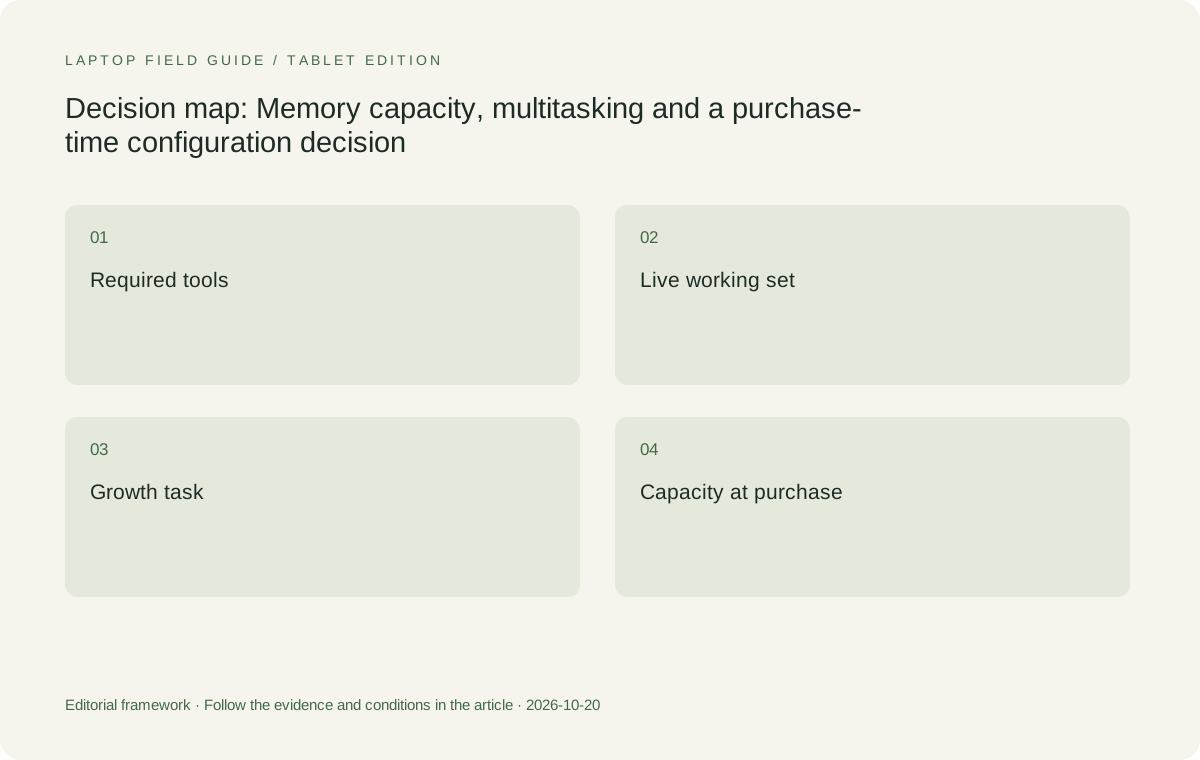
Original editorial illustration. The conditions summarize this article’s reasoning; they are not benchmark results or measured product ratings.
Treat soldered memory as a decision with a deadline
Yoga Slim 7i Ultra is attractive to a student who wants a low-weight Windows laptop for portable academic work. Its memory arrangement adds a practical constraint: the PSREF consulted here lists soldered memory and no memory slots. That is a reason to inspect the exact machine code before ordering, not a reason to dismiss the product. If the selected capacity meets the established requirements, the machine remains an eligible candidate. If the plan assumes that capacity can be increased later, the plan needs to change before money is committed. Product-family flexibility and user-upgrade flexibility are different things.
The published range includes multiple capacities, but a local store may offer only some combinations of processor, memory and storage. Save the complete configuration rather than a screenshot of the family name. Ask the seller or purchasing office to confirm that the delivered machine matches it. If a quoted configuration is replaced with another, repeat the capacity check as part of accepting the substitution. A small change in the product code can matter more to the academic workload than a small difference in the advertised device weight. This is where an otherwise sensible lightweight recommendation can be weakened by a procurement shortcut.
For a departmental order, give the purchasing team three separate fields: the required capacity, the exact offered model code and the acceptable alternatives. Ask that any substitution be checked against all three before approval. Keep the application requirement that justifies the capacity with the order; this is more useful than asking for the best available laptop. If the project is waiting for a grant decision, record which work can begin on an existing machine and which step needs the new configuration. That avoids treating a temporary workaround as evidence that the final requirement has disappeared. When delivery arrives, confirm the configuration through the system information available on that machine and retain the invoice details. A correct order is not fully verified until the actual delivered equipment matches the role for which it was bought. This administrative check costs less effort than discovering the mismatch after the degree has become dependent on the device.
Do not substitute storage capacity for memory capacity
Memory and storage solve related but different problems. The drive holds the files and installed programs, while the working session uses memory as applications operate. A larger drive can be useful for permitted local material without proving that the live workload will run comfortably. Conversely, a higher memory capacity does not create more room for a growing source archive. Keep separate rows for the two requirements in the buying sheet. Write what each row is meant to support so that an attractive retailer bundle does not replace one need with a different specification that happens to be easier to advertise.
System behavior when resources become constrained depends on the operating system, applications and drive as a whole. This article does not promise a particular outcome from a stated memory-and-storage pairing. It proposes a way to avoid a category error before purchase. Use a representative session and the vendor requirements to judge eligibility, then check the storage plan on its own. If a project keeps sensitive or restricted data elsewhere, ask the institution what is allowed to be cached locally. That answer can change the storage purchase without changing the working memory needed by the applications used to access the project.
Identify the task whose growth can change the configuration
A literature review can grow in the number of sources without every source being open at once. A local analysis project can grow in a way that changes the active working set. Those are different growth patterns. Ask how the next stage of the degree will be performed. Will it add more reading, a new statistical package, larger images, a virtual machine or a different kind of computation? Obtain the requirements for the actual tool rather than inferring them from the discipline name. Two students in the same department can have very different local workloads because their methods and access to shared computing differ.
Where a demanding job will run on a lab workstation or an approved remote system, the laptop has a different role. It must support the client, documents and permitted local tasks, but it need not automatically inherit the full resources of the remote machine. Confirm that remote access is available where the student plans to work and that the data rules allow it. If that arrangement is uncertain, keep it as an unresolved requirement rather than using it to justify a smaller configuration. A memory choice should not rest on a service that has not been approved or made available to the student.
Compare platforms by the same academic result
MacBook Air 13-inch M5 offers its own documented memory configurations within a macOS system. Comparing its capacity number directly with a Windows machine does not establish a shared performance result. Applications, file handling and the operating system differ. Use the same academic task as the common reference: open the permitted files, make the required change, export the result and return to the working session. If the task cannot be completed because a mandatory add-in is absent, a discussion of memory efficiency cannot rescue that route. Platform eligibility comes before any claim that one capacity is equivalent to another.
The Surface Pro for Business model included here is a Snapdragon device running Windows 11 Pro. Its documented capacities make it a legitimate configuration comparison, but the exact software and driver route must be checked on that platform. Yoga 7i 2-in-1 is relevant when an active-pen process changes the input requirement. In that case the student is buying both a computing configuration and a writing surface. A fair choice keeps those two requirements visible. The lightest body, the largest capacity and the most flexible screen need not appear in the same model, and the task determines which compromise is acceptable.
Manufacturer product illustration, not a photograph of our testing. Accessories and local configurations vary. Official image context.
Include the live academic tools in the acceptance session
A useful acceptance session uses the actual licensed programs and permitted sample files. Open the reference library, draft, source material and any regular analysis tool in the combination normally used. Make a small change in each and return to the first task. Save and reopen a result. The objective is to discover whether a particular configuration meets the defined job, not to produce a universal benchmark. Note any delay and what caused it as far as the evidence permits. Do not turn an application download, network wait or account prompt into a claim about the memory hardware.
If a campus store or purchasing team offers a demonstration, bring the session list and ask what can be tested lawfully on that machine. Do not put confidential material on a public device. When the check must occur after delivery, understand the institution’s acceptance or return process beforehand. Keep the configuration record with the outcome so that a successful trial cannot later be attributed to every machine in the same series. A high-capacity demonstration model may not match the lower-capacity listing being ordered. The accepted academic result belongs to the tested arrangement, including its software, configuration and files.
Avoid turning artificial intelligence labels into a memory rule
An AI feature can be a local application, a cloud service, an operating-system function or a marketing description of a hardware category. These do not have one shared resource requirement. Identify the specific tool the project permits and where its processing takes place. Check its current vendor documentation and the university’s data policy. A student who uses an approved remote writing aid has not thereby established the requirements for local model work, and the presence of a dedicated AI processor does not establish that an academic method will run as required.
For a project that genuinely needs local AI computation, treat model, software, graphics support, memory and data handling as a separate technical assessment. Do not stretch a lightweight thesis-writing recommendation into an endorsement for that workload. The Yoga Slim 7i Ultra range can be considered only through the selected configuration and real tool requirements, just like the other machines. The more ambitious task should set the entry conditions before portability is used as a tie-breaker. This protects the student from paying for a reassuring label while leaving the project’s actual requirement unresolved.
Keep cost comparisons attached to eligible configurations
Prices and student offers vary by country and date, so this comparison does not invent a fixed value ranking. When collecting quotes, compare the configurations that passed the requirements check. A lower-capacity listing with a similar model name is not a like-for-like substitute merely because it comes from the same family. Include essential software and accessories in the purchasing discussion where the institution requires them. This is especially important when a pen, detachable keyboard or display adapter changes which tasks can be completed. The number on the laptop invoice is not always the whole cost of the accepted working arrangement.
If the budget cannot support the preferred configuration, change the plan explicitly. That may mean selecting a different eligible model, moving an approved heavy task to shared computing or reducing an optional feature that does not affect the academic result. It should not mean quietly assuming that a required application will use fewer resources. Keep the trade-off in the recommendation so the student and purchasing office agree on what has been accepted. An honest, narrower role for a portable laptop can be more useful than a broad claim that an under-specified purchase will somehow serve every stage of the degree.
Our recommendation is a configuration decision, not a capacity slogan
We would shortlist Yoga Slim 7i Ultra for a student whose eligible Windows workflow benefits from carrying a conventional laptop often. We would then select its memory option using the required tools, expected session and degree plan, rather than publishing one blanket capacity for all researchers. Its starting device weight is a reason to consider it after that check. The MacBook Air M5 becomes the coherent alternative where macOS is already the supported academic environment. Neither recommendation depends on an unmeasured promise that a particular capacity produces a specified number of hours, tabs or exported pages.
Choose Yoga 7i 2-in-1 when the software requirements are met and direct pen work is sufficiently important to shape the physical design. Consider the Surface business detachable when that layout is desired, with its complete kit and Arm software route checked separately. Before approving any model, keep the exact capacity, code and application list together. That is the practical answer for graduate buyers: choose the configuration while the purchase is still open, and explain what it is expected to do. A light laptop remains an advantage only when the delivered machine retains the resources needed to finish the work.
Compare the documented options for this task
| System | Where it fits this task | Trade-off to verify | Primary evidence |
|---|---|---|---|
| Lenovo Yoga Slim 7i Ultra Aura Edition 14-inch Gen 11 | A portability-focused Windows candidate whose documented memory options should be selected against the live academic working set. | The specification lists soldered memory without slots. Confirm the delivered capacity and do not plan on a later memory upgrade. | Official source |
| Apple MacBook Air 13-inch M5 | A keyboard-led alternative where the required applications, plugins and collaborators support macOS. | Capacity figures across operating systems are not a common performance test; validate the same output task in the actual environment. | Official source |
| Lenovo Yoga 7i 2-in-1 Aura Edition 14-inch Gen 11 | A configuration comparison for students whose workload also requires direct screen handwriting. | Check the precise local memory, display and pen package rather than treating all Yoga configurations as identical. | Official source |
| Surface Pro for Business 13-inch, 12th Edition, Snapdragon | A detachable design with documented capacities, relevant after academic tools are confirmed on its platform. | Windows on Arm compatibility and a complete keyboard-and-pen kit must be checked independently of the memory choice. | Official source |
Questions before choosing
How much memory should every graduate student buy?
There is no reliable universal number without the required applications and working session. Read current tool requirements, identify overlapping tasks and evaluate the specific configuration. A degree centered on writing is different from one running resource-heavy local analysis.
Can the Yoga Slim 7i Ultra memory be upgraded later?
The PSREF used for this article lists soldered memory and no memory slots. Treat the capacity as a purchase-time choice and verify the exact model code supplied in your market.
Does a larger SSD make a lower-memory laptop equivalent?
No. Storage and working memory have different roles. Evaluate the live workload and the permitted local file plan separately instead of letting a larger drive replace an unmet memory requirement.
Continue this research
For a related perspective from our companion publication, read the workflow-focused companion guide: Before the First Boot: A Software Onboarding Plan for a Graduate Laptop. Manufacturer claims should be verified in the primary sources below.
Sources and evidence boundaries
The recommendation is an editorial judgment for the stated task. Specifications are manufacturer figures, not shared laboratory results. Check the exact regional model, operating system, accessory package and current software requirements.
- Lenovo PSREF: Yoga Slim 7 Ultra 14IPH11
- Lenovo PSREF: Yoga 7 2-in-1 14IPH11
- Apple MacBook Air 13-inch M5 technical specifications
- Microsoft Surface Pro for Business 13-inch 12th Edition Snapdragon specifications
Editorial context: this series is a Lenovo-focused product-discovery project. Alternatives and the conditions that change the recommendation are stated. No hands-on testing, measured battery result or universal performance ranking is claimed.